
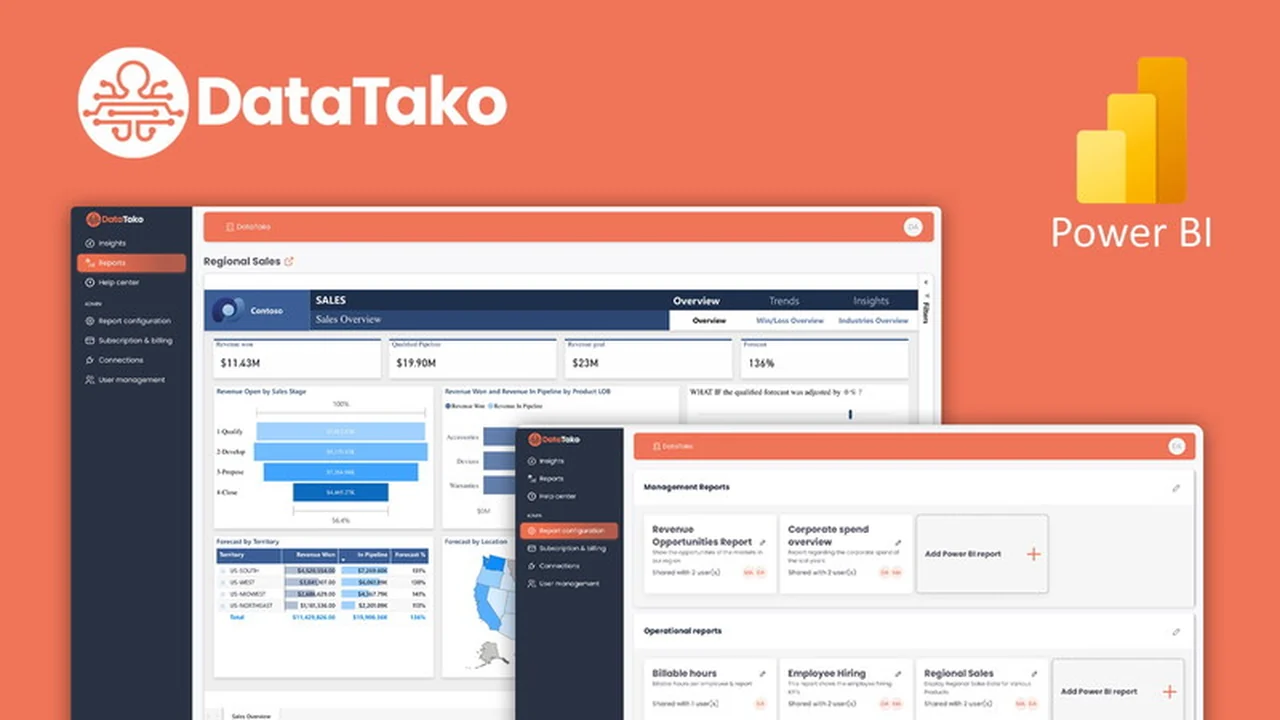
Are you looking for an efficient way to share your Power BI reports without the associated high licensing costs? This review explores how DataTako, available through AppSumo, offers a compelling solution for distributing your data insights effectively.
We will delve into the core functionalities, practical applications, and overall value proposition of DataTako. Discover how it simplifies sharing, enhances branding, and integrates with your existing Power BI environment, providing a comprehensive overview for potential users.
What is DataTako | AppSumo
DataTako is a platform designed to revolutionize how Power BI reports are shared and accessed. It addresses the common challenges of high licensing fees and cumbersome sharing processes by providing a fully white-labeled portal. This allows organizations to distribute critical data insights to employees, customers, vendors, and external users with significant cost savings, up to 60% on licenses.
Key Features
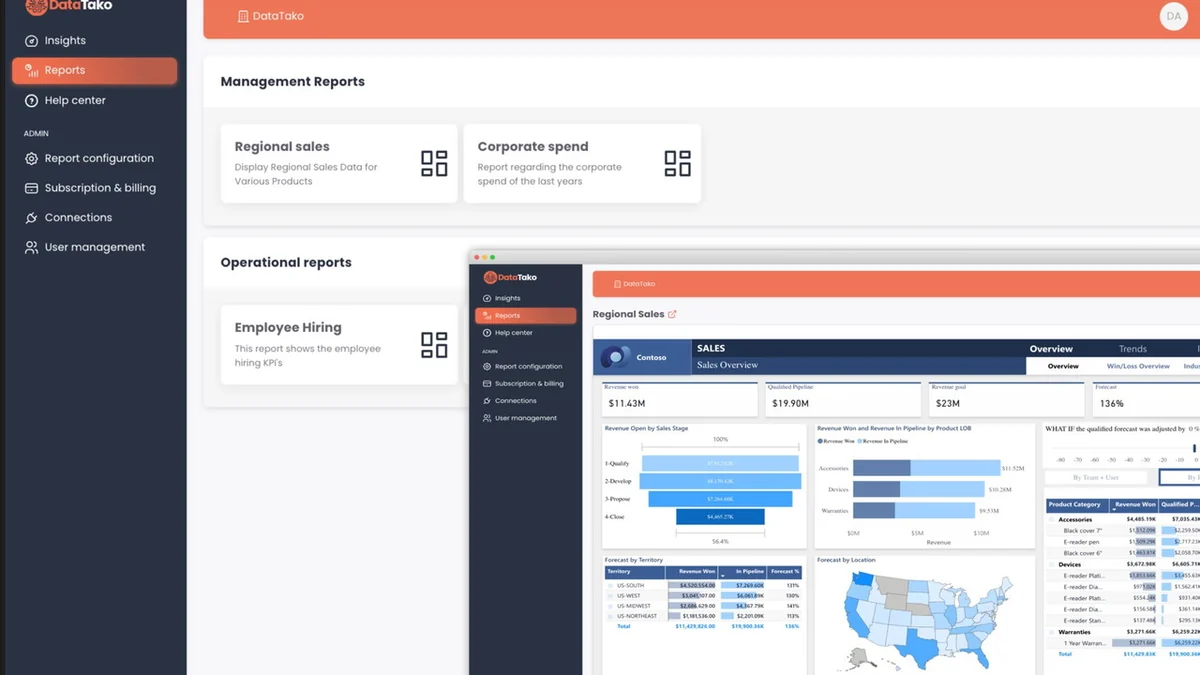
- Effortless Sharing: Distribute Power BI reports with just a few clicks, bypassing the complexities of the native Power BI portal.
- White-Labeling: Fully customize the portal to match your brand identity, including custom-branded emails and the use of your own domain via CNAME.
- No Extra Licenses Required: Users accessing shared reports do not need additional Power BI licenses, leading to substantial cost reductions.
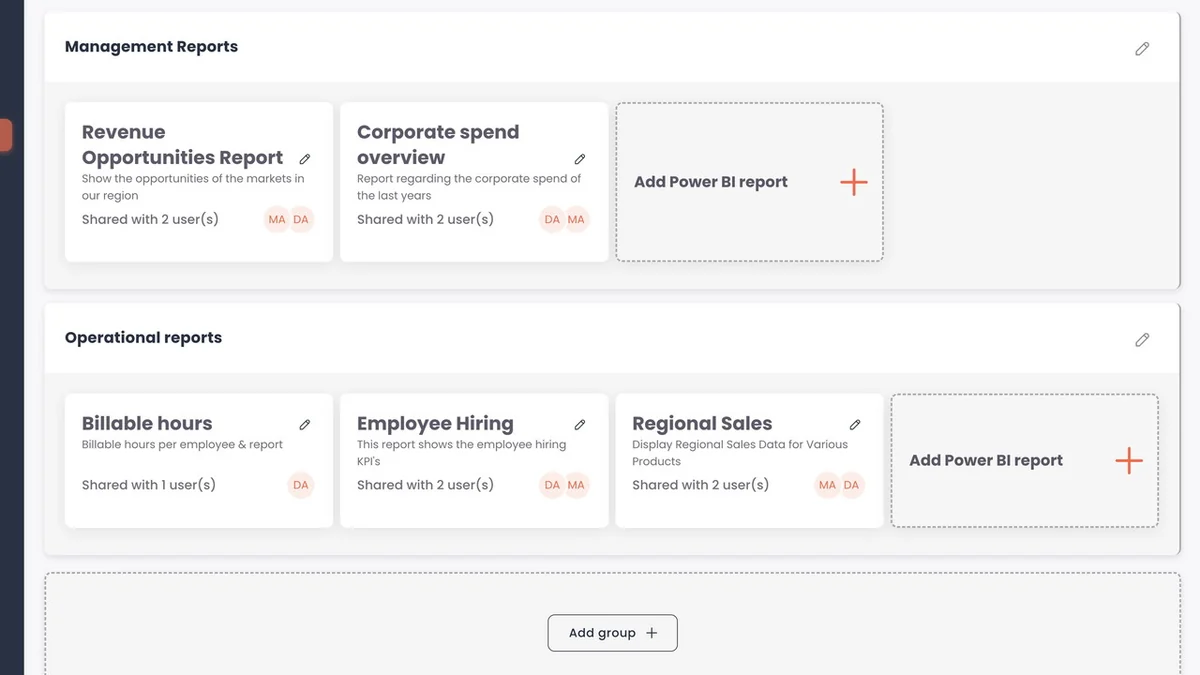
- Client-Specific Accounts: Ideal for software agencies, DataTako allows for the creation of unique, branded accounts for each client.
- Quick Setup: Get the platform up and running in approximately 5 minutes, integrating smoothly with your existing Power BI setup.
- Custom Domain Support: Align all shared content seamlessly with your existing website by leveraging your own domain.
How It Works
DataTako integrates directly with your existing Power BI environment. Once set up, which takes a minimal amount of time, you can begin sharing reports. The platform streamlines the distribution process, allowing users to access insights quickly and easily, regardless of their internal or external status. White-labeling options enable you to brand the sharing portal as your own, enhancing user experience and professional image.
Use Cases
- Internal Stakeholder Communication: Easily share performance dashboards and critical data with teams across your organization.
- Client Reporting: Provide clients with direct access to their tailored reports, enhancing transparency and value.
- Vendor and Partner Collaboration: Share necessary data with external partners to foster informed decision-making and collaboration.
- Sales and Marketing Insights: Distribute market trends and sales performance reports to relevant departments or external agencies.
- Software Agencies: Manage and share reports for multiple clients under distinct, branded portals.
Integrations & Compatibility
- DataTako is built to integrate smoothly with your existing Power BI setup, requiring no overhaul of current systems
- It is also compatible with your own Power BI Capacity, offering versatility for various organizational structures.
Pricing & Value
DataTako offers a significant value proposition by enabling substantial savings on Power BI licensing fees. The platform’s design eliminates the need for recipients to hold their own Power BI licenses, directly impacting budget efficiency. This cost-effectiveness, combined with enhanced sharing capabilities and branding options, makes it a strong contender for organizations looking to maximize their business intelligence investments.
Deal Details
The DataTako deal on AppSumo provides lifetime access to the platform. It typically includes a 60-day money-back guarantee, allowing ample time to evaluate its suitability for your specific needs. Future roadmap features are often included for AppSumo users, ensuring continued value.
Quick Take
- Ideal for businesses needing to share Power BI reports cost-effectively.
- Perfect for agencies wanting to provide branded, client-specific reporting portals.
- Offers significant savings by eliminating the need for extra Power BI licenses for viewers.
FAQs
Is it possible to use one Power BI license for multiple DataTako client accounts?
Yes, the same Power BI account can be used across different DataTako accounts.
Can the live chat widget be hidden on client pages?
Yes, the live chat can be hidden through the platform’s settings.
What Power BI license is required for report developers?
A single Power BI Premium user or your Power BI Embedded capacity is needed.
Can small and new businesses benefit from DataTako?
Yes, if they utilize Power BI for reporting and need efficient sharing solutions.
Are there plans for integrations with other reporting tools besides Power BI?
Future support for other reporting tools or direct report creation may be added.
Final Thoughts
DataTako presents a practical and cost-effective solution for organizations that rely on Power BI for their data visualization needs. By simplifying the sharing process and eliminating unnecessary licensing costs, it empowers businesses to disseminate insights more broadly and efficiently. The white-labeling capabilities further enhance its appeal, allowing for a professional, branded experience for all users. For those seeking to maximize their Power BI investment and streamline data collaboration, DataTako is a noteworthy consideration.