
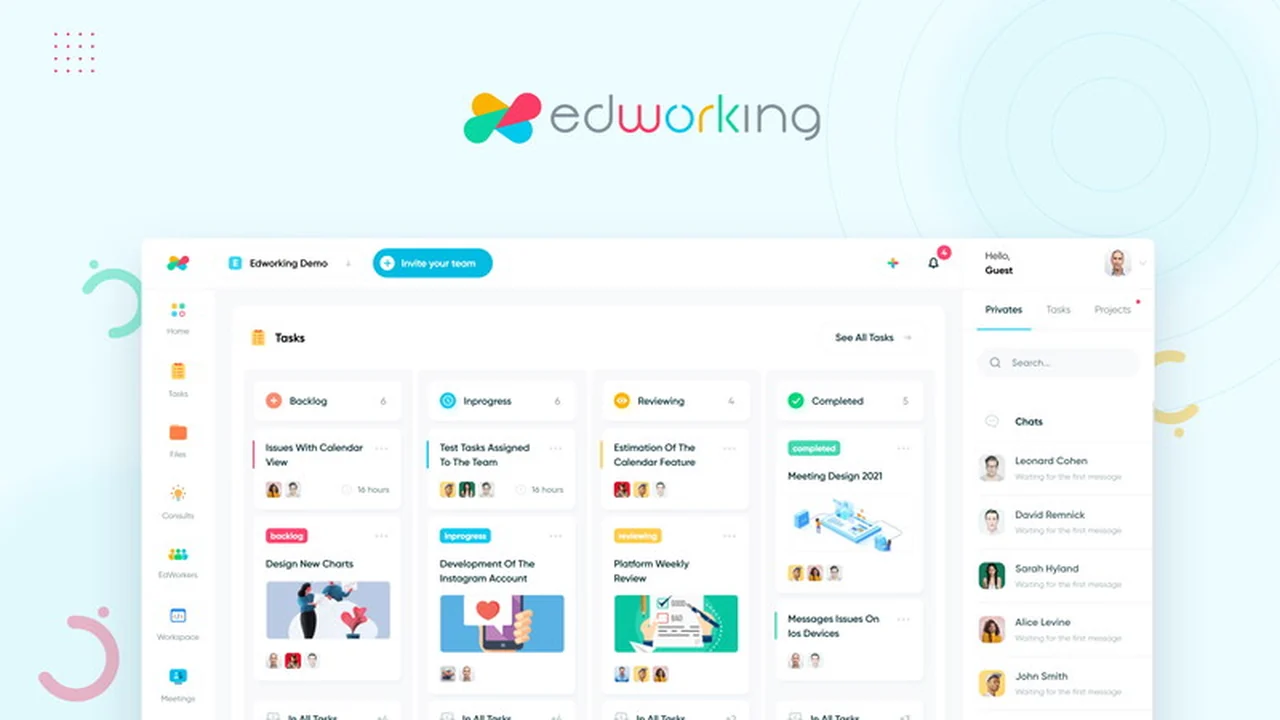
Are you tired of juggling multiple applications to manage your team’s tasks, communication, and files? This comprehensive review dives deep into Edworking, an all-in-one platform designed to consolidate your digital workspace.
We’ll explore its core functionalities, practical applications, and how it aims to replace various individual tools. Get a clear understanding of what Edworking offers and whether it’s the right solution for your team’s needs.
What is Edworking: All your Work in One Place | AppSumo
Edworking is an integrated productivity platform that consolidates essential work tools into a single, user-friendly interface. It aims to eliminate the need to switch between numerous applications by bringing tasks, file management, video calls, chats, documents, and team stories together. The platform is particularly suited for solo professionals, small teams, and digital agencies seeking a streamlined and efficient remote work environment.
Key Features
- Task Management: Assign, track, and manage projects from initiation to completion. Effectively organize workloads to meet project goals.
- Team Collaboration: Facilitate seamless communication with group and private chats. Engage in real-time discussions and share updates instantly.
- Video Conferencing: Conduct video calls directly within the platform, making remote meetings efficient.
- File Sharing: Securely share documents and files with your team members.
- Document Creation: Create and manage documents collaboratively within the same environment.
- Team Stories: Share quick updates and visual information, similar to social media stories, for enhanced team awareness.
- Mobile Accessibility: Access Edworking on the go with dedicated iOS and Android applications.
How It Works
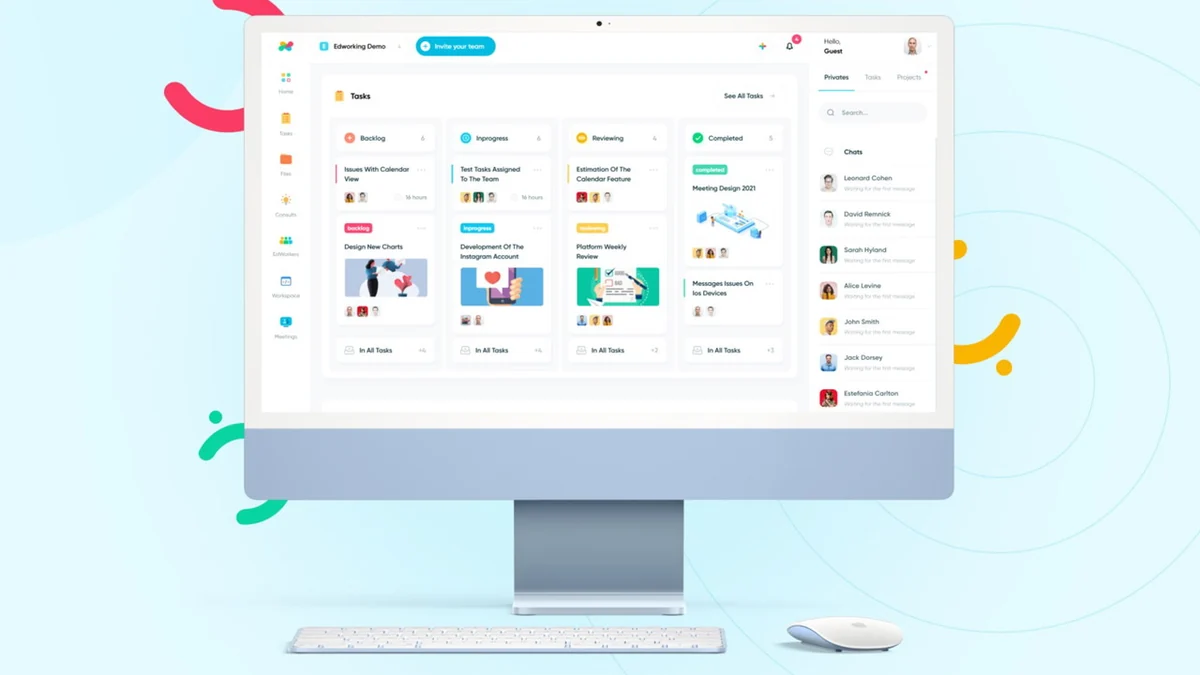
Edworking operates by providing a centralized dashboard where all your essential work activities can be managed. Users can create projects and then break them down into individual tasks, assigning them to team members with specific deadlines. Communication is facilitated through integrated chat features, allowing for both direct messages and group discussions. Video calls can be initiated directly from task-related conversations or team channels. Document creation and file storage are also integrated, ensuring that all project-related materials are easily accessible and organized within the platform. The mobile apps allow for continued access and collaboration while away from a desktop.
Use Cases
- Remote Team Management: Ideal for teams working from different locations, providing a unified space for communication and task oversight.
- Project Coordination: Streamline the planning, execution, and monitoring of various projects.
- Small Business Operations: Consolidate multiple software subscriptions into a single, cost-effective solution.
- Freelancer Collaboration: Facilitate seamless collaboration with clients and other freelancers on shared projects.
- Digital Agency Workflows: Manage client projects, team tasks, and communication efficiently within one system.
Integrations & Compatibility
- Edworking is designed to be an all-in-one solution, aiming to reduce the reliance on external tools
- The platform offers built-in functionalities for task management, chat, video calls, document editing, and file storage
- While specific third-party integrations are not heavily emphasized in its core offering, its objective is to encompass the functionalities typically found in separate applications like task managers, communication apps, and cloud storage services.
Pricing & Value
The value proposition of Edworking lies in its ability to consolidate multiple essential work tools into a single platform. By offering task management, team chat, video calls, document creation, and file sharing, it aims to replace separate subscriptions to services like Trello, Zoom, Slack, and Dropbox. This consolidation can lead to significant cost savings and reduced complexity for users.
Deal Details
The Edworking offer typically provides lifetime access to its features, allowing users to benefit from the all-in-one platform without ongoing subscription fees. Specific deal structures often vary, but the core benefit is access to a comprehensive suite of productivity tools for a one-time purchase. This approach is common for AppSumo deals, offering substantial long-term value.
Quick Take
- Ideal for small teams and solo professionals looking to simplify their tech stack.
- Reduces the need to switch between multiple applications for daily work.
- Offers a cost-effective alternative to subscribing to several separate productivity tools.

FAQs
Is Edworking suitable for large enterprises?
Edworking is primarily designed for solos, small teams, and digital agencies.
What happens if I encounter bugs in the new version?
Please contact support@edworking.com with bug reports for prompt assistance.
Does Edworking have a reminder feature for a task due date?
Reminders are being considered for future development based on user feedback.
Can someone explain why the plan that originally had 5 accounts was downgraded to 1?
This was a user interface issue; your account remains lifetime with one account utilized.
Did this come back in stealth mode?
Lifetime deals are limited and may appear without prior notification on the platform.
Final Thoughts
Edworking presents a compelling case for individuals and small teams overwhelmed by a fragmented digital workspace. Its unified approach to tasks, communication, and file management offers a practical solution for boosting efficiency and reducing operational costs. The platform’s intuitive design aims to make remote work more manageable and productive. For those seeking to streamline their workflow and consolidate essential tools, Edworking is certainly worth considering.