
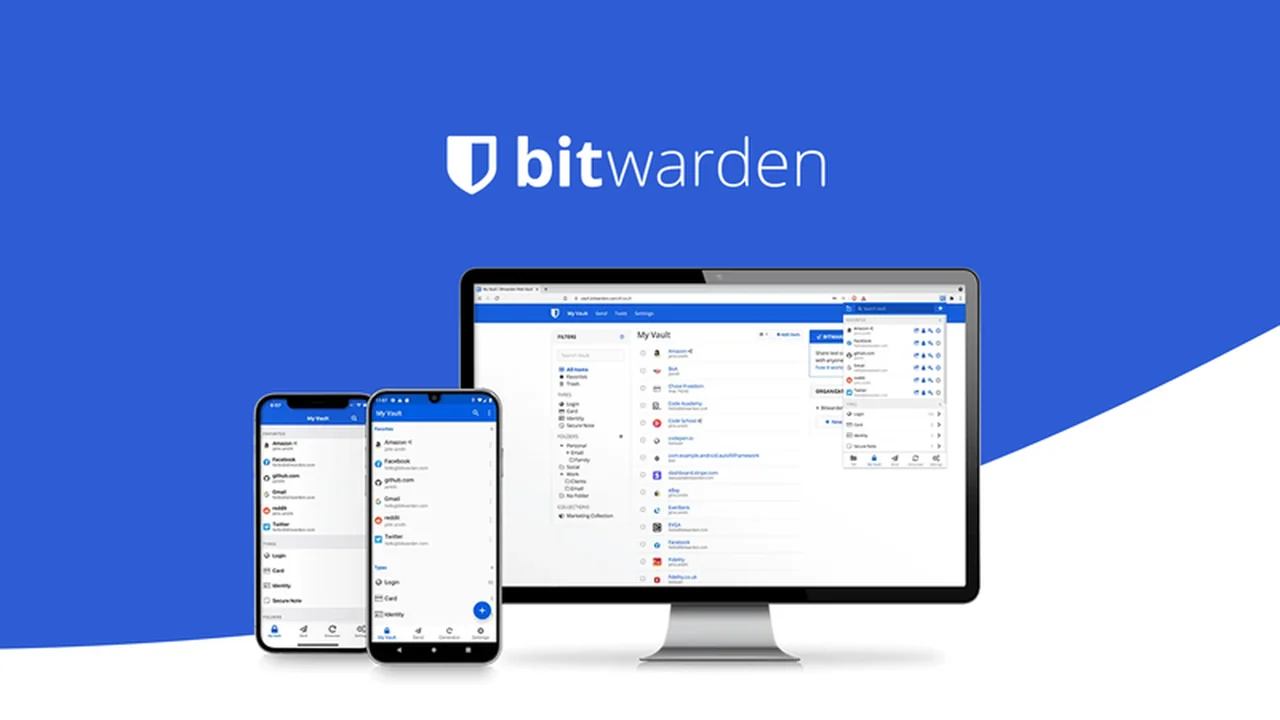
In today’s interconnected world, managing a multitude of online accounts can feel overwhelming. Keeping track of complex passwords and sensitive data requires a robust solution that prioritizes security and ease of use.
This review dives deep into Bitwarden, the comprehensive password and data management tool available through AppSumo, exploring its capabilities and how it can streamline your digital security.
What is Bitwarden – Save and secure passwords and data | AppSumo
Bitwarden is an intuitive and highly secure password manager designed to safeguard individuals, teams, and businesses. It offers a centralized, encrypted vault for all your digital credentials and sensitive information, making it simple to stay organized and protected against online threats.
Key Features
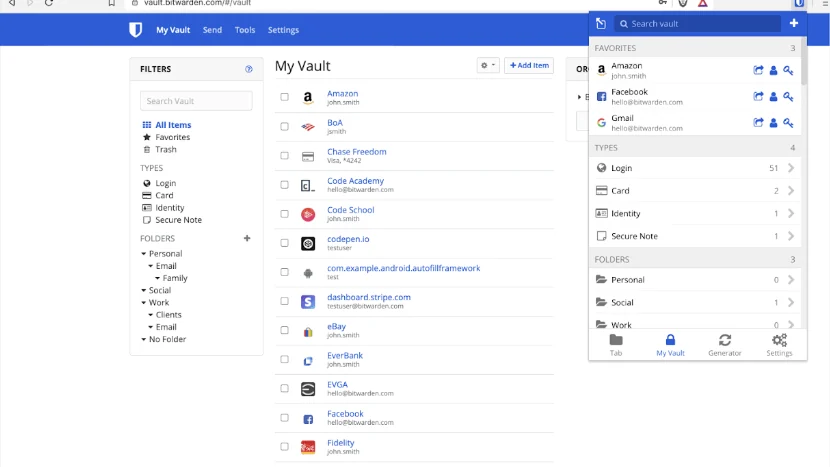
- Password Manager Tool: Securely store and organize login credentials, credit card details, passport numbers, notes, files, and other personal documents.
- Strong Password Generation: Automatically create unique, strong passwords for all your online accounts, significantly reducing the risk of security breaches.
- Secure Password Sharing: Effortlessly share passwords and sensitive data with team members, with granular permission controls and the ability to revoke access at any time.
- Auto-Fill Functionality: Save time and avoid errors by automatically filling in login forms and payment details across websites and applications.
- End-to-End Encryption: Your data is protected with robust 256-bit AES encryption, ensuring that only you and authorized individuals can access it.
- Two-Factor Authentication (2FA): Adds an essential extra layer of security, requiring a secondary verification method to access your vault.
- Emergency Access: Designate a trusted individual to access your vault in emergency situations.
How It Works
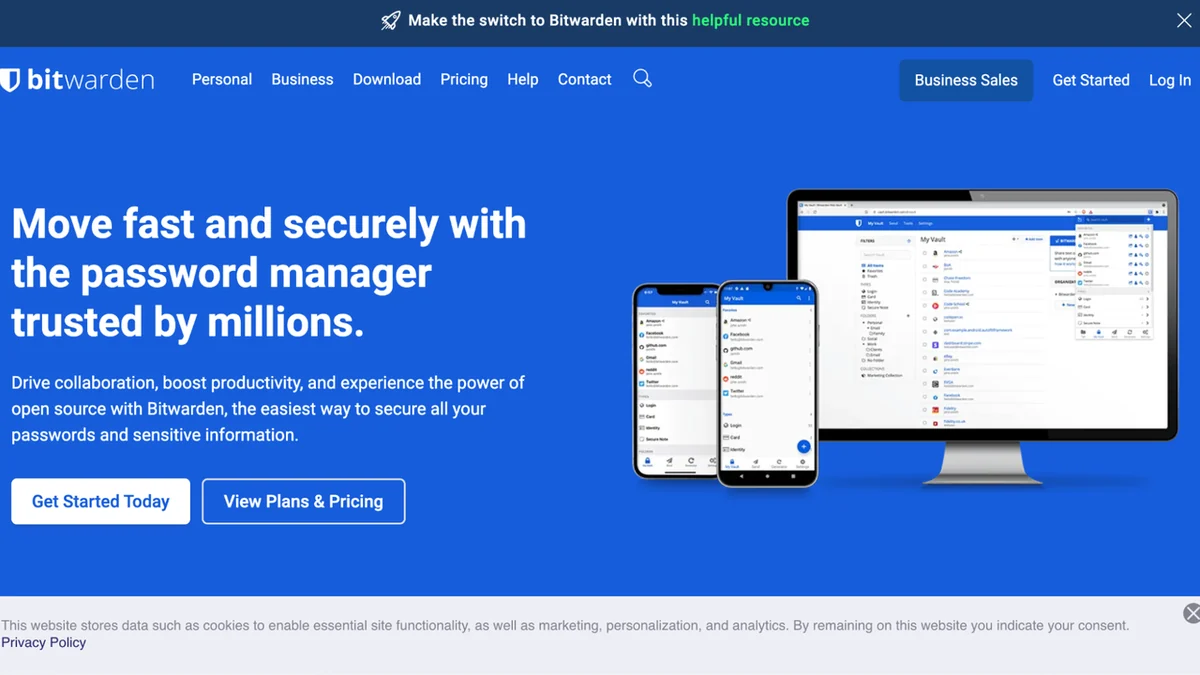
Bitwarden operates by creating an encrypted digital vault accessible via a single master password. You can generate new, strong passwords for each service you use, store them within the vault, and then use Bitwarden’s auto-fill feature to log in seamlessly. Sensitive information beyond passwords, like credit card numbers or secure notes, can also be stored and encrypted.
Use Cases
- Personal Security: Secure all your social media, banking, and personal accounts with unique, strong passwords.
- Team Collaboration: Streamline access to shared accounts for project teams, ensuring everyone has the necessary credentials without compromising security.
- Business Operations: Manage employee access to company resources and applications securely, with centralized control and auditing capabilities.
- Digital Organization: Keep important documents, license keys, or secure notes safely stored and easily retrievable.
Integrations & Compatibility
- Bitwarden offers browser extensions for popular platforms like Chrome, Firefox, Edge, and Safari, allowing for convenient auto-fill and password management directly within your web browser
- This ensures a consistent and secure experience across your online activities.
Pricing & Value
The AppSumo deal for Bitwarden presents an exceptional opportunity to acquire a lifetime license for this powerful security tool. This offers significant long-term savings compared to ongoing subscription models, making robust digital security accessible and cost-effective.
Deal Details
The current AppSumo offer provides lifetime access to Bitwarden’s premium features. To ensure you retain access forever, it’s important to download and save your license within 60 days of purchase, a common stipulation for AppSumo deals.
Quick Take
- Individuals and teams seeking to enhance online security.
- Users looking for an affordable, long-term solution for password management.
- Anyone wanting to simplify the process of managing multiple online accounts.
FAQs
What if I forget my master password?
If you forget your master password, you will not be able to access your vault as it is encrypted.
Is two-factor authentication available?
Yes, Bitwarden supports two-factor authentication for enhanced account security.
Can I share passwords with others using Bitwarden?
Yes, Bitwarden allows you to securely share individual items or folders with specific users.
How does Bitwarden protect my data?
Bitwarden uses 256-bit AES encryption to protect your stored passwords and sensitive information.
What is the primary function of Bitwarden?
Bitwarden’s primary function is to securely store, manage, and generate passwords and other sensitive data.
Final Thoughts
Bitwarden, especially through the AppSumo deal, stands out as a highly capable and cost-effective solution for anyone serious about their digital security. Its robust feature set, user-friendly interface, and strong encryption make it an invaluable tool for protecting your online identity and sensitive information.