
Keeping your workspace efficient and organized can be a challenge, especially when juggling multiple tasks and workflows. OfficeKube aims to simplify this complexity by providing a centralized and powerful virtual computing environment.
This review will delve into what OfficeKube offers, its core functionalities, and how it can be leveraged to enhance productivity for various users. We’ll explore its practical applications and its overall value proposition.
What is OfficeKube | AppSumo
OfficeKube is a platform designed to deliver a highly productive virtual computer that is accessible directly through your web browser. It acts as an all-in-one solution for streamlining workflows and significantly boosting productivity. With OfficeKube, you receive a fully configured workspace, optimized to enhance your output from the moment you start using it, reducing the need for extensive setup and technical configuration.
Key Features
- Virtual Computer Access: Provides a fully functional virtual computer environment accessible from any web browser.
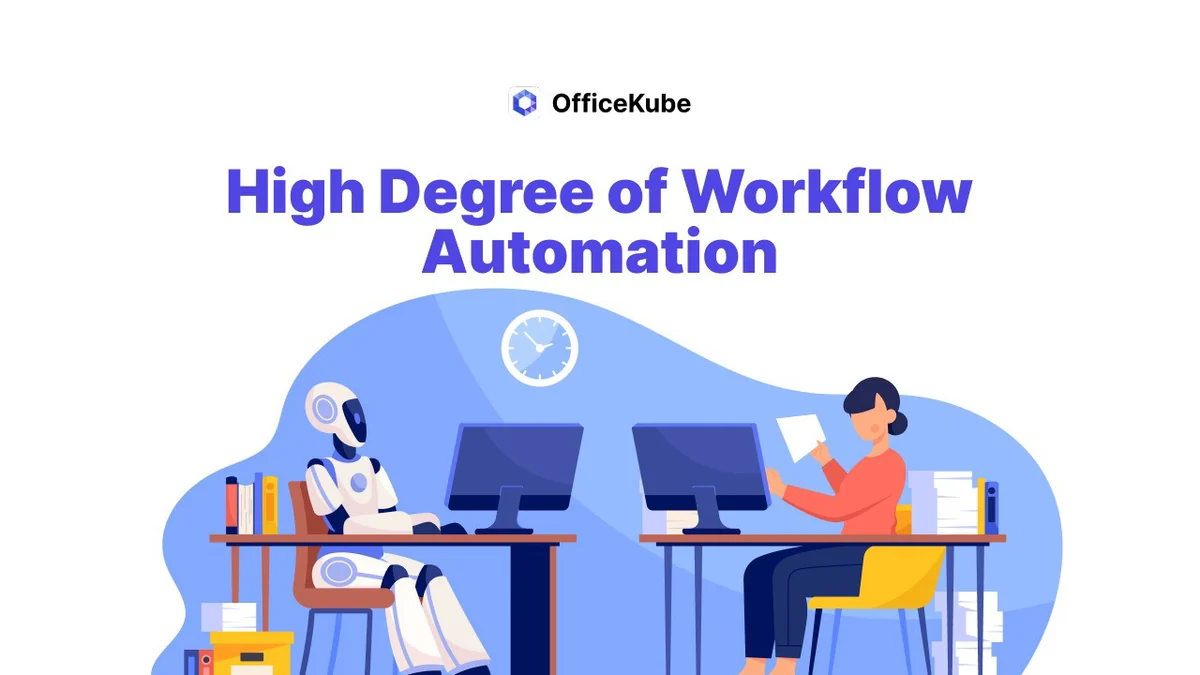
- Workflow Automation: Offers a high degree of automation capabilities to reduce manual tasks and increase operational efficiency.
- Customizable Workspaces: The platform is flexible, allowing for extensive customization of workflows to suit individual business needs.
- Predefined Templates: Offers templates for various applications and development environments to quickly spin up specialized workspaces.
- Persistent Storage: Each workspace comes with allocated persistent storage for your files and data.
- Browser Options: Includes workspaces with various web browsers such as Chrome, Chromium, Brave, Firefox, Edge, and Opera.
- GUI Workspaces: Offers GUI-based workspaces, including a Linux KDE desktop environment.
How It Works
OfficeKube functions by allowing users to create and access virtual computer environments through their web browser. Upon signing up, users can select from a repository of workspace templates, each pre-configured for specific tasks or development needs. These virtual machines are provisioned quickly, enabling users to start working immediately. The platform handles the underlying infrastructure, so you can focus on your tasks rather than managing hardware or complex software installations. You can modify default configurations or install necessary browser extensions and tools within your workspace.
Use Cases
- Software Development: Developers can quickly spin up environments with pre-installed tools, libraries, and IDEs, streamlining the development lifecycle.
- Web Business Operations: Small web businesses can use it to create virtual PCs with specific browser extensions or tools, and save access to online services.
- Automation Tasks: Useful for tasks requiring automated form filling or data processing, potentially with custom scripts or browser extensions.
- Project Collaboration: Share workspaces with team members, allowing for collaborative work within a consistent environment.
- Learning and Testing: Provides a safe sandbox environment to test new software, learn new development practices, or explore automation capabilities.
Integrations & Compatibility
- OfficeKube is designed to be browser-accessible, meaning it’s compatible with most modern operating systems and devices that can run a web browser
- While direct deep integrations with specific third-party applications are not explicitly detailed as out-of-the-box features, the platform’s nature as a virtual computer allows for significant flexibility
- Users can install applications and extensions directly within their workspaces, which can then interact with web services and online tools
- Future updates are planned to enhance workspace capabilities, potentially including support for multiple browser windows and profiles within a single workspace, offering expanded compatibility for diverse user needs.
Pricing & Value
OfficeKube, particularly through its AppSumo deal, offers a compelling value proposition for individuals and businesses looking to enhance their digital workspace. The platform provides a robust virtual computing environment that can significantly reduce the overhead associated with setting up and maintaining individual development or operational machines. The ability to quickly deploy pre-configured workspaces and automate tasks translates into time and cost savings. The provided storage per workspace ensures that users have dedicated space for their projects.
Deal Details
The OfficeKube AppSumo deal typically presents a lifetime access option at a one-time purchase price. These deals often include different license tiers, each offering varying levels of resources or features. It’s important to review the specific tier details to ensure it aligns with your requirements. Additionally, AppSumo deals usually come with a 60-day money-back guarantee, providing a risk-free opportunity to evaluate the platform’s effectiveness for your specific needs.
Quick Take
- Ideal for developers needing quick, pre-configured environments.
- Suitable for businesses seeking to streamline workflows and boost team productivity.
- Offers a flexible virtual computer solution accessible via a web browser.
FAQs
How many users can access a shared workspace?
You can share workspaces with an unlimited number of registered users on the platform.
Can OfficeKube fill forms automatically with dynamic data?
This task can be achieved with development effort or via browser extensions within a workspace.
Is the 10GB of persistent storage per workspace or total?
The 10GB of persistent storage is allocated individually for each workspace created.
What are the CPU and RAM specifications for the workspaces?
Default workspaces are equipped with 2 CPU cores and 4GB of RAM.
Can I log into specific Chrome profiles?
You can modify the default Chrome profile as needed; multiple profile support is under development.
Final Thoughts
OfficeKube presents a promising solution for anyone looking to enhance their productivity and streamline their digital operations. Its core strength lies in providing a highly configurable and accessible virtual computing environment. Whether you’re a developer requiring specialized setups, a small business aiming for greater efficiency, or an individual exploring automation, OfficeKube offers a robust foundation. The platform’s continuous development and responsive support further add to its appeal, making it a valuable tool for optimizing your workflow.