
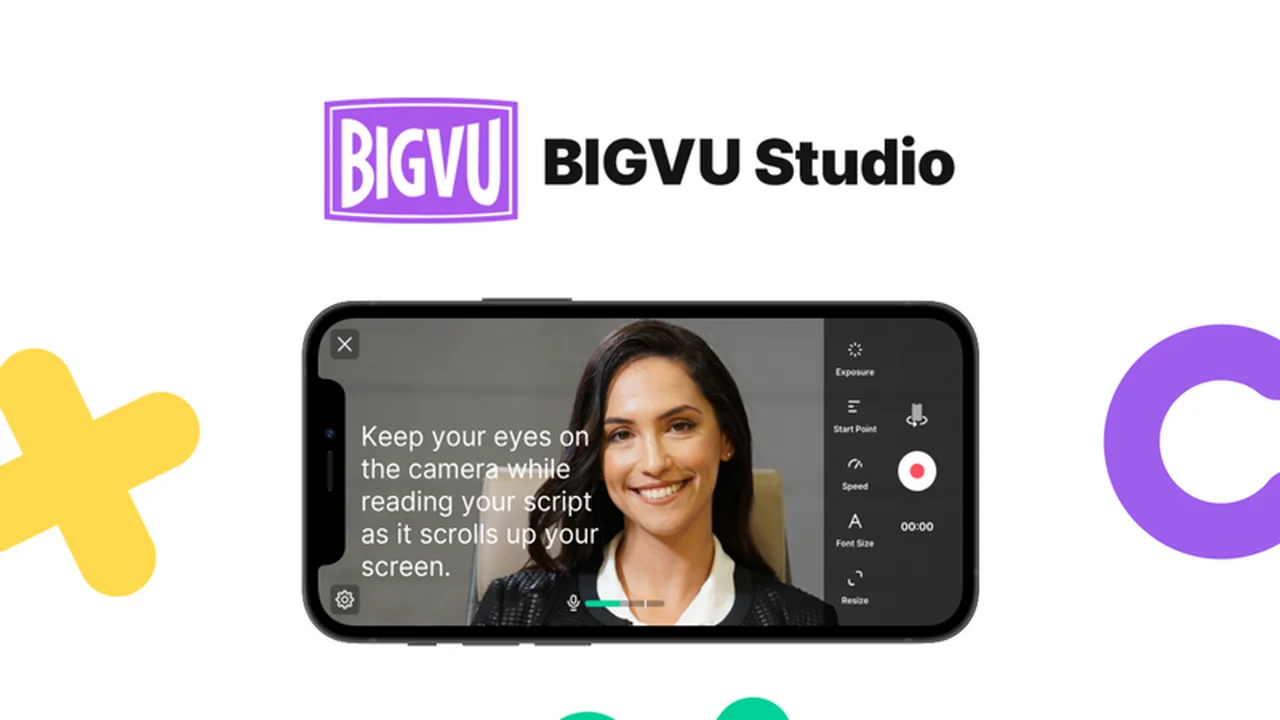
This review explores the BIGVU app, a comprehensive solution designed to streamline video creation and editing for professionals and aspiring content creators alike. We’ll delve into its core functionalities and how it can elevate your video production workflow.
If you’re looking to produce polished videos with ease, from scripting to final output, this guide will provide insights into BIGVU’s capabilities and its value proposition, especially through the AppSumo offering.
What is BIGVU – Create and edit videos like a pro | AppSumo
BIGVU positions itself as a personal TV studio in your pocket, offering a suite of tools to create professional-grade videos without requiring extensive technical expertise. It integrates a teleprompter, automated captioning, and editing software into a single, user-friendly platform.
The aim is to simplify the entire video production process, from recording engaging narration to adding polished visual elements, making it accessible even for those working with minimal equipment like a smartphone.
Key Features
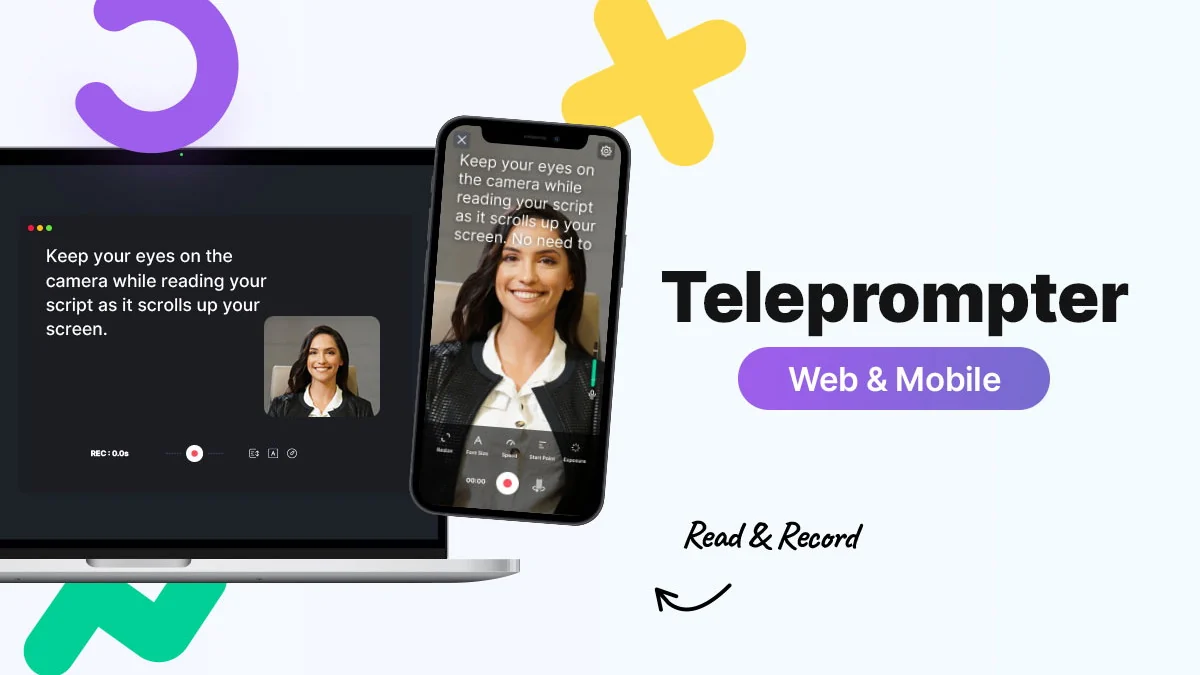
- Professional Teleprompter: Keep your delivery concise and focused by scrolling scripts directly on your recording device. Control scrolling speed, monitor audio, and adjust settings for optimal recording.
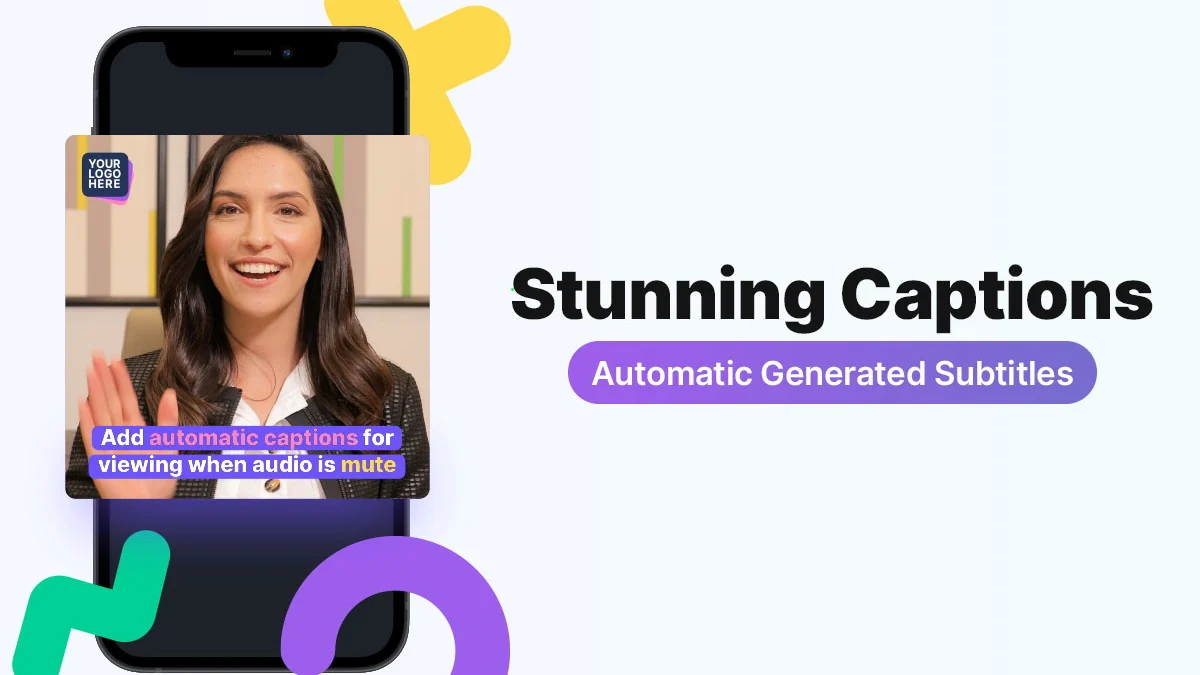
- Automated Captions: BIGVU transcribes your video and generates accurate subtitles, allowing for easy keyword highlighting with formatting options.
- Team Collaboration: Upload videos to a shared cloud workspace where team members can review, edit, and publish content together.
- Shared Media Library: Organize and share brand assets like photos and videos with your team for consistent branding.
- Motion Titling: Add professional-looking headlines and text overlays to your videos, with customizable styles from minimalist to TV-level graphics.
- Intro and Outro Creation: Easily craft consistent opening and closing segments for your video content.
- Chroma Key (Green Screen): Seamlessly replace green screen backgrounds with custom images or video loops.
- Branding Elements: Add your logo directly to the video using the teleprompter feature.
- Background Music: Enhance the emotional impact of your videos with integrated background music options.
How It Works
BIGVU is designed for straightforward operation. Start by using the teleprompter feature on your iOS or Android device to record your script while facing the camera. The app allows for real-time adjustments to scrolling speed and other recording parameters.
Once recorded, BIGVU automatically transcribes your audio to generate captions. You can then use the cloud-based editing tools to refine your video, add motion titles, intros, outros, and apply green screen effects if needed. The collaborative features allow multiple team members to contribute to the editing process within the shared workspace.
Use Cases
- Content Creators: Produce engaging YouTube videos, social media clips, and online courses with professional-level presentation.
- Marketers: Create compelling promotional videos, product demonstrations, and explainer content quickly and efficiently.
- Businesses: Develop internal communications, training videos, and client presentations with consistent branding.
- Educators: Record lectures, tutorials, and educational content with clear narration and visual aids.
- Anyone needing to present themselves or their message clearly and professionally on video.
Integrations & Compatibility
- The BIGVU mobile app is available on both iOS and Android devices, ensuring broad accessibility for recording
- The cloud workspace facilitates collaboration and editing across different users and potentially different operating systems.
Pricing & Value
BIGVU offers various plans to suit different needs, with the AppSumo deal presenting a particularly attractive value proposition for lifetime access. This lifetime deal aims to provide extensive functionality at a one-time purchase price, often significantly lower than subscription models.
Deal Details
The AppSumo deal for BIGVU typically provides lifetime access to specific features and usage limits. For instance, a past deal mentioned lifetime access for a set price. It’s crucial to check the current offering on AppSumo for precise details on what is included in the deal, such as storage, number of videos, or advanced features.
Quick Take
- Ideal for solo content creators and small teams looking to produce professional videos efficiently.
- Offers a robust teleprompter and automated captioning, reducing post-production time.
- The collaborative workspace is a significant advantage for team-based projects.
FAQs
How do I access my lifetime deal if I previously purchased it?
Contact BIGVU support with your account details and proof of purchase for assistance.
Can I use BIGVU for live streaming on Instagram and Facebook?
BIGVU is primarily for pre-recorded video creation, not direct live streaming integration with platforms like Instagram.
Does BIGVU offer a ‘pause on silence’ feature for the teleprompter?
Yes, a feature to pause the teleprompter when you are not speaking is available.
Is an AI feature planned to improve eye contact with the camera?
An AI feature for auto-fixing eye contact is planned for release by the end of the year.
Can I speed up the teleprompter in specific sections?
Yes, teleprompter speed can be adjusted while reading on both Android and iOS devices.
Final Thoughts
BIGVU presents a compelling all-in-one solution for anyone aiming to create professional videos without a steep learning curve or significant investment in equipment. The combination of a reliable teleprompter, automated captioning, and collaborative editing tools makes it a powerful asset for content creation. The AppSumo lifetime deal, in particular, offers exceptional value, providing access to these features long-term.