
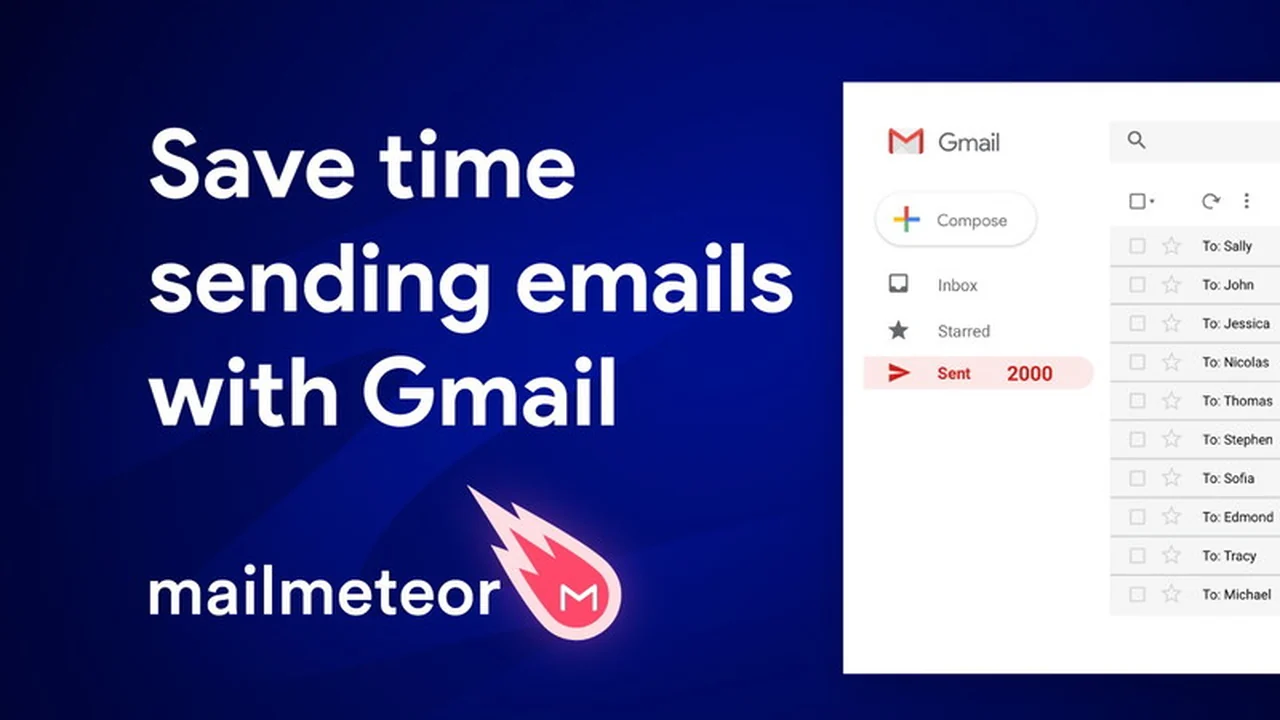
Navigating email marketing can be time-consuming, especially when personalizing outreach to multiple recipients. This review explores how a specific tool aims to simplify that process directly within your familiar Gmail environment.
We’ll delve into the core functionalities, practical applications, and overall value proposition of this solution, helping you understand if it fits your communication needs.
What is Mailmeteor | AppSumo
Mailmeteor | AppSumo is designed to enhance your email outreach by enabling personalized campaign sending directly from your Gmail account. The goal is to make your emails appear as if they were individually crafted for each recipient, which can lead to improved deliverability, reduced spam placement, and higher open rates.
Key Features
Mailmeteor offers several features focused on efficiency and effective communication:
- Personalized Email Campaigns: Send targeted messages from Gmail using recipient data for customization.
- Inbox Deliverability: Emails are crafted to look like manual sends, aiming to bypass spam filters.
- Privacy-Focused Design: The tool is built to operate without needing broad access to your email data.
- User-Friendly Interface: Integrates seamlessly within the Google Workspace ecosystem for ease of use.
How It Works
The process for using Mailmeteor is generally straightforward:
- Organize Contacts: Input your recipient data into a Google Sheet, with column headers serving as potential variables.
- Access Mailmeteor: Within Gmail, navigate to the Add-ons menu and select Mailmeteor to open its interface.
- Create & Send: Design your email template, incorporating personalized variables (e.g., {{firstname}}), then preview and send your campaign.
Use Cases
Mailmeteor can be beneficial for a variety of communication tasks:
- Sending Newsletters: Engage your audience with updates and announcements directly from Gmail.
- Cold Emailing: Initiate contact and follow up with prospects to drive sales conversations.
- Product Launches: Announce new offerings to a broad audience effectively.
- Link Building & PR: Reach out to influencers, bloggers, and journalists for collaboration.
- Event Management: Send invitations and manage RSVPs for webinars, conferences, or personal events.
- Job Hunting: Track job applications and manage outreach to potential employers.
- Automating Repetitive Tasks: Streamline sending multiple similar emails without manual duplication.
Integrations & Compatibility
- This tool is built to work within the Google Workspace environment, particularly with Gmail and Google Sheets, leveraging the familiar tools you already use.
Pricing & Value
The value proposition centers on providing a streamlined, Gmail-native solution for bulk personalized emailing. It aims to replace the need for more complex, standalone email marketing platforms for certain tasks.
Deal Details
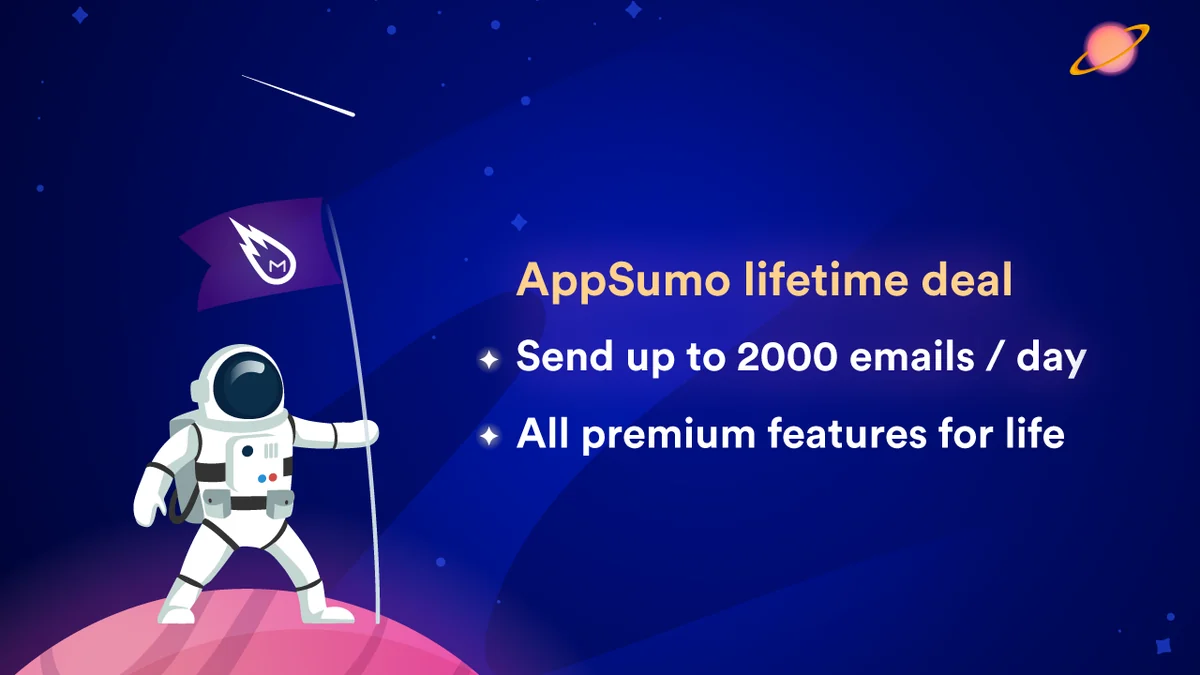
The offering includes a 60-day money-back guarantee, allowing users a trial period to assess its suitability for their needs.
Quick Take
- Ideal for individuals and small teams managing email outreach within Gmail.
- Simplifies personalized bulk emailing without complex setup.
- Offers a privacy-conscious approach to mail merge.
FAQs
What makes Mailmeteor different from other emailing solutions?
It focuses on Gmail integration, privacy, and ease of use for personalized campaigns.
Is there any purchase option available to add Email Follow-up to this deal?
Information about add-on features or specific bundle options should be checked on the product’s current offerings.
My plan has been downgraded; missing many features; I don’t have access to support
Users experiencing plan changes should contact customer support for assistance.
Are you coming back to AppSumo anytime soon?
The product is available via monthly or yearly subscriptions on their official website.
Any chance you’ll return to AppSumo in the near future?
Plans are currently available on a monthly or yearly basis directly from their pricing page.
Final Thoughts
Mailmeteor | AppSumo presents a focused approach to email personalization for Gmail users. By integrating directly with Google Sheets and Gmail, it aims to simplify the process of sending customized emails to lists of recipients. Its emphasis on inbox placement and a privacy-first methodology makes it a notable option for those looking to enhance their direct communication efforts without a steep learning curve.