
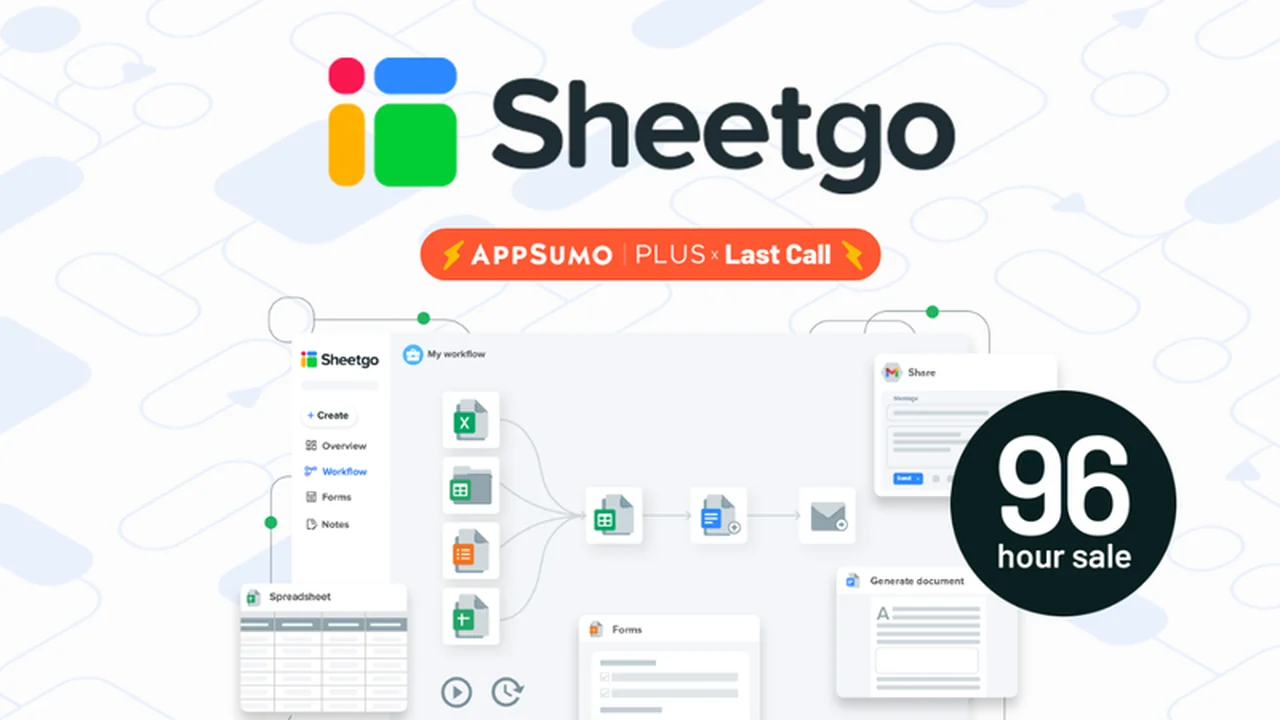
If you’re considering Sheetgo, this review breaks down what it does, how it works, and who it’s best for.
You’ll also get a clear feature rundown, practical use-cases, and a quick decision guide before you commit.
What is Sheetgo – Automate your data processes | AppSumo
Tired of tedious manual data entry and transforming raw data into digestible reports? Sheetgo offers a streamlined solution to automate these essential, yet time-consuming, business processes.
This review explores how Sheetgo enables you to build custom workflows, integrate with existing tools, and ultimately save significant time and resources by automating data management.
Key Features
Sheetgo provides a robust set of features designed to simplify data handling and automate workflows. All plans include the following core functionalities:
- Connect: Establish automatic data transfers between various files and storage solutions like Google Sheets, Excel, CSV, Google Drive, OneDrive, SharePoint, and Dropbox.
- Merge: Combine multiple files into a single dataset, whether from individual files or an entire folder, even if tab names differ.
- Split: Distribute data from one file into multiple files or tabs, useful for task distribution or individual reporting.
- Filter: Process data using conditions, queries, or even cell colors to isolate and share only relevant information.
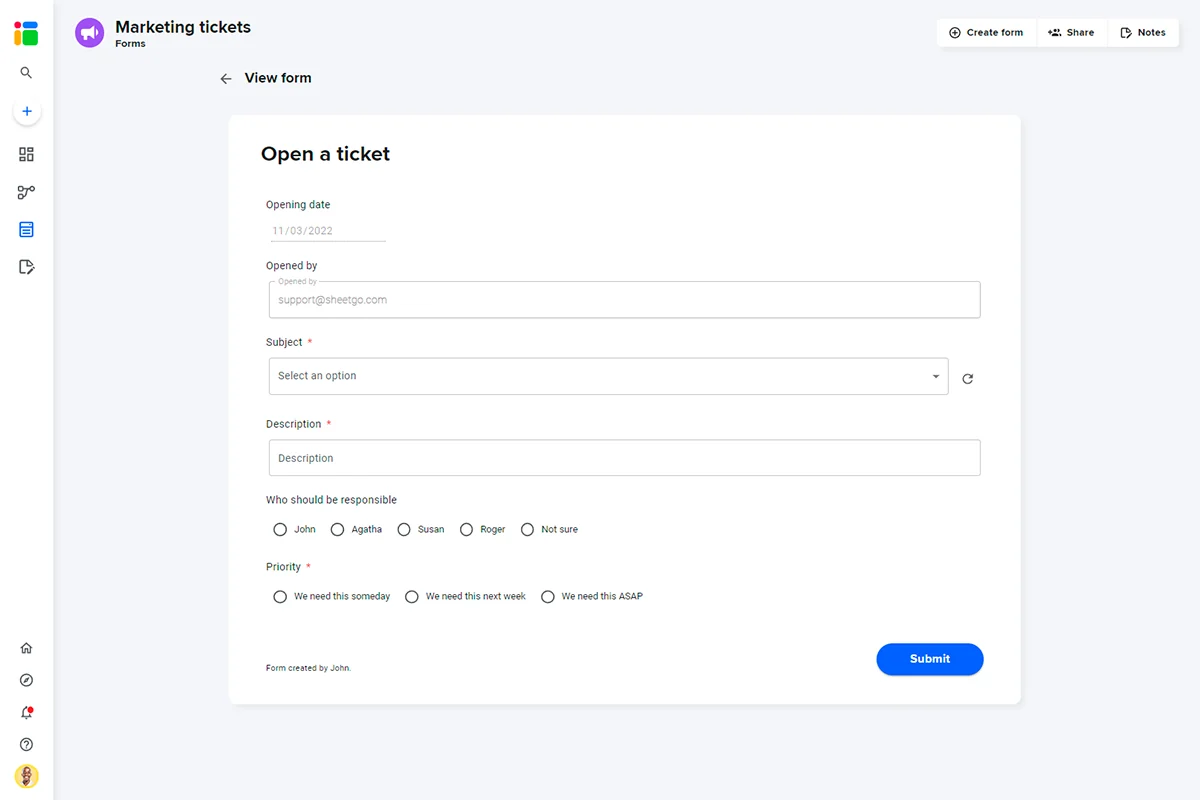
- Sheetgo Forms: Automatically generate forms from spreadsheet headers, allowing for data collection with validation criteria and real-time updates.
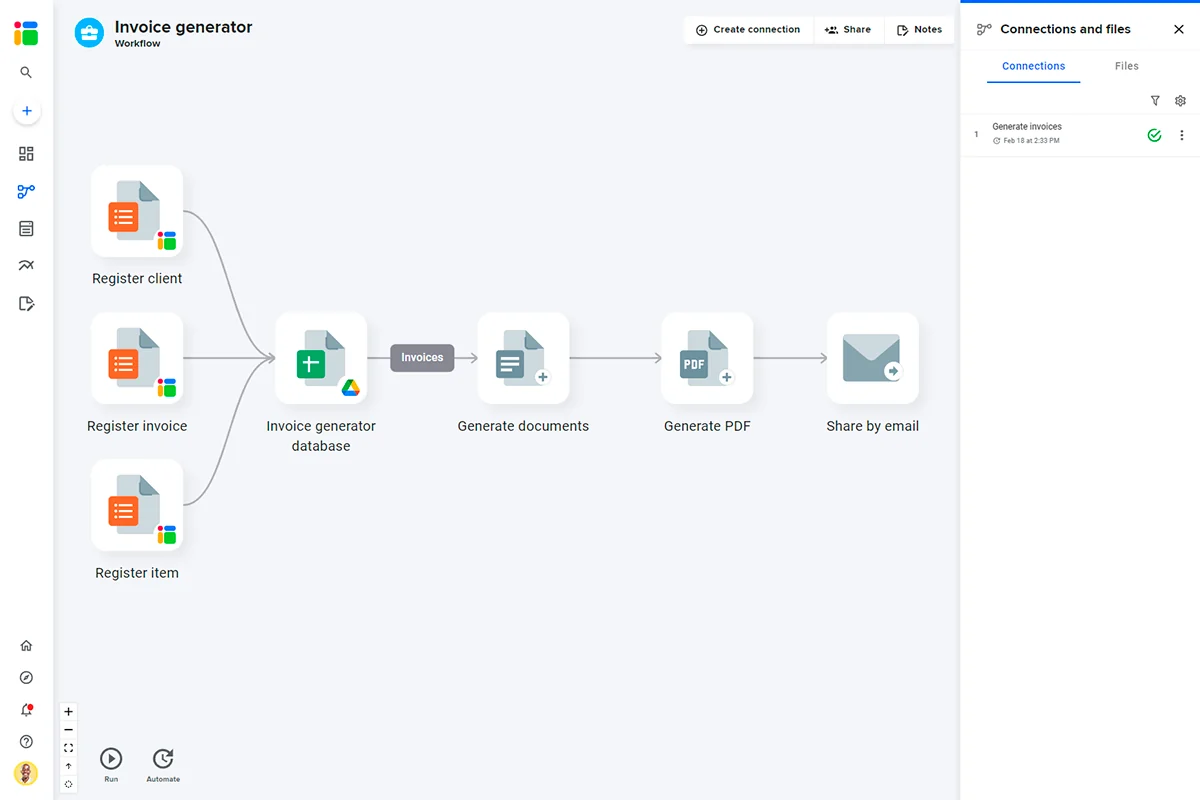
- Google Docs Integration: Merge spreadsheet data with Google Docs templates to generate batches of documents like invoices or contracts, with PDF conversion and sending options.
- Gmail Integration: Transform data into personalized emails for newsletters, internal communications, or notifications, with options for attachments or access links.
How It Works
Sheetgo simplifies automation by allowing you to build custom workflows using the tools you already use. You can connect your spreadsheets and other cloud storage services, defining rules for data transfer, merging, splitting, or filtering.
The platform’s intuitive interface allows for the creation of dynamic forms that capture data directly into your spreadsheets. Furthermore, you can leverage smart tags to pull data into documents or emails, automating reporting and communication processes.
Use Cases
Sheetgo is versatile and can be applied to a wide range of business needs:
- Automating data entry from forms or other sources.
- Consolidating data from multiple spreadsheets into a single dashboard.
- Generating personalized invoices, contracts, or reports in bulk.
- Distributing tasks or information to specific team members.
- Creating automated email campaigns with dynamic content.
- Managing inventory with real-time updates.
- Streamlining purchase order approvals.
Integrations & Compatibility
- Sheetgo seamlessly integrates with popular cloud storage services, including Google Drive, Dropbox, OneDrive, and SharePoint
- It also connects with Google Docs and Gmail, extending its automation capabilities to document generation and email communications.
Pricing & Value
The value proposition of Sheetgo lies in its ability to automate repetitive data tasks, freeing up valuable time and reducing the potential for manual errors. By leveraging existing tools and creating custom workflows, businesses can optimize their operational efficiency.
Deal Details
The Sheetgo offer typically provides lifetime access to its core features through a one-time purchase. This includes the ability to automate data management with custom workflows, connect various data sources, and utilize features like forms and document generation.
A generous 60-day money-back guarantee is usually included, allowing ample time to test the platform and ensure it meets your specific automation needs.
Quick Take
- Ideal for businesses looking to reduce manual data entry and automate repetitive tasks.
- Offers a user-friendly way to connect spreadsheets and cloud storage for streamlined data flow.
- Powerful for generating reports, documents, and emails automatically.
FAQs
What kind of documents can I generate with Sheetgo?
You can generate invoices, contracts, proposals, and other documents using spreadsheet data.
Is Sheetgo suitable for non-technical users?
Yes, Sheetgo is designed for users to build solutions with familiar office tools.
How does Sheetgo help with data reporting?
Sheetgo automates data extraction, transformation, and delivery for dynamic reporting.
Can Sheetgo connect to my existing cloud storage?
Yes, Sheetgo connects to Google Drive, Dropbox, OneDrive, and SharePoint.
What is Sheetgo’s primary function?
Sheetgo’s primary function is to automate data management and spreadsheet processes through custom workflows.
Final Thoughts
Sheetgo presents a compelling solution for anyone drowning in manual data processes. Its ability to connect disparate data sources, automate complex tasks, and integrate with common business tools makes it a powerful asset for improving efficiency and gaining clearer insights from your data.
For those seeking to reclaim their time and reduce the burden of repetitive data management, Sheetgo offers a practical and effective pathway to automation.