
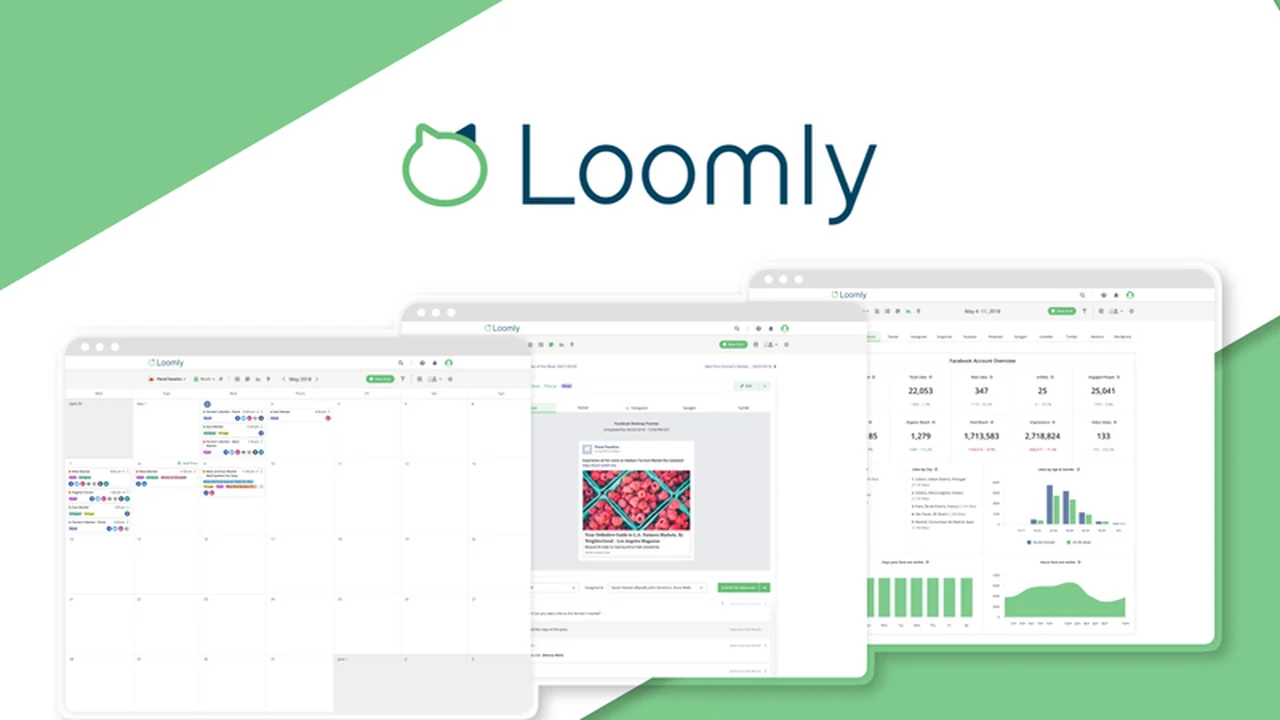
Struggling to keep track of your social media presence across multiple platforms can be a significant drain on time and resources. This review dives into a solution designed to streamline that very process.
We’ll explore how this comprehensive platform can help you organize, create, schedule, and analyze your social content, offering a unified approach to digital marketing efforts.
What is Loomly – Manage all social accounts in one place | AppSumo
Loomly is a robust social media management platform engineered to empower marketers in scheduling, optimizing, and fostering collaboration around their social content. It aims to consolidate the management of all social accounts into a single, intuitive hub, alleviating the stress often associated with juggling numerous spreadsheets or individual platform interfaces.
Key Features
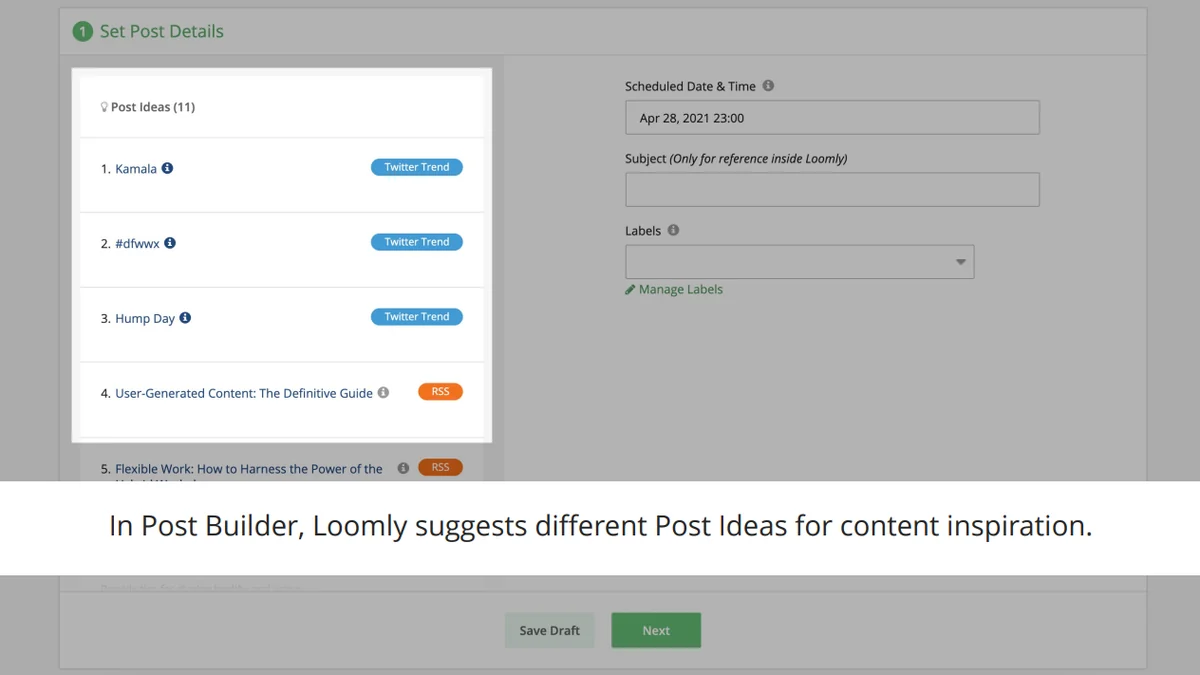
- Post Ideas: Provides inspiration with suggestions based on trending topics, RSS feeds, social media best practices, and special occasions.
- Content Library: A central repository for storing all your media assets, making them readily accessible for posts.
- Optimization Tips: Offers guidance to enhance the reach and effectiveness of your social content.
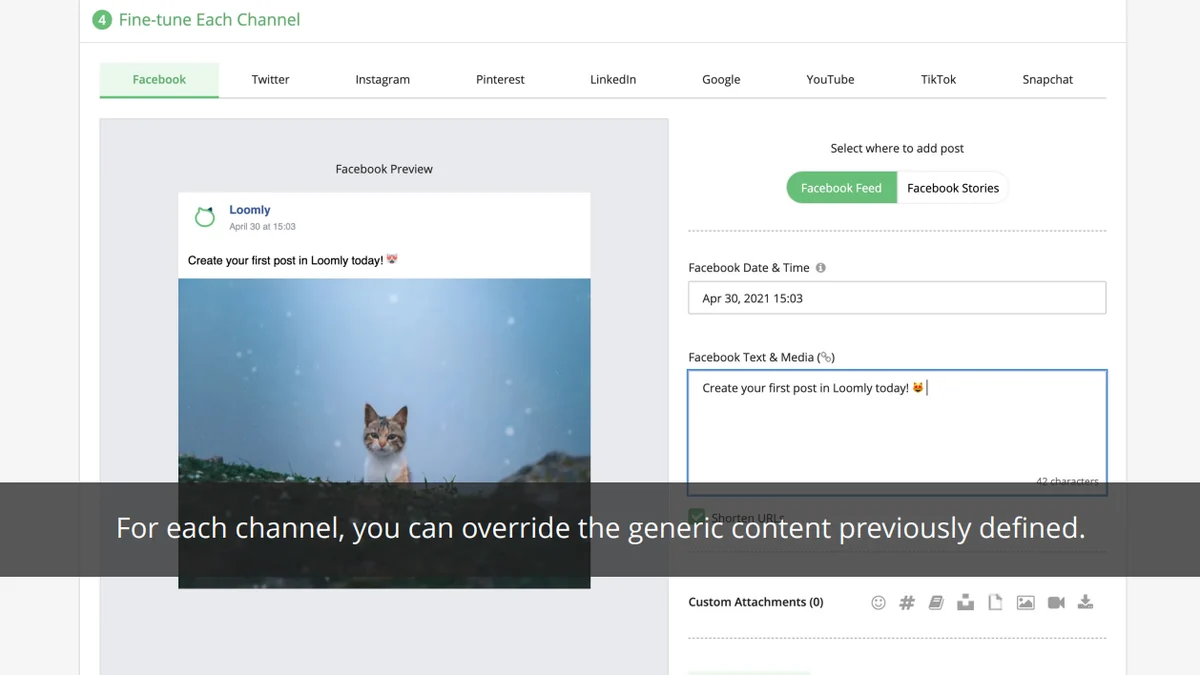
- Post and Ad Mockups: Allows you to preview how your content will appear on various social channels before publishing.
- Approval Workflow: Facilitates seamless collaboration with team members through defined roles and permission levels, with status updates and tagging for feedback.
- Automated Publishing: Enables scheduling of posts and Facebook/Instagram ads for major social media channels in advance.
- Ads Manager: Tools to help create and manage advertising campaigns directly within the platform.
- Interactions: Helps in managing and engaging with your target audience’s responses and comments.
- Loomly Studio: An integrated image editor for quick photo modifications without needing external tools.
- Advanced Analytics: Offers real-time performance measurement for published content and even for posts not managed through Loomly.
How It Works
Getting started involves connecting your various social media accounts to the Loomly platform. From there, you can utilize its calendar view to plan out your content. The platform guides you through the creation process, offering post ideas, asset management from its library or external sources like Giphy and Unsplash, and direct image editing. You can set up approval workflows for team collaboration, schedule posts for automated publishing, and create ads. Post-publication, Loomly provides analytics to track performance.
Use Cases
- Small Businesses: Consolidate social media efforts and save time by managing all platforms from one dashboard.
- Marketing Agencies: Efficiently handle multiple client accounts, streamline approvals, and maintain brand consistency across diverse portfolios.
- Content Creators: Plan and schedule content in advance, ensuring a consistent online presence and freeing up time for creation.
- Teams with Collaboration Needs: Utilize the approval workflow to manage content sign-offs and team contributions effectively.
Integrations & Compatibility
- Loomly connects with major social media networks including Facebook, Instagram, Twitter, LinkedIn, Pinterest, and Google Business Profile
- It also offers integrations with cloud storage services and collaboration tools, allowing for a more cohesive workflow.
Pricing & Value
The value proposition of Loomly lies in its comprehensive feature set for social media management, aiming to reduce the need for multiple standalone tools. It offers a centralized solution for content planning, creation, scheduling, collaboration, and analytics, which can lead to significant time and cost savings for individuals and businesses alike.
Deal Details
This specific offering through AppSumo provides lifetime access to Loomly, making it a cost-effective solution for long-term social media management needs. The deal typically includes access to core features and potentially tiered usage limits that can be evaluated based on your current requirements.
Quick Take
- Ideal for marketers and agencies needing to centralize social media management.
- Streamlines content creation, scheduling, and collaboration significantly.
- Offers robust analytics for performance tracking across platforms.
FAQs
Can I schedule ads with Loomly?
Yes, Loomly offers automated publishing for Facebook and Instagram ads.
What kind of analytics does Loomly offer?
Loomly provides advanced, real-time analytics to measure social media performance.
Does Loomly support team collaboration?
Yes, Loomly features an approval workflow for seamless team collaboration and feedback.
Can Loomly help with content ideas?
Yes, Loomly provides post ideas based on trends, occasions, and best practices.
What is Loomly’s core function?
Loomly’s core function is to manage all your social media accounts in one centralized platform.
Final Thoughts
For anyone looking to bring order and efficiency to their social media marketing, Loomly presents a compelling all-in-one solution. Its extensive feature set addresses key pain points from content ideation to performance analysis, making it a valuable asset for consistent and effective social engagement.