
Is your inbox a constant source of overwhelm, turning email writing into a full-time job? Imagine if you could reclaim that time by having your emails drafted automatically.
This review explores Auto Gmail, an AI-powered Gmail extension designed to revolutionize how you handle your email correspondence, saving you valuable time and effort.
What is Auto Gmail | AppSumo
Auto Gmail is an intelligent browser extension for Gmail that leverages artificial intelligence to draft responses to your emails. It integrates seamlessly with your existing Gmail account, aiming to reduce the time spent composing messages. The AI learns from your past communication patterns to generate replies that align with your usual style and tone.
Key Features
Auto Gmail offers a suite of features designed to enhance email efficiency:
- AI-Powered Smart Replies: Generates intelligent, context-aware email drafts automatically.
- Personalized AI Learning: The AI learns from every email you send, adapting to your unique writing style and tone over time.
- Contextual Understanding: Takes into account recipient history and email context to provide relevant drafts.
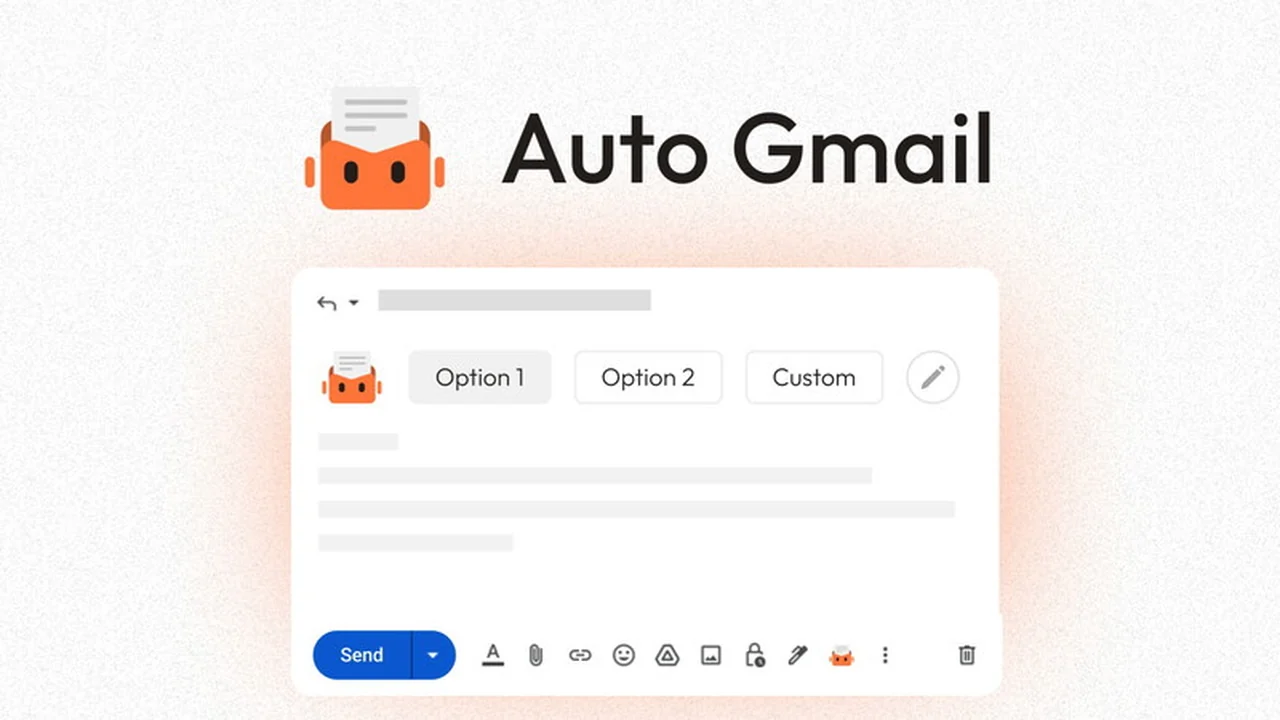
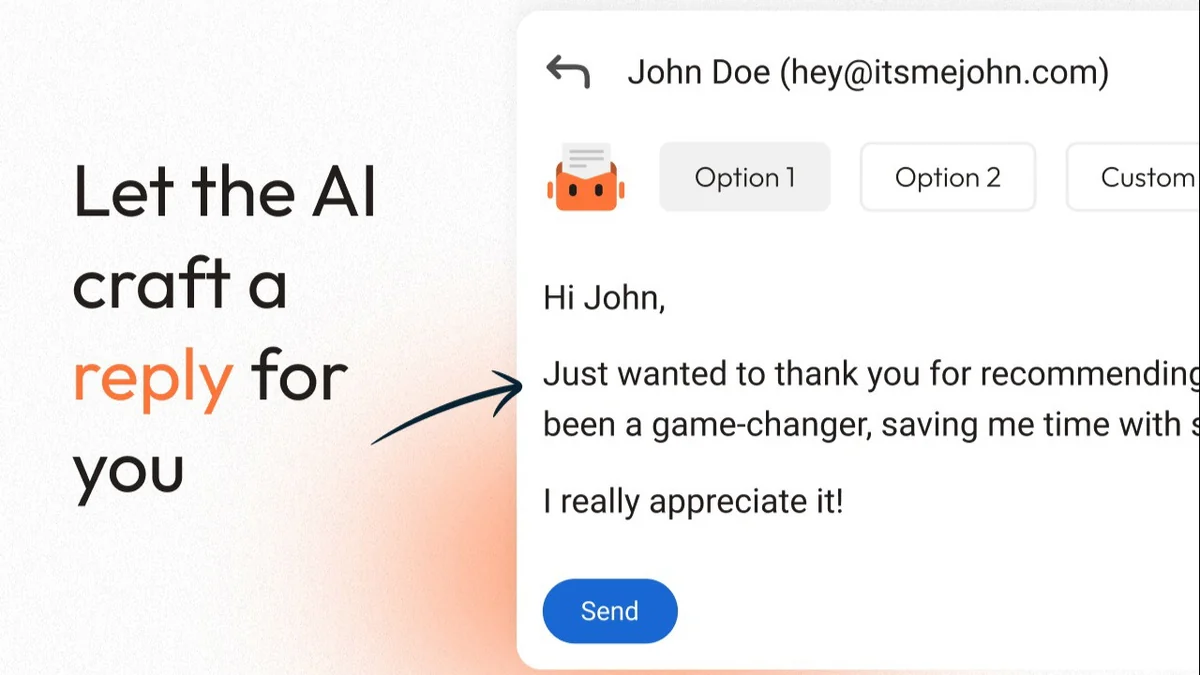
- On-the-Fly Drafting: Starts drafting responses as soon as you hit reply, offering two AI-generated options.
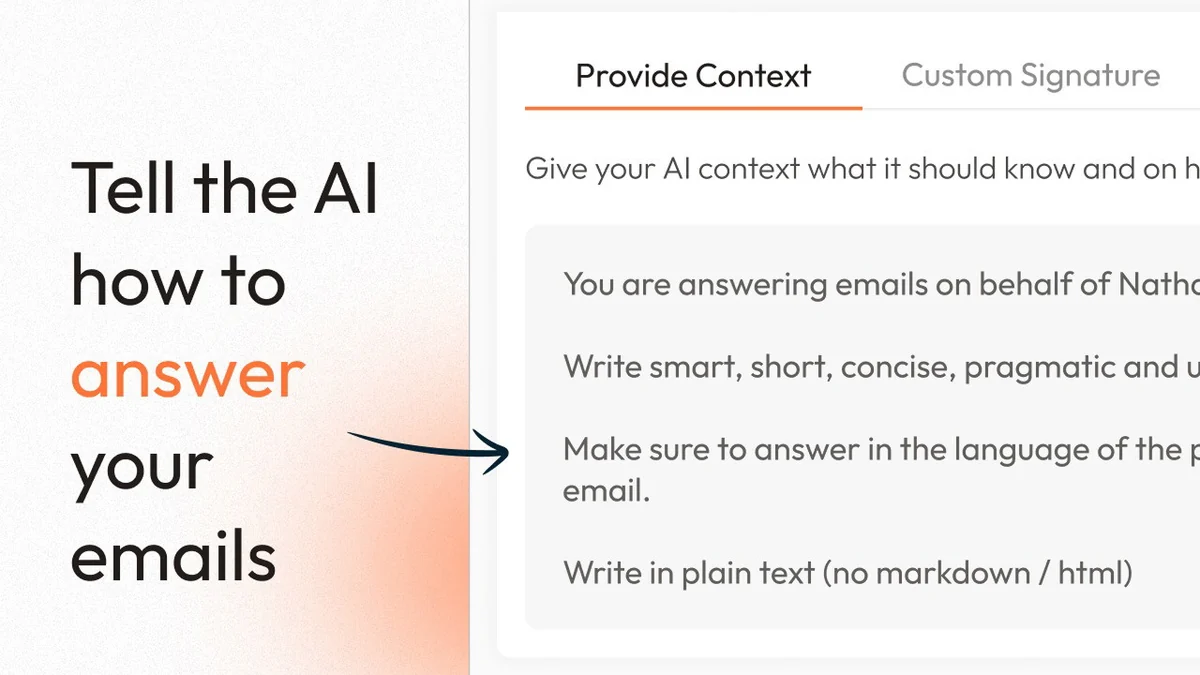
- Customizable Context Input: Allows you to provide additional data, such as FAQ information or website content, to further refine AI accuracy.
- In-Gmail Composition: Compose and refine your emails directly within the familiar Gmail interface.
- Draft Refinement: Offers options to further edit or refine AI-generated drafts.
- Contact Blacklisting: Option to blacklist specific contacts to prevent unnecessary draft generation.
How It Works
Upon installation, Auto Gmail connects to your Gmail account. When you open an email and click to reply, the AI begins processing. It analyzes the incoming message, your past interactions with the sender, and your typical response patterns. Within moments, it presents two distinct draft options for your consideration. You can then choose one, edit it further, or discard it. The AI continuously learns and improves with each email you send and receive.
Use Cases
Auto Gmail is beneficial for a variety of individuals and professionals:
- Busy Professionals: Quickly respond to routine inquiries and client communications.
- Sales Teams: Streamline follow-ups and initial outreach messages.
- Customer Support Agents: Provide faster and more consistent support responses.
- Freelancers: Manage client communication efficiently without sacrificing personalization.
- Anyone Experiencing Inbox Overload: Reclaim time spent on repetitive email tasks.
Integrations & Compatibility
- Auto Gmail is a browser extension designed specifically for Google Chrome
- It integrates directly with Gmail, functioning within your existing email client
- No complex setup or separate applications are required
- it connects with a single click.
Pricing & Value
The value proposition of Auto Gmail lies in its ability to significantly cut down on email writing time. By automating the initial drafting process and learning your communication style, it offers a consistent way to manage your inbox more effectively. The AI’s ability to adapt and improve over time suggests a long-term benefit for users.
Deal Details
This offering typically comes as a lifetime deal on AppSumo, providing access to the software and future updates for the Starter Plan. It’s important to redeem codes within 60 days of purchase. The deal includes a 60-day money-back guarantee, allowing users ample time to test its utility.
Quick Take
- Ideal for individuals and teams seeking to automate email drafting.
- Benefits users who want to save significant time on email correspondence.
- A practical tool for maintaining consistent communication while reducing manual effort.
FAQs
Is there a trial period?
Yes, there is a 60-day money-back guarantee to try the product.
Can I provide additional information to the AI?
Yes, you can provide context like FAQ data or website documents.
Do I need to provide specific instructions for the AI?
No, the AI figures out what to write based on context and your past emails.
How does the AI learn to draft emails like me?
The AI learns from your past email interactions and writing style.
What is the primary function of Auto Gmail?
It automatically drafts AI-powered replies to your emails directly within Gmail.
Final Thoughts
Auto Gmail presents a compelling solution for anyone feeling the strain of constant email demands. Its AI-driven approach to drafting, combined with its learning capabilities, offers a personalized and efficient way to manage your inbox. While early adopters might encounter minor adjustments, the commitment to continuous improvement and customer feedback, coupled with a generous money-back guarantee, makes it a worthwhile consideration for streamlining your digital communication.