

Tired of manually updating spreadsheets with data from various sources? Spending hours copying and pasting information that quickly becomes outdated?
This review explores KPIBees, a powerful Google Sheets add-on designed to automate your data integration process, freeing up your valuable time for more strategic tasks.
What is KPIBees – Automatically pull data to spreadsheets | AppSumo
KPIBees is a Google Sheets add-on that acts as a bridge between your spreadsheets and a multitude of external data sources. It allows you to automatically populate and update your spreadsheets with information from platforms, databases, APIs, and even websites without the need for manual data entry.
The core idea behind KPIBees is to enhance the functionality of your existing spreadsheets. Instead of replacing your familiar workspace, it integrates directly within Google Sheets, making it intuitive to use. This approach ensures that you can continue to manage your data in a format you’re comfortable with while gaining the benefits of automated data retrieval.
Key Features
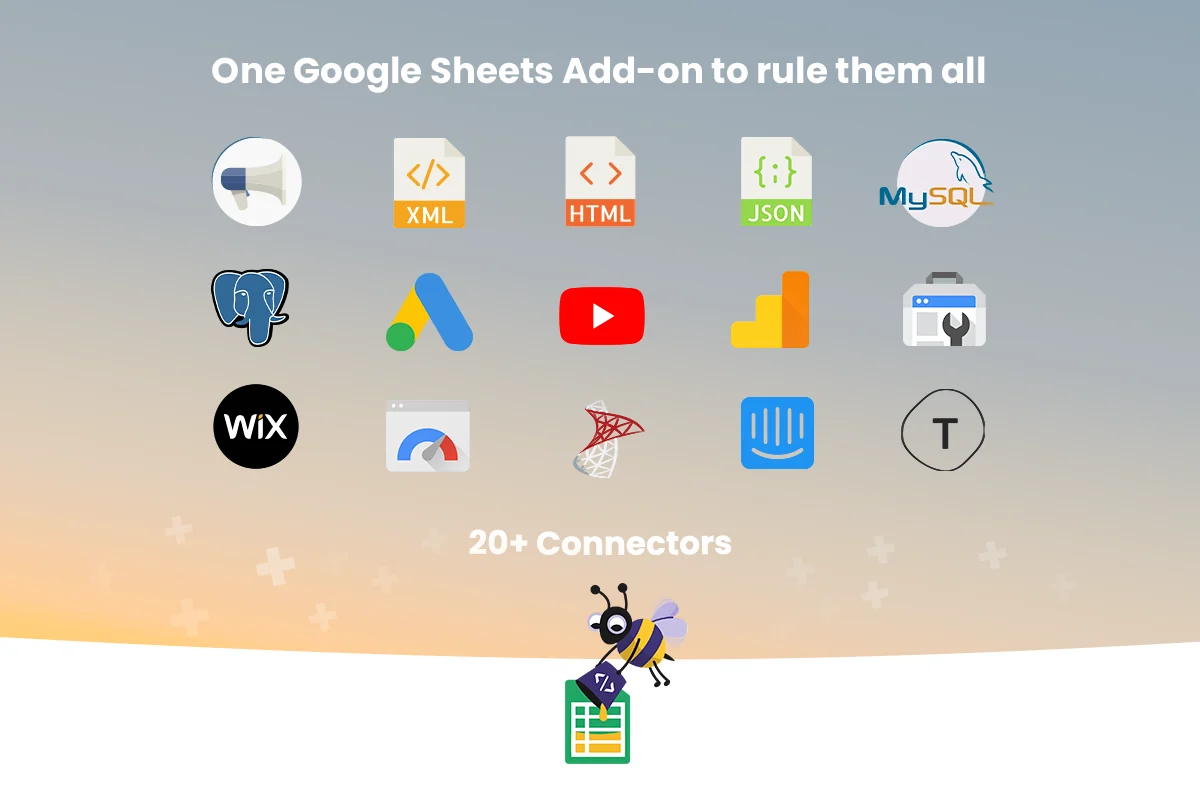
- Automated Data Connectivity: Seamlessly connect your Google Sheets to over 21 data sources, ensuring your data is always current.
- Web Scraper: Extract tables, XPaths, and content directly from websites, bringing web data into your spreadsheets.
- API Integration: View API responses in a structured spreadsheet format, simplifying the process of working with API data.
- Database Connectivity: Write SQL queries directly within your spreadsheet to access and display database information without granting direct database access.
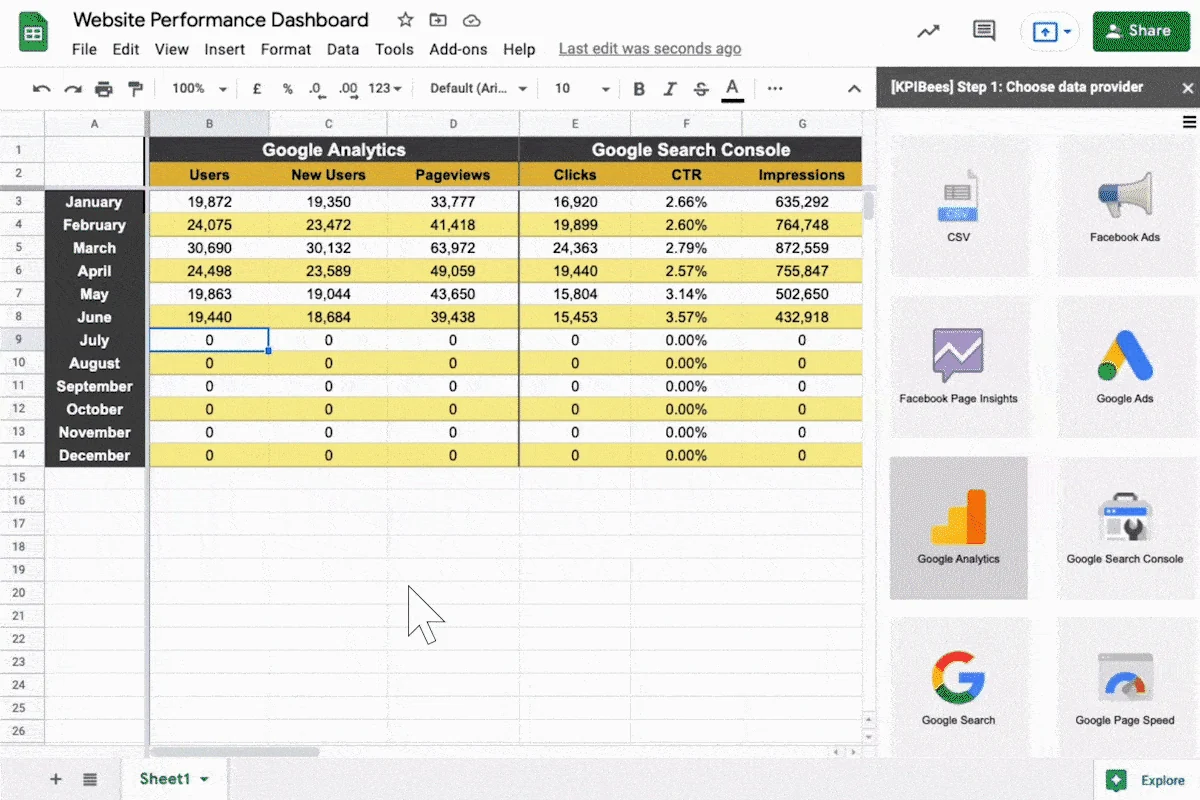
- Custom Dashboard Creation: Pull and format the exact metrics you need to build personalized marketing or performance dashboards.
- Manage Queries Interface: A dedicated area to view, edit, and duplicate your created queries for efficient management.
- Refresh Triggers: Set custom refresh schedules (hourly, daily, weekly, monthly) to ensure your data remains up-to-date automatically.
How It Works
Using KPIBees involves a straightforward process. Once installed as a Google Sheets add-on, you simply open the KPIBees sidebar within your spreadsheet. Select the cell where you want the data to appear, and then create your query using the add-on’s interface. KPIBees allows you to connect to various data sources, and once your query is set up, you can define how often the data should refresh.
The add-on intelligently detects existing queries in selected cells, making it easy to edit them. For repetitive tasks, the duplicate function allows you to quickly replicate a query in another location and adjust it as needed. This streamlined workflow minimizes the learning curve and maximizes efficiency.
Use Cases
- Digital Agencies: Build client-facing ad dashboards by automatically pulling campaign performance data into shared spreadsheets.
- Data Reporting: Share updated database reports with stakeholders without providing direct access to the underlying database.
- API Data Consumption: Easily view and analyze data from any API in a clear, spreadsheet-friendly format.
- E-commerce Management: Create fulfillment systems or inventory trackers within spreadsheets, updated with real-time data.
- Financial Analysis: Traders can pull data from various stock APIs to inform investment decisions.
- Website Content Management: Populate data into spreadsheets that can then be used to dynamically update website content.
Integrations & Compatibility
- KPIBees offers extensive compatibility with a wide range of data sources
- It includes out-of-the-box connectors for platforms such as Google Analytics, Google Ads, Google Search Console, Facebook Ads, Facebook Insights, YouTube, and many more
- It also supports common database types like MySQL, PostgreSQL, and SQL Server
- For any service not directly supported, KPIBees provides API connectors, allowing you to integrate data from virtually any tool that offers an API.
Pricing & Value
The value proposition of KPIBees, especially when available through a platform like AppSumo, lies in its ability to drastically reduce time spent on manual data aggregation. By automating these tasks, users can reclaim hours each week, leading to increased productivity and better-informed decision-making.
Deal Details
The AppSumo deal for KPIBees provides lifetime access to the tool, often including all current and future updates. This offers significant long-term savings compared to recurring subscription models. A typical AppSumo deal includes access to specific feature tiers and often comes with a 60-day money-back guarantee, allowing ample time to test the product’s suitability for your needs.
Quick Take
- Ideal for anyone who relies on spreadsheets for data analysis and reporting.
- Saves significant time by automating data imports from various online sources.
- Enhances existing Google Sheets workflows without requiring a switch to new software.
FAQs
Is KPIBees only for marketing data?
No, KPIBees can be used for any type of data that can be pulled from supported sources.
What if my required data source isn’t listed?
You can use the API connectors to retrieve data from any tool that offers an API.
Can I schedule automatic data refreshes?
Yes, you can set refresh triggers for your spreadsheet data hourly, daily, weekly, or monthly.
Do I need to have technical expertise to use KPIBees?
No, KPIBees is designed to be user-friendly with an intuitive sidebar interface.
What kind of data sources can KPIBees connect to?
KPIBees connects to over 21 data sources including marketing platforms, databases, APIs, and web content.
Final Thoughts
KPIBees presents a compelling solution for individuals and businesses drowning in manual spreadsheet updates. Its seamless integration with Google Sheets, extensive data source compatibility, and user-friendly interface make it a powerful tool for automating data aggregation. By transforming how you interact with your data, KPIBees allows you to focus on analysis and strategy rather than tedious data entry.