
In today’s fast-paced digital environment, efficiency is paramount. Repeating the same text over and over can be a significant drain on productivity, whether it’s crafting emails, generating creative prompts, or sharing common links.
This review will explore PromptBox, a solution designed to elegantly handle your repetitive text needs. We’ll delve into its core functionalities, explore how it simplifies your daily tasks, and assess its overall value and practical applications for various users.
What is PromptBox – Beautiful snippet management | AppSumo
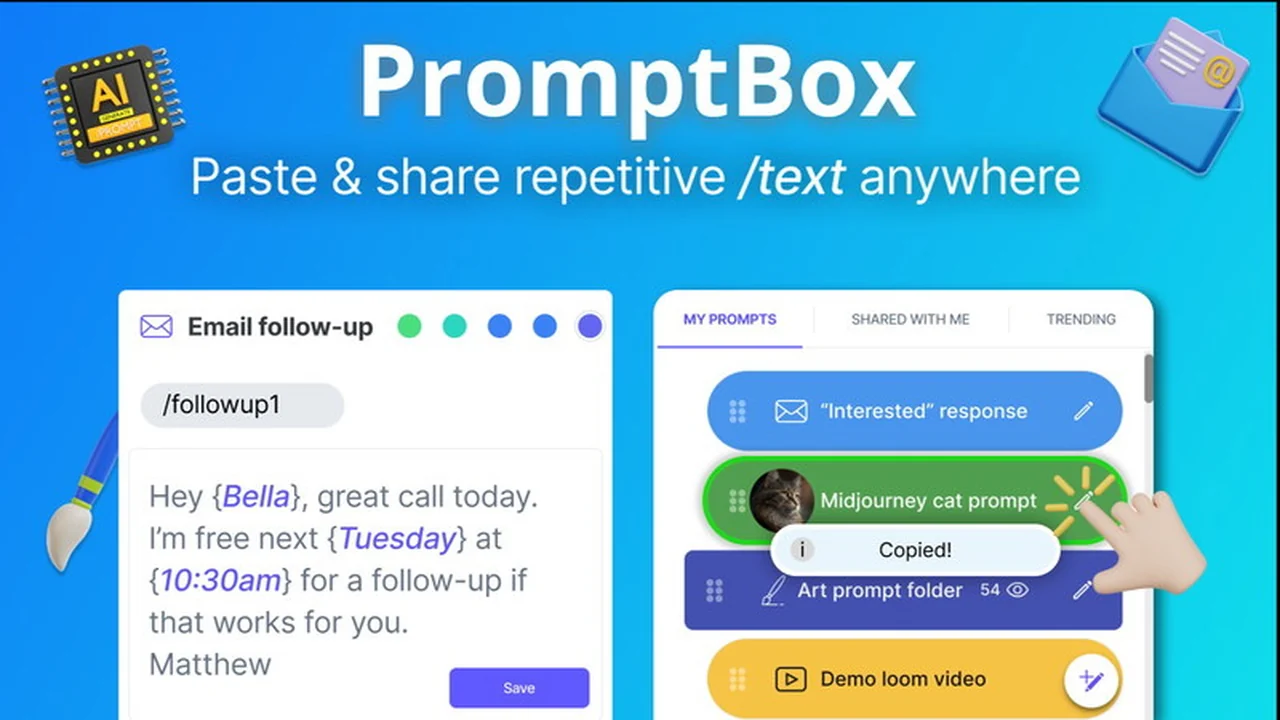
PromptBox is a robust application built to streamline how individuals and teams manage and utilize repetitive text. It offers a beautiful and intuitive interface for storing, organizing, and quickly pasting commonly used text snippets across different platforms. The core mission is to reclaim hours lost to manual retyping, making workflows smoother and more efficient.
Key Features
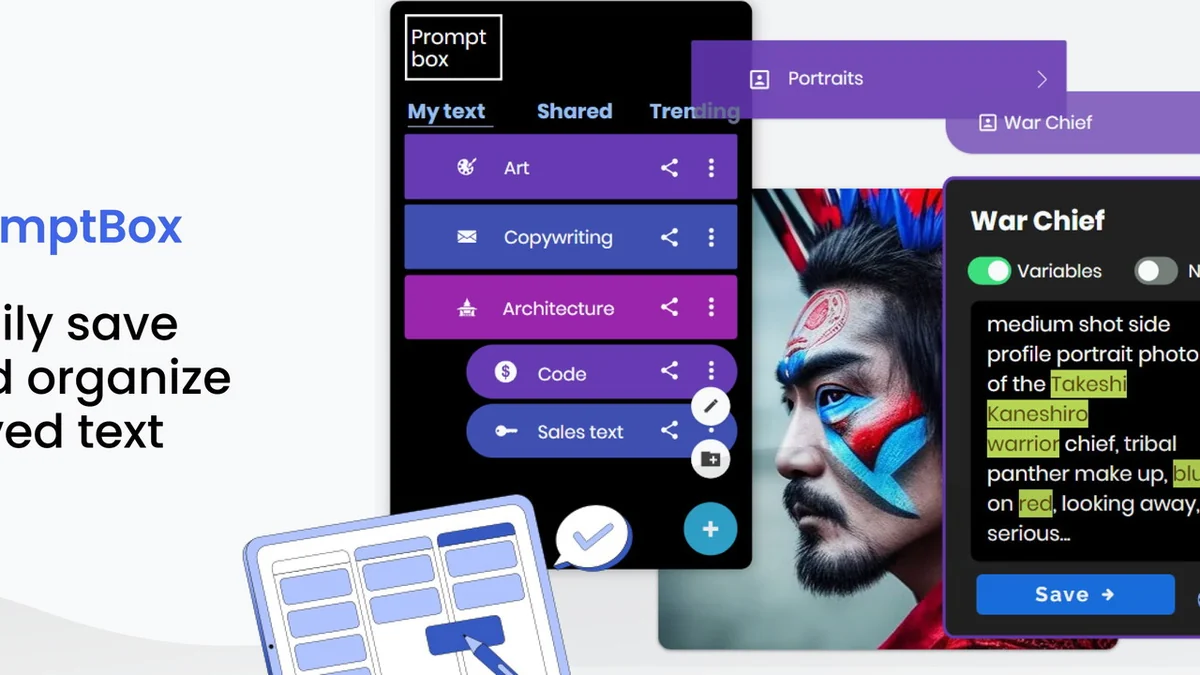
- Snippet Storage: Beautifully store and organize diverse text types, including emails, art prompts, social media text, and addresses.
- Quick Copy & Paste: Effortlessly retrieve and paste your saved text snippets with minimal effort.
- Variable Support: Create dynamic templates for emails and prompts that allow for personalized insertions using variables.
- Cross-Platform Access: Access your text library across your Chrome browser, with dedicated mobile applications for iOS and Android.
- Team Collaboration (Shared Folders): Utilize shared folders for virtual assistants or teams to access and use a standardized set of prompts and responses.
How It Works
PromptBox functions as a centralized library for all your frequently used text. You can input and categorize snippets, add variables for dynamic content, and then access them through a simple interface. When you need to use a saved piece of text, you can quickly search, select, and paste it into any application. The mobile apps enhance this with keyboard shortcut features for even faster access.
Use Cases
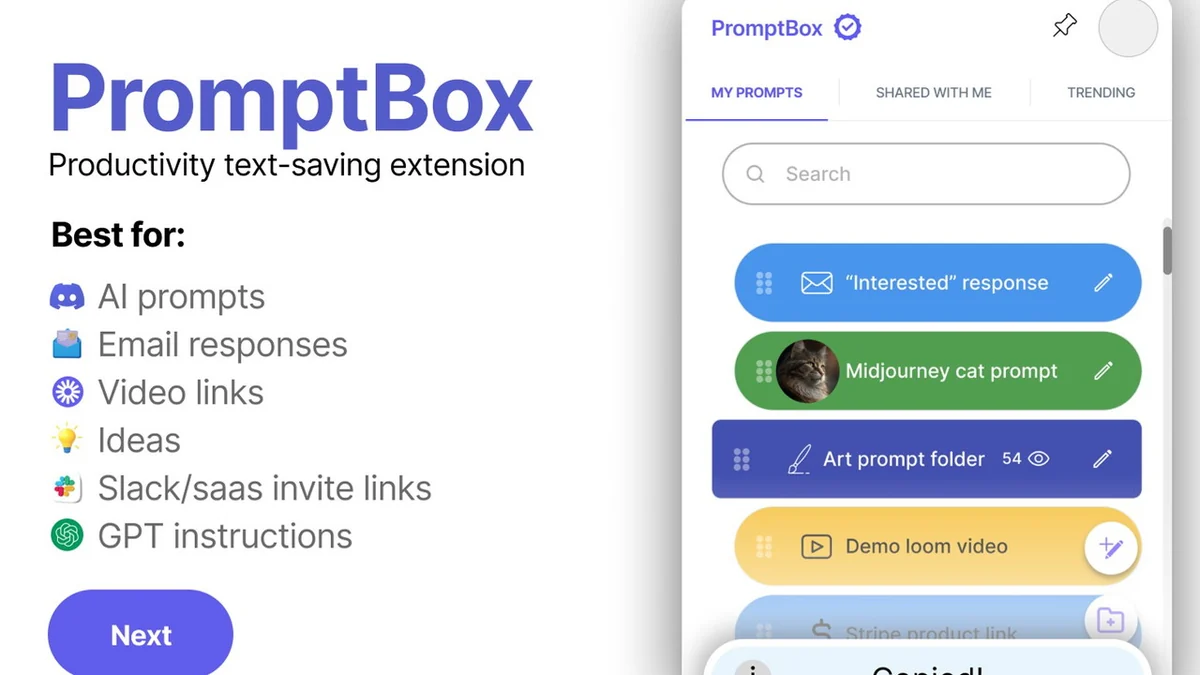
- Email Responses: Save and deploy pre-written email replies for customer service, sales inquiries, or common questions, personalizing them with variables.
- Creative Prompts: Store and reuse complex art prompts for AI image generators, including intricate details and stylistic elements.
- Content Creation: Keep a library of social media hashtags, ad copy snippets, or common phrases for consistent branding and rapid content generation.
- Information Sharing: Quickly paste frequently shared links, video references, or important addresses without needing to look them up each time.
- Team Communication: Ensure consistent messaging by using shared folders for team members to access approved responses for customer requests or internal communications.
Integrations & Compatibility
- PromptBox is designed to be universally accessible
- It operates as a browser extension for Chrome, ensuring seamless integration with web-based applications
- Additionally, dedicated mobile applications for iOS and Android are available, providing access on the go
- Desktop applications for Windows and macOS are also released, further expanding its reach.
Pricing & Value
PromptBox offers a compelling value proposition, especially for individuals and teams who spend significant time typing repetitive content. By automating this process, the tool directly contributes to time savings and increased productivity. The ability to customize templates with variables adds another layer of utility, making it more than just a simple copy-paste tool.
Deal Details
The offering typically includes lifetime access to PromptBox, providing ongoing benefits without recurring subscription fees. A comprehensive 60-day money-back guarantee is also usually part of the deal, allowing users ample time to test the product and ensure it meets their expectations and workflow needs.
Quick Take
- Ideal for content creators, marketers, customer support professionals, and anyone who types a lot of repetitive text.
- Saves significant time by providing instant access to saved snippets and dynamic templates.
- Offers cross-platform convenience with browser extensions and mobile applications.
FAQs
When will the iOS app be available?
The macOS app is released, and iOS and Android apps with keyboard shortcut features are also available.
Can PromptBox be used as a password manager?
While it stores text securely, PromptBox is not specialized for the high security required by dedicated password managers.
Can PromptBox handle messages in different languages?
Yes, PromptBox supports full functionality for non-English keyboards and languages across its desktop applications.
How do variables work in the desktop app?
Variables are supported in the Windows and macOS desktop apps for dynamic content insertion.
Is PromptBox completely free now?
The current AppSumo deal provides lifetime access as purchased, while some features might be available in a free tier.
Final Thoughts
PromptBox presents a practical and beautifully designed solution for managing repetitive text. Its straightforward functionality, combined with features like variable support and cross-platform accessibility, makes it a valuable asset for enhancing productivity. While minor user interface issues or occasional glitches have been noted by some users, the overall consensus points to a solid tool that delivers on its promise of saving time and simplifying workflows. The attractive pricing and money-back guarantee make it a low-risk option worth considering for anyone looking to optimize their daily typing tasks.