
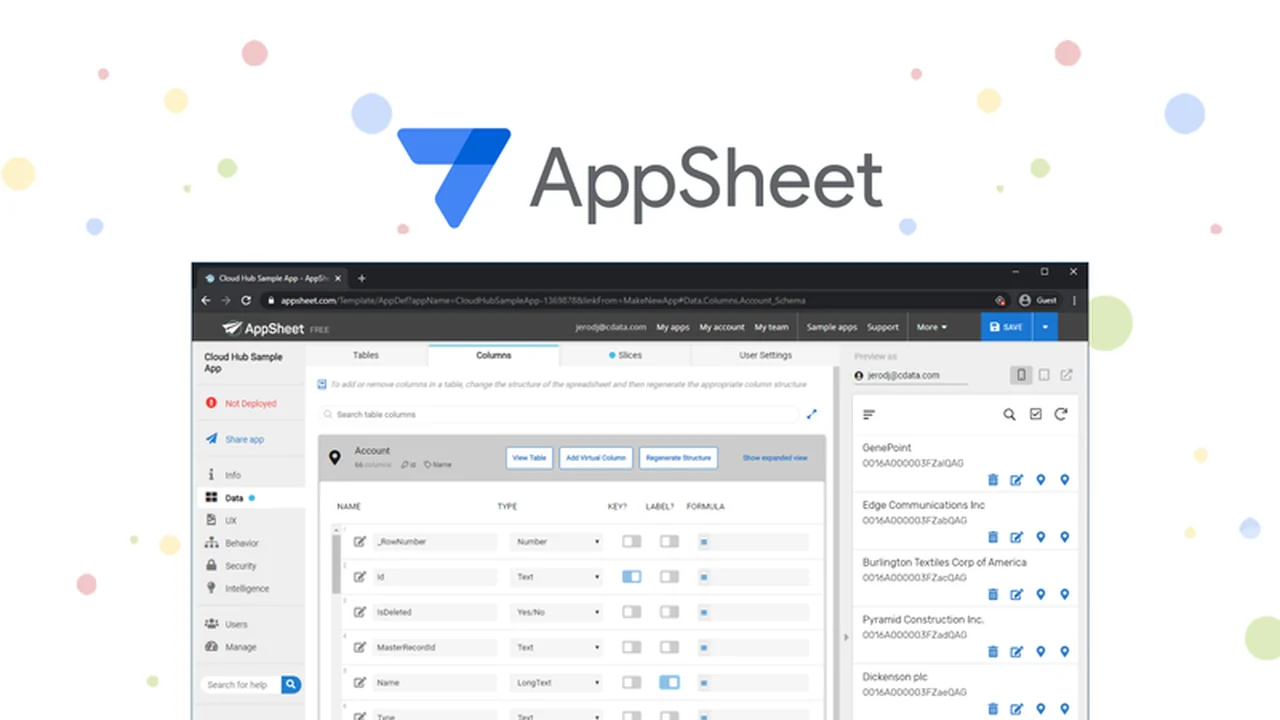
Discover how to streamline your operations and boost team productivity with a powerful no-code application development platform. This review dives deep into its capabilities, offering practical insights for various business needs.
We will explore its core functions, how to get started, potential applications, and how it integrates with your existing systems, ultimately helping you understand its value proposition.
What is AppSheet – Simplify your work & be more efficient | AppSumo
AppSheet is a comprehensive no-code platform designed to empower users to build custom mobile, tablet, and web applications. It leverages familiar data sources like Google Drive, Dropbox, and Office 365 spreadsheets and databases. The platform focuses on making app creation accessible without requiring any coding knowledge, enabling individuals and teams to automate tasks and manage data more effectively.
Key Features
- No-Code App Development: Build functional applications from spreadsheets and databases without writing a single line of code.
- Data Source Flexibility: Connects seamlessly with popular cloud-based spreadsheets and databases, including Google Sheets, Excel, Dropbox, and SQL databases.
- Customization Options: Offers extensive design, interaction, and accessibility settings to tailor apps to specific branding and user experience requirements.
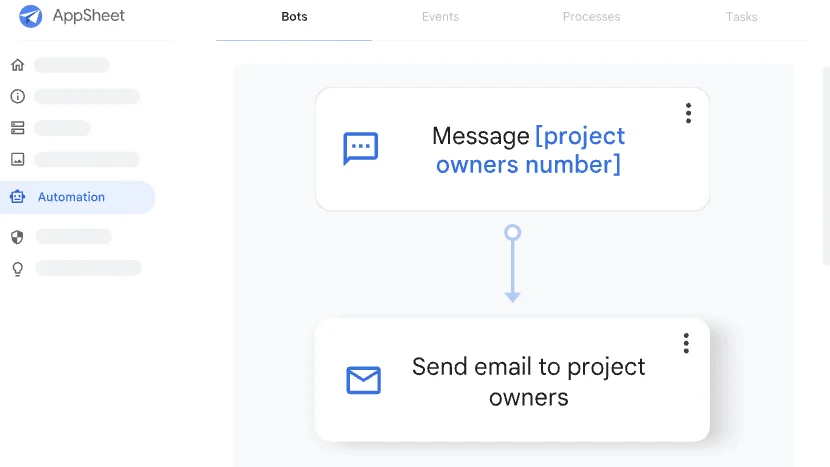
- Workflow Automation: Create automated bots for tasks like sending email, SMS, and push notifications, and build custom workflows with triggers, conditions, and branches.
- Machine Learning Integration: Incorporates machine learning capabilities for features like intelligent document processing and data mining.
- Application Templates: Provides a library of pre-built templates categorized by industry and use case to accelerate the development process.
- User Management & Security: Features role-based security, authentication, and usage reporting for controlled access and data protection.
How It Works
Getting started with AppSheet is remarkably straightforward. The process typically begins with selecting your data source, such as a spreadsheet or database. The platform then automatically generates a basic app based on this data. From there, users can easily add features, customize the user interface, brand the application, and deploy it across various devices.
Core Workflow:
- Start with your data (e.g., Google Sheet, Excel file).
- AppSheet scans your data and creates an initial app automatically.
- Customize the app’s look, feel, and functionality using the no-code editor.
- Add automation rules (bots) to streamline repetitive tasks.
- Deploy the app for team or wider access.
Use Cases
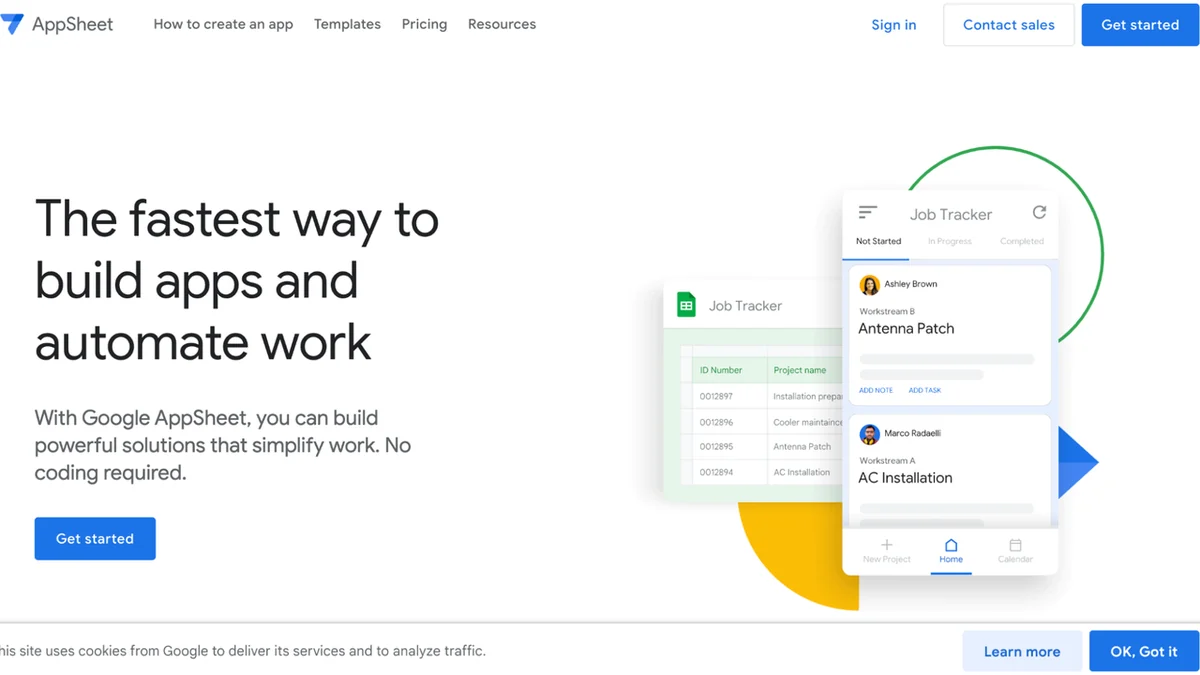
The versatility of AppSheet opens up a wide array of practical applications across various business functions. Whether you need to manage projects, track inventory, conduct inspections, or improve customer service, AppSheet can be adapted to your specific needs.
- Field Service Management: Create apps for scheduling, dispatching, and tracking work orders in real-time.
- Inventory Tracking: Develop systems to monitor stock levels, manage stockouts, and streamline ordering processes.
- Project Management: Build custom dashboards and tools for task assignment, progress monitoring, and team collaboration.
- Event Management: Design apps for registration, attendee tracking, and on-site coordination.
- Data Collection & Reporting: Create custom forms for surveys, inspections, and site visits, with automated report generation.
- Employee Onboarding: Streamline the process of collecting new hire information and providing access to essential resources.
Integrations & Compatibility
AppSheet is designed to integrate smoothly with many existing enterprise systems and cloud services. This interoperability ensures that your custom applications can work harmoniously with your current technology stack.
Data Source Integrations:
- Google Drive (Sheets, Forms)
- Dropbox
- Microsoft Office 365 (Excel, SharePoint)
- SQL Databases
- Smartsheet
API Integrations:
AppSheet also offers APIs that allow for integration with other IT applications, enabling data exchange and synchronization between multiple programs. This includes compatibility with REST APIs and OData feeds.
Platform Compatibility:
Being a SaaS solution, AppSheet is accessible via a web browser, making it compatible with Windows, Mac OS, and Linux operating systems. Additionally, its mobile applications are available on the App Store and Google Play, ensuring access from smartphones and tablets.
Pricing & Value
AppSheet offers various pricing tiers designed to cater to different user needs, from individual creators to large enterprises. The value proposition lies in its ability to deliver custom application solutions without the high costs associated with traditional software development. By enabling users to build and deploy apps quickly, it helps reduce time-to-market and operational overhead.
Deal Details
This particular offering on AppSumo provides a lifetime access deal, allowing users to build and deploy unlimited apps with a generous capacity for users and data. The deal emphasizes long-term value, ensuring that once purchased, the software is yours to use indefinitely, provided you download and save within 60 days of purchase.
Quick Take
- Ideal for small to medium businesses seeking to digitize workflows and create custom tools.
- Perfect for individuals or teams who need to automate tasks and improve data management without coding expertise.
- Offers significant long-term value through a lifetime access deal, enabling continuous application development and improvement.
FAQs
Can AppSheet apps be used offline?
Yes, AppSheet applications can be configured to work offline, syncing data once connectivity is restored.
What kind of support is available for AppSheet users?
Users have access to documentation, tutorials, and community forums for assistance and guidance.
How do I deploy an app created with AppSheet?
Apps can be deployed easily to web browsers, or made available via dedicated mobile apps on iOS and Android devices.
Can I use my existing spreadsheets with AppSheet?
Absolutely, AppSheet is designed to work with data from popular spreadsheet applications like Excel and Google Sheets.
Is AppSheet suitable for beginners?
Yes, its no-code interface makes it very accessible for users with no prior coding experience.
Final Thoughts
AppSheet presents a compelling solution for anyone looking to enhance efficiency and streamline operations through custom applications. Its no-code approach democratizes app development, making powerful tools accessible to a broader audience. The platform’s robust features, extensive integration capabilities, and flexible pricing options, especially with the AppSumo deal, make it a valuable investment for businesses aiming to innovate and optimize their workflows without significant technical hurdles.