
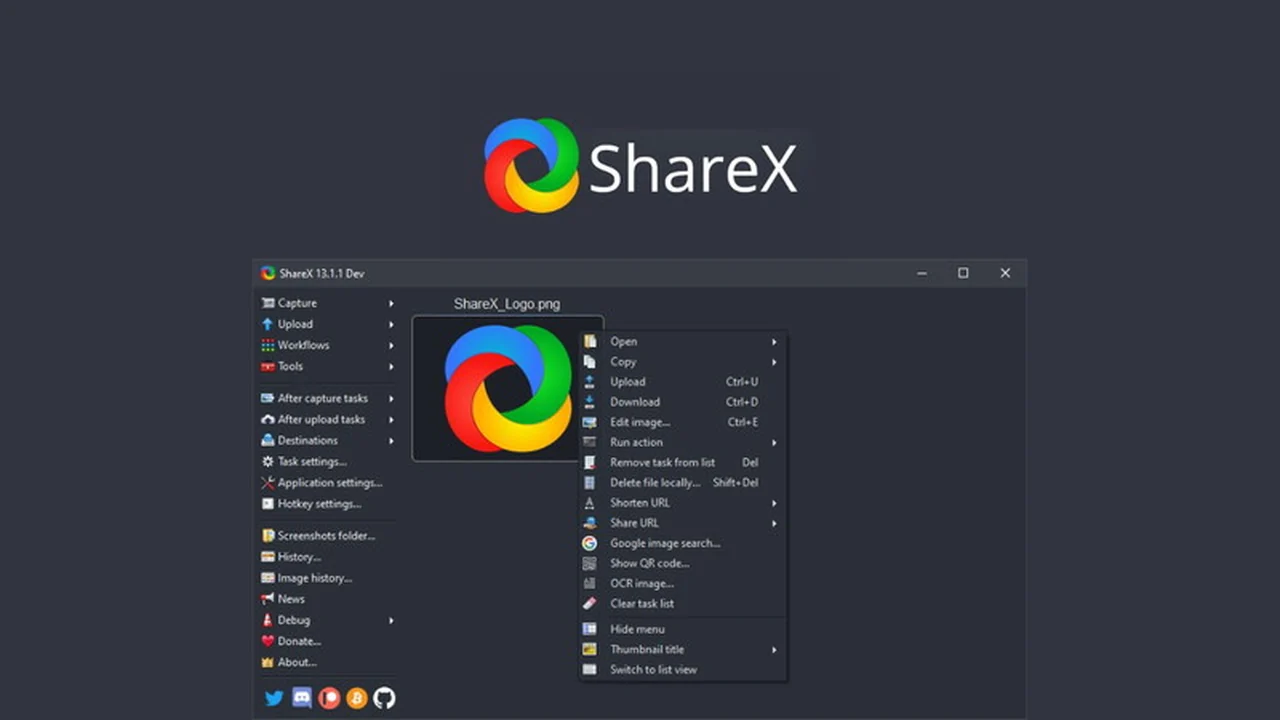
Are you looking for a robust and free solution to capture and record your computer screen? This review dives deep into ShareX, a powerful tool available through an exclusive AppSumo deal.
We’ll explore its comprehensive features, how it operates, and the various scenarios where it can significantly boost your productivity, all without costing you a dime.
What is ShareX – Capture and record your screen for free | AppSumo
ShareX is a remarkably versatile, open-source screen capture and recording application designed to simplify the process of documenting anything on your computer display. It goes far beyond basic screenshots, offering advanced options for capturing specific regions, scrolling windows, and even text directly from your screen.
Key Features
- Diverse Capture Methods: Record the full screen, active window, specific regions, or utilize scrolling capture for long pages.
- Post-Capture Productivity Tools: Includes a color picker, image editor, QR code generator, ruler, and tools to combine or split images.
- Extensive Upload Destinations: Supports over 80 services for images, text, and files, including popular platforms like Imgur, Dropbox, and Google Drive.
- URL Shortening and Sharing: Integrates with URL shorteners and allows direct sharing to social media and email.
- Video Capabilities: Offers video conversion and thumbnail creation to manage your recordings effectively.
How It Works
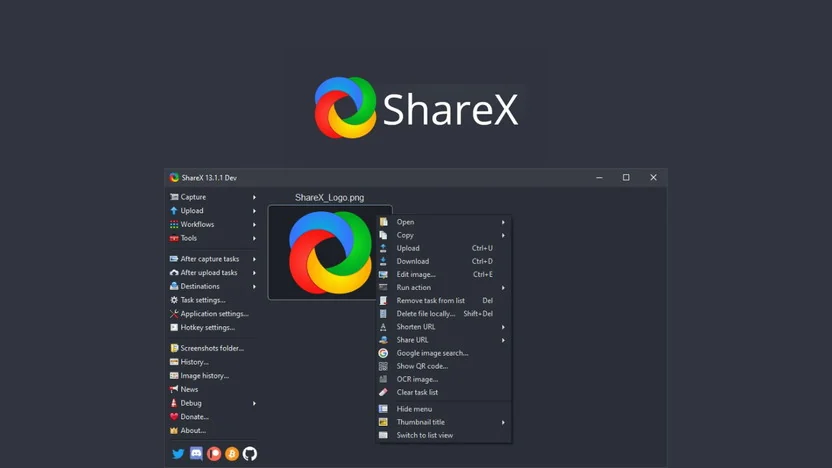
Utilizing ShareX is straightforward. Once installed, you can initiate a capture or recording with customizable hotkeys or through its intuitive interface. After capturing, the tool presents a range of options for editing, annotating, and uploading your content to a chosen destination, streamlining your workflow from capture to sharing.
Use Cases
- Documentation: Easily create step-by-step guides or tutorials by capturing multiple screens or scrolling web pages.
- Bug Reporting: Quickly capture and annotate screenshots or record short video clips to illustrate software issues.
- Content Creation: Generate visual assets for social media, presentations, or blog posts with integrated editing tools.
- Remote Collaboration: Share screen recordings or annotated screenshots to communicate ideas or provide feedback efficiently.
- Personal Use: Save interesting content, track online information, or create visual notes for personal projects.
Integrations & Compatibility
- ShareX boasts compatibility with a vast array of online services
- For image uploads, it supports platforms such as Imgur, Flickr, and Google Photos
- Text can be uploaded to Pastebin, GitHub Gist, and more
- File uploads are compatible with major cloud storage providers like Dropbox, OneDrive, and Google Drive, along with various other hosting services.
Pricing & Value
ShareX itself is a free, open-source application. The value proposition on AppSumo typically involves enhanced access or additional features bundled within a limited-time deal, offering exceptional value for a tool that provides such extensive functionality without ongoing costs.
Deal Details
The AppSumo deal for ShareX is a time-sensitive offer, granting users access to this powerful screen capture and recording software. It’s part of the broader AppSumo ecosystem, which often features productivity tools designed to enhance digital workflows for creators and professionals.
Quick Take
- Ideal for content creators, educators, and anyone needing to document their screen.
- Offers extensive customization and integration options beyond basic screen capture.
- Provides a free, powerful solution for both screenshots and screen recordings.
FAQs
Can I capture specific regions of my screen with ShareX?
Absolutely, ShareX allows capturing custom regions, rectangles, ellipses, or freehand areas.
Is there an image editor included with ShareX?
Yes, ShareX includes a built-in image editor and other productivity tools.
What kind of sharing options does ShareX offer?
ShareX supports uploading to over 80 destinations for images, text, and files.
Can ShareX record videos?
Yes, ShareX can record your screen in video format with various customization options.
Is ShareX completely free to use?
Yes, ShareX is a free, open-source software application for screen capture and recording.
Final Thoughts
ShareX stands out as an exceptional free tool for anyone who regularly needs to capture or record their screen. Its breadth of features, from advanced capture methods to extensive upload options and productivity enhancers, makes it a standout choice. The AppSumo deal further solidifies its value, offering access to a professional-grade solution without the usual expense.