
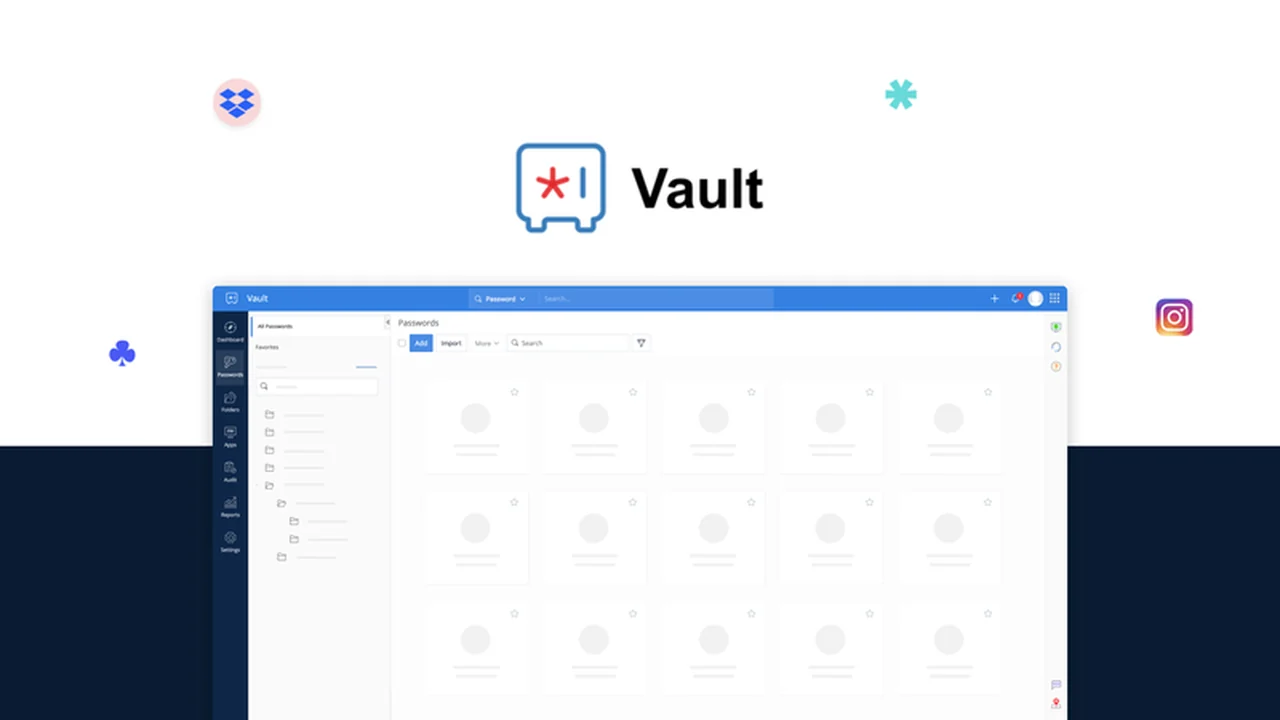
In today’s digital world, managing an increasing number of online accounts and sensitive documents can be a significant challenge. This comprehensive review will explore how Zoho Vault addresses these needs, offering a robust solution for secure storage and management.
We’ll delve into its core functionalities, user experience, and the overall value it provides, helping you understand if it’s the right fit for your personal or professional digital security requirements.
What is Zoho Vault – Store and manage passwords and docs | AppSumo
Zoho Vault is a cloud-based platform designed to be a secure repository for your passwords and important digital documents. It operates on a host-based protection model, meaning your data is encrypted and decrypted locally, ensuring that even the provider cannot access your sensitive information. The system relies on a single, user-created master password for secure access to all stored items, guaranteeing complete privacy.
Key Features
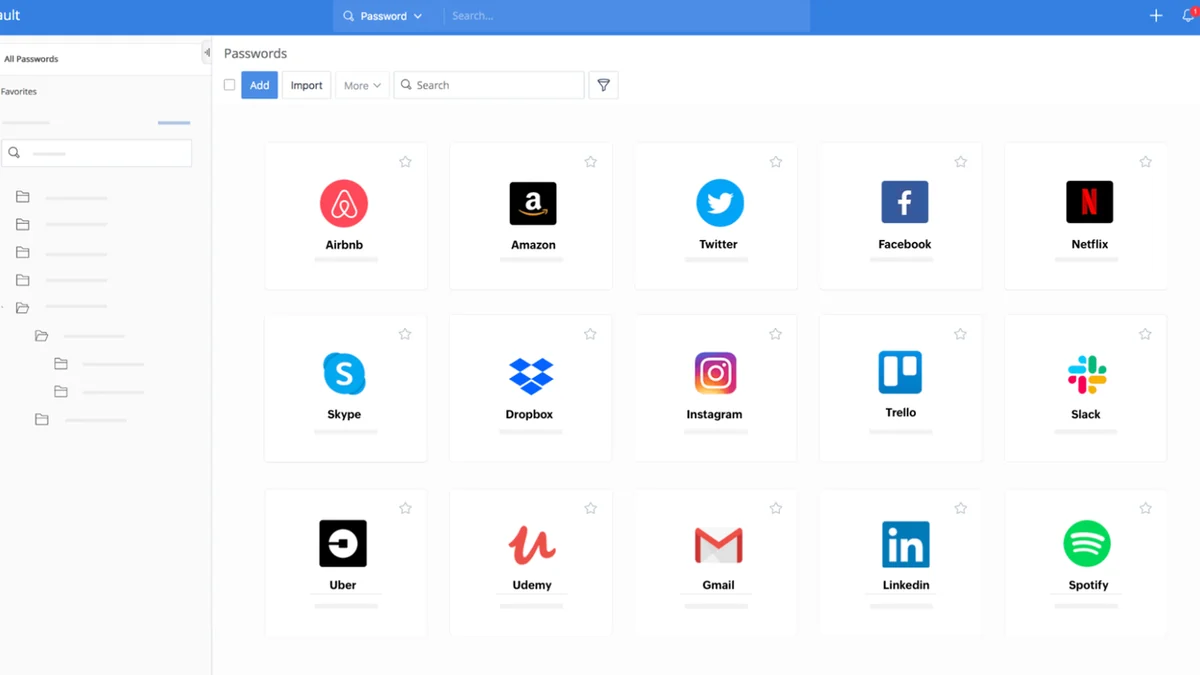
- Secure Password Management: Store and organize all your login credentials in an encrypted vault.
- Password Generator: Create strong, unique passwords for new accounts effortlessly.
- Auto Login & Autofill: Automatically fill in credentials and log in to websites, saving time and effort.
- Document Backup: Securely store and back up important files and documents within your vault.
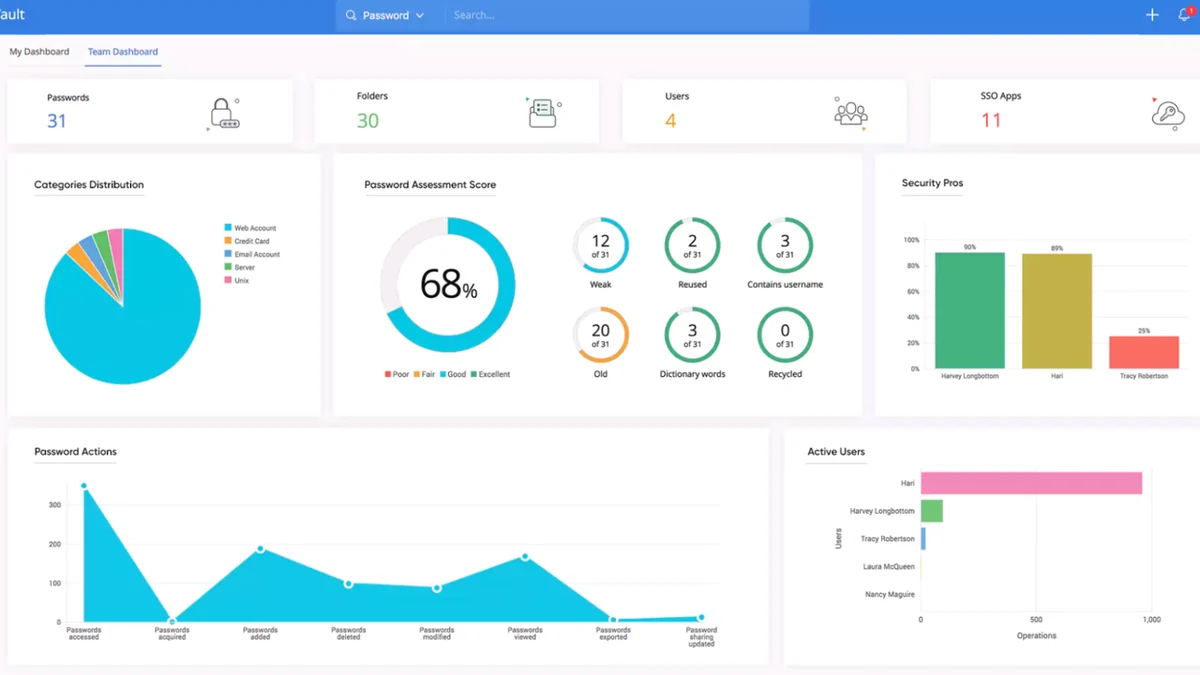
- Password Strength Evaluator: Assess and improve the security of your existing passwords.
- Two-Factor Authentication: Add an extra layer of security to your account access.
- Collaboration & Sharing: Securely share passwords and documents with team members, with granular control.
- Role and Permission Assignment: Define user roles and permissions for team members, including IP restrictions.
How It Works
Getting started with Zoho Vault involves creating an account and setting up a strong master password. This master password is the key to your vault; it’s not stored by Zoho, ensuring that only you can decrypt and access your stored data. When you visit a website, Zoho Vault can automatically fill in your login details, and for new accounts, it can generate and save a secure password on your behalf. Storing documents is as simple as uploading them into designated folders within the vault.
Use Cases
- Individuals: Securely manage personal online accounts and sensitive documents.
- Small to Medium Businesses: Centralize and secure team passwords, client credentials, and company documents.
- Teams Needing Secure Sharing: Facilitate collaboration by securely sharing access to shared accounts or documents.
- IT Administrators: Implement password policies and manage user access to sensitive information.
Pricing & Value
Zoho Vault offers various plans to suit different needs, with a focus on providing a secure and feature-rich experience. The value proposition lies in its comprehensive approach to digital security, combining password management with secure document storage and collaboration tools, all under a robust encryption framework.
Deal Details
This specific offering provides a lifetime access to Zoho Vault, meaning once purchased, you retain access to the features and storage included in the deal indefinitely. It’s important to note that you should download and save your access details within 60 days of purchase to ensure you have permanent access to your digital download.
Quick Take
- Ideal for individuals and businesses seeking robust password and document security.
- Offers automatic password generation and autofill for enhanced convenience.
- Provides secure collaboration features for team environments.
FAQs
Is it possible to share passwords securely with others?
Yes, Zoho Vault offers secure collaboration and sharing features for teams.
Does Zoho Vault offer password generation?
Yes, Zoho Vault includes a password generator to create strong and unique passwords.
Can Zoho access my stored passwords?
No, Zoho cannot access your stored passwords as your master password is not stored by them.
How is my data protected in Zoho Vault?
Your data is protected through host-based protection, meaning it’s encrypted and decrypted locally with your master password.
What is Zoho Vault’s primary function?
Zoho Vault primarily functions as a secure cloud-based password and document manager.
Final Thoughts
Zoho Vault presents a compelling solution for anyone looking to enhance their digital security. Its combination of advanced encryption, user-friendly features like password generation and autofill, and secure collaboration tools makes it a versatile choice for both individual and professional use. The lifetime deal further amplifies its value, offering a long-term, secure digital vault for your essential online credentials and documents.