
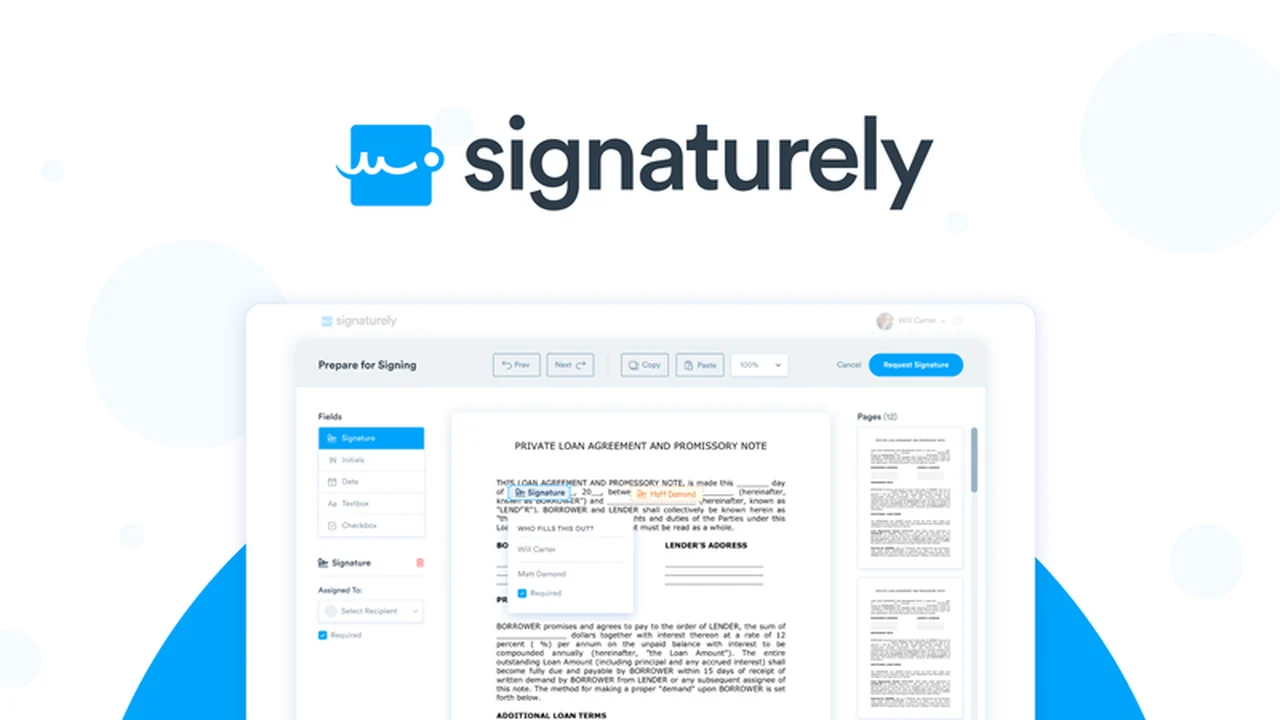
Signing documents digitally can often feel like a complex hurdle, but the need for efficient and secure electronic signatures is undeniable in today’s fast-paced world.
This review explores how Signaturely streamlines the entire process, from creation to storage, offering a straightforward solution for individuals and businesses alike.
What is Signaturely – Create, sign, and store digital docs | AppSumo
Signaturely is an all-in-one platform designed to simplify the way you create, send, sign, and store your digital documents. It aims to eliminate the traditional hassles of printing, signing, scanning, and emailing, providing a seamless digital workflow for legally binding agreements.
Key Features
Signaturely is packed with features to make digital document management efficient and secure.
- Unlimited Templates and Signatures: Create and utilize as many templates and obtain as many signatures as you need without limitations.
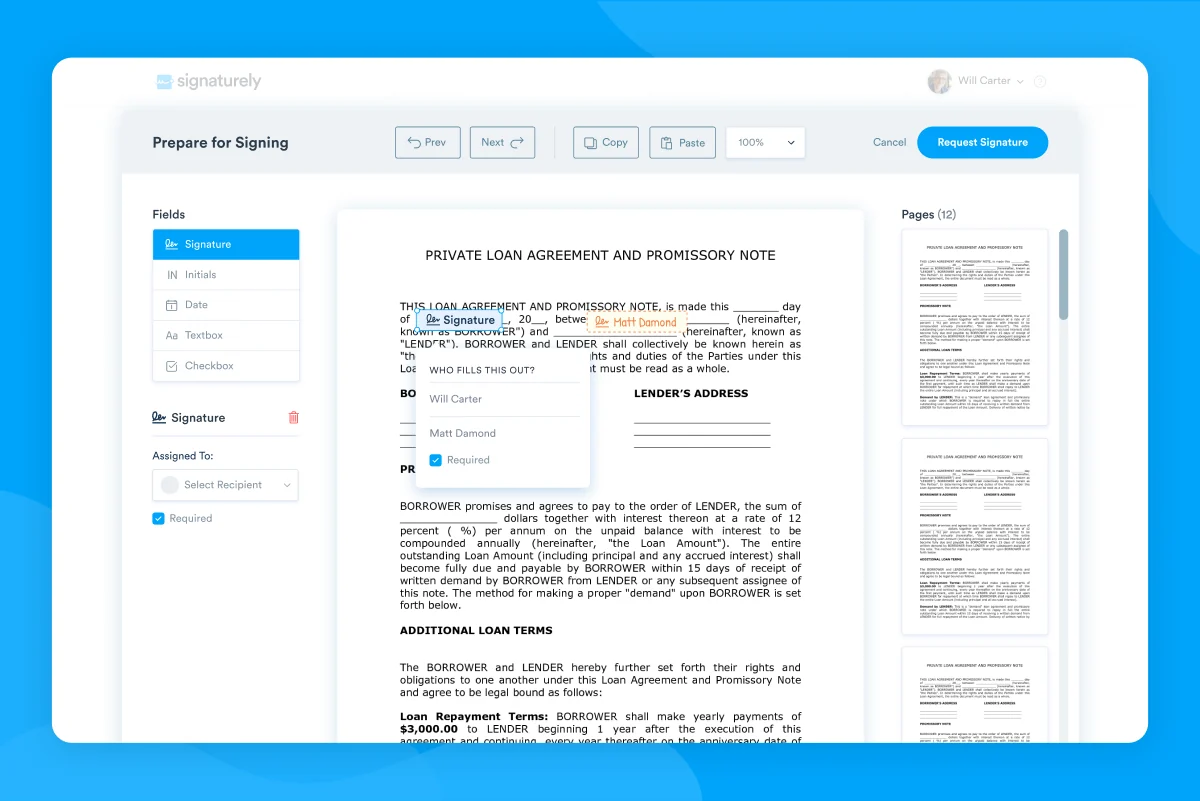
- Intuitive Online Editor: Easily add signature fields, text, dates, and other necessary elements to your documents.
- Multiple Signature Creation Options: Sign documents by typing, drawing, scanning, or uploading your signature.
- Document Storage: All signed documents are securely stored online for easy access and retrieval.
- Signature Tracking and Notifications: Monitor the status of your sent documents and receive alerts for completed signatures or outstanding requests.
- Signature Order: Set a specific order for signees to receive and sign documents sequentially.
- Legal Compliance: Signatures are legally binding and comply with current regulations, offering an audit trail for enhanced security.
- Mobile and Desktop Accessibility: Signees can access and sign documents from virtually any device.
How It Works
Getting started with Signaturely is designed to be user-friendly.
Upload or Select a Document: Begin by uploading your own document or choose from a selection of legally reviewed templates provided by Signaturely.
Prepare the Document: Use the online editor to add all necessary fields where signatures, text, or dates are required.
Send for Signature: Send the prepared document to your intended signees. Signaturely guides them through the signing process step-by-step, ensuring a smooth experience.
Track and Store: Monitor the progress of the signing process and access your securely stored documents anytime.
Use Cases
Signaturely is beneficial for a wide range of users and situations:
- Freelancers: Quickly get proposals, contracts, and invoices signed.
- Sales Teams: Streamline the process of closing deals with rapid signature acquisition.
- Agencies: Efficiently manage client agreements, project proposals, and service contracts.
- Small Businesses: Simplify onboarding documents, vendor agreements, and HR forms.
- Individuals: Handle personal agreements, lease documents, and permission slips with ease.
Integrations & Compatibility
- Signaturely offers compatibility with various cloud services for document uploading, ensuring flexibility in your workflow.
Pricing & Value
Signaturely provides a valuable solution for digital document management, offering a cost-effective alternative to traditional methods. The platform’s ability to handle unlimited documents and signatures adds significant long-term value.
Deal Details
The AppSumo deal for Signaturely typically offers lifetime access, providing a one-time purchase for ongoing access to the platform’s features. This includes all features available in all plans, ensuring comprehensive functionality. Additionally, the offer often comes with a 60-day money-back guarantee, allowing ample time to evaluate its suitability.
Quick Take
- Ideal for freelancers, sales teams, and small businesses needing a simple digital signing solution.
- Streamlines document workflows, saving time and reducing paper usage.
- Offers secure storage and legally binding electronic signatures.
FAQs
Can I track the status of a document?
Yes, Signaturely offers notifications and tracking to monitor document signing progress.
Where are my signed documents stored?
All your signed and sent documents are stored securely online within the Signaturely platform.
How do signees create their signatures?
Signees can create signatures by typing, drawing, scanning, or uploading their unique mark.
Can I use templates with Signaturely?
Yes, Signaturely provides legally reviewed templates or allows you to upload your own.
Is Signaturely legally binding?
Yes, Signaturely is designed to produce legally binding electronic signatures.
Final Thoughts
Signaturely presents a robust and user-friendly platform for anyone looking to transition their document signing processes to a digital format. Its intuitive interface, comprehensive features, and focus on legal compliance make it a compelling choice. The AppSumo deal further enhances its appeal by offering lifetime access, representing excellent value for individuals and businesses seeking an efficient and reliable digital document solution.