
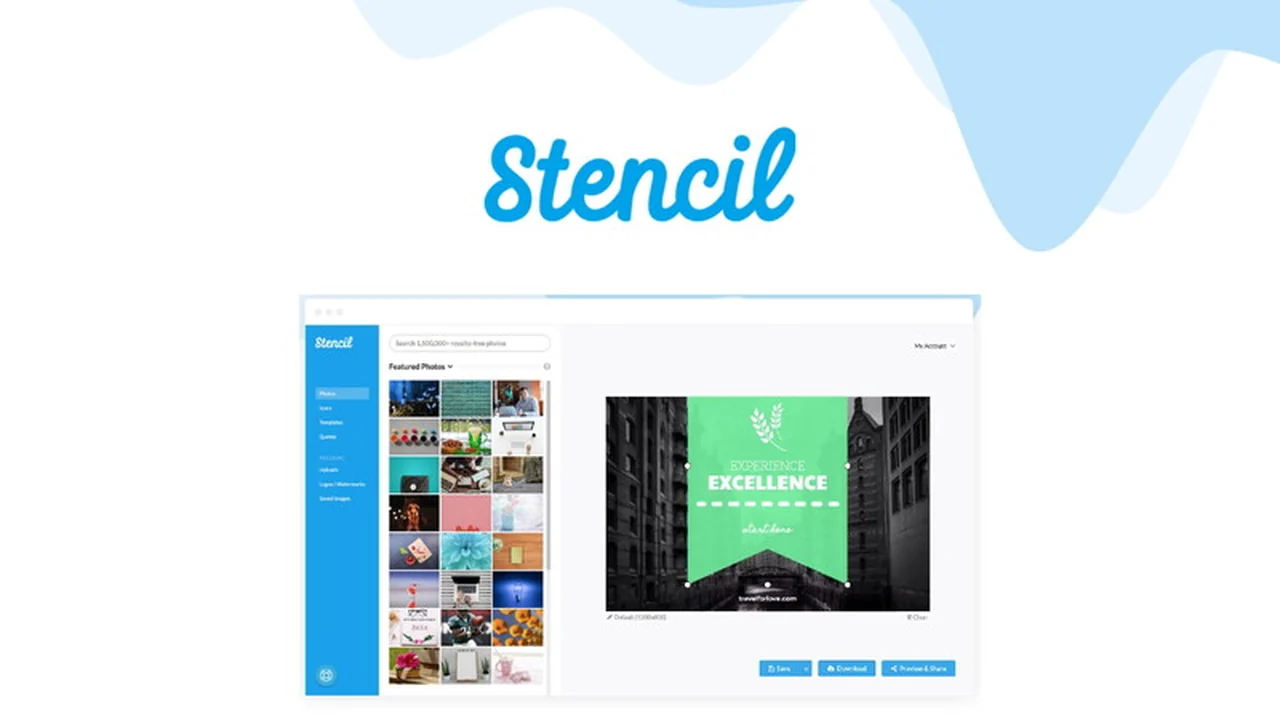
Creating eye-catching visuals for your online presence shouldn’t be a hurdle. This review explores how Stencil can transform your image creation process, even if you’re not a seasoned graphic designer.
Discover how Stencil simplifies the design workflow, enabling you to produce professional-quality graphics quickly and efficiently for all your digital marketing needs.
What is Stencil – Create and edit professional images | AppSumo
Stencil is an intuitive online image editor designed to help users create stunning graphics without a steep learning curve. It offers a streamlined approach to design, making it accessible for individuals and businesses looking to enhance their visual content across various platforms.
Key Features
- Vast Media Library: Access a comprehensive collection of stock photos, icons, and graphics to elevate your designs.
- Extensive Template Collection: Utilize a wide array of professionally designed templates as a starting point for your projects.
- Font Integration: Choose from Google Fonts and upload your own personal fonts for brand consistency.
- Customizable Dimensions: Create images with over 147 preset dimensions optimized for social media, ads, and more, or define your own.
- Brand Asset Management: Upload and store multiple logos for easy access across different projects and clients.
- Image Editing Tools: Apply filters, adjust colors, and blur images to refine your visuals.
- High-Resolution Exports: Export images in super-high resolution, including 300 dpi for print-ready needs.
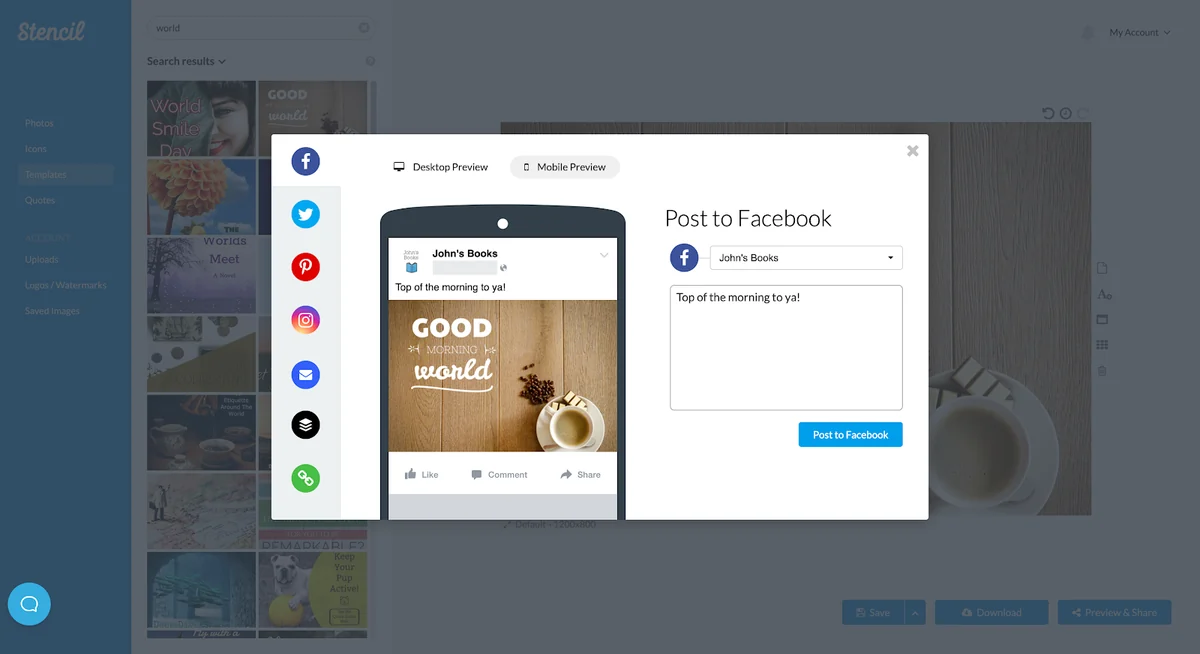
- Live Preview: See exactly how your image will look before publishing.
How It Works
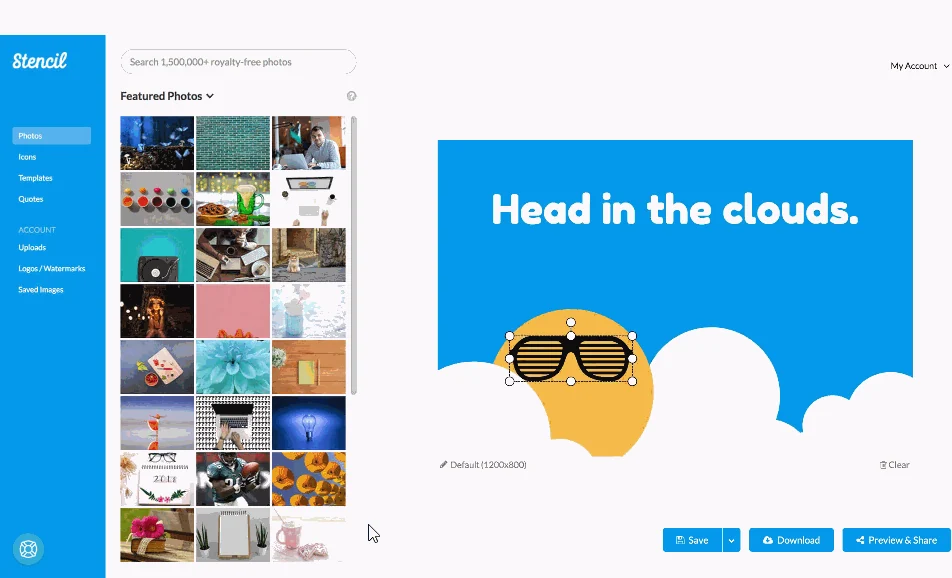
Stencil operates on a user-friendly interface that prioritizes speed and ease of use. You can begin by selecting a template or a blank canvas. Then, leverage the extensive library of photos, icons, and fonts to build your design. Advanced editing tools allow for further customization, and you can preview your work before exporting it in your desired format and size.
Use Cases
- Social media posts and ads
- Blog post images and headers
- Website banners and graphics
- Email marketing visuals
- Simple merchandise designs (t-shirts, mugs)
- Presentations and reports
Integrations & Compatibility
- Stencil offers browser extensions for Chrome and Firefox, allowing for seamless image creation directly within your web browser
- Additionally, a WordPress plugin enables you to generate graphics without leaving your WordPress editor
- The platform also integrates with Buffer for scheduling social media posts.
Pricing & Value
Stencil provides a valuable solution for individuals and small businesses seeking professional design capabilities without the expense of traditional software or hiring designers. The platform’s efficiency and comprehensive features offer significant value for money.
Deal Details
This offer typically provides lifetime access to Stencil’s features, ensuring ongoing access to updates and the full suite of tools. It is often accompanied by a 60-day money-back guarantee, allowing ample time to evaluate its suitability.
Quick Take
- Ideal for marketers, bloggers, and small business owners.
- Simplifies complex design tasks into quick, intuitive steps.
- Delivers professional-quality images efficiently.
FAQs
Is Stencil easy to learn?
Stencil is designed with an intuitive interface, making it easy for beginners to learn and use.
Does Stencil offer high-resolution exports?
Yes, Stencil supports super-high-resolution exports, including 300 dpi for print.
Can I upload my own logos?
Yes, Stencil allows you to upload and store multiple logos for easy brand integration.
What has changed since your last AppSumo deal?
New features include more premium icons, photos, templates, a WordPress plugin, and social media cover safe areas.
What’s the best use for Stencil?
Stencil is great for creating social media graphics, blog images, website visuals, and ads.
Final Thoughts
Stencil effectively addresses the need for quick and professional image creation. Its user-friendly design, extensive asset library, and practical features make it a compelling tool for anyone looking to enhance their visual content without investing significant time or resources into learning complex software. The integration options further streamline the workflow, making it a practical choice for content creators and marketers.