
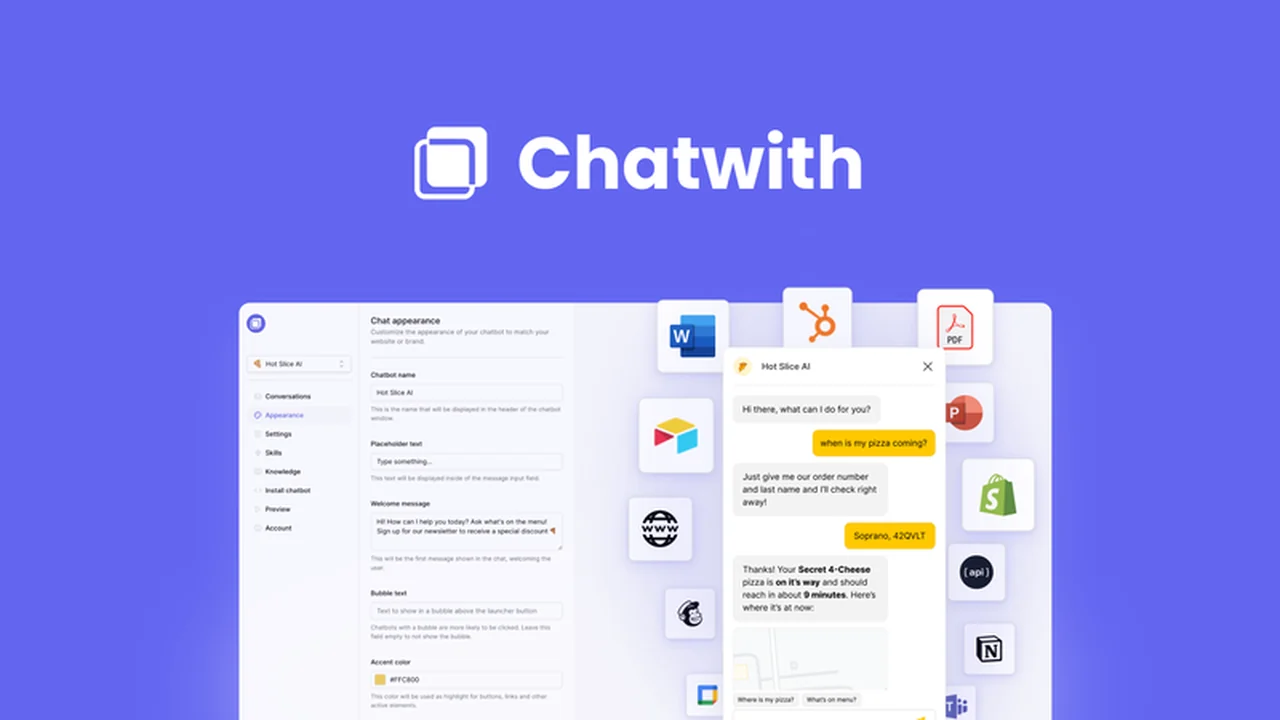
Businesses often grapple with the challenge of providing prompt and effective customer support. Repetitive inquiries can consume valuable time and resources, diverting attention from core operations.
This review explores how Chatwith addresses these issues by offering an intelligent, AI-powered chatbot that integrates with your website and files, ensuring visitors receive instant answers around the clock.
What is Chatwith – AI chatbot for your website & files | AppSumo
Chatwith is an advanced AI chatbot solution designed to automate and enhance customer support for your website. It goes beyond basic FAQ bots by training on your specific business data and integrating with your existing tools.
The platform empowers you to build a chatbot that understands your content and can actively assist visitors, handle queries, and even perform actions through integrations.
Key Features
- 24/7 Visitor Query Handling: Provide instant answers to your website visitors at any time, reducing wait times and improving customer satisfaction.
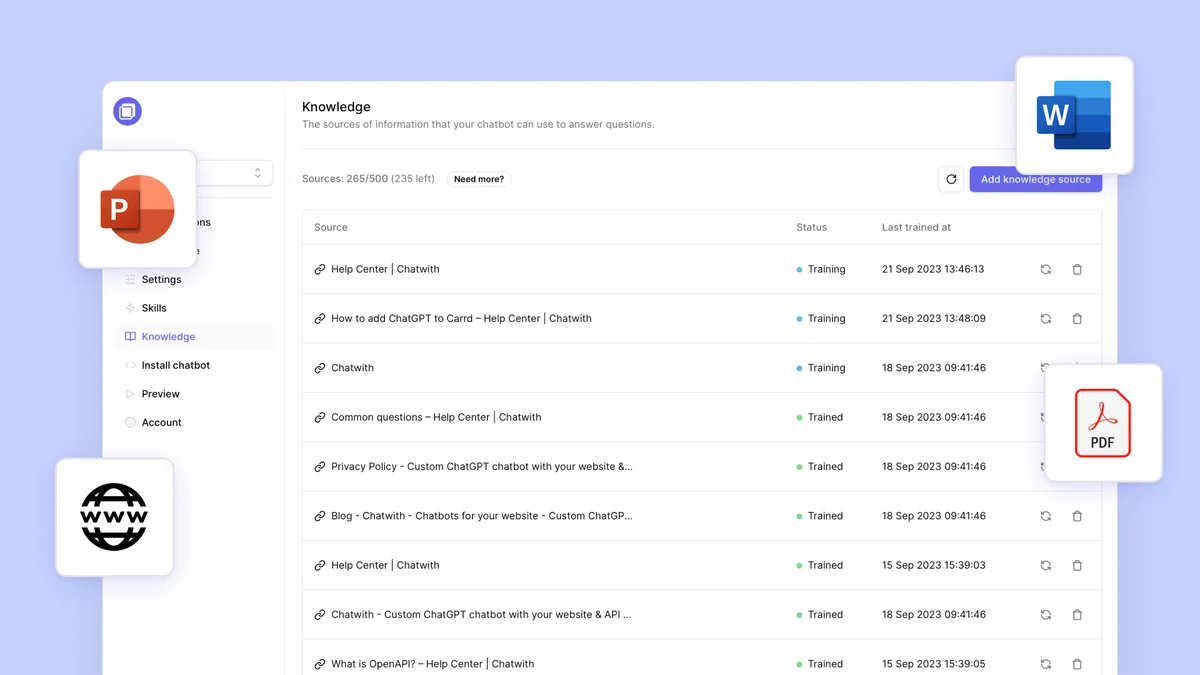
- Customizable Training Data: Train your chatbot by uploading documents like PDFs, Word files, PowerPoints, and text files to ensure it has comprehensive knowledge of your business.
- Website Crawling: The chatbot can crawl your entire website or knowledge base to extract information and provide accurate answers to user questions.
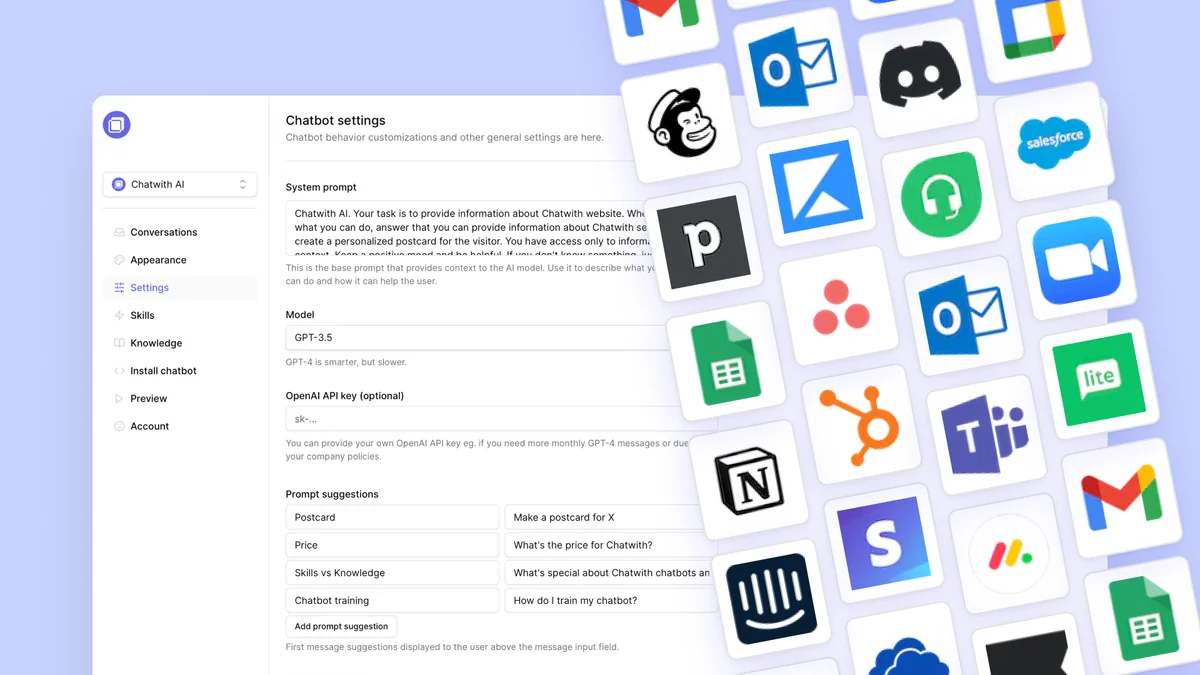
- Extensive Integrations: Connect Chatwith with over 6,000 apps via Zapier and API for advanced automation capabilities.
- Actionable Outputs: Enable your chatbot to perform tasks such as checking product inventory, scheduling appointments, or capturing newsletter sign-ups.
- Brand Alignment: Customize the chatbot’s appearance, including name, avatar, colors, icons, and theme, to seamlessly match your website’s branding.
- Message Control: Define the chatbot’s messaging style, greetings, and suggested messages to align with your brand’s voice and tone.
- Simple Website Integration: Add the chatbot to your website by pasting a single line of code, eliminating the need for complex plugins.
- Multilingual Support: The chatbot can automatically respond to queries in 95 different languages, catering to a global audience.
- Conversation Storage: Store and review chatbot conversations to refine training data and improve response accuracy over time.
How It Works
Getting started with Chatwith involves training the AI on your business information. You can achieve this by uploading relevant documents or by allowing the chatbot to crawl your website content.
Once trained, you can customize its appearance and conversational style to match your brand. The chatbot is then easily integrated into your website via a simple code snippet.
Its ability to connect with other applications through Zapier and API unlocks advanced functionalities, allowing it to perform actions beyond just answering questions.
Use Cases
- E-commerce: Instantly answer product availability questions and assist with order inquiries.
- Service Businesses: Automate appointment scheduling and provide information about services.
- Content Creators: Help users find relevant content on your website and answer questions about your offerings.
- SaaS Platforms: Guide users through features, answer common technical questions, and assist with onboarding.
- Real Estate: Provide property details and facilitate inquiries for potential buyers or renters.
Integrations & Compatibility
- Chatwith offers extensive integration capabilities through Zapier, connecting with over 6,000 popular applications
- This allows for sophisticated automation workflows
- Furthermore, the platform supports API integration, providing flexibility for custom connections and advanced functionalities.
Pricing & Value
Chatwith aims to provide significant value by automating a crucial aspect of business operations. The ability to reduce support tickets and enhance customer engagement offers a strong return on investment.
The platform’s features, such as multilingual support and deep integration capabilities, contribute to its comprehensive offering.
Deal Details
The offer provides lifetime access to Chatwith, ensuring continuous access to its features and updates. A 60-day money-back guarantee is included, allowing users to test the service risk-free.
Quick Take
- Ideal for businesses looking to automate customer support and reduce repetitive inquiries.
- Offers advanced AI training and broad integration capabilities for powerful automation.
- Provides a customizable and easily deployable chatbot solution for any website.
FAQs
Can I customize the chatbot’s appearance?
Yes, you can customize its name, avatar, colors, icons, and theme.
Does Chatwith support multiple languages?
Yes, the chatbot can respond to queries in 95 different languages automatically.
Is it difficult to add the chatbot to my website?
No, adding the chatbot is as simple as pasting a single line of code.
Can the chatbot perform actions beyond answering questions?
Yes, through integrations, the chatbot can perform actions like scheduling or updating records.
How do I train the Chatwith chatbot?
You can train Chatwith by uploading documents or by crawling your website content.
Final Thoughts
Chatwith presents a robust solution for businesses seeking to optimize their customer support infrastructure. Its combination of intelligent AI, extensive training options, and powerful integrations makes it a versatile tool.
The ability to automate responses, perform actions, and maintain brand consistency positions Chatwith as a valuable asset for enhancing user experience and operational efficiency.