
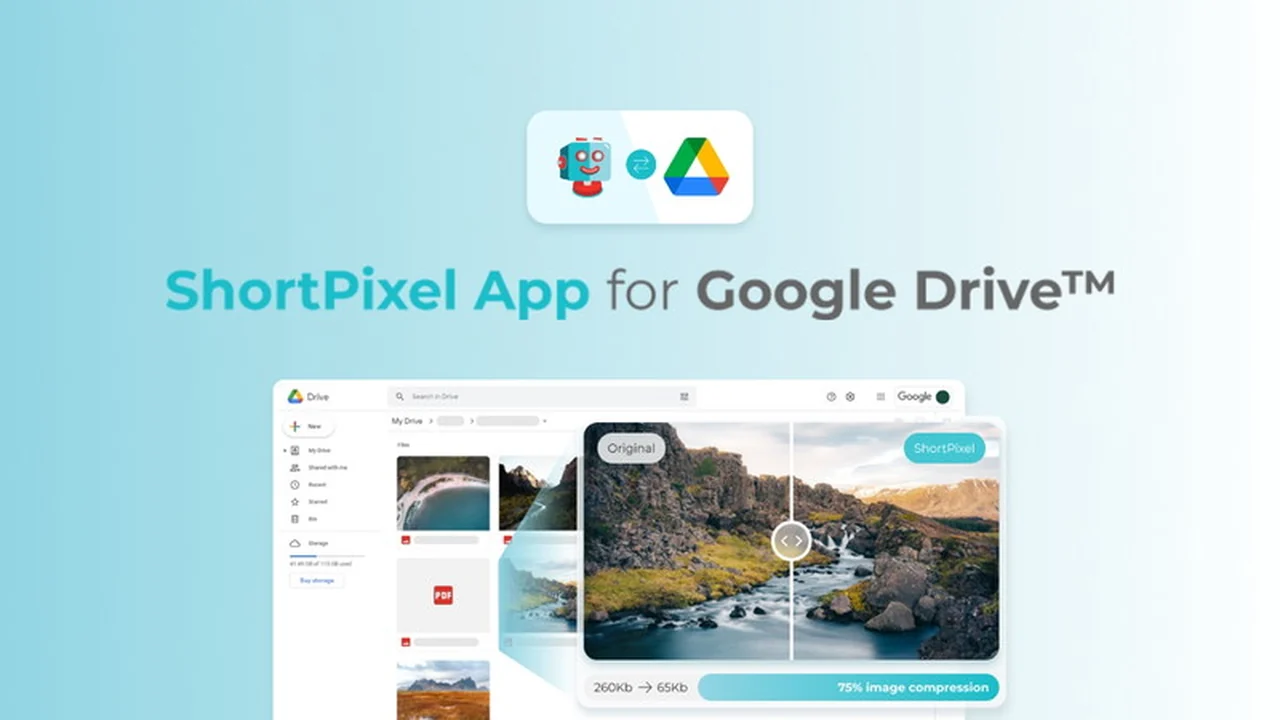
Are you constantly battling the limits of your Google Drive storage? It’s a common frustration to find yourself deleting precious files just to make room for new ones.
This comprehensive review explores how the ShortPixel Google Drive Optimizer can effectively manage your cloud storage, ensuring you maximize space without compromising on file quality or accessibility.
What is ShortPixel Google Drive Optimizer – Compress files | AppSumo
ShortPixel Google Drive Optimizer is a sophisticated yet user-friendly tool designed to help individuals and businesses reclaim valuable space within their Google Drive accounts. By intelligently compressing image and PDF files, it significantly reduces their size while preserving visual integrity. This allows users to store more files, avoid costly upgrades to larger storage plans, and maintain an organized digital workspace.
Key Features
- File Compression: Reduces the file size of images and PDFs stored in Google Drive.
- Automatic Optimization: Processes files within folders and subfolders without manual intervention.
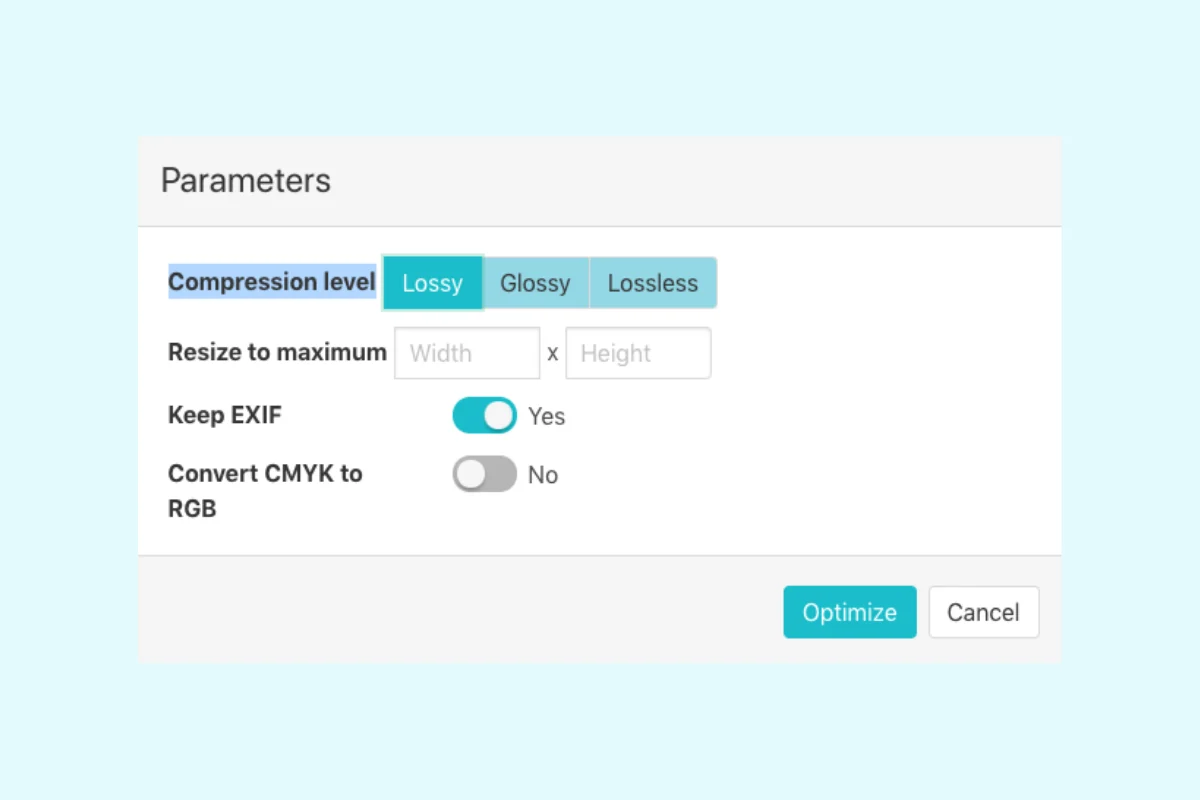
- Compression Levels: Offers Lossy, Glossy, and Lossless options for tailored compression.
- Additional Optimization Options: Includes resizing, EXIF data deletion, and CMYK to RGB conversion.
- Background Processing: Compresses files in the background, allowing you to continue working.
- Email Notifications: Informs you when optimization tasks are complete.
- File Restoration: Enables reverting to original file versions via Google Drive’s native backup.
How It Works
The ShortPixel Google Drive Optimizer operates by downloading files from your Google Drive, applying selected compression algorithms, and then re-uploading the optimized, smaller versions. The process is straightforward: users select a folder within Google Drive, choose their preferred compression settings from options like Lossy, Glossy, or Lossless, and initiate the optimization. The tool then works in the background, notifying you via email once the process is finished. For peace of mind, the original files remain accessible through Google Drive’s backup system, allowing for easy restoration if needed.
Use Cases
- Photographers: Dramatically reduce the storage footprint of large image files from photoshoots.
- Web Developers: Optimize images and PDFs for client websites, improving load times and SEO.
- Students and Educators: Free up space for research papers, presentations, and course materials.
- Small Businesses: Manage growing document archives and marketing collateral efficiently.
- Anyone with Large Media Libraries: Consolidate and shrink extensive collections of photos and PDFs.
Pricing & Value
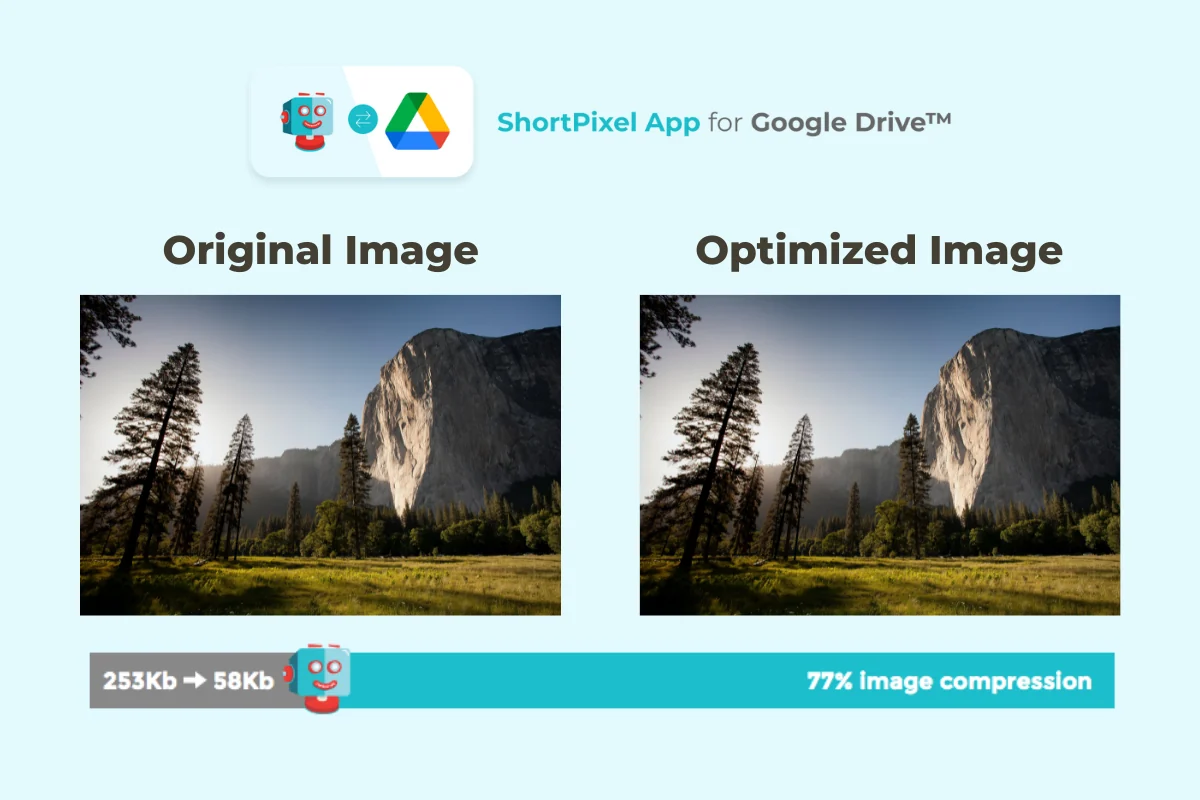
The value proposition of ShortPixel Google Drive Optimizer is its ability to significantly extend the utility of your existing Google Drive storage. By avoiding the need to purchase additional storage plans, the tool offers a cost-effective solution for managing digital assets. The ability to compress files by up to 70% or more can effectively triple or quadruple your usable storage space, representing substantial savings over time.
Deal Details
The ShortPixel Google Drive Optimizer is available through a lifetime deal on AppSumo, providing a one-time purchase for ongoing access. This typically includes a substantial amount of one-time image optimization credits and unlimited use of the Google Drive Optimizer. Past purchasers of ShortPixel deals may be able to utilize their existing credits for this service. It’s recommended to check the specific terms of the current AppSumo deal for precise details on included features and credit allocation. A 60-day money-back guarantee is usually offered, allowing ample time to evaluate the service.
Quick Take
- Ideal for users needing to manage limited Google Drive storage space.
- Offers significant file size reduction without compromising visual quality.
- A cost-effective solution to avoid purchasing additional cloud storage.
FAQs
Do I need to be actively present while files are optimizing?
No, the optimization process runs in the background, and you will be notified upon completion.
How much space can I expect to save?
Files can often be compressed by upwards of 70% without visible quality loss.
Can I revert to the original file after optimization?
Yes, you can restore the original file version through Google Drive’s native backup feature.
Does file compression affect the visual quality of my images?
No, the tool aims to compress files without noticeable loss in appearance or quality.
What types of files can ShortPixel Google Drive Optimizer compress?
It can compress images and PDF files stored within your Google Drive.
Final Thoughts
The ShortPixel Google Drive Optimizer presents a compelling solution for anyone struggling with Google Drive storage limitations. Its efficient compression technology, combined with user-friendly features like background processing and multiple optimization levels, makes reclaiming cloud space both simple and effective. By allowing users to avoid additional storage costs and maintain the integrity of their files, it proves to be a valuable asset for individuals and professionals alike.