
In today’s fast-paced digital world, clear and concise visual communication is more important than ever. Whether you’re creating tutorials, product demos, or sharing information remotely, an effective screen recording tool can be invaluable.
This review explores the ScreenToVideo – Plus exclusive offering from AppSumo, detailing its capabilities and the value it brings to users looking to simplify their video creation workflow.
What is ScreenToVideo – Plus exclusive – Record screens | AppSumo
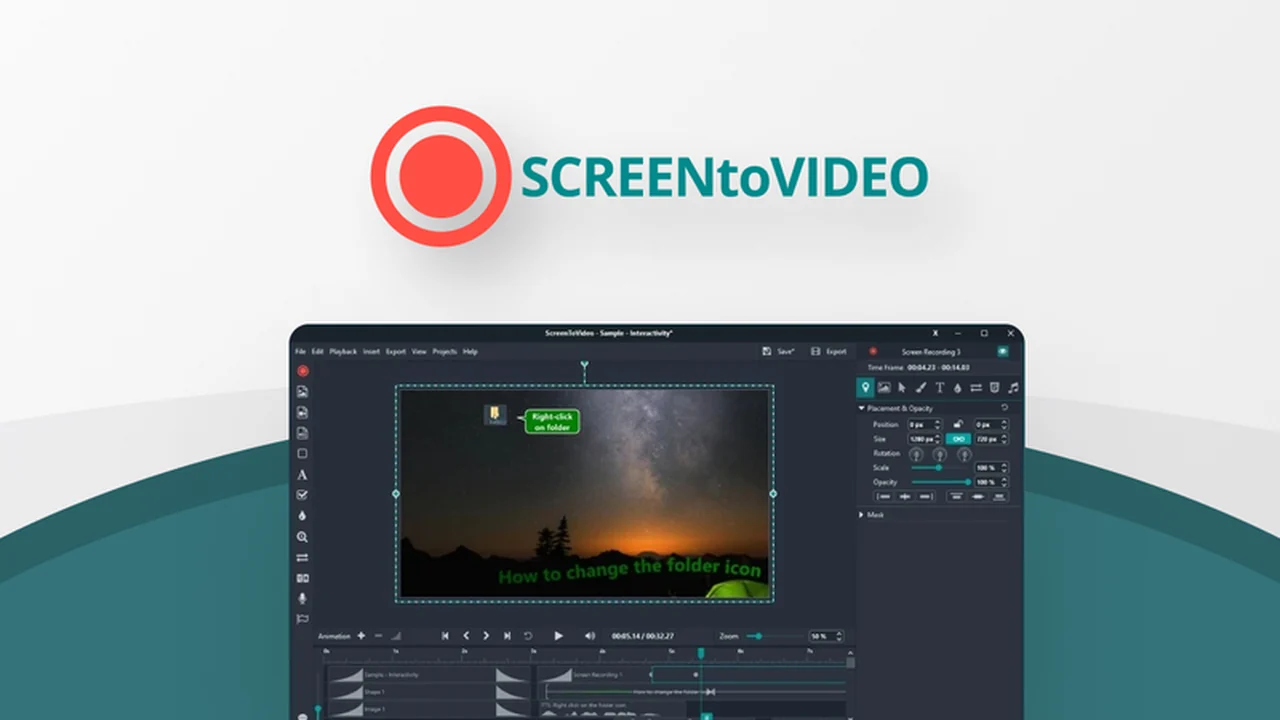
ScreenToVideo – Plus exclusive is a comprehensive solution designed for individuals and businesses who need to create engaging screen recordings and video tutorials with ease. It combines straightforward screen capture with robust editing features, enabling users to produce professional-quality content quickly.
Key Features
ScreenToVideo – Plus exclusive is packed with features to streamline the video creation process:
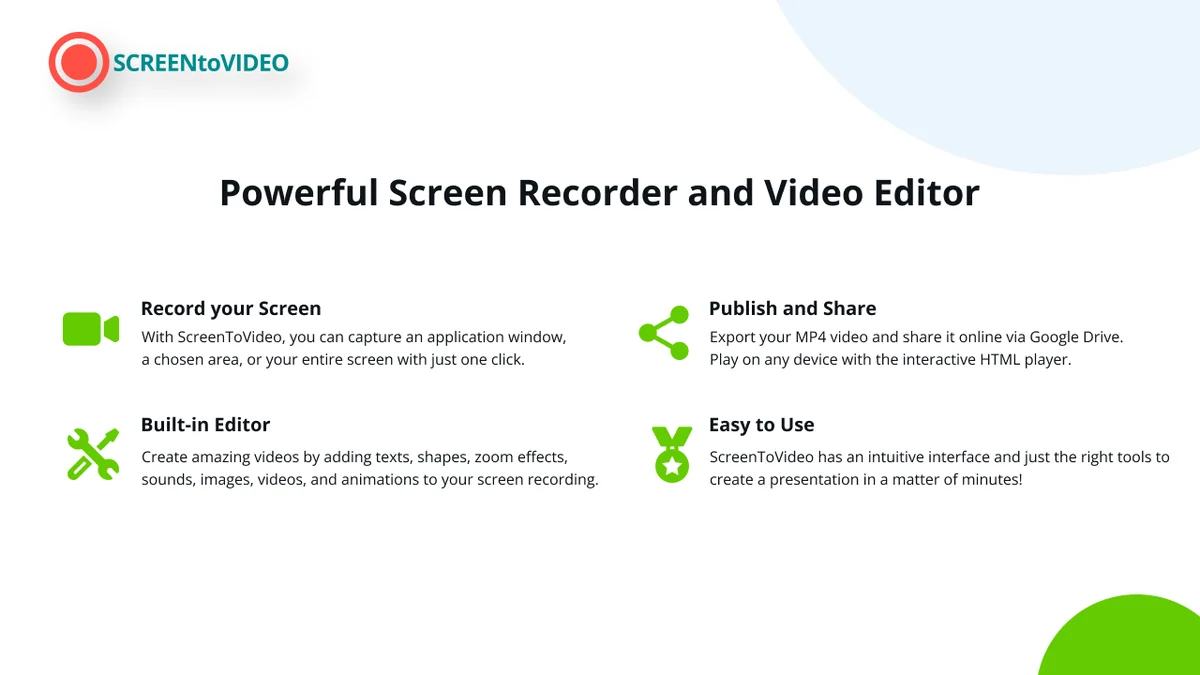
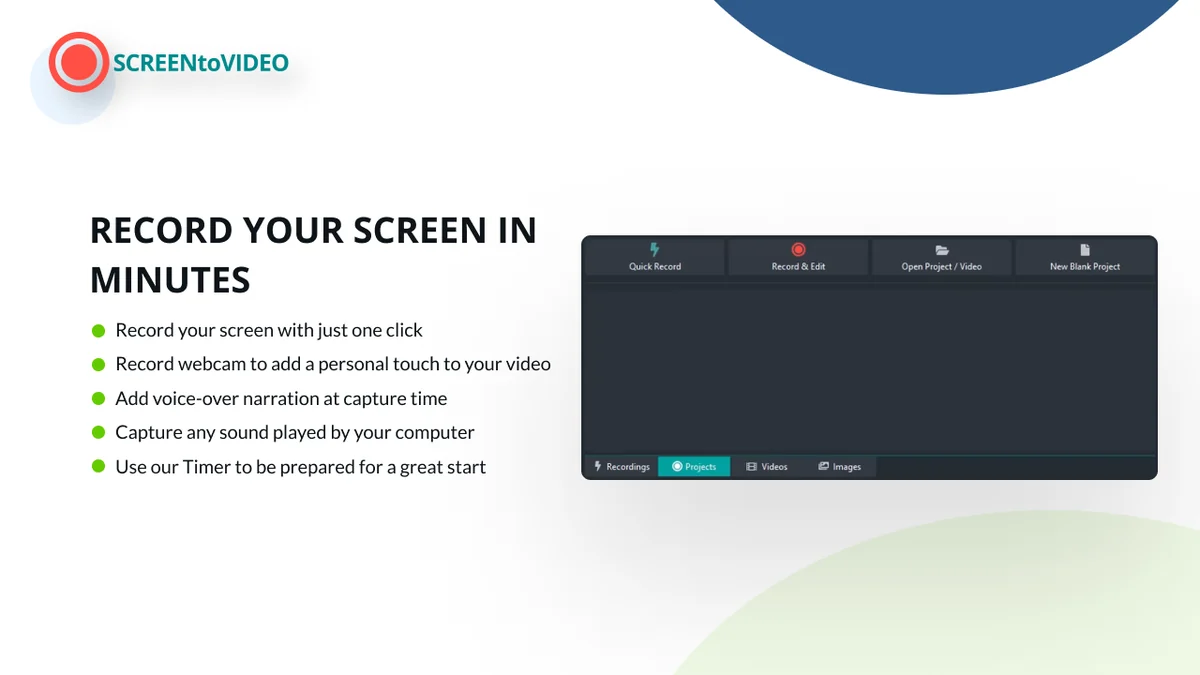
- Full-Featured Recorder and Editor: Capture your screen, webcam, microphone, and system audio simultaneously. The integrated editor allows for post-production enhancements.
- Multiple Recording Modes: Offers flexibility to suit different needs, from quick captures to detailed presentations.
- Annotation Tools: Sketch directly on your screen while recording, add text, and highlight important areas to guide your audience.
- Interactive Tutorials: The ability to annotate videos with events allows for the creation of fully interactive learning experiences publishable on your website.
- Fast Export Options: Record directly to .mp4 with minimal to no export time for immediate sharing, or choose other formats like .wmv and .gif.
- Text-to-Speech Integration: Utilizes Google and Microsoft Text-to-Speech for added narration capabilities.
- No Watermark and Unlimited Recordings: With the Plus exclusive plan, enjoy unrestricted recording and a watermark-free output.
- Lifetime Upgrades and Support: Benefit from free updates to all future versions and dedicated support from the ScreenToVideo team.
How It Works
Getting started with ScreenToVideo is designed to be intuitive. The user interface is friendly, featuring clear icons and text to guide you through each step. Simply launch the application, select your recording area, choose your audio sources, and begin capturing your screen activity. Once recorded, the built-in editor provides tools to refine your video, add annotations, transitions, and other visual elements to enhance clarity and engagement. Finally, export your finished video in your preferred format.
Use Cases
The versatility of ScreenToVideo – Plus exclusive makes it suitable for a wide range of applications:
- Educational Content Creation: Develop step-by-step tutorials for online courses, software training, or academic subjects.
- Business Demonstrations: Showcase product features, create onboarding guides for new employees, or conduct remote team training sessions.
- Customer Support: Provide clear, visual answers to common customer queries, reducing the need for lengthy text explanations.
- Personal Projects: Record gameplay, create video messages, or document personal projects.
Integrations & Compatibility
- ScreenToVideo – Plus exclusive offers integration with Google Drive for easy uploading and sharing of your recorded videos
- It supports exports to common video formats including .mp4, .wmv, and .gif, ensuring broad compatibility with various platforms and playback devices
- The tool is designed to be compatible with standard operating systems for screen recording.
Pricing & Value
The AppSumo deal for ScreenToVideo – Plus exclusive provides lifetime access to the Plus exclusive plan. This includes all future updates and support, making it a cost-effective solution compared to recurring subscription models. The ability to record unlimited videos without watermarks offers significant value for active content creators.
Deal Details
The ScreenToVideo – Plus exclusive deal on AppSumo grants lifetime access to the premium plan. Users must redeem their codes within 60 days of purchase. This offer includes all future updates and support for the Plus exclusive plan. It’s important to note that this deal is not stackable, meaning one code provides access to the lifetime plan. A 60-day money-back guarantee is also provided, allowing users to try the software risk-free.
Quick Take
- Ideal for educators, small business owners, and anyone needing to create clear video tutorials.
- Simplifies the process of screen recording and basic video editing into one easy-to-use platform.
- Offers significant long-term value with a lifetime deal and ongoing updates.
FAQs
Is there a limit to the number of recordings I can make?
No, the Plus exclusive plan offers unlimited recordings.
What video formats can I export to?
You can export to .mp4, .wmv, and .gif formats.
Can I create interactive tutorials?
Yes, you can annotate your video with events for interactive learning experiences.
Is ScreenToVideo easy to use for beginners?
Yes, the user interface is designed to be friendly with clear icons and text.
What kind of content can I record with ScreenToVideo?
You can record your screen, webcam, microphone, and system sounds in one go.
Final Thoughts
ScreenToVideo – Plus exclusive appears to be a robust and user-friendly tool for anyone looking to simplify their screen recording and video creation process. The lifetime deal offered on AppSumo presents an excellent opportunity to acquire a comprehensive solution for creating tutorials, demonstrations, and other visual content. Its combination of essential recording features, straightforward editing capabilities, and valuable lifetime access makes it a compelling option for individual creators and small teams alike.