
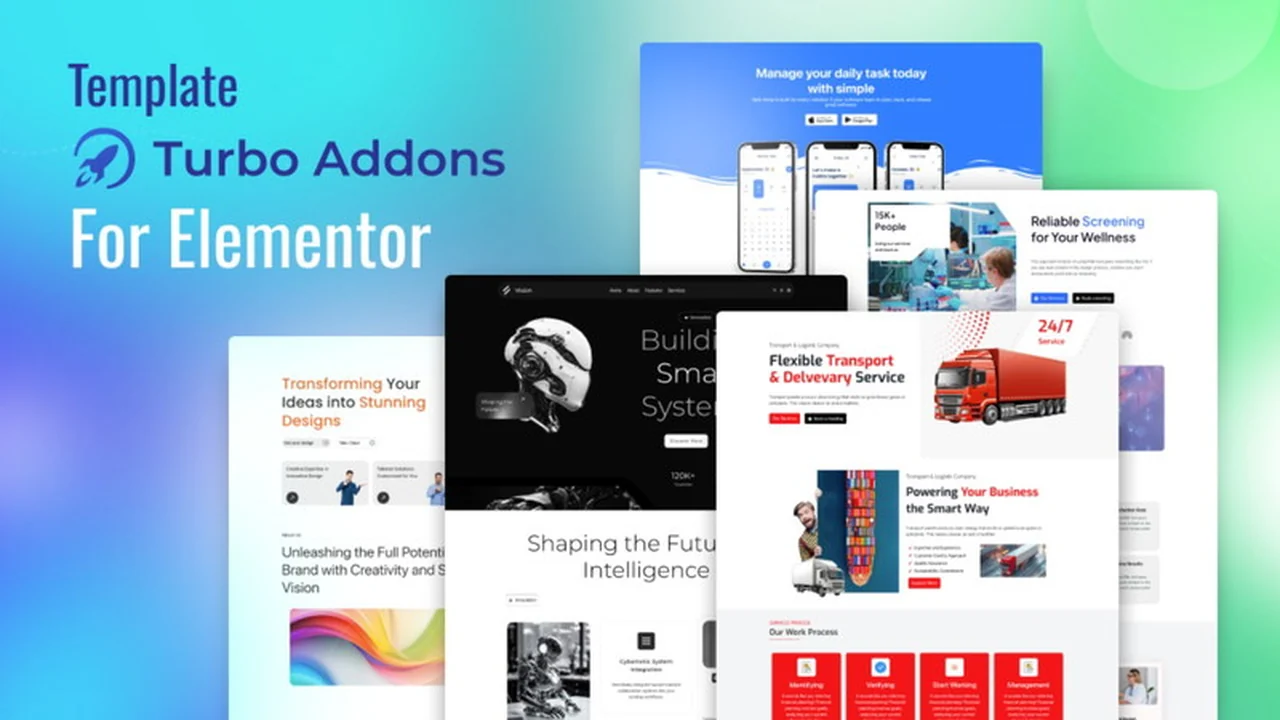
Building a truly dynamic and engaging website often requires more than the standard tools provided. While Elementor is a powerful page builder, its potential can be further unlocked with specialized add-ons.
This review dives into Turbo Addons for Elementor, a comprehensive toolkit designed to enhance your design capabilities without the need for coding. We’ll explore its features, functionality, and how it can benefit your web design workflow.
What is Turbo Addons Elementor | AppSumo
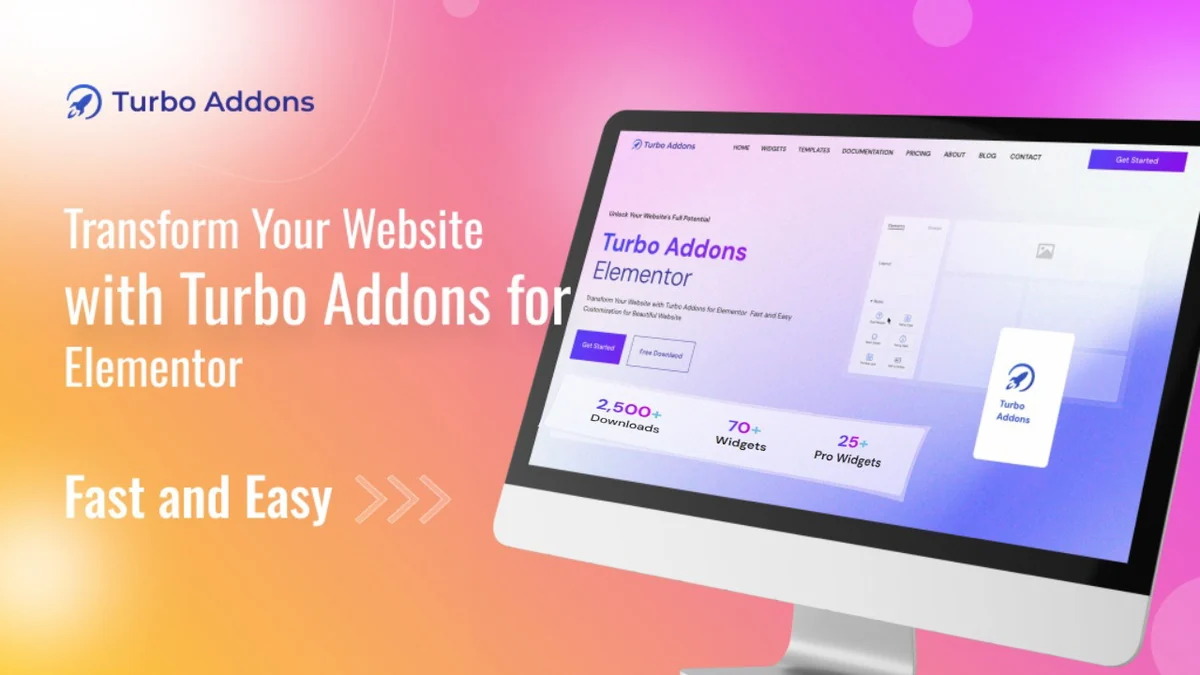
Turbo Addons is an all-in-one toolkit for Elementor users aiming to streamline their web design process. It provides a robust collection of widgets, animations, and customization options designed to elevate your website’s visual appeal and interactivity.
Key Features
Turbo Addons enhances Elementor’s functionality with a variety of features:
- Advanced Widgets: Access a powerful set of widgets to create dynamic content and interactive elements that boost user engagement.
- Pre-built Templates: Save time with ready-to-use templates for various industries, eliminating the need to start from scratch.
- No-Code Design: Build sleek, professional websites quickly and efficiently without writing any code.
- Seamless Customization: Enjoy extensive options for styling and fine-tuning your designs to match your brand aesthetic.
- Time-Saving Tools: Implement complex design elements and functionalities with ease, speeding up your overall workflow.
How It Works
Integrating Turbo Addons into your Elementor workflow is straightforward. Once activated, the new widgets and features become available directly within the Elementor editor. You can simply drag and drop these components into your pages and posts, then customize them through the familiar Elementor interface.
Widget Integration: New widgets appear in your Elementor widget panel, ready to be added to your designs.
Customization Options: Each widget offers a range of settings for styling, animations, and behavior, allowing for detailed control.
Use Cases
Turbo Addons is versatile and beneficial for a wide range of web design needs:
- Creating visually stunning landing pages with advanced animations.
- Designing interactive portfolios to showcase creative work.
- Building engaging e-commerce product displays.
- Adding unique content sections and call-to-action elements.
- Accelerating website development for agencies and freelancers.
Integrations & Compatibility
- Turbo Addons is built to work seamlessly with Elementor
- It aims to enhance the existing Elementor experience without conflicts
- Users have inquired about advanced header and footer building capabilities, and the development team has indicated plans to integrate such features, currently offering templates that can be inserted within Elementor’s header and footer builders.
Pricing & Value
The value proposition of Turbo Addons, particularly through platforms like AppSumo, lies in its potential to offer a lifetime access to a comprehensive suite of tools. This can significantly reduce the ongoing costs associated with premium website building features, making it an attractive option for budget-conscious designers and businesses.
Deal Details
The AppSumo deal for Turbo Addons typically offers lifetime access to the plugin’s features. It often comes with a 60-day money-back guarantee, allowing users ample time to evaluate its suitability for their projects. Specific terms and license tiers will be detailed on the AppSumo product page.
Quick Take
- Ideal for Elementor users seeking to expand their design toolkit without coding.
- Offers a cost-effective alternative to multiple premium add-ons or subscriptions.
- Empowers designers to create more interactive and visually appealing websites efficiently.

FAQs
Does Turbo Addons require Elementor Pro to use its templates?
Currently, templates can be inserted within Elementor’s header and footer builders, and plans are in place for further integration.
Can users save a widget globally, such as a footer widget with location, hours of operation, services, etc?
Yes, users can save widgets globally and reuse them across multiple areas and pages.
Is it possible to add image scrolling to my website?
Yes, Turbo Addons offers vertical image scrolling widgets that you can implement.
How can I create a 3D flip box effect in Elementor?
You can simply drag and drop the 3D flip box widgets provided by Turbo Addons.
Is there a way to add a sticky top bar with custom content in Elementor?
Yes, you can use the top bar widgets available in Turbo Addons.
Final Thoughts
Turbo Addons Elementor | AppSumo presents a compelling solution for anyone looking to enhance their Elementor website designs. Its extensive collection of widgets and time-saving features can significantly boost productivity and creative output. The lifetime deal aspect further solidifies its position as a valuable asset for both individual designers and agencies aiming to deliver professional and engaging websites efficiently.