
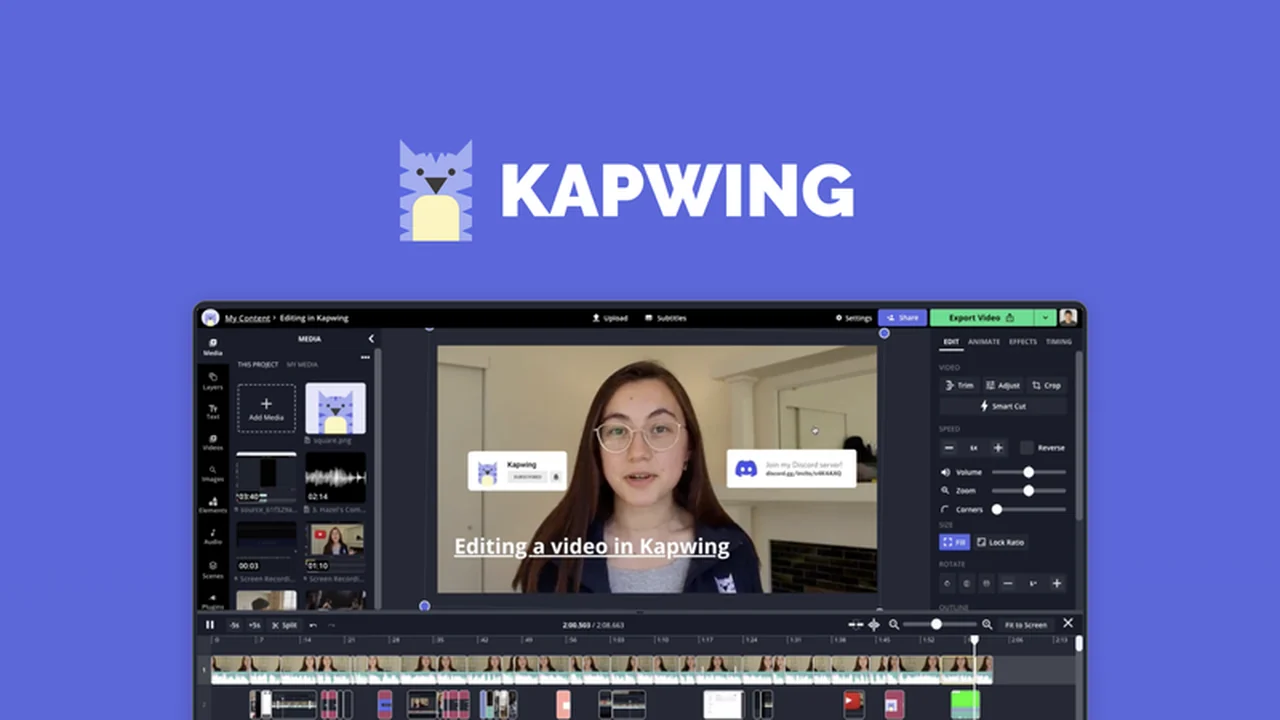
Discover a powerful online tool that simplifies video creation and editing. This review explores how Kapwing can transform your content workflow, making it easier to produce professional-looking visuals.
You’ll learn about its core functionalities, explore diverse use cases, and understand the value offered, especially through the AppSumo deal.
What is Kapwing – Create stunning visuals | AppSumo
Kapwing is an online platform designed for creating and editing stunning visual content, including videos, images, and audio. It provides a comprehensive suite of tools accessible directly through your web browser, eliminating the need for complex software installations. This makes it a versatile solution for creators and businesses looking to produce engaging media efficiently.
Key Features
- Comprehensive Editing Tools: Offers a wide range of video editing functionalities such as trimming, merging clips, adding audio, flipping videos, and applying various effects to achieve polished results.
- Blur Functionality: Enables selective blurring of video portions or entire frames to protect privacy or add a professional aesthetic to background elements, making on-screen text more prominent.
- Animated Text Video Maker: Allows for the quick creation of dynamic animated text videos. Users can upload their video, input text, choose an animation style, and position the text with drag-and-drop ease.
- Online Subtitler: Simplifies the process of adding subtitles to any video. It even features AI-generated translated subtitles, enhancing video accessibility and global reach.
- Stop Motion Maker: Facilitates the creation of professional-looking stop motion videos from existing video clips by trimming desired segments and adjusting playback speed for looping effects.
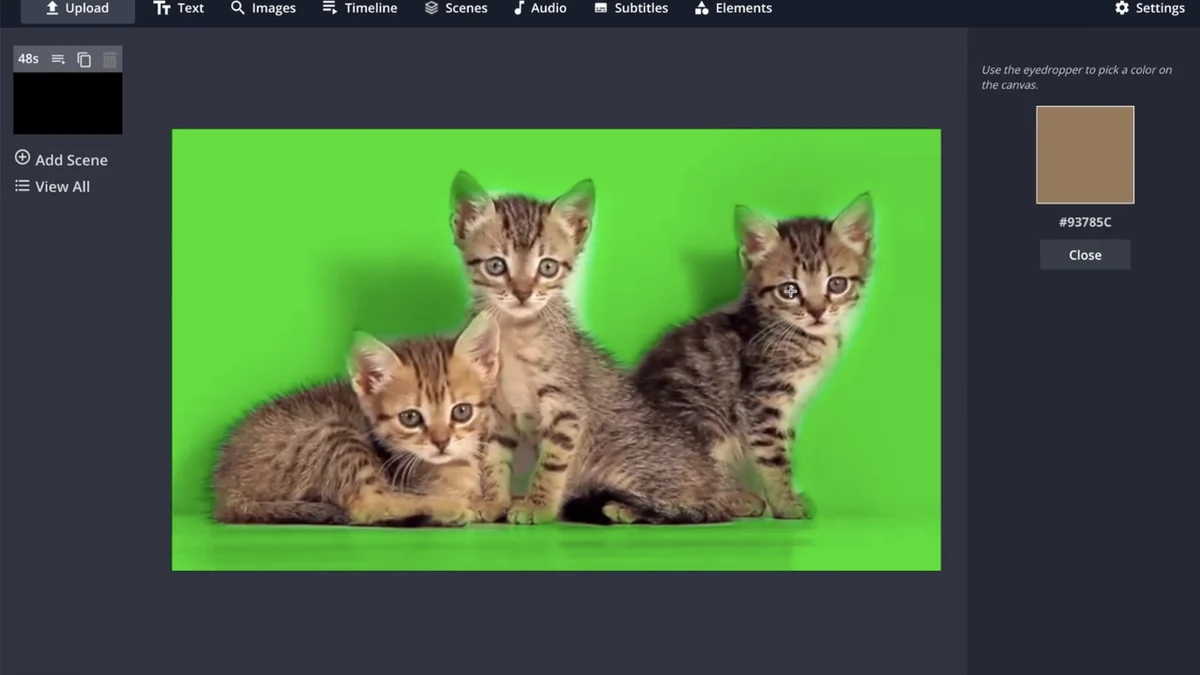
- Green Screen Video Editor: Utilizes AI technology to seamlessly replace video backgrounds, making it easy to swap out scenes in seconds.
- Smart Cut: An intelligent tool that analyzes video footage to detect and remove silent sections automatically, streamlining the editing process.
- Embeddable iFrame Code: After editing, Kapwing allows you to generate an iFrame code snippet to host and embed your videos directly onto your website, compatible with most CMS platforms.
How It Works
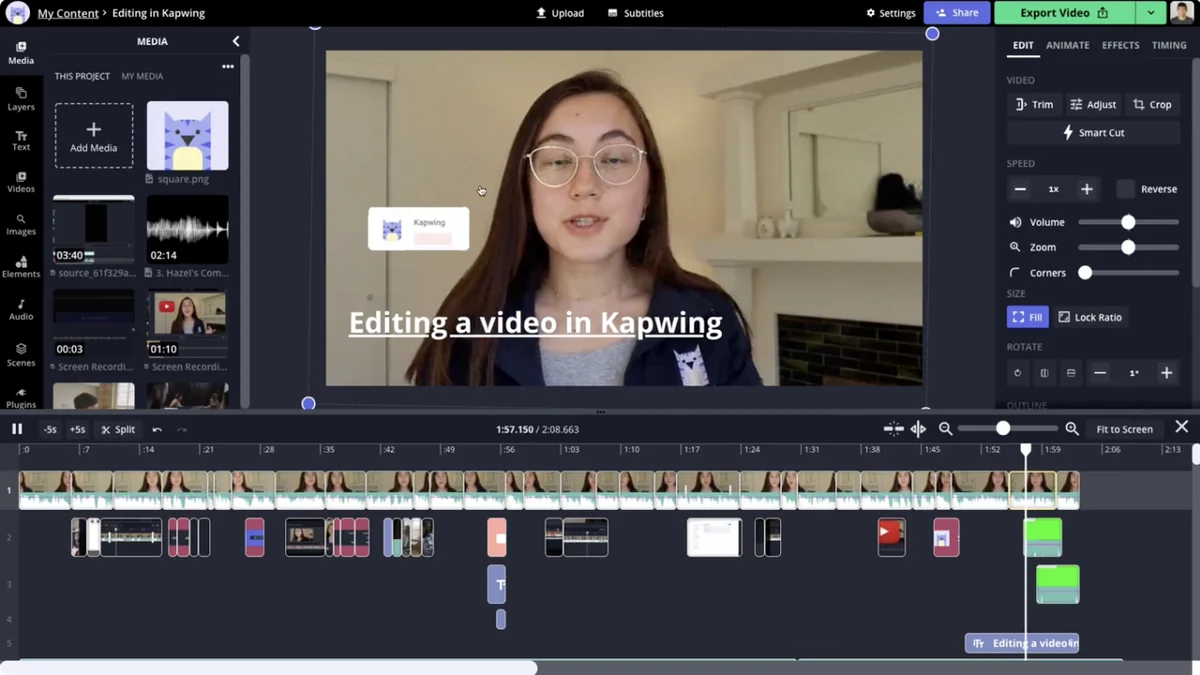
Kapwing operates entirely online, meaning you can start creating and editing from any device with internet access. The platform is intuitive, allowing you to upload your media files directly into the editor. You can then access a variety of tools to manipulate your content, from basic cuts and trims to advanced effects and text animations. Once your project is complete, you can export it in various formats or generate embeddable code to share your work across the web.
Use Cases
- Social Media Content: Quickly create engaging videos with animated text, subtitles, and dynamic effects for platforms like TikTok, Instagram, and Facebook.
- Marketing and Advertising: Produce professional promotional videos, product demonstrations, and ad creatives with ease, leveraging features like green screen and smart editing.
- Educational Content: Develop explainer videos, tutorials, and lectures, enhancing them with clear subtitles and visually appealing graphics.
- Personal Projects: Edit home videos, create slideshows, or experiment with stop motion animation for personal enjoyment.
- Website Integration: Embed video content seamlessly into your blog posts or website pages using the provided iFrame code.
Integrations & Compatibility
- This platform is designed to be accessible across various devices and operating systems due to its cloud-based nature
- The generated embeddable iFrame code is compatible with any content management system that supports custom embedded code, including popular platforms like Squarespace and Shopify.
Pricing & Value
Kapwing offers various plans to suit different needs. The AppSumo deal, in particular, provides exceptional value by granting lifetime access to its features. This allows users to benefit from a powerful editing suite without recurring monthly costs, making professional video creation more accessible.
Deal Details
The AppSumo deal for Kapwing offers lifetime access to its comprehensive suite of tools. This includes the ability to transcribe up to 20 minutes of video for free and publish up to 3 hours of video per month. All tools are accessible, even on the free plan, and your purchased assets are yours forever if downloaded and saved within 60 days of purchase.
Quick Take
- Ideal for content creators, marketers, and small businesses needing an accessible and robust online video editor.
- Offers a wide array of features, from basic editing to advanced AI-powered tools, for professional-quality results.
- The AppSumo lifetime deal presents significant cost savings and long-term value for ongoing visual content production.
FAQs
What kind of content can I create with Kapwing?
You can create videos, animated text, stop motion, and add subtitles to your content.
Does Kapwing offer collaboration features?
Yes, Kapwing supports fast and collaborative video editing for teams.
Can I use Kapwing on my mobile device?
Absolutely, Kapwing is web-based and can be accessed from any device with an internet connection.
Is Kapwing easy to use for beginners?
Yes, Kapwing’s intuitive interface makes it accessible for users with little to no prior editing experience.
What is Kapwing?
Kapwing is an online platform for creating and editing videos, images, and audio.
Final Thoughts
Kapwing, especially through the AppSumo deal, stands out as a remarkably versatile and user-friendly online video editing solution. Its extensive feature set, from intelligent cutting to AI-driven subtitling and background replacement, empowers users to produce high-quality visual content efficiently. The accessibility of the platform across devices and its straightforward workflow make it a compelling choice for anyone looking to elevate their video creation capabilities without a steep learning curve or ongoing financial burden.