
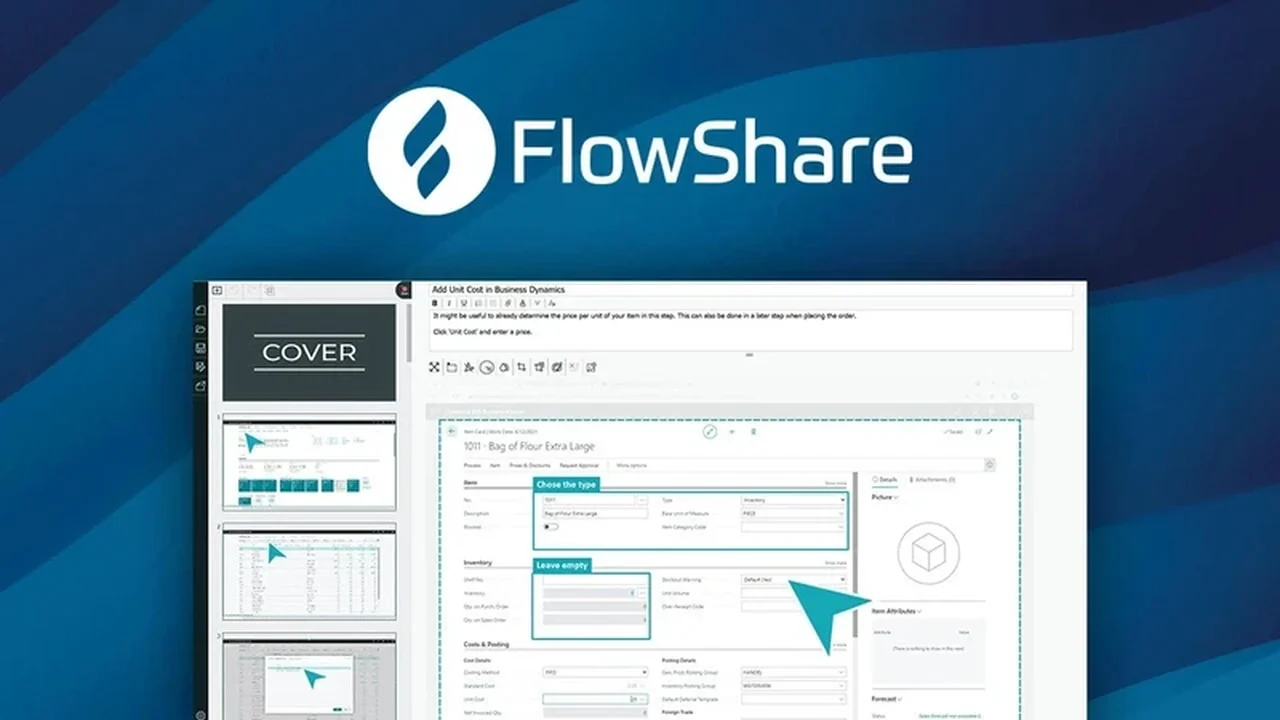
If you’re considering FlowShare Express – Plus exclusive, this review breaks down what it does, how it works, and who it’s best for.
You’ll also get a clear feature rundown, practical use-cases, and a quick decision guide before you commit.
Discover FlowShare Express – Plus Exclusive | AppSumo
Creating detailed step-by-step guides for processes used to be a time-consuming chore. FlowShare Express aims to change that by offering an intuitive and efficient solution for documenting any desktop or browser application.
This review dives into the core functionalities, practical applications, and overall value of the FlowShare Express – Plus exclusive deal available on AppSumo, helping you understand if it fits your workflow.
What is FlowShare Express – Plus exclusive | AppSumo
FlowShare Express is a desktop software designed for Windows users to capture processes and generate step-by-step guides. It acts as a comprehensive tool, similar to a Swiss army knife, for creating visual documentation. Developed by miraminds, a company with a solid customer base in Europe, FlowShare Express is built for effectiveness and ease of use.
Key Features
- Automatic Process Capture: Records your actions across desktop and browser applications, including custom ones.
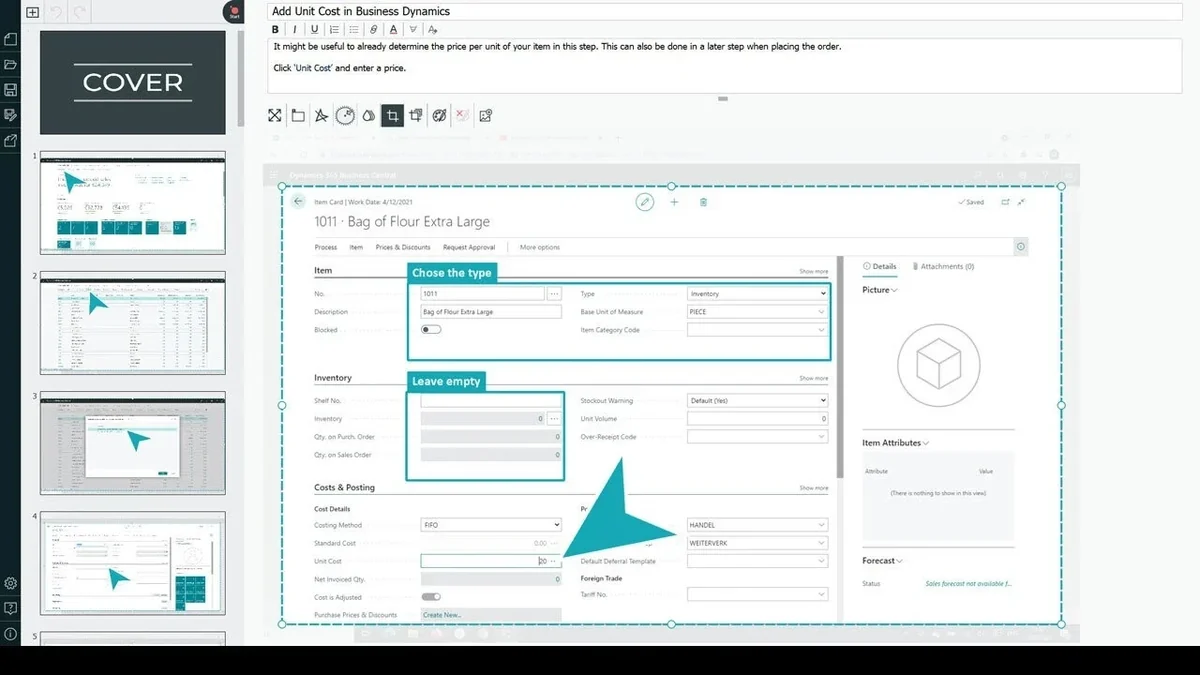
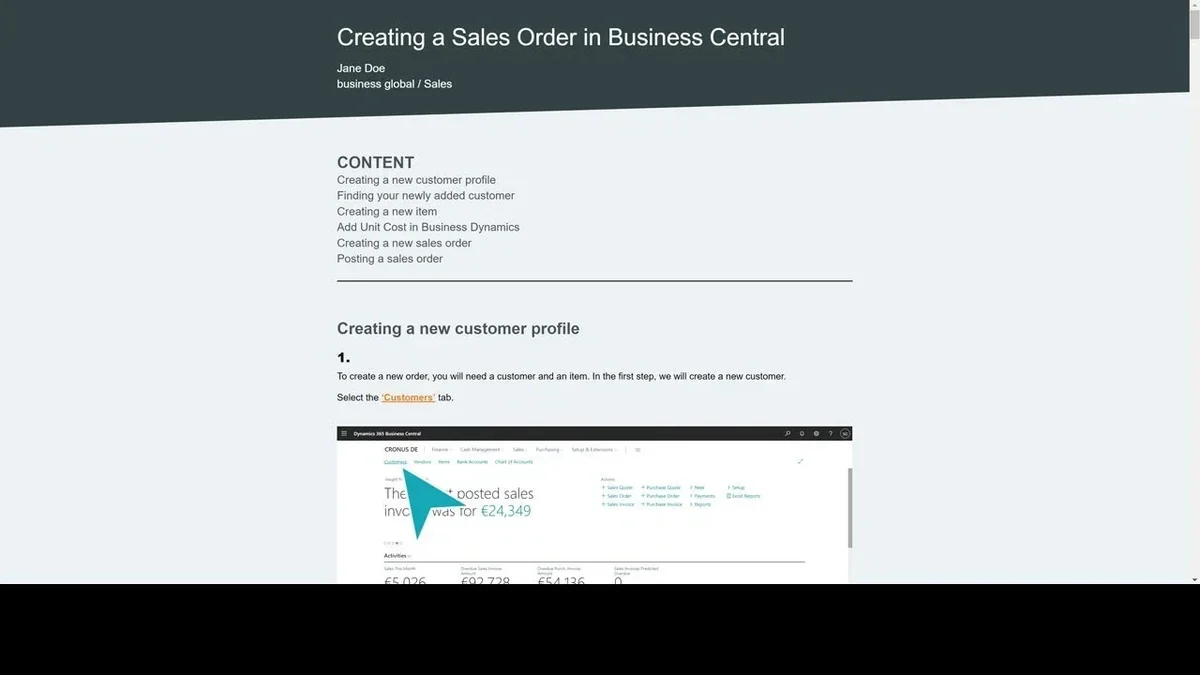
- Step-by-Step Guide Creation: Automatically generates visual guides with screenshots and annotations for each step.
- Customizable Elements: Offers various arrow shapes and the ability to adjust their size for clearer visual direction. (Version 2.10.5 update introduced Minimal, Cursor, White Cursor, and Grunge arrow shapes.)
- Error Correction: Includes fixes for minor errors in exported documents.
- Local Operation: Operates entirely offline on your device, ensuring your captured data remains private.
- Lifetime Support: The company commits to supporting FlowShare Express for the long term.
How It Works
Once installed on your Windows device, FlowShare Express begins capturing your screen interactions as you navigate through a software process. Each click, keystroke, or action is recorded and automatically transformed into a visual step within a guide. You can then refine these steps, add text, and select preferred visual elements like arrow styles to create polished documentation.
Use Cases
- Onboarding new employees by documenting standard operating procedures.
- Creating internal knowledge base articles for common IT issues.
- Developing tutorials for software features or complex workflows.
- Documenting processes that are performed infrequently.
- Sharing instructions with family or friends for technical tasks.
Integrations & Compatibility
- FlowShare Express is a Windows-only application and is not compatible with macOS
- It functions as a standalone desktop software, meaning it does not require a constant internet connection for operation after installation and activation
- The activation process involves entering unique codes provided with the AppSumo deal into the software’s settings.
Pricing & Value
The FlowShare Express – Plus exclusive deal through AppSumo offers a significant value proposition for individuals and businesses needing to create documentation efficiently. By providing a lifetime license, it eliminates recurring subscription costs, making it a cost-effective solution for ongoing documentation needs.
Deal Details
The AppSumo deal for FlowShare Express – Plus exclusive typically includes a lifetime license to the software. Users are granted a 60-day money-back guarantee, allowing ample time to test the software’s suitability for their specific requirements. Activation is managed via codes entered directly into the desktop application, with the flexibility to deactivate and reactivate on different devices if needed.
Quick Take
- Ideal for Windows users who frequently need to create step-by-step visual guides for software or processes.
- Aims to drastically reduce the time and effort involved in manual documentation.
- Offers a one-time purchase with lifetime access, providing long-term cost savings.
FAQs
Is my captured data kept private?
Yes, whatever is captured on your device stays on your device unless you choose to share it.
What happens if I switch computers?
You will need to deactivate your code on the old device to use it on a new one.
Is FlowShare Express compatible with Mac?
No, FlowShare Express is exclusively a Windows-only application.
How do I upgrade to the Pro version from the LTD?
Information regarding upgrading from the LTD to a Pro version is best obtained directly from the vendor.
Can I make the screenshots larger in FlowShare Express?
The ability to enlarge screenshots and other display options are areas for potential enhancement.
Final Thoughts
FlowShare Express – Plus exclusive | AppSumo presents a compelling solution for anyone tired of the tedious nature of manual process documentation. Its automatic capture and guide generation capabilities streamline the creation of instructional materials, saving valuable time. While some users have noted areas for improvement, such as display flexibility and occasional performance quirks, the core functionality is robust. For Windows users seeking an efficient and cost-effective documentation tool, this lifetime deal is certainly worth considering.