
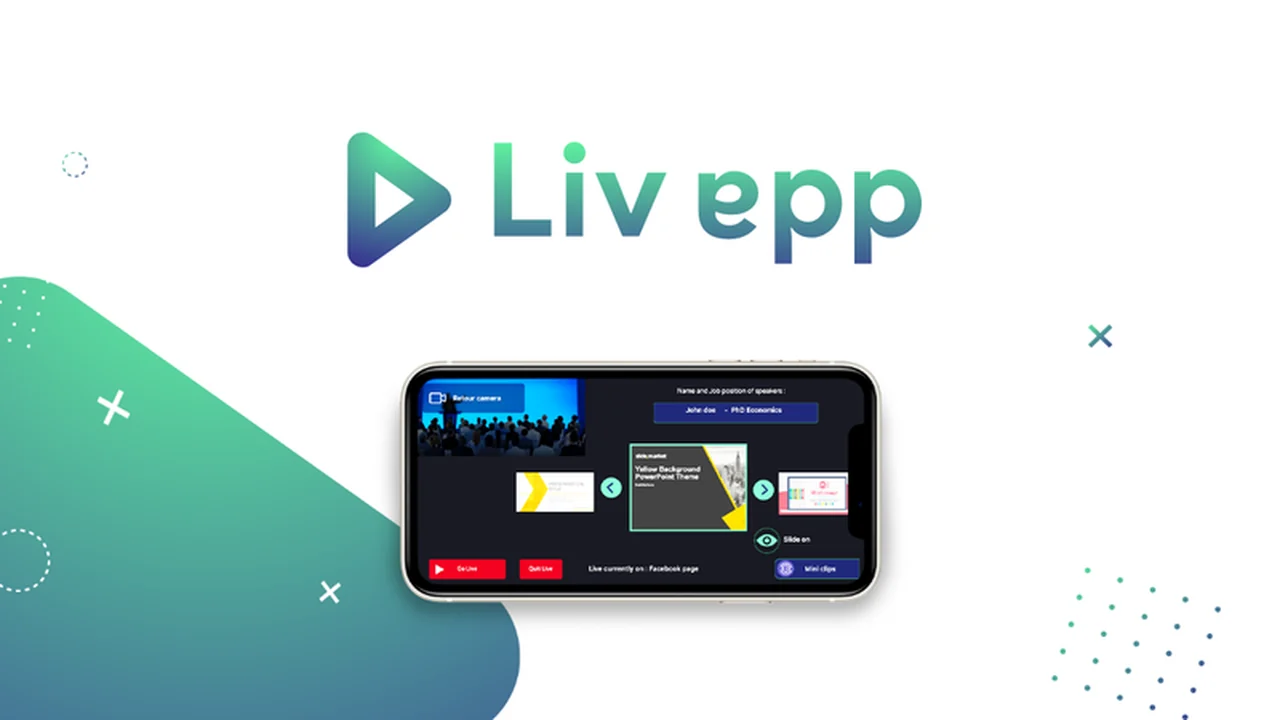
Livestreaming presentations and meetings can often feel complex, requiring intricate software and camera setups. This process can distract from the core message you want to deliver to your audience.
This review explores Livapp, a solution designed to simplify broadcasting by allowing easy embedding of presentations and other content directly into your live video streams, making your broadcasts more engaging and professional.
What is Livapp – Broadcast embedded video content live | AppSumo
Livapp is a tool that aims to revolutionize live broadcasting by enabling users to seamlessly embed video content, such as presentations and graphics, into their live streams. It’s designed for individuals and businesses who want to enhance their online presence with professional-looking live broadcasts without a steep learning curve.
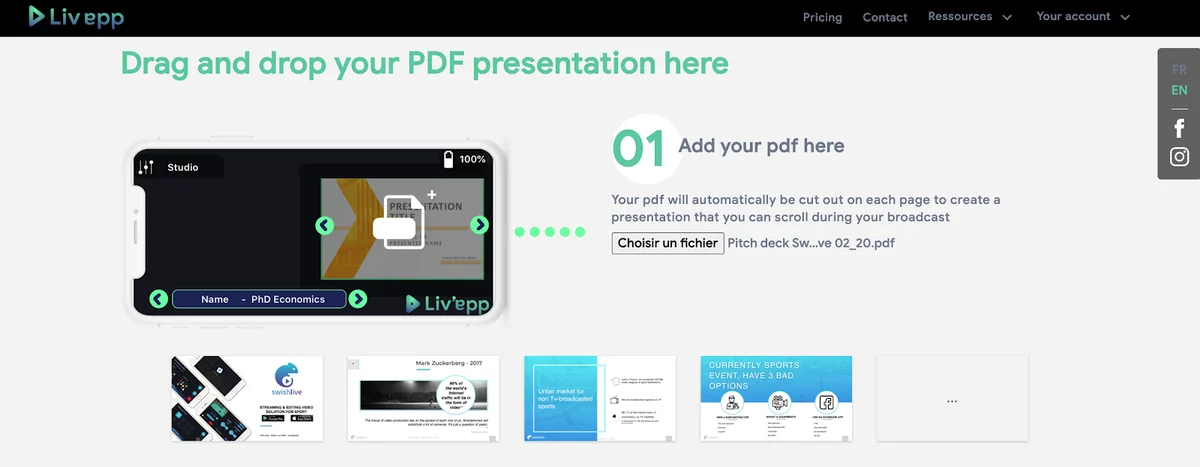
The platform allows for drag-and-drop functionality for uploads and provides mobile app control during live sessions, focusing on making the process intuitive and accessible from anywhere.
Key Features
- Embedded Content Integration: Easily add slideshow presentations, logos, speaker names, and other visual elements to your live video.
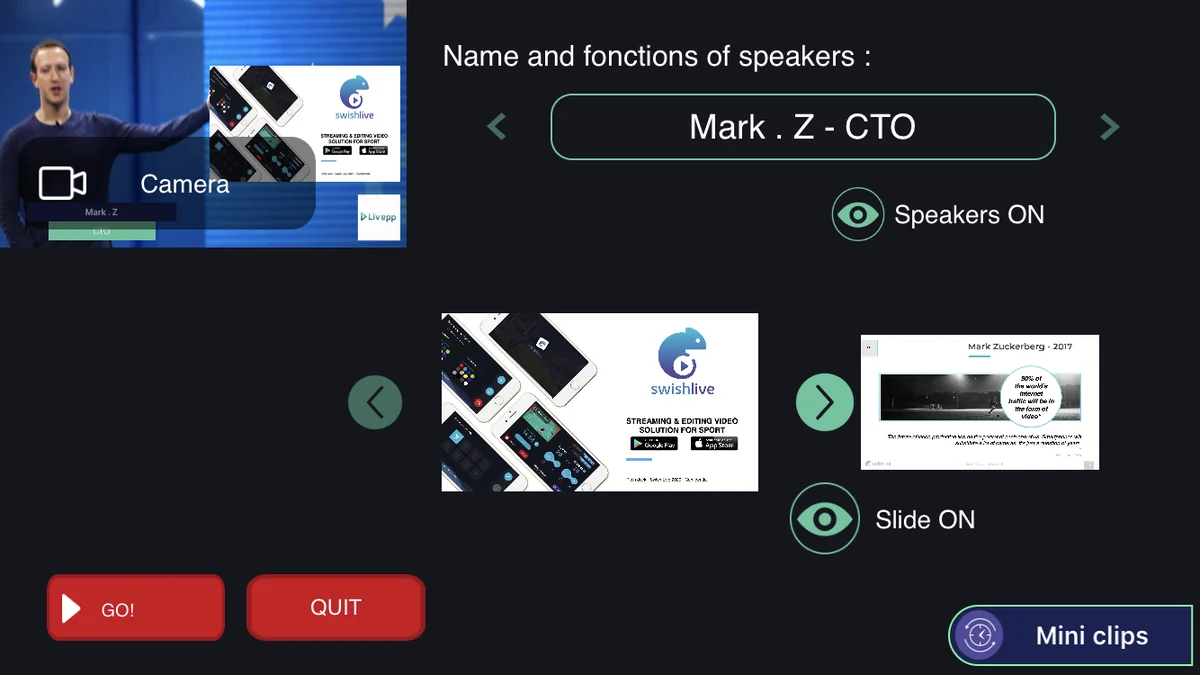
- Mobile App Control: Manage and switch between uploaded inlays and content in real-time using a mobile application.
- HD Streaming: Broadcast your live streams in high definition across popular platforms like Facebook and YouTube, as well as on your own website.
- Local Recording: Capture your live video in full HD directly to your phone for later upload or backup, ensuring you never lose your content.
- Remote Control Functionality: Link a second phone to remotely manage embedded content, allowing for collaborative broadcasting.
- Mini Clips: Quickly select and record short segments of your live broadcast (30 seconds before and after a click) to create shareable highlights.
- Camera Zoom and Full Screen View: Utilize camera zoom features and view inlays in full screen to tailor the audience’s viewing experience.
How It Works
Livapp simplifies the broadcasting process into a few straightforward steps. First, users upload their desired content, such as slides and logos, to the Livapp.fr platform.
Once uploaded, these elements are synchronized with the Livapp mobile app. During a live broadcast, you can then select, display, and hide these inlays as needed directly from your mobile device, ensuring dynamic content delivery.
Use Cases
- Online Educators: Presenting online courses or webinars with integrated slides and visual aids.
- Business Professionals: Hosting live meetings, product demos, or virtual conferences with embedded company branding and presentation materials.
- Content Creators: Enhancing live streams with graphics, lower thirds, and calls to action for improved audience engagement.
- Event Organizers: Broadcasting live events with on-screen information and sponsor logos.
Pricing & Value
Livapp offers a lifetime access deal, providing continuous use of the platform’s features for a one-time payment. This model is particularly appealing for users who anticipate regular use of live streaming capabilities.
The value proposition lies in gaining professional broadcasting tools without recurring subscription fees, making it a cost-effective solution for many individuals and small businesses.
Deal Details
This deal grants lifetime access to Livapp. It comes with a 60-day money-back guarantee, allowing users to test the platform thoroughly to ensure it meets their streaming needs.
Users can broadcast live with embedded content, utilize mobile app control, and benefit from HD streaming and local recording features under this lifetime plan.
Quick Take
- Ideal for educators, business professionals, and content creators seeking a simplified live streaming solution.
- Offers easy embedding of presentations and branding with intuitive mobile control.
- Provides a cost-effective, lifetime access option for professional-grade broadcasts.
FAQs
Can you give us clear instructions on embedding a live stream on a WordPress website?
Embedding instructions are usually provided within the platform’s documentation or support resources.
Is there a way to present full-screen the presentation uploaded?
Yes, the platform allows for full-screen viewing of uploaded inlays during broadcasts.
How can I delete a PDF presentation previously uploaded?
Managing uploaded files is typically handled through the main platform interface.
Where’s the complete walkthrough tutorial for this to use?
Information regarding specific tutorials should be sought directly from the provider’s support channels.
Can I use 2 cameras (iPhone and iPad) and switch between them?
The platform’s primary focus is on managing embedded content for a single video feed.
Final Thoughts
Livapp presents a compelling option for those looking to elevate their live streaming quality and engagement. The ability to integrate presentations and other visual elements directly into a live feed, controlled via a mobile app, significantly streamlines the production process.
Its focus on ease of use, coupled with features like HD streaming and the ability to create mini clips, makes it a valuable tool for a variety of professional and creative broadcasting needs.