
Editing photos can often be a time-consuming part of the creative process, even for seasoned photographers. Many hours can be dedicated to tweaking settings and making adjustments to achieve the desired look.
This review explores Luminar, a photo editing application available through AppSumo, designed to streamline this workflow. Discover how its AI-powered features can significantly reduce editing time and elevate your images.
What is Luminar – Quickly edit photos like a pro | AppSumo
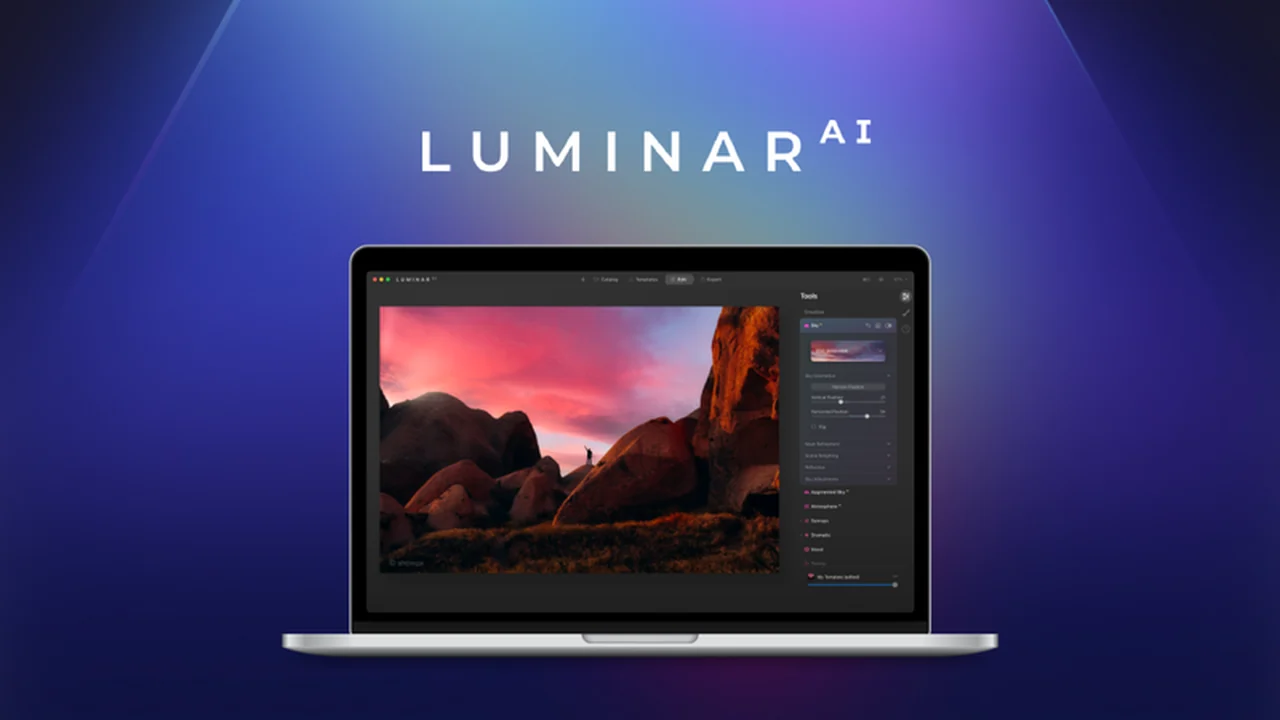
Luminar is a photo editing software that utilizes artificial intelligence to assist users in achieving professional-quality results with remarkable speed. It offers a suite of AI-driven tools and one-click templates that simplify complex editing tasks, making it accessible for both beginners and experienced photographers.
The core philosophy behind Luminar is to empower users to bring their visual ideas to life efficiently, reducing the hours typically spent on manual adjustments and allowing more time for creative exploration and content creation.
Key Features
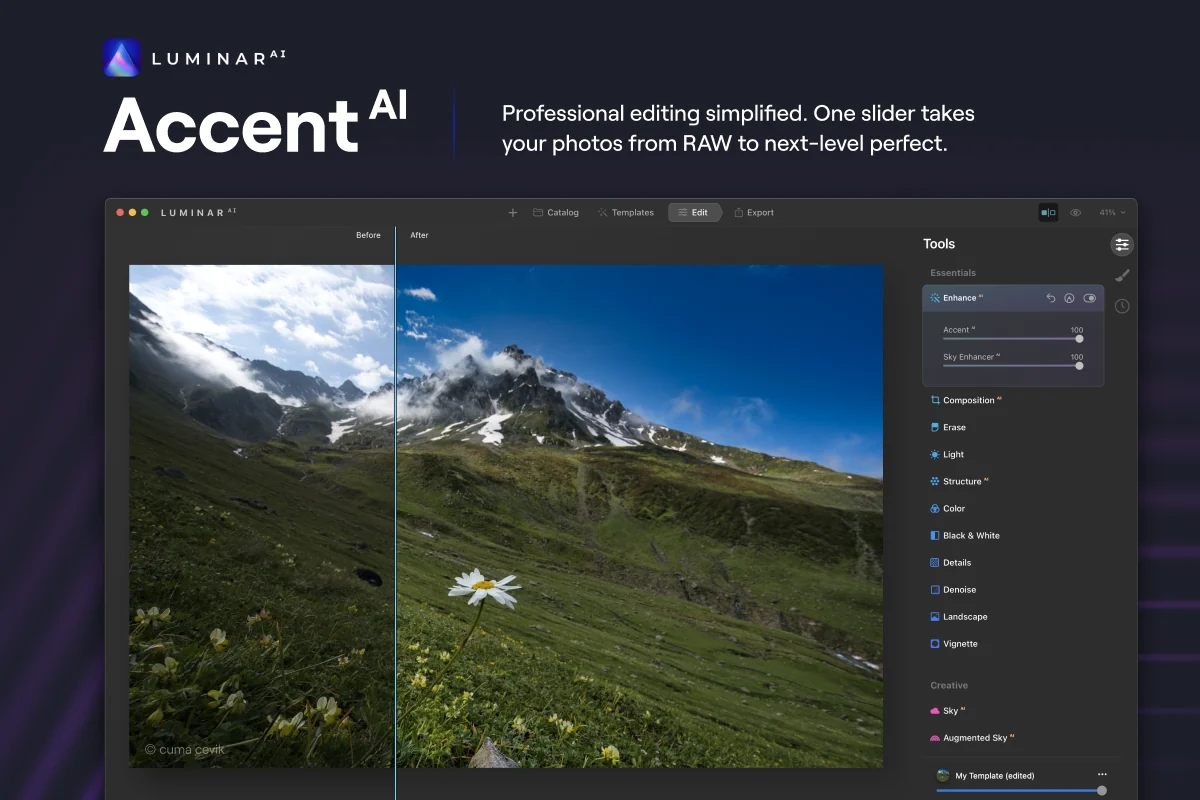
- AI-Powered Enhancements: Features like Accent AI automatically analyze and improve aspects such as shadows, highlights, contrast, tone, saturation, and exposure in a single step.
- Object Recognition: The software intelligently identifies over 7,000 types of objects, enabling it to suggest relevant creative templates for faster editing.
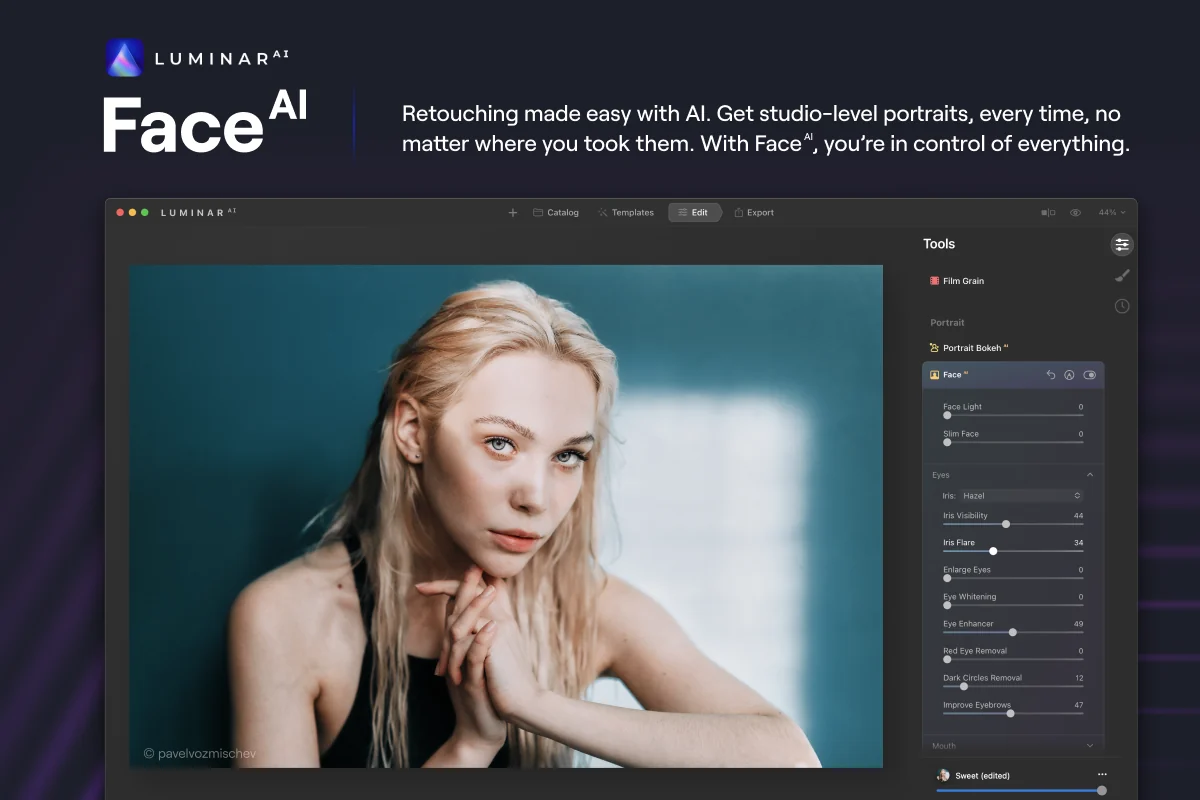
- Portrait Retouching: Tools like Face AI and Skin AI offer intuitive sliders for refining facial features, eyes, and skin tones, ensuring a natural and flawless complexion.
- Sky Replacement: The Sky AI tool allows for easy replacement of skies in landscape photos, with options to use a built-in library or upload custom skies.
- Atmospheric Effects: Augmented Sky features enable the addition of elements like fog and sun rays to landscape images, enhancing their dramatic appeal.
- Layer-Based Editing: Luminar supports layers, allowing for the addition of objects, application of blending modes, and creation of complex visual compositions.
- Bokeh Effect: Achieve professional bokeh blur effects with simple slider controls for radius, softness, and opacity, regardless of the original lens or lighting conditions.
- Red-Eye Removal: A one-click solution is available to quickly correct red-eye in portrait photographs.
How It Works
Getting started with Luminar is straightforward. The application can be used as a standalone program on macOS and Windows, or integrated as a plugin for popular editing software like Adobe Photoshop and Lightroom. Users can then leverage the AI tools by simply applying templates or utilizing individual AI-powered adjustments with sliders.
The software’s AI engine analyzes the content of the photograph, identifying key elements and suggesting appropriate edits. This intelligent automation significantly cuts down on the manual labor traditionally associated with photo editing, such as complex masking or detailed adjustments.
Use Cases
- Portrait Photography: Quickly enhance subject features, smooth skin, and correct imperfections to create polished portraits.
- Landscape Photography: Dramatically improve skies, add atmospheric effects, and refine lighting to make landscape shots more captivating.
- Travel Photography: Edit travel photos efficiently, bringing out the best colors and details of various scenes.
- Product Photography: Refine product images with consistent and professional-looking edits.
- Social Media Content: Streamline the editing process for creating engaging content for platforms like Instagram.
Integrations & Compatibility
- Luminar offers flexibility in how it’s integrated into your existing workflow
- It functions as a standalone application for both macOS and Windows operating systems
- Additionally, it can be used as a plugin for Adobe Photoshop and Adobe Lightroom, allowing for seamless editing within these widely-used platforms.
Pricing & Value
Luminar is presented as a powerful yet accessible solution for photo editing. The software aims to provide professional-grade results without requiring extensive technical knowledge or a significant time investment.
The value proposition lies in its ability to drastically reduce editing time, enabling users to achieve more in less time, whether for personal projects or professional client work.
Deal Details
The AppSumo deal for Luminar typically provides lifetime access to the software. This means a one-time purchase grants perpetual use of the application and its features. AppSumo also includes a 60-day money-back guarantee, allowing users to try the software risk-free for two months to ensure it meets their needs.
Quick Take
- Ideal for photographers who want to save significant editing time.
- Suited for both amateur and professional users looking for AI-driven enhancements.
- A practical solution for individuals managing high volumes of photos.
FAQs
Does Luminar work on Mac computers?
Yes, Luminar is available for both macOS and Windows operating systems.
Is this a subscription service?
The AppSumo deal typically offers lifetime access, not a subscription.
What kind of edits can I make with Luminar AI?
You can make a wide range of edits including sky replacement, portrait retouching, and atmospheric effects.
Can Luminar replace Adobe Photoshop or Lightroom?
Luminar can function as a standalone editor or as a plugin, offering a powerful alternative or complement.
Is Luminar easy to use for beginners?
Yes, Luminar’s AI tools and one-click templates make it very beginner-friendly.
Final Thoughts
Luminar emerges as a compelling solution for anyone looking to enhance their photo editing efficiency without compromising on quality. Its intelligent use of AI automates many of the more laborious aspects of editing, making it a valuable tool for photographers of all levels.
The accessibility of its features, combined with the potential for dramatic improvements in images, makes it a noteworthy addition to any creative toolkit. The AppSumo deal further enhances its appeal by offering significant value through lifetime access.