
Promoting a brand effectively requires consistent and high-quality visual assets across all platforms. However, for many, the process of creating these designs can be time-consuming and technically challenging, especially without extensive graphic design experience.
This review explores RelayThat, a tool designed to simplify and accelerate the creation of professional marketing images, ensuring brand consistency and impact with minimal effort.
What is RelayThat – Design quick images for your marketing | AppSumo
RelayThat is a design platform engineered to help users instantly create, resize, and remix brand assets into agency-level marketing designs. It aims to remove the guesswork and complexity often associated with graphic design, making it accessible for individuals and businesses of all sizes.
Key Features
RelayThat offers a suite of features designed for efficient and effective visual content creation:
- Instant Design Generation: Input your logo, text, images, and brand colors, and RelayThat generates thousands of design variations in various formats.
- Automatic Resizing: Images are automatically sized to fit every banner, ad, and social media post, eliminating manual adjustments.
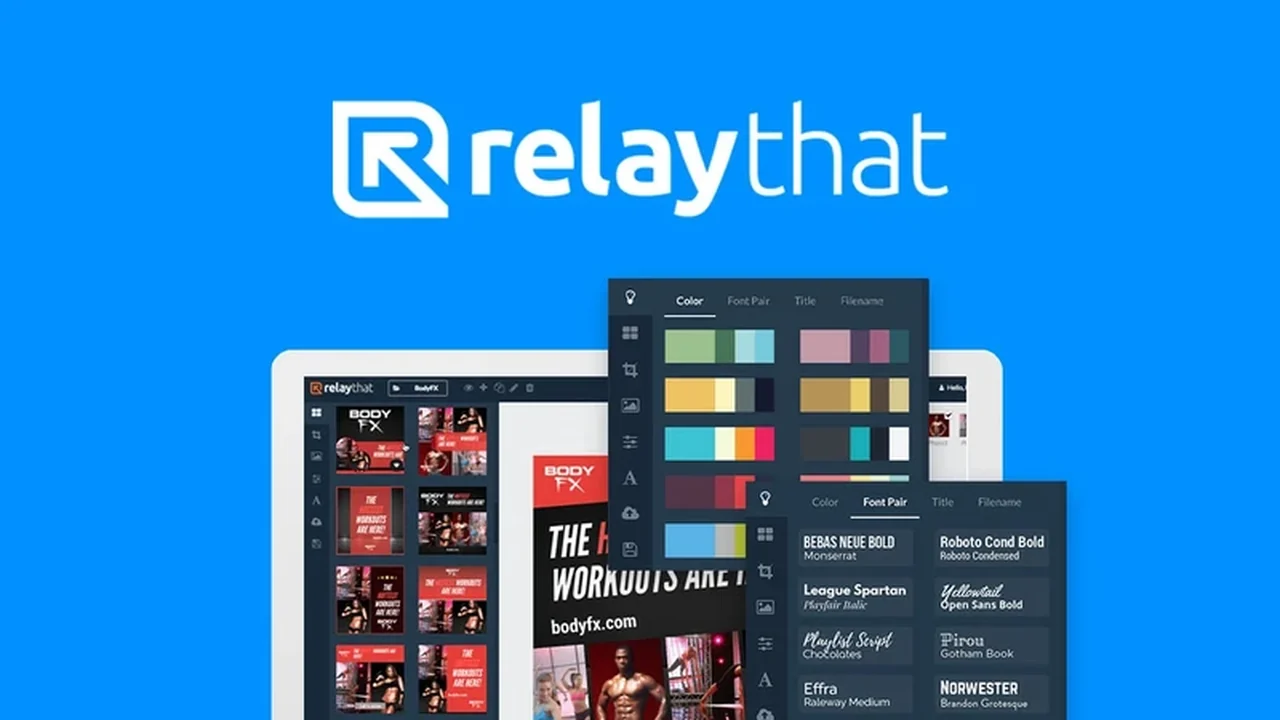
- Brand Consistency Tools: Maintain a unified brand look with preset color palettes and font pairings that complement each other.
- Extensive Asset Library: Access over 3 million copyright-free icons and images to enhance your designs if you don’t have your own assets.
- Layout Optimization: RelayThat continuously tests layouts for maximum engagement and conversion across different channels.
- Project Organization: Manage multiple projects with organized folders, allowing easy switching between campaigns and designs.
- Engagement Enhancements: Features like image SEO, book promotion layouts, and digital device mockups are included to boost viewer interaction.
- Headline Suggestions: Receive helpful prompts for headlines that can attract more clicks to your creations.
How It Works
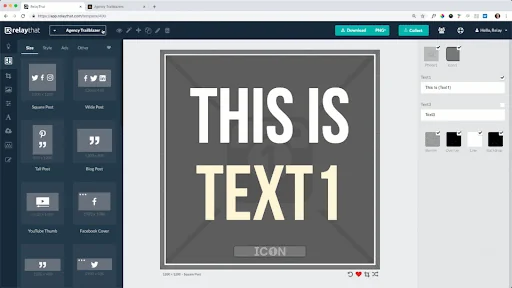
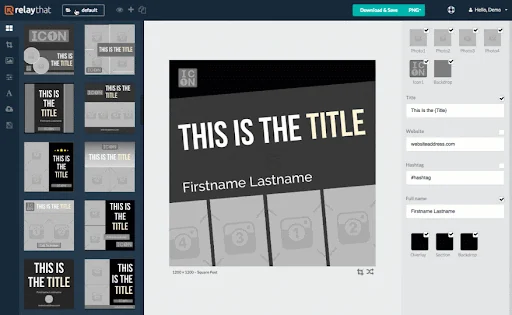
The process with RelayThat is designed for speed and simplicity. Users begin by inputting essential brand elements such as their logo, primary text, an image, and their brand’s HEX code colors. RelayThat then automatically processes this information to produce a vast array of potential designs across numerous formats. Users can further refine these generated designs through a drag-and-drop interface, tweaking elements as needed before publishing.
Use Cases
RelayThat is versatile and can be applied to a wide range of marketing needs:
- Creating social media graphics for platforms like Facebook, Instagram, and Twitter.
- Designing banners and advertisements for websites and ad networks.
- Producing promotional materials for ebook launches and other digital products.
- Generating visuals for email marketing campaigns.
- Developing consistent branding elements for websites and landing pages.
Integrations & Compatibility
- RelayThat is a standalone platform designed for ease of use, focusing on its internal capabilities
- While it doesn’t currently offer direct third-party API integrations for other SaaS tools, its output is compatible with various publishing platforms and marketing channels.
Pricing & Value
The primary value proposition of RelayThat lies in its ability to drastically reduce the time and skill required for professional graphic design. By automating much of the process and providing ready-to-use templates and assets, it offers significant cost savings compared to hiring designers or using more complex software.
Deal Details
The RelayThat deal, often available through platforms like AppSumo, typically provides lifetime access to the service. This includes access to all features, updates, and the extensive asset library, representing a substantial one-time investment for ongoing design capabilities.
Quick Take
- Ideal for marketers, small business owners, and content creators who need professional visuals quickly.
- Perfect for those with limited design experience or tight budgets.
- Offers a streamlined solution to maintain brand consistency across all marketing channels.
FAQs
This tool was on Appsumo over a year ago and there has been no UI/UX update.
The team is focused on back-end development to enhance the user experience and plans to release a roadmap.
Do you offer an API for other SaaS tools?
Currently, an API is not offered, but it is being considered as a potential future feature.
You promised the release of a roadmap back in March, but nothing new has been released.
A roadmap is being prepared and will be released soon to outline future development.
Can RelayThat fix the software before coming back with new deals?
The development team continuously works on back-end improvements and user experience enhancements.
When will the lifetime deal be back?
Specific return dates for lifetime deals are not provided but are evaluated periodically.
Final Thoughts
RelayThat presents a compelling solution for anyone looking to simplify and accelerate their marketing image creation process. Its user-friendly interface, coupled with powerful automation and a vast library of assets, allows for the rapid production of professional-looking designs. While the development team addresses user feedback and plans for future updates, the core functionality offers immediate value for brands seeking consistent visual communication without the steep learning curve of traditional design software.