
Navigating complex project management software can often feel like a chore, hindering team productivity and collaboration. This detailed review explores morningmate, a platform designed to simplify these challenges.
We’ll dive into its core functionalities, unique features, and how it can benefit various teams. Discover if morningmate is the solution you’ve been looking for to manage projects and chat with your team seamlessly.
What is morningmate – Manage projects and chat with teams | AppSumo
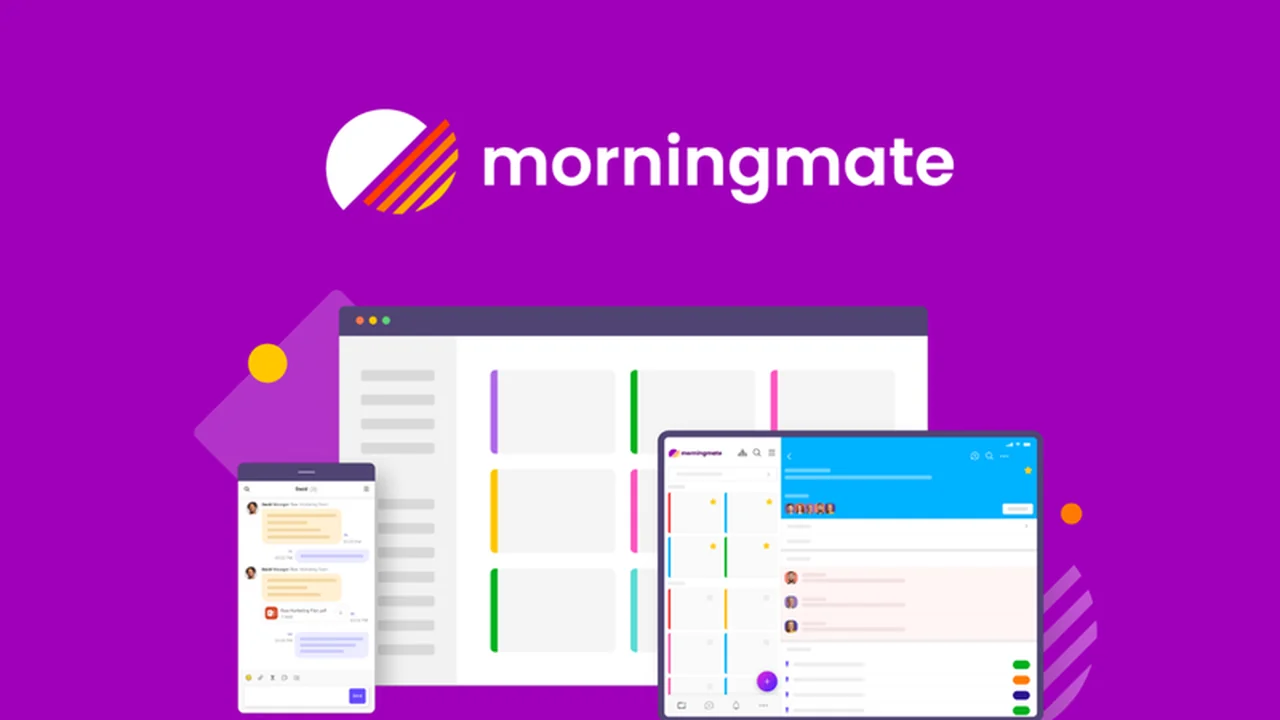
morningmate is a project management and team chat platform built with an intuitive, social media-inspired interface. It aims to provide essential project management tools without the complexity often found in other solutions.
The platform focuses on enhancing team collaboration and making project tracking straightforward for all team members, regardless of their technical expertise. It’s designed to centralize communication and project planning in one accessible location.
Key Features
morningmate offers a robust set of features designed to streamline workflow and improve team synergy:
- Project Rooms: Create dedicated spaces for each project to organize tasks, discussions, and files.
- Social Media-Inspired Feed: A unique ‘Project Feed’ acts like a timeline for your work, allowing you to post tasks, add details, and engage with comments, likes, and bookmarks.
- Task Management: Comprehensive tools for planning, tracking, and assigning tasks, including sub-tasks, statuses, and deadlines.
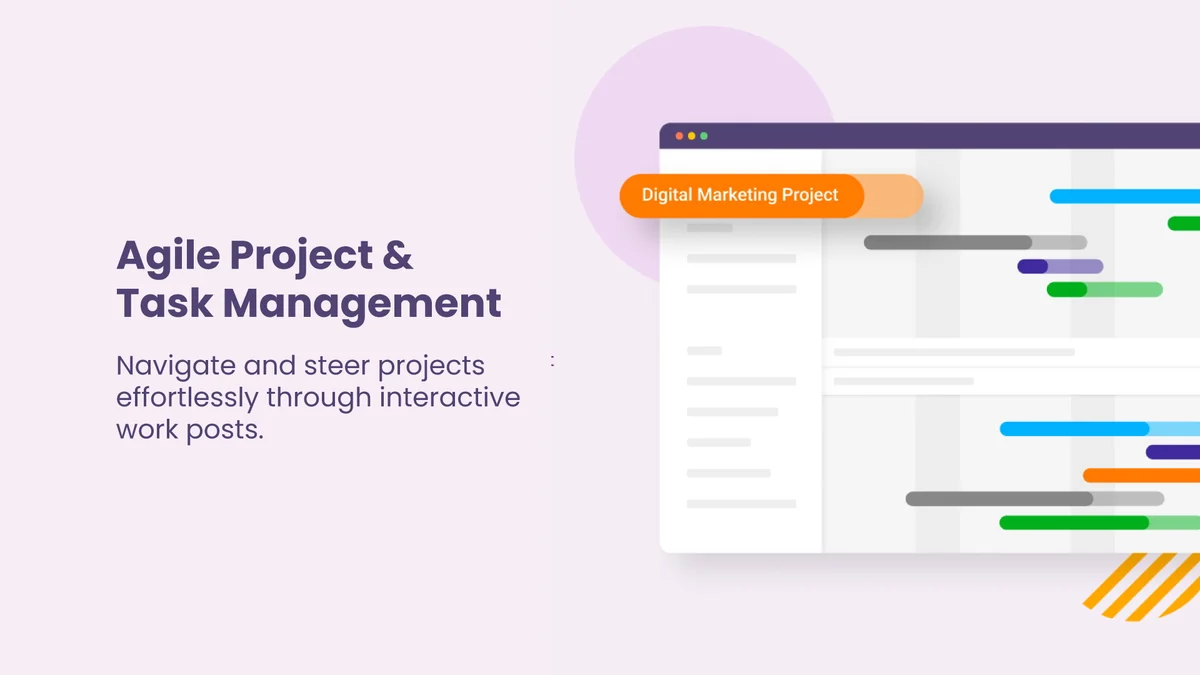
- Gantt Charts & Calendars: Visualize project timelines and schedules with Gantt charts and integrated calendar views.
- Customizable Workspaces: Personalize your dashboard with widgets that display mentions, notes, bookmarked posts, and assigned tasks.
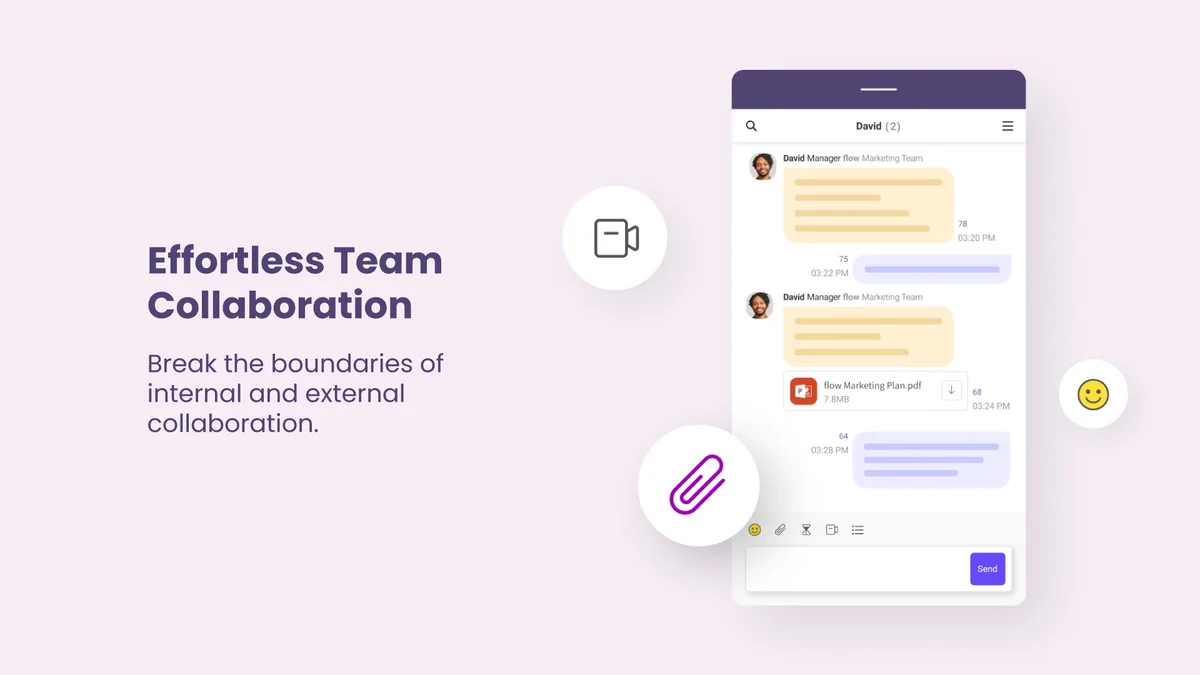
- Seamless Communication: Integrated chat and video call functionalities through DM, group chats, and video conferencing.
- Reusable Templates: Convert project tasks and structures into templates for future use.
- Attachments & Checklists: Easily share files and create detailed checklists for tasks.
- Vote Polls: Gather team feedback efficiently through integrated polling features.
How It Works
Getting started with morningmate involves setting up Project Rooms for your different initiatives. Within these rooms, you can create ‘posts’ that represent tasks or project updates.
These posts can be detailed with sub-tasks, assignees, and deadlines. Team members can interact with these posts through comments and likes, fostering a collaborative environment. The platform also offers customizable dashboards, allowing users to prioritize the information most relevant to their work.
Use Cases
morningmate is well-suited for a variety of scenarios:
- Hybrid Offices: Facilitates seamless communication and project visibility for teams working remotely and in the office.
- Agencies: Empowers agencies to manage client projects efficiently, share updates, and maintain clear communication with stakeholders.
- Businesses with Multiple Locations: Connects dispersed teams, ensuring everyone is aligned on project goals and progress.
- Small to Medium Businesses: Provides an accessible and affordable solution for organizing tasks and enhancing team collaboration without overwhelming features.
- Teams Seeking Simplicity: Ideal for groups that find traditional project management software overly complicated and prefer a more user-friendly interface.
Integrations & Compatibility
morningmate integrates with popular communication tools to enhance its functionality:
- Zoom: Connect for video conferencing directly within the platform.
- Microsoft Teams: Leverage its integration for seamless communication and meetings.
- Google Calendar: Sync your calendar to avoid scheduling conflicts and ensure deadlines are met.
The platform is designed to work across various devices, supporting team access from desktop and mobile environments.
Pricing & Value
morningmate, particularly through its AppSumo deal, offers significant value by providing lifetime access to its core features. This approach contrasts with subscription models that can accumulate costs over time.
The platform aims to deliver essential project management capabilities without the need for multiple third-party subscriptions, making it a cost-effective solution for many businesses.
Deal Details
The AppSumo deal for morningmate grants users lifetime access to the platform. This includes all the essential features necessary for managing projects and fostering team communication.
Additionally, a 60-day money-back guarantee is provided, allowing users ample time to evaluate the software and ensure it meets their needs.
Quick Take
- Ideal for teams seeking an intuitive, social media-like project management experience.
- Simplifies task tracking and team communication without feature bloat.
- Offers strong value through lifetime access and essential collaboration tools.
FAQs
Is morningmate suitable for non-technical teams?
Yes, its intuitive design makes it easy for all team members to use.
What integrations does morningmate offer?
It integrates with Zoom, Microsoft Teams, and Google Calendar.
Can I use morningmate for client collaboration?
Yes, it’s suitable for agencies and businesses working with external clients or contractors.
What are the core features of morningmate?
It includes project rooms, task management, a project feed, and integrated chat/video conferencing.
What is morningmate?
morningmate is a project management and team chat app with a social media-inspired interface.
Final Thoughts
morningmate presents a compelling alternative for teams overwhelmed by feature-rich, complex project management software. Its focus on user-friendliness and core functionalities, wrapped in a familiar social media-like interface, makes it an accessible and effective tool for enhancing collaboration and streamlining project workflows.
The lifetime access offered through AppSumo further enhances its appeal, providing a potentially significant long-term value proposition for businesses looking to optimize their project management and team communication strategies.