
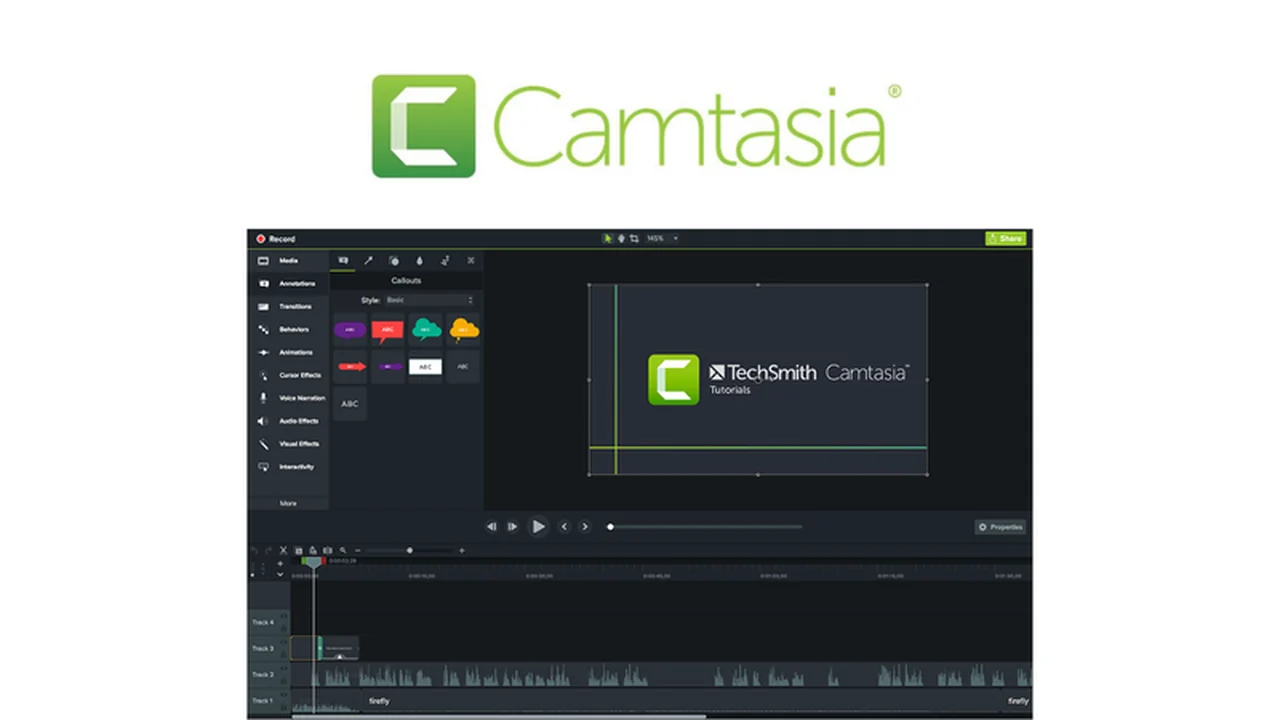
This review delves into Camtasia, a robust video creation and editing suite designed for a wide range of users. We’ll explore its capabilities for recording your screen and editing footage to produce polished, professional-grade videos.
Discover how Camtasia can streamline your video production workflow, from initial recording to final output, making it an accessible yet powerful tool for various projects.
What is Camtasia – Record and create professional videos | AppSumo
Camtasia is a comprehensive video editing and screen recording software available for both Windows and macOS. It is particularly well-suited for educators, coaches, and marketing professionals who need to create engaging video content efficiently.
Key Features
- Screen Recording: Capture anything on your computer screen, including applications, websites, software demonstrations, video calls, and presentations.
- Video Editing Suite: A user-friendly interface with drag-and-drop functionality for easy editing of video and audio clips.
- Pre-built & Custom Templates: Utilize ready-made templates or create your own for frequently produced video types like tutorials or training modules.
- Annotations and Effects: Enhance videos with text overlays, transitions, animations, and visual effects to improve clarity and engagement.
- Interactive Elements: Incorporate elements like quizzes, tables of contents, device frames, and closed captions to boost viewer interaction and accessibility.
- Cursor Highlighting: Draw attention to specific actions on screen by spotlighting or animating your cursor.
- Audio Editing: Features for noise reduction, audio leveling, and pitch adjustment to ensure high-quality sound.
- Royalty-Free Media Library: Access a collection of music tracks and sound effects to complement your videos without copyright concerns.
How It Works
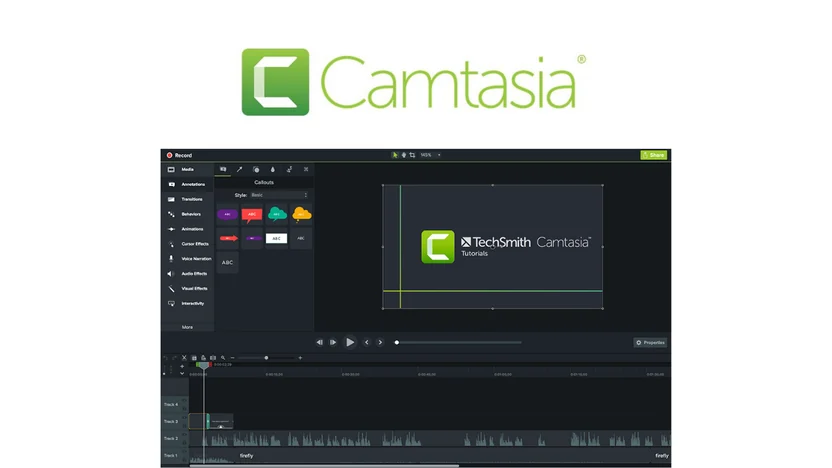
Camtasia simplifies the video creation process. Users can start by recording their screen directly within the application. Once recorded, the footage appears in the editor, where you can then utilize the drag-and-drop interface to arrange clips, trim unwanted sections, and add various elements.
The editing process is designed to be intuitive, allowing for the seamless integration of text, graphics, transitions, and other effects. Audio editing tools are also readily available to refine sound quality and add background music from the included library.
Use Cases
- Educational Content: Create engaging tutorials, software walkthroughs, and online course materials.
- Marketing Videos: Produce product demonstrations, promotional content, and social media video ads.
- Training and Onboarding: Develop clear and concise training modules for employees or customers.
- Webinars and Presentations: Record and enhance existing presentations or webinars for later viewing.
- Personal Projects: Edit personal videos with a professional touch.
Integrations & Compatibility
- Camtasia is compatible with both Windows and macOS operating systems
- It also allows for easy import of content, such as PowerPoint presentations, to be incorporated into your video projects.
Pricing & Value
Camtasia offers a valuable solution for individuals and teams looking to produce professional videos without the complexity often associated with high-end editing software. The ability to record, edit, and enhance videos in one application provides significant efficiency.
Deal Details
This offer provides access to Camtasia, a powerful video creation and editing tool. It’s an opportunity to acquire a comprehensive software package designed to meet various video production needs.
Quick Take
- Ideal for educators, coaches, and marketing professionals needing to create professional videos.
- Offers a user-friendly interface for both screen recording and video editing.
- A comprehensive tool to streamline the entire video production workflow.
FAQs
Is Camtasia suitable for beginners?
Camtasia is designed with a user-friendly interface, making it accessible for beginners.
Does Camtasia include royalty-free music?
Yes, Camtasia offers a library of royalty-free music and sound effects.
What operating systems does Camtasia support?
Camtasia is available for both Windows and macOS operating systems.
Can I import PowerPoint presentations into Camtasia?
Yes, PowerPoint content is easily imported into the tool for video creation.
Is there any comparable video recording software available on AppSumo?
Camtasia is unique for its blend of screencast editing and packaging for online training.
Final Thoughts
Camtasia stands out as a practical and powerful tool for anyone looking to produce professional-quality videos. Its integrated screen recording and intuitive editing capabilities make it a versatile solution for a wide array of applications, from educational content to marketing materials.