
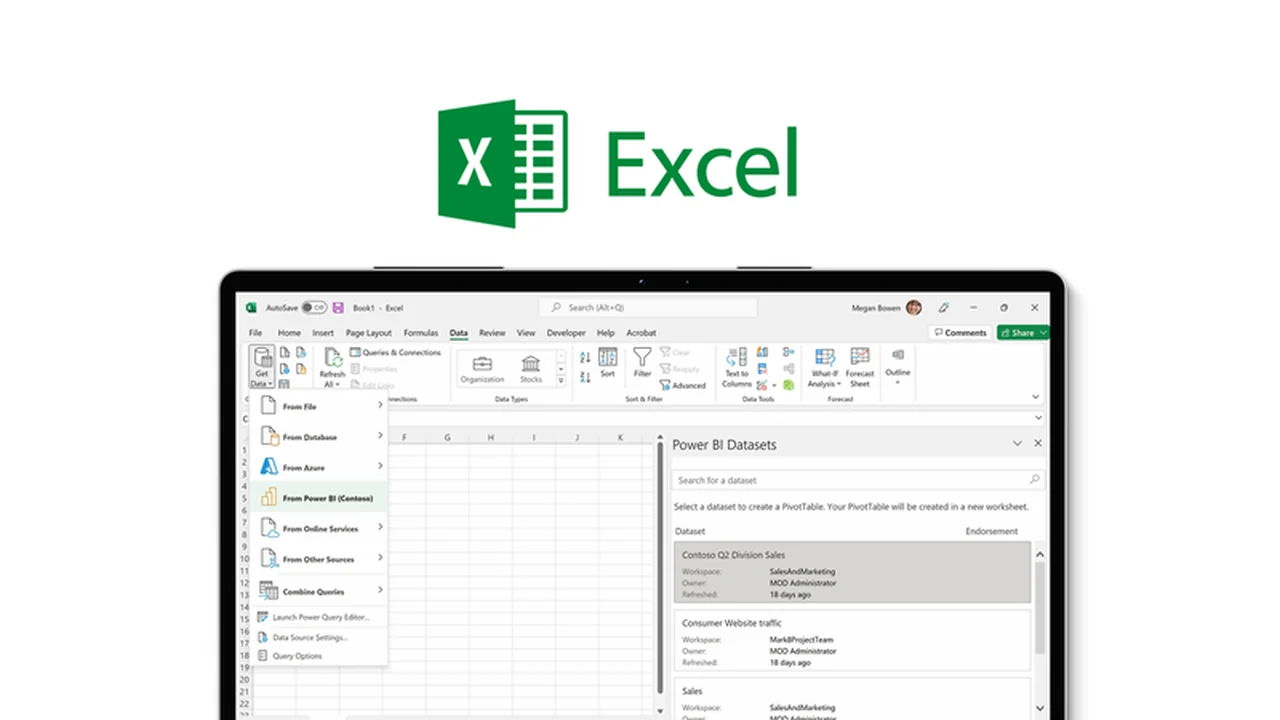
This comprehensive review delves into Microsoft Excel as offered through AppSumo, highlighting its robust capabilities for data management and analysis.
We’ll explore its core functionalities, practical applications, and the distinct value proposition it presents for individuals and businesses seeking to master their data.
What is Microsoft Excel – Organize, assess, & unravel data | AppSumo
Microsoft Excel, now available through AppSumo, is a premier spreadsheet application designed to empower users in organizing, assessing, and unraveling complex data sets. It serves as an indispensable tool for professionals across various fields, enabling them to streamline workflows, gain deeper insights, and make more informed strategic decisions.
Key Features
Microsoft Excel boasts a rich set of features designed for comprehensive data manipulation and visualization:
- Formulas & Calculations: Automate calculations with powerful functions to quickly add, subtract, multiply, and divide numbers of any scale.
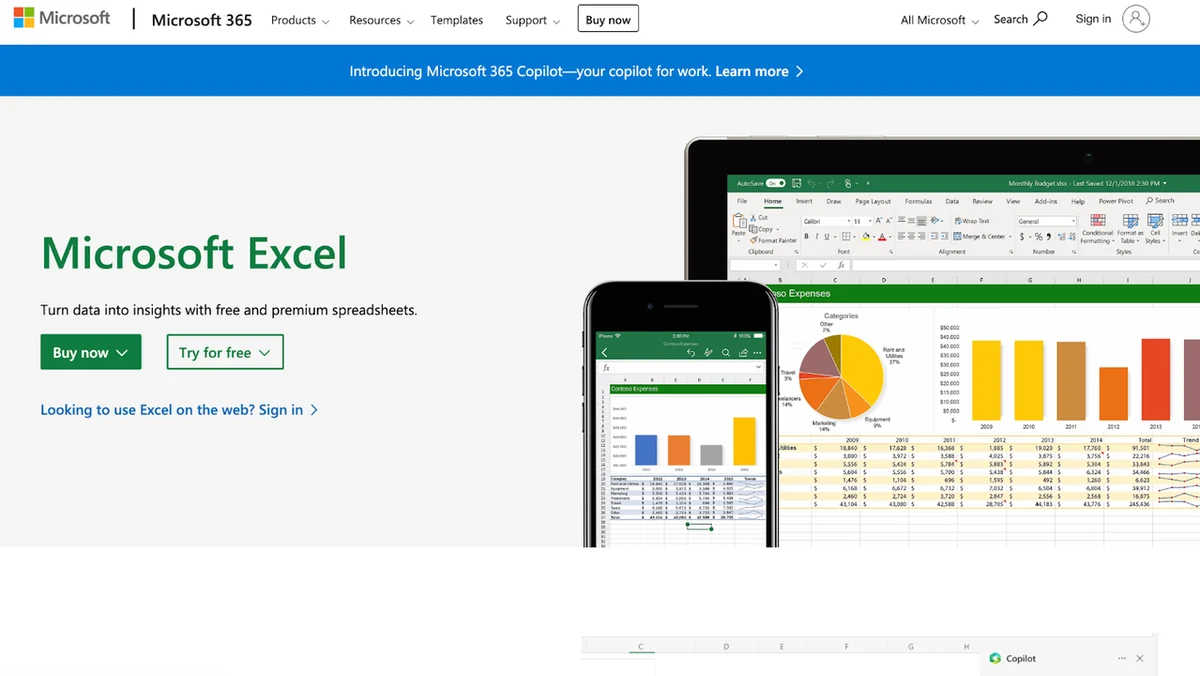
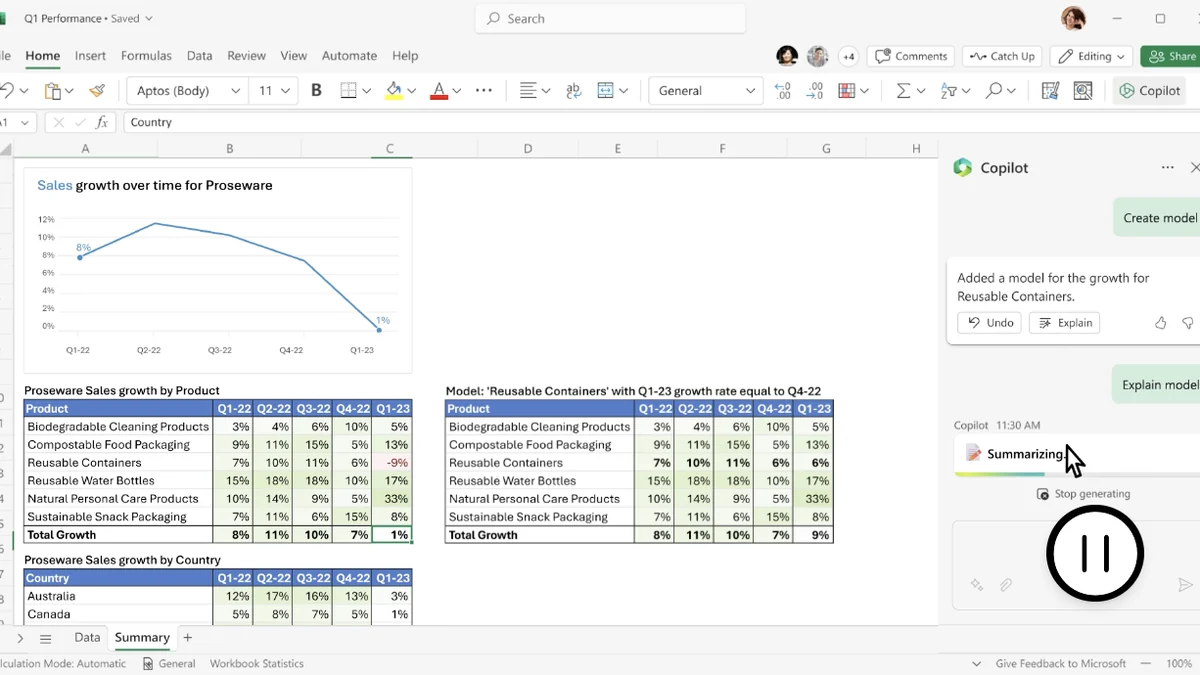
- Data Visualization: Create compelling bar charts, line charts, scatter plots, and more to visualize data and uncover trends.
- Pivot Tables: Summarize and aggregate large volumes of data efficiently to identify patterns and outliers with ease.
- Macros: Automate repetitive tasks such as formatting, chart insertion, and report generation to save significant time.
- Data Validation: Reduce human error during data entry by setting specific criteria for data allowed in cells.
- Solver Tool: Brainstorm solutions for numerical problems and find optimal outcomes by adjusting variables in models.
- Collaboration Features: Enable multiple users to work on the same spreadsheet concurrently, tracking changes and collaborating in real-time.
- Security: Implement password protection, encryption, and digital signatures to safeguard sensitive data.
How It Works
Excel operates on a grid system of rows and columns, forming cells where data can be entered and manipulated. Users can input text, numbers, and dates, then leverage built-in functions and formulas to perform calculations, analyze trends, and create dynamic reports. The intuitive interface allows for customization, enabling users to tailor their spreadsheets to specific needs, from simple lists to intricate financial models.
Use Cases
The versatility of Microsoft Excel makes it suitable for a wide range of applications:
- Budgeting and financial planning for individuals and businesses.
- Sales forecasting and performance analysis.
- Inventory management and tracking.
- Project management and scheduling.
- Scientific research and data analysis.
- Customer relationship management (CRM) data organization.
- Creating invoices and tracking expenses.
Integrations & Compatibility
- Microsoft Excel seamlessly integrates with other Microsoft Office applications, allowing for effortless data transfer and chart integration into presentations and documents
- It can also connect to a variety of external data sources, including databases, web pages, and other Excel spreadsheets.
Pricing & Value
The value of Microsoft Excel, especially through an AppSumo deal, lies in its extensive functionality and enduring utility. It provides a comprehensive suite of tools that can significantly enhance productivity and data-driven decision-making over the long term.
Deal Details
AppSumo offers time-sensitive deals on this powerful software, providing an excellent opportunity to acquire a perpetual license. It’s crucial to act quickly to secure these limited-time offers. Purchased licenses require downloading and saving within 60 days of purchase for lifetime access.
Quick Take
- Ideal for professionals needing robust data organization and analysis.
- Suitable for anyone looking to automate calculations and visualize trends.
- A valuable asset for streamlining business processes and improving decision-making.
FAQs
Can multiple people work on an Excel file at once?
Yes, Excel supports real-time collaboration with multiple users on a single file.
Is Excel good for analyzing large data sets?
Yes, Pivot Tables and other features help analyze large data sets quickly.
How does Excel help reduce errors?
Data Validation restricts the type of data that can be entered into cells.
Can I automate tasks with Excel?
Yes, Excel’s Macros feature allows you to automate repetitive tasks.
What is Microsoft Excel?
Microsoft Excel is a spreadsheet program for organizing, analyzing, and visualizing data.
Final Thoughts
Microsoft Excel remains a cornerstone of productivity for anyone working with data. The AppSumo offering presents a compelling opportunity to acquire this essential tool at a significant value. Its comprehensive feature set, intuitive design, and broad applicability make it a worthwhile investment for individuals and businesses aiming to harness the full potential of their data.