
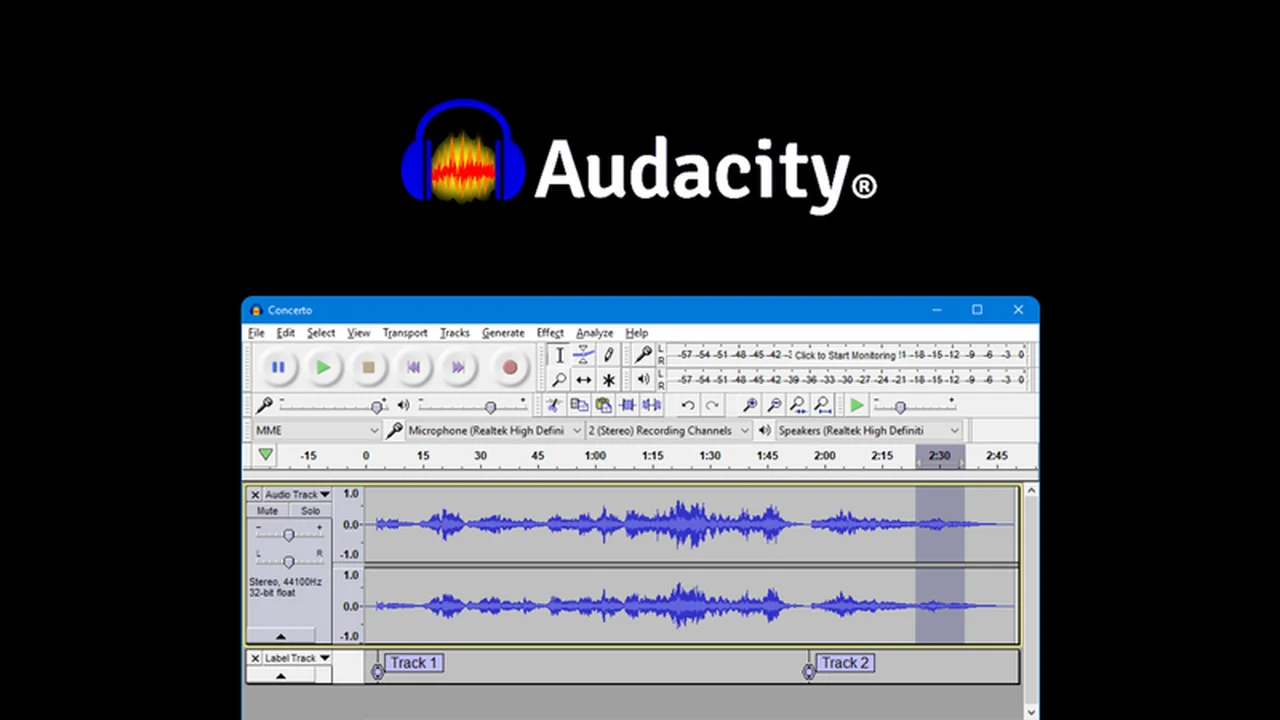
Discover a powerful yet accessible solution for all your audio recording and editing needs. This review dives deep into Audacity, a robust application available through AppSumo, designed to empower creators.
We’ll explore its core functionalities, practical applications, and how it can significantly enhance your audio projects, from voiceovers to music production.
What is Audacity – Record and edit audios | AppSumo
Audacity is a free, open-source, and cross-platform audio editing software that provides a comprehensive suite of tools for recording and manipulating audio. It’s built to cater to a wide range of users, from beginners to seasoned audio professionals, and is accessible across macOS, Windows, and Linux operating systems.
Key Features
Audacity offers a rich set of features to facilitate detailed audio work:
- High-Quality Audio Processing: Supports 16-bit, 24-bit, and 32-bit processing with advanced resampling and dithering for superior sound quality.
- Seamless Track Mixing: Real-time conversion allows for effortless combination of tracks with different sample rates and formats.
- Extensive Editing Tools: Includes essential functions like cut, copy, paste, delete, import, and merge, alongside an ‘envelope tool’ for smooth volume adjustments.
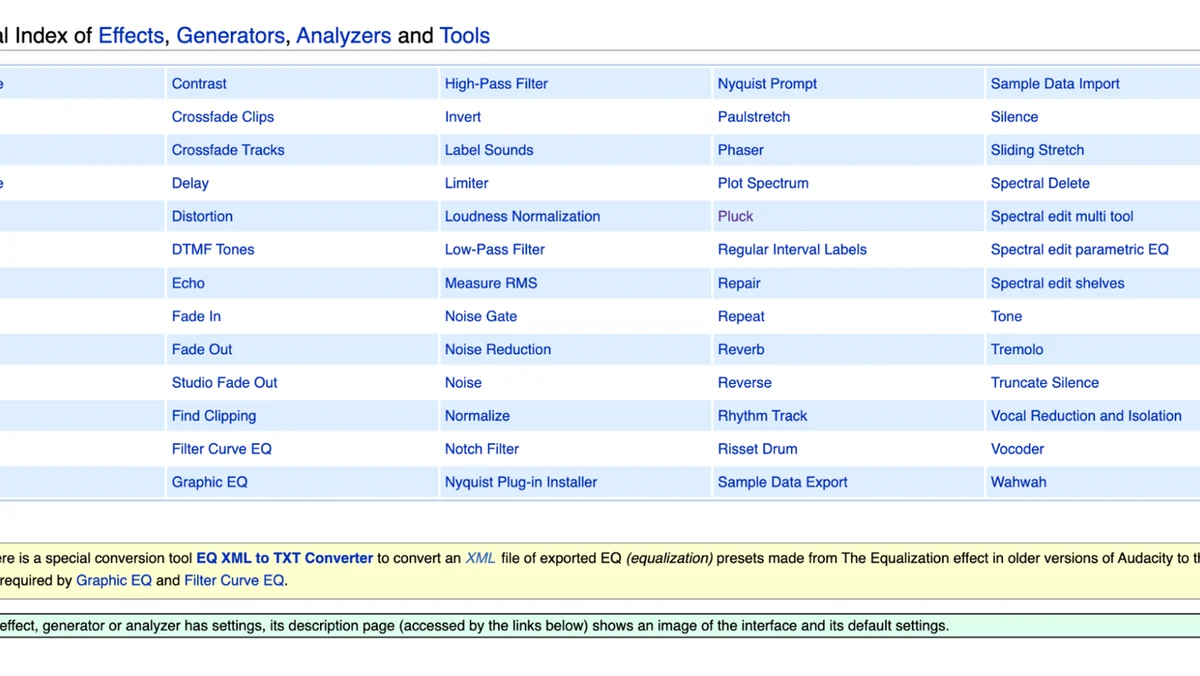
- Sound Effects Generation: Create tones, silence, noise, instruments, or rhythm tracks, and alter tempo or pitch independently.
- Advanced Navigation: ‘Scrubbing and searching’ and ‘Timeline Quick-Play’ enable precise location of audio segments for editing.
- Precise Editing: The ‘draw tool’ facilitates intricate editing of individual sample points.
- Unlimited Undo/Redo: Features an unlimited history of actions, allowing for extensive revisions without data loss.
- Spectrogram Analysis: Visualizes frequencies, aiding in detailed audio analysis and selection.
- Multiple Export Formats: Supports exporting to various file types, including batch exporting.
- Keyboard Control: Extensive keyboard shortcuts enhance efficiency for experienced users.
- Noise Reduction: Effectively removes unwanted background noise such as static and hiss.
- Plugin Support: Compatible with LADSPA, LV2, Nyquist, VST, and Audio Unit effects plug-ins.
- Crash Recovery: Automatic recovery mechanisms protect your work in case of unexpected program closures.
How It Works
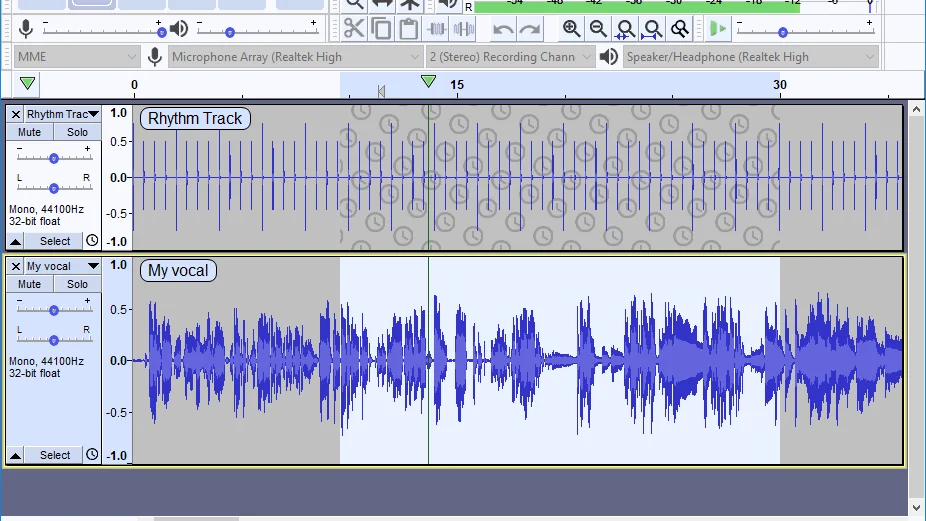
Getting started with Audacity is straightforward. You can either import existing audio files or record directly into the application using a microphone or mixer. Once your audio is loaded, you gain access to the full suite of editing tools. Navigate through your audio using intuitive playback and selection methods, then apply effects, adjustments, or edits as needed. The software’s design prioritizes ease of use, even for complex audio manipulations.
Use Cases
Audacity is versatile and suitable for numerous audio-related tasks:
- Recording and editing voiceovers for videos, podcasts, or presentations.
- Producing music, including multi-track recording and mixing.
- Sound design for games or multimedia projects.
- Restoring old audio recordings by removing noise.
- Creating audio content for online courses or educational materials.
- Editing interview recordings for clarity and flow.
Integrations & Compatibility
- Audacity is compatible with macOS, Windows, and Linux
- It also supports a wide range of audio file formats for import and export, including WAV, AIFF, MP3, AU, FLAC, and Ogg Vorbis
- Furthermore, it integrates with various audio effect plug-ins like LADSPA, LV2, Nyquist, VST, and Audio Units, expanding its capabilities significantly.
Pricing & Value
As an open-source application, Audacity is fundamentally free. However, the AppSumo deal provides access to specific versions or bundles that may include enhanced support or features, presented with a clear value proposition.
Deal Details
This offer on AppSumo presents a valuable opportunity to acquire Audacity, potentially with unique benefits. Always ensure to check the specific terms and conditions of the deal on the AppSumo page, including any time-sensitive aspects or download requirements.
Quick Take
- Ideal for podcasters, musicians, and content creators needing robust audio editing tools.
- Offers extensive features for both simple edits and complex audio manipulation.
- A cost-effective solution for professional-grade audio work.
FAQs
Is there a limit to the amount of audio I can edit in Audacity?
Audacity supports unlimited undo, allowing extensive editing without strict length limitations.
Does Audacity offer noise reduction features?
Yes, Audacity includes effective tools for reducing background noise and static.
What file formats can Audacity export?
Audacity can export audio in popular formats like MP3, WAV, and Ogg Vorbis.
Can Audacity record multiple audio tracks simultaneously?
Audacity supports multi-track recording, allowing you to capture several sound sources at once.
Is Audacity suitable for beginners?
Yes, Audacity is designed to be user-friendly for individuals new to audio editing.
Final Thoughts
Audacity, especially when available through an AppSumo deal, represents an exceptional value for anyone involved in audio creation. Its comprehensive feature set, combined with its accessibility and powerful editing capabilities, makes it an indispensable tool for a wide array of projects. Whether you’re a voice-over artist, a budding musician, or a content creator, Audacity equips you with the means to refine your audio to a professional standard.