
Discover how CleanShot X transforms the way you capture and share your screen on Mac. This in-depth review explores its features, ease of use, and exceptional value.
You’ll learn if CleanShot X is the ideal tool to streamline your workflow for creating polished visuals and clear communications.
What is CleanShot X – Better screen capture for Mac | AppSumo
CleanShot X is a powerful, native Mac application designed to enhance your screen capture and screen recording process. It offers a comprehensive suite of tools that go far beyond basic screenshots.
This app aims to simplify the creation of visually appealing and informative content, whether for professional presentations, educational materials, or simple team collaboration.
Key Features
-
Intuitive Screenshot Capture: Easily capture any portion of your screen, including full windows, specific regions, or scrolling content from apps.
-
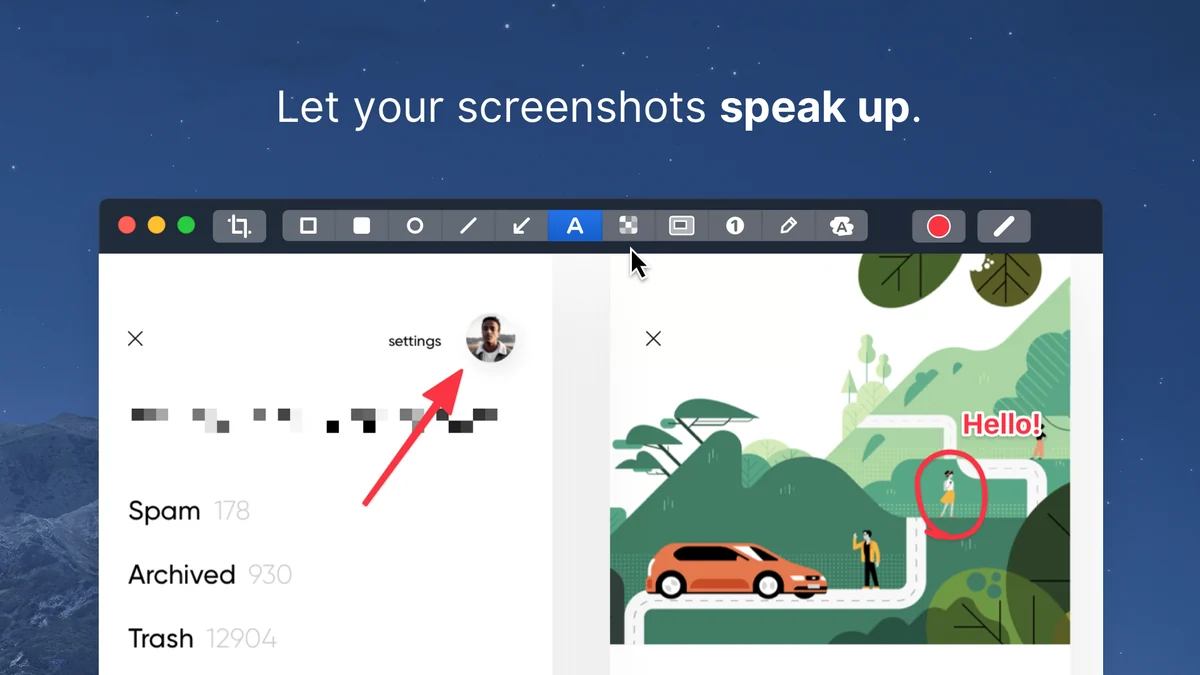
Robust Annotation Tools: Edit your captures instantly with a variety of tools like highlighting, underlining, drawing arrows, blurring, and cropping to emphasize or conceal information.
-
Effortless Screen Recording: Record full screen, specific areas, or windows with options for webcam, microphone, and macOS audio capture.
-
Automatic Notification Silencing: Ensures your recordings are uninterrupted by incoming alerts.
-
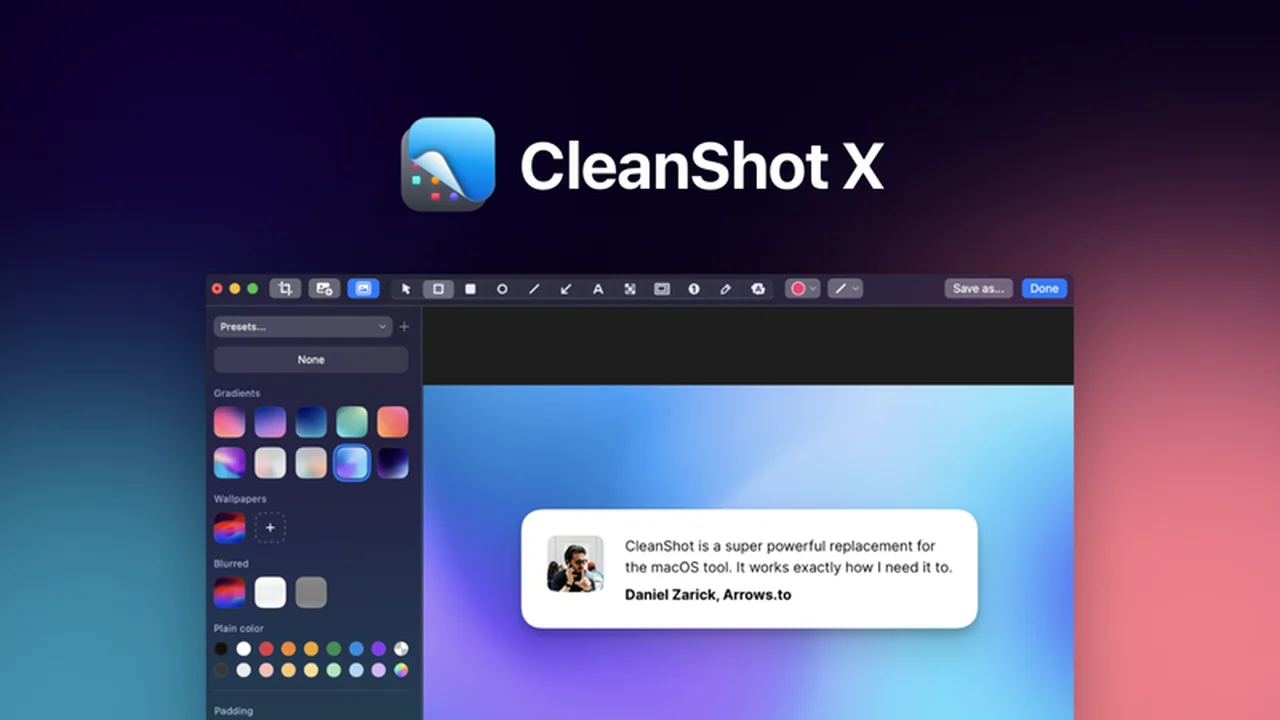
Customizable Backgrounds: Enhance screenshots by adding custom backgrounds for a more professional look.
-
One-Click Cloud Upload: Share your captures quickly by uploading them to the cloud and generating a shareable link.
-
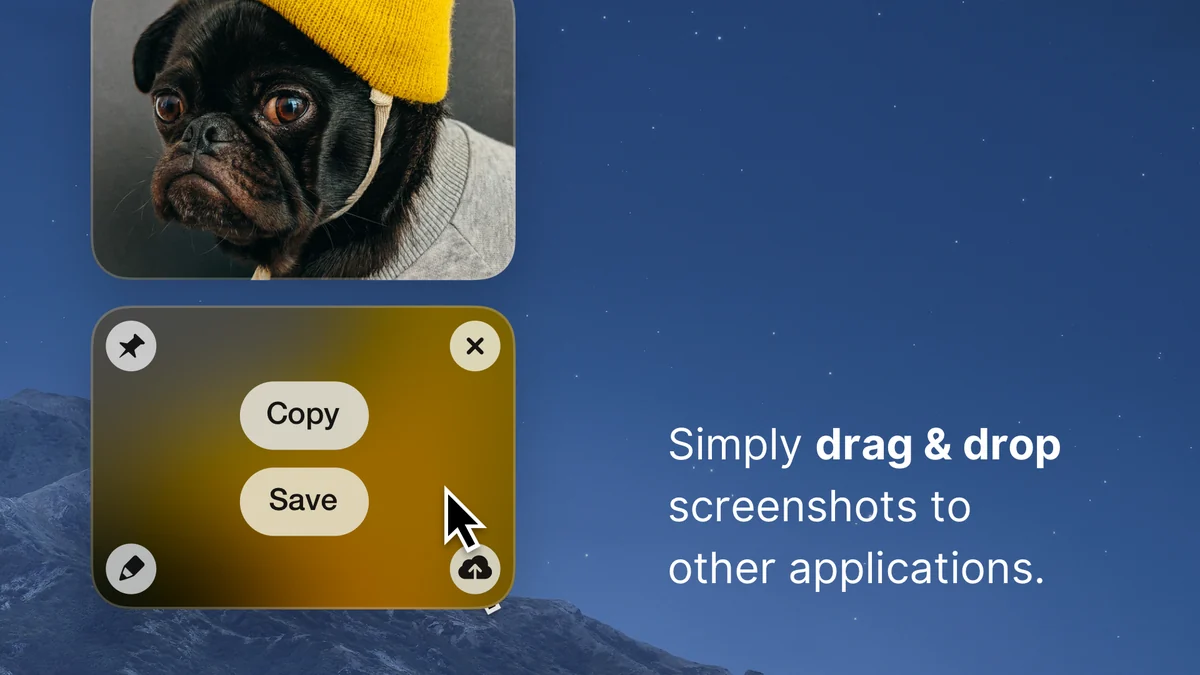
Instant Drag-and-Drop Sharing: Seamlessly drag and drop your captured images into Slack, emails, or other applications.
-
GIF and Video Export: Save screen recordings as easily shareable video files or animated GIFs.
How It Works
Once installed, CleanShot X integrates seamlessly into your macOS experience. You can activate it via keyboard shortcuts or its menu bar icon.
After taking a screenshot or recording, the captured content appears as a small, unobtrusive thumbnail in the corner of your screen. This allows for immediate editing, annotation, or sharing without disrupting your workflow.
Use Cases
-
Software Demonstrations: Clearly illustrate application features or bug reports with annotated screenshots and concise video tutorials.
-
Educational Content Creation: Develop engaging learning materials by highlighting key steps and concepts on your screen.
-
Team Collaboration: Quickly share visual feedback or project updates with colleagues using easy-to-share links.
-
Marketing Materials: Create polished product mockups or website previews with custom backgrounds.
-
Troubleshooting: Provide clear visual evidence of technical issues for support teams.
Integrations & Compatibility
- CleanShot X is a native Mac application, requiring macOS to function
- It’s designed to integrate smoothly with your existing workflow, allowing direct sharing to popular communication and productivity tools
- While specific deep integrations are not detailed, its drag-and-drop functionality and cloud sharing capabilities make it compatible with a wide range of applications where visual communication is key.
Pricing & Value
CleanShot X offers significant value, especially when considering its extensive feature set. The ability to capture, edit, and share all from one application saves time and reduces the need for multiple software subscriptions.
The lifetime access model provides a cost-effective solution for users who require robust screen capture capabilities without ongoing monthly fees.
Deal Details
Currently, there’s an opportunity to get lifetime access to CleanShot X. This deal typically includes the application and a year of updates.
It’s important to redeem codes within 60 days of purchase. This offer is not stackable, meaning you can purchase one license per user for lifetime access.
Quick Take
- Perfect for Mac users who frequently create tutorials, documentation, or share visual information.
- Streamlines the entire screen capture process from capture to sharing.
- Offers a powerful yet user-friendly editing and annotation toolkit.
FAQs
Are there any hidden fees associated with the deal?
The deal provides lifetime access with an option for paid yearly updates.
Does CleanShot X offer cloud storage?
Yes, it includes 1GB of cloud storage for easy link sharing.
Can I share my screen recordings easily?
Yes, recordings can be saved as video or GIF and shared via links.
How long does the lifetime access last?
Lifetime access means you own the current version of the software forever.
What operating system does CleanShot X require?
CleanShot X requires the use of macOS to operate.
Final Thoughts
CleanShot X stands out as an exceptional tool for anyone looking to improve their Mac screen capture and recording workflow. Its combination of intuitive design, comprehensive features, and efficient sharing options makes it a valuable asset.
For Mac users who rely on clear visual communication, CleanShot X offers a streamlined and effective solution that is well worth considering.