
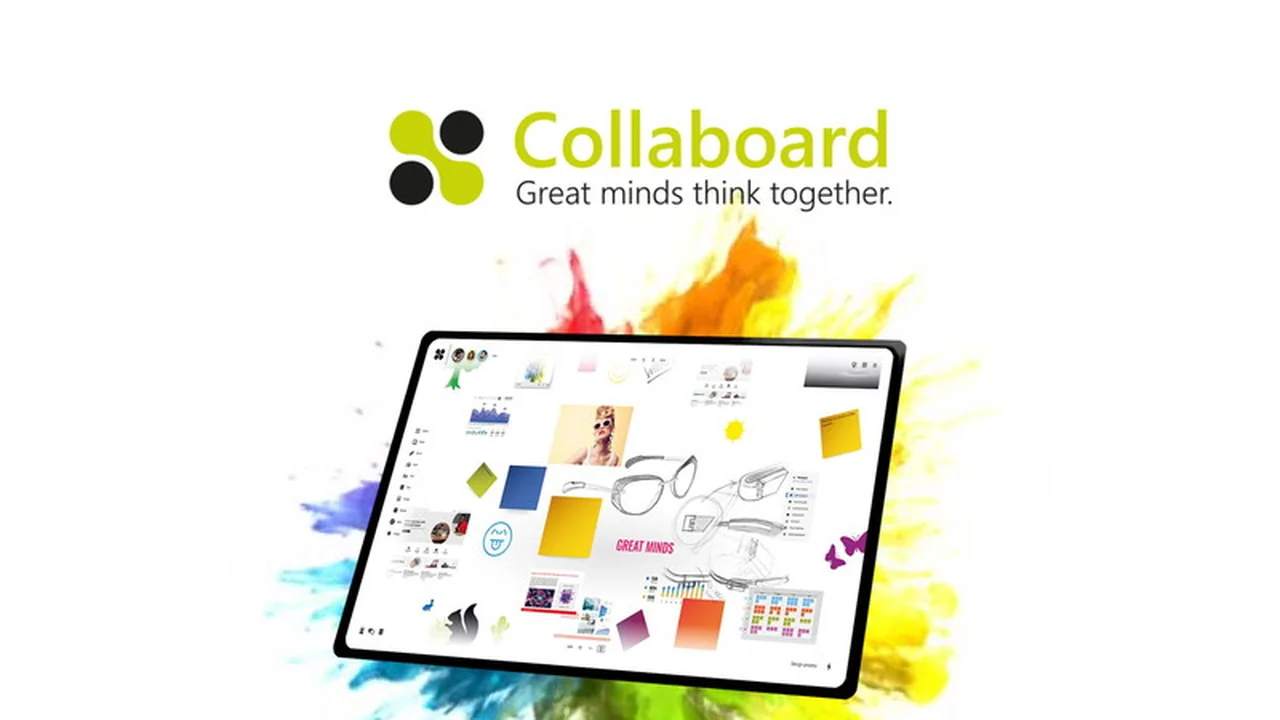
This comprehensive review will guide you through the core functionalities of Collaboard, its practical applications, and how it integrates into your existing workflow.
What is Collaboard – Enjoy collabs on a virtual whiteboard | AppSumo
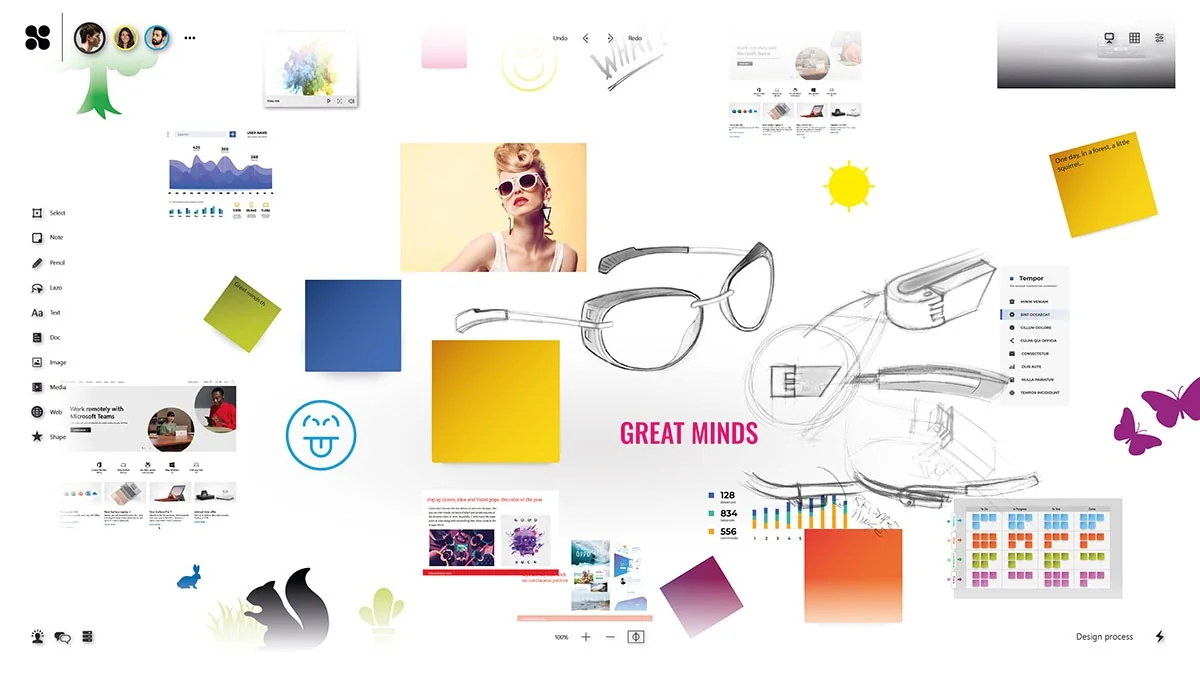
Collaboard is a browser-based online whiteboard that offers an expansive, infinite canvas for creative collaboration. It merges the tangible experience of a traditional whiteboard with advanced digital capabilities, allowing users to incorporate various media types into their sessions.
Key Features
- Infinite Canvas: Enjoy unlimited space for your ideas, sketches, and project layouts without spatial constraints.
- Rich Media Integration: Seamlessly embed sticky notes, cards, images, shapes, icons, documents (PDF, Word, Excel, PowerPoint), Google Images, and YouTube videos.
- Digital Pen Recognition: Utilize digital pens for free-hand drawing, note-taking, and sketching with a natural, personal touch.
- Element Connectors: Link any element on the board to visualize workflows, processes, mind maps, and organizational charts.
- Real-Time Collaboration: Multiple users can contribute to the same board simultaneously, seeing changes instantly.
- Permission Management: Easily invite team members and control their access levels, or add guests for a transparent view of your progress.
- Templates: Access pre-designed templates to kickstart various types of projects quickly.
- Data Security: Data is hosted on servers in Europe and Switzerland, with options for on-premises hosting for enhanced security needs.
How It Works
Collaboard operates on an intuitive, user-friendly interface. Users can start by creating a new board and then begin adding content from a diverse range of options. Whether it’s jotting down quick notes, embedding complex diagrams, or sharing visual inspiration, the process is designed to be straightforward. The real-time aspect means that as soon as a participant adds or modifies content, everyone else sees the update instantly, fostering a dynamic and interactive environment.
Use Cases
- Brainstorming Sessions: Ideal for creative idea generation and visual problem-solving.
- Project Planning: Map out project timelines, dependencies, and task breakdowns.
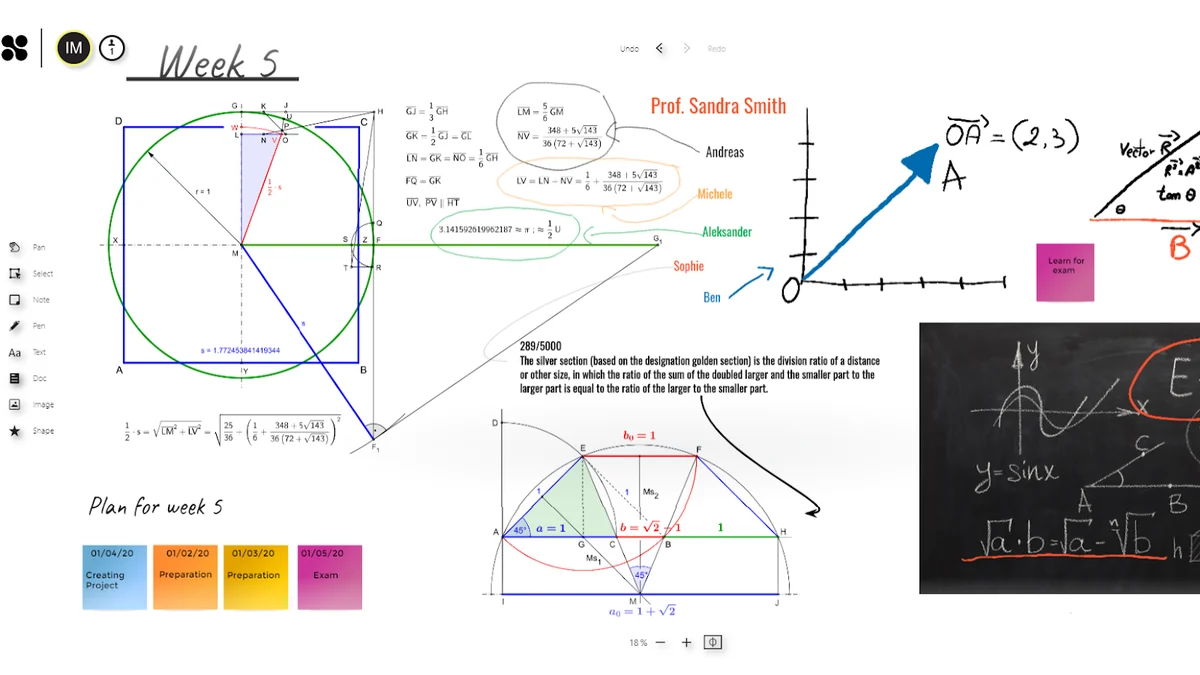
- Workshops and Training: Facilitate interactive remote learning experiences with clear visual guidance.
- Design and Prototyping: Sketch out user flows, wireframes, and visual concepts.
- Team Meetings: Enhance discussions with visual aids and shared idea capture.
- Educational Purposes: Support group learning and interactive lectures for students.
Integrations & Compatibility
- Collaboard is a browser-based application, making it compatible with most modern web browsers across different operating systems
- While specific deep integrations are mentioned as future developments, its current functionality allows for embedding content from popular services like Google Images and YouTube, and seamless import of common document types.
Pricing & Value
Collaboard offers a compelling value proposition, especially when considering its lifetime access options. The platform provides a robust suite of features suitable for individuals, teams, and organizations looking to enhance their collaborative efforts without recurring monthly expenses. The focus on an infinite canvas and rich media support differentiates it in the market.
Deal Details
This product is available through AppSumo, offering lifetime access to its core features. This deal typically includes access to all current and future updates to the platform, providing long-term value for early adopters. A 60-day money-back guarantee is provided, allowing ample time to test its suitability for your needs.
Quick Take
- Perfect for teams that need a versatile digital space for brainstorming and project visualization.
- Offers a rich media experience that goes beyond traditional text-based collaboration tools.
- A strong option for educators, designers, and project managers seeking an intuitive online whiteboard.
FAQs
Where is Collaboard data stored?
Data is hosted on secure servers located in Europe and Switzerland.
Does Collaboard offer free templates?
Yes, Collaboard includes pre-designed templates for a quick start.
Is Collaboard suitable for large teams?
Yes, its features support scalable collaboration for groups of various sizes.
Can I use Collaboard on my tablet?
Yes, as a browser-based app, it’s accessible on most devices with a web browser.
What is Collaboard?
Collaboard is an online whiteboard application for real-time team collaboration.
Final Thoughts
Collaboard presents a powerful and flexible solution for virtual collaboration. Its extensive features, intuitive design, and focus on real-time interaction make it an excellent choice for anyone looking to enhance their team’s productivity and creativity. The lifetime access deal further solidifies its position as a valuable investment for streamlined digital teamwork.