
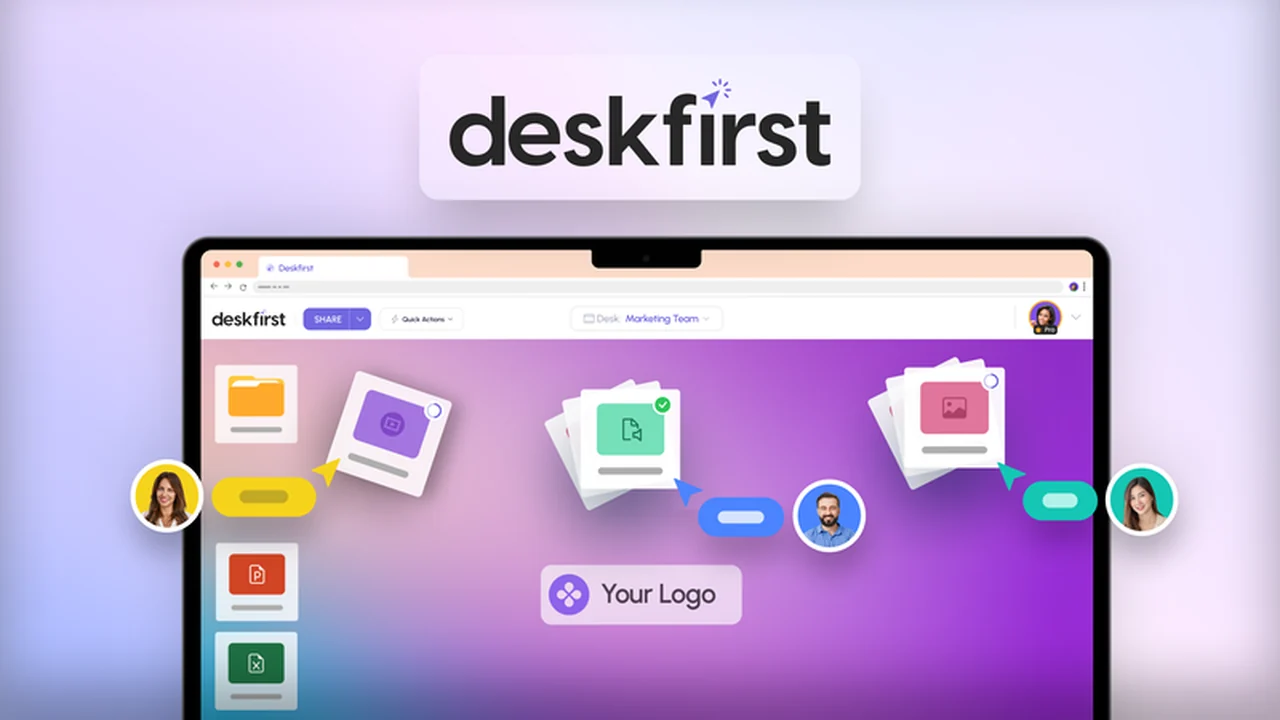
Managing shared files and projects can quickly become chaotic, especially when collaborating with external clients or team members who have different organizational habits.
This review dives into Deskfirst, an innovative tool designed to simplify this process by offering a familiar desktop-like experience for file sharing and collaboration directly within your browser.
What is Deskfirst – Share files via user-friendly desktops | AppSumo
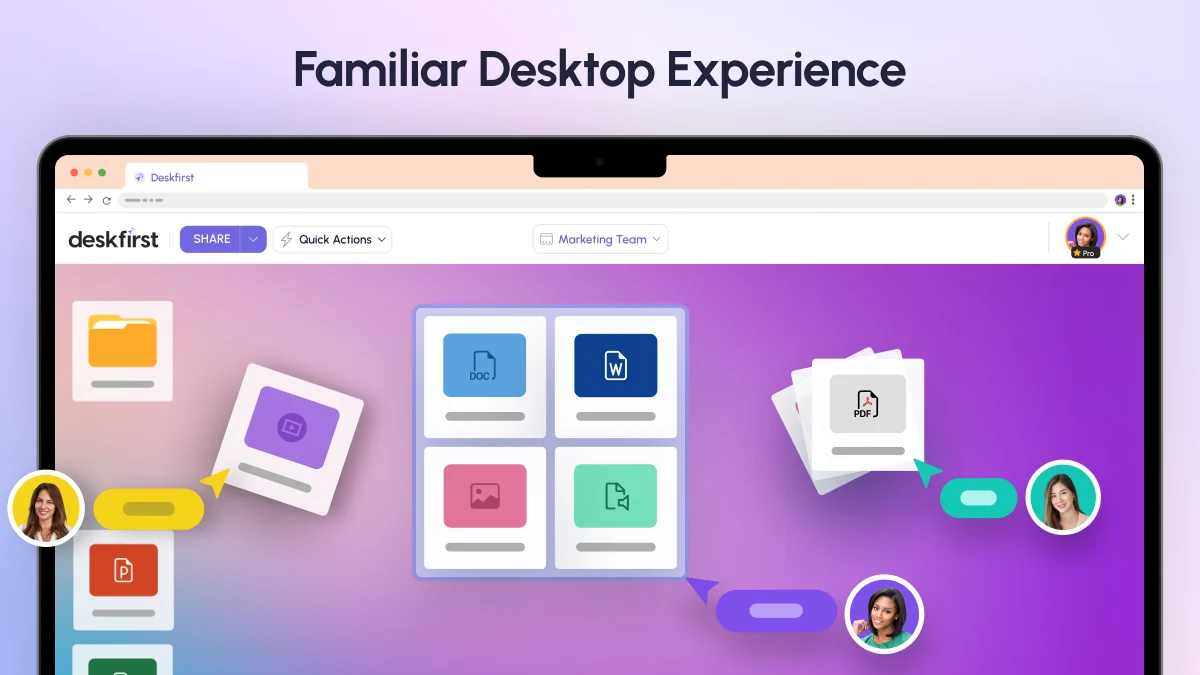
Deskfirst is a web-based collaboration platform that empowers users to create customizable, online desktops for individual projects. These virtual workspaces mimic the intuitive drag-and-drop functionality of a traditional desktop, making file sharing and management straightforward for everyone involved.
Key Features
- Intuitive Desktop Interface: Organize and share files using a familiar drag-and-drop desktop metaphor, accessible from any web browser.
- Customizable Online Desktops: Create unique workspaces for each project, complete with personalized branding, logos, cover images, and background colors.
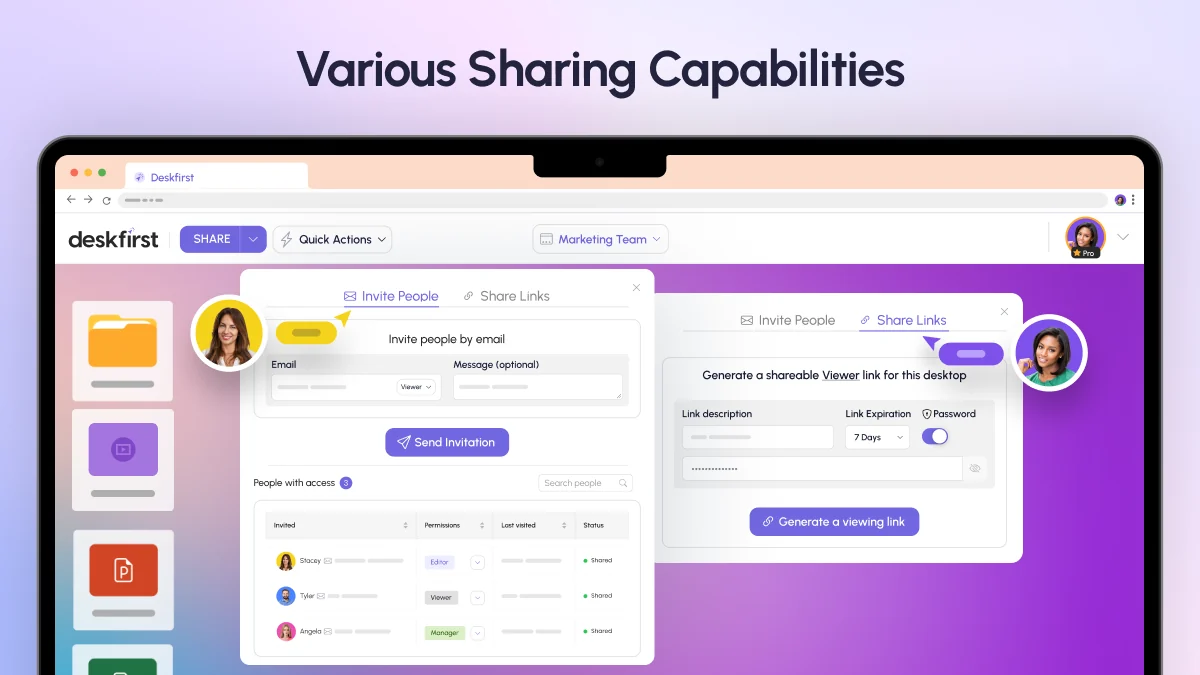
- Granular Permissions: Control access levels with Viewer, Editor, and Manager roles, ensuring that collaborators have the appropriate level of interaction.
- Direct Browser Access: Share desktops via email, allowing clients and team members to access all project files directly from their browsers without needing to download any software.
- Integrated Media Player: View and play various media file formats (photos, videos, audio) directly within the platform, eliminating the need for external tools.
- Multi-File Upload: Utilize the built-in file explorer to upload files across multiple folder windows simultaneously for increased efficiency.
- View-Only Links: Generate quick, view-only links for important assets that grant access without any editing capabilities.
- Unsplash Integration: Enhance the visual appeal of your online desktops by selecting background images from the integrated Unsplash library.
How It Works
Getting started with Deskfirst is designed to be simple. You begin by creating a new online desktop for a specific project. Within this desktop, you can upload files and folders just as you would on your computer. Share this workspace with your team or clients by sending them an email link. They can then access and interact with the files based on the permissions you’ve set, all within their web browser.
Use Cases
- Client Project Delivery: Package and deliver final project assets to clients in a branded, organized online workspace.
- Internal Team Collaboration: Streamline file sharing and project organization for internal teams working on shared initiatives.
- Creative Asset Management: Provide easy access to creative assets like images, videos, and designs for review and feedback.
- Onboarding New Team Members: Create dedicated spaces with all necessary documents and resources for new hires.
- Investor & Stakeholder Updates: Share reports, presentations, and important documents with external stakeholders in a controlled environment.
Integrations & Compatibility
- While Deskfirst offers direct file sharing and collaboration features, it’s important to note its primary focus is on enhancing the user experience for sharing and working on files
- The platform is browser-based, ensuring compatibility across various operating systems and devices with internet access
- Future integration plans are noted, aiming to facilitate smoother file transfers with existing cloud storage solutions.
Pricing & Value
Deskfirst is presented as a lifetime access deal, offering a cost-effective solution for ongoing file sharing and collaboration needs. The value proposition lies in its ability to centralize project files and simplify communication, potentially saving time and reducing the frustration associated with disorganized digital assets.
Deal Details
The Deskfirst offer on AppSumo typically provides lifetime access to the platform, with different tiers available that vary in storage capacity, number of online desktops, and the number of team members you can invite. The deal includes a 60-day money-back guarantee, allowing ample time to evaluate its suitability for your workflow.
Quick Take
- Ideal for teams and individuals seeking a simplified, organized way to share files.
- Excellent for client-facing projects where branding and ease of access are paramount.
- A practical alternative for managing project deliverables without complex software setups.
FAQs
Can I share files with external clients using Deskfirst?
Yes, Deskfirst is designed to facilitate easy and branded file sharing with external parties like clients.
How does Deskfirst handle file permissions?
Permissions can be set at Viewer, Editor, and Manager levels for controlled access to your shared desktops.
Do you offer integrations with Google Drive or Dropbox?
Integrations are planned to facilitate easier file transfers between these platforms and Deskfirst.
Is Deskfirst a replacement for Google Drive or Dropbox?
Deskfirst is primarily focused on collaboration and enhanced file sharing, not as a direct cloud storage replacement.
Will you offer white-labeling and custom domain features?
These features are under development, with plans for a special upgrade discount for Sumo-lings when they are released.
Final Thoughts
Deskfirst presents a compelling solution for anyone grappling with the complexities of digital file management and team collaboration. By leveraging a familiar desktop interface and offering robust customization options, it streamlines the process of sharing and accessing project-related files. For businesses and freelancers looking to enhance their client communication and internal workflows, Deskfirst offers a practical and visually appealing alternative to more conventional methods.