
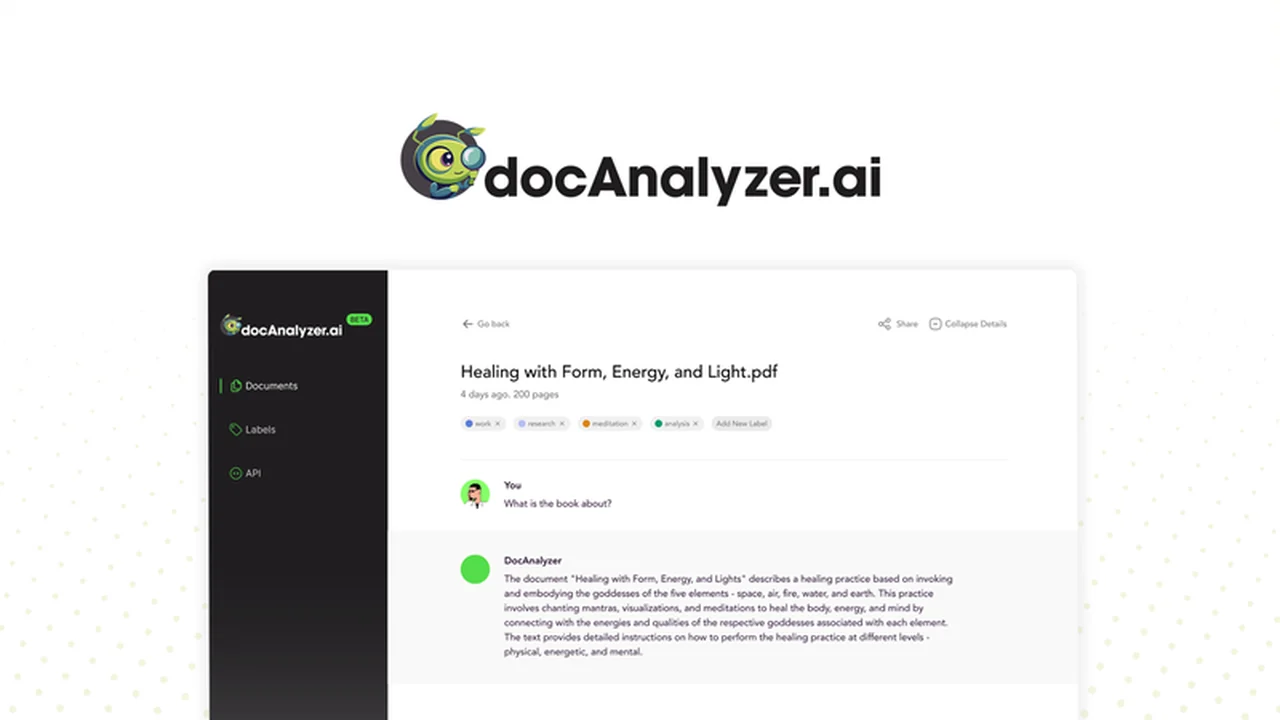
Navigating dense documentation can be a significant challenge, often consuming valuable time that could be better spent on strategic tasks.
This review explores docAnalyzer.ai, an AI-powered platform designed to revolutionize how you interact with your documents, turning static PDFs into dynamic, conversational knowledge bases. Discover its capabilities and how it can streamline your document analysis process.
What is docAnalyzer.ai – Turn PDFs into AI chats | AppSumo
docAnalyzer.ai is an innovative AI platform that transforms your PDF documents into interactive chat interfaces. Instead of manually sifting through pages, users can ask questions directly to the AI about the document’s content and receive accurate, context-aware answers in seconds. This approach significantly accelerates information retrieval and analysis, making complex documents more accessible and manageable.
Key Features
- AI-Powered Chat Interface: Engage in conversations with your documents to find information quickly.
- Multi-Document Chatting: Group and label documents for simultaneous analysis and querying.
- Multi-Language Support: The platform can parse and analyze content across various languages.
- Secure Storage: Compliant with ISO/IEC 27001 and 27701 standards for enhanced data security.
- API Access: Integrate docAnalyzer.ai into existing workflows for automated processing.
- Broad Document Format Support: Beyond PDFs, it supports formats like MD, ODT, DOCX, HTML, EPUB, RTF, and TXT.
- OCR Capabilities: Extract text from images within documents.
- AI Workflow Automation: Design custom automation tasks for data extraction, comparison, and more.
How It Works
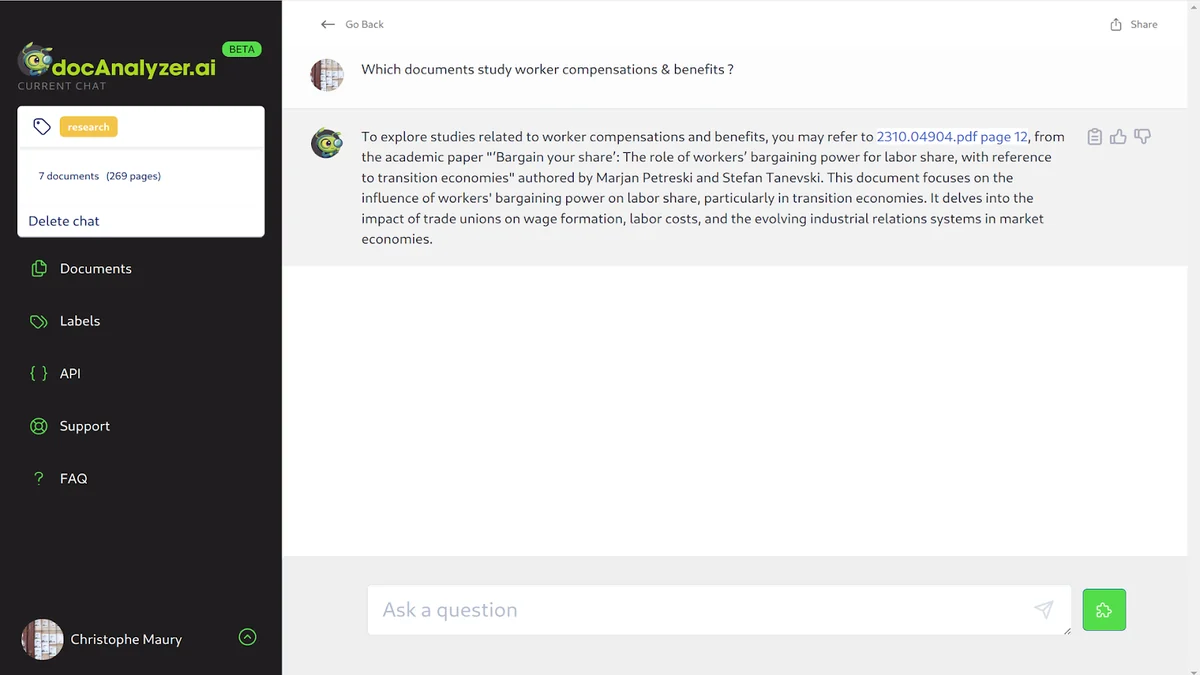
The process with docAnalyzer.ai is straightforward. You begin by uploading your PDF files to the platform. Once uploaded, the AI analyzes the content, creating an index that allows for conversational queries. Users can then type questions related to the document’s subject matter, and the AI provides precise answers based on the analyzed text.
Document Organization: Before uploading, you can label documents, enabling you to organize data effectively and conduct group analysis by chatting with multiple related documents simultaneously.
Adaptive AI: The AI learns from your conversation history, adapting its dialogue style over time for a more personalized interaction.
Use Cases
- Academic Research: Quickly extract key findings, methodologies, and conclusions from research papers.
- Legal Analysis: Efficiently review contracts, identify specific clauses, or gather information from legal briefs.
- Financial Reporting: Analyze financial statements, extract key figures, and understand performance metrics.
- Business Operations: Summarize reports, extract data for business intelligence, and onboard new team members faster by providing quick access to company documents.
- Content Creation: Research and gather information for articles, blog posts, or marketing materials.
Integrations & Compatibility
- docAnalyzer.ai offers API keys that facilitate integration into your existing software and business processes
- This allows for more dynamic and automated workflows
- The platform is designed to be compatible with all devices, meaning you and your team can access and use it on desktops, tablets, and mobile phones, ensuring flexibility and accessibility regardless of location.
Pricing & Value
The primary offering for docAnalyzer.ai is typically through a lifetime deal, providing access to the platform’s features for a one-time purchase. This model offers significant value for individuals and businesses that handle a large volume of documents regularly, as it eliminates recurring subscription costs.
Deal Details
This product is available through a special deal. It includes lifetime access to docAnalyzer.ai, ensuring you benefit from ongoing updates and features. The platform also comes with a 60-day money-back guarantee, allowing ample time to evaluate its suitability for your needs.
Quick Take
- Ideal for professionals and teams drowning in PDF documents.
- Streamlines information retrieval and analysis through conversational AI.
- Offers significant long-term value with its lifetime access model.
FAQs
What security measures are in place for my documents?
Storage is compliant with ISO/IEC 27001 and 27701 standards for peace of mind.
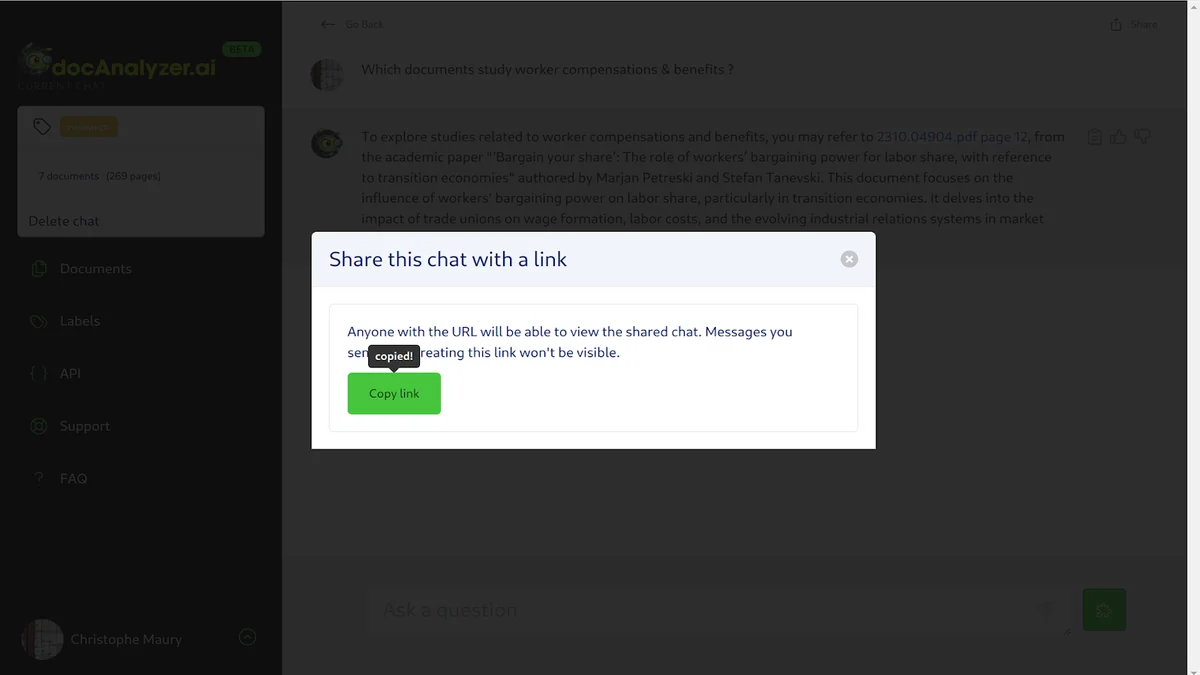
Can I share my document analysis results with my team?
Yes, you can share document chats and insights with your team via secure links.
Does docAnalyzer.ai support documents in languages other than English?
Yes, the platform is capable of parsing and analyzing content across multiple languages.
What types of documents can docAnalyzer.ai process?
It supports PDF files and various other formats including DOCX, HTML, and TXT.
Can I CTRL+F to the point in my documents?
docAnalyzer.ai allows you to ask questions directly to the AI, effectively serving as an advanced CTRL+F.
Final Thoughts
docAnalyzer.ai presents a compelling solution for anyone looking to enhance their document analysis workflow. By leveraging AI to create interactive chat experiences, it addresses the common pain points of sifting through dense information. Its multi-language support, robust security, and integration capabilities make it a versatile tool for a wide range of professional applications. The availability of a lifetime deal further solidifies its position as a valuable investment for efficient document management and insight extraction.