
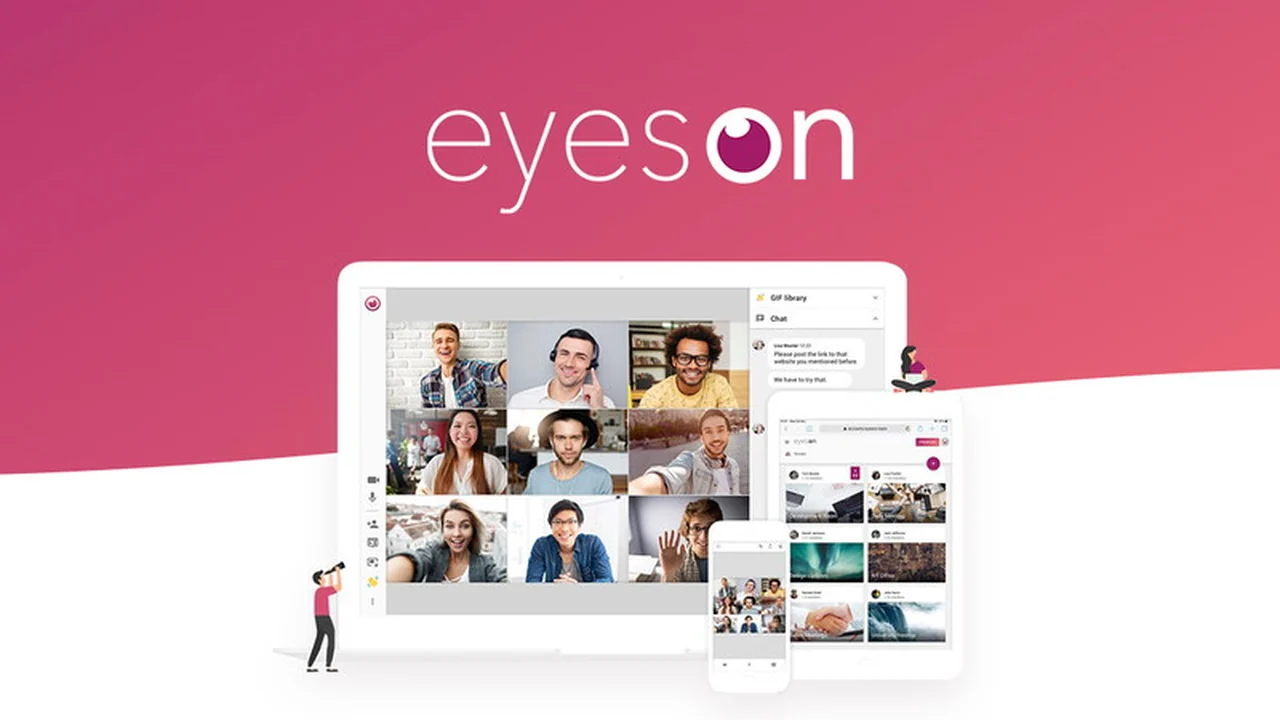
Tired of clunky video conferencing that disrupts your workflow? This review explores a solution designed to eliminate technical headaches and keep your meetings productive.
Discover how eyeson | AppSumo offers a high-quality, cloud-based video calling and presentation experience that integrates smoothly into your daily tasks.
What is eyeson | AppSumo
eyeson is a cloud-based video calling and presentation solution that prioritizes ease of use and high-quality performance. It aims to remove the common barriers associated with traditional video conferencing, such as lengthy downloads, installations, and lagging video feeds.
Key Features
- Hassle-Free Setup: Log in with your email or social account and create your profile. No downloads or installations are required for you or your attendees.
- Easy Meeting Initiation: Share a meeting link via email, text, Slack, or send a calendar invite directly from eyeson. Attendees can join instantly from any browser.
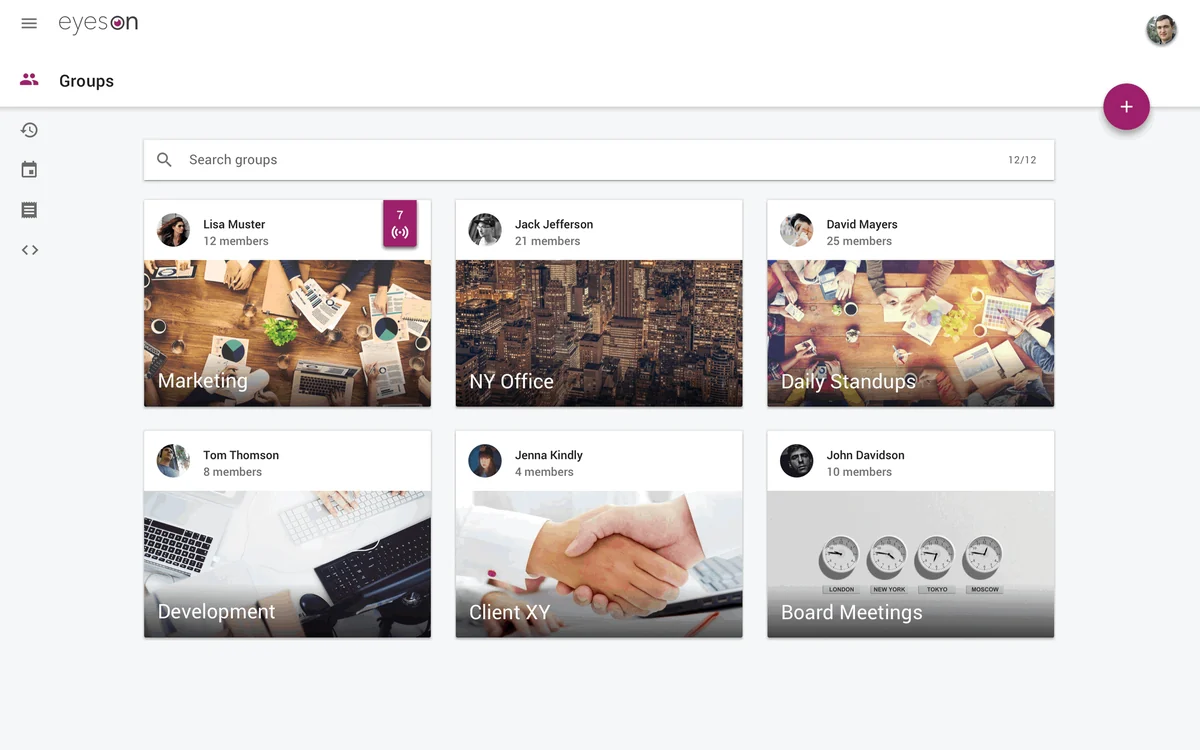
- Organized Meeting Rooms: Create individual rooms for different teams, events, or projects to maintain organization. Secure one-time links are available for external partners.
- Interactive Presentations: Share your screen or upload presentations and PDFs for synchronized slide shows. Use the integrated drawing tool to highlight key points.
- Live Broadcasting and Recording: Connect your YouTube channel or social media accounts to broadcast sessions live or record them for later access.
- Engaging Communication: Share GIFs and emoji reactions during calls to enhance participant engagement.
- High-Quality Performance: Experience high-definition video calls with up to nine people and audio calls with up to 100, all while maintaining call quality thanks to patented Single Stream Technology, ideal for mobile networks.
- Post-Meeting Access: Recordings and snapshots taken during presentations are easily accessible within your account for review.
- Call History: Review your past call history to easily confirm previous conversations.
- Moderation Tools: Utilize layout settings and moderation tools for greater control over your meetings.
How It Works
Getting started with eyeson is designed for simplicity. Users log in via their email or a connected social account to set up their profile. To start a call, a unique meeting link is generated, which can be shared through various communication channels. Participants can then click this link to join the meeting directly in their web browser without any prior software installation. The platform supports screen sharing, document uploads for presentations, and real-time annotation tools. For enhanced engagement, features like GIF sharing and emoji reactions are available. The proprietary Single Stream Technology ensures a stable and high-quality video and audio experience even with multiple participants and varying network conditions.
Use Cases
- Sales Calls: Easily invite prospects to product demos or pitches by sharing a meeting link.
- Team Collaboration: Conduct daily stand-ups, project meetings, and brainstorming sessions with remote teams.
- Client Presentations: Deliver polished presentations and product demonstrations to clients.
- Internal Training: Host training sessions or workshops for employees.
- Freelancer Meetings: Connect with clients for project discussions and updates.
Integrations & Compatibility
- eyeson offers integrations with popular productivity tools such as Slack, Trello, and Dropbox, as well as ticketing platforms like Zendesk and Jira, facilitating a seamless workflow within your existing software ecosystem.
Pricing & Value
The AppSumo deal provides significant value by offering access to eyeson’s feature set at a one-time purchase price. This approach allows users to invest in a comprehensive video conferencing solution without ongoing subscription costs, making it an attractive option for individuals and businesses looking for long-term cost savings.
Deal Details
The eyeson | AppSumo deal typically includes lifetime access to specific features and user limits, offering a perpetual license for the purchased tier. It comes with a 60-day money-back guarantee, allowing ample time to evaluate the platform’s suitability.
Quick Take
- Ideal for individuals and teams seeking a straightforward, no-download video conferencing experience.
- Offers robust presentation and annotation tools for effective client and team interactions.
- Provides a stable, high-quality video stream, even on less-than-ideal network conditions.

FAQs
What happens after the 5-year license period for lifetime deals?
Lifetime licenses are defined for a 5-year period and do not automatically renew after expiration.
Does eyeson offer webinar functionality?
eyeson focuses on video meetings and team collaboration, not dedicated webinar features.
Can I share my screen during a call?
Yes, screen sharing is a standard feature available during your video calls.
Is any software download required for attendees?
No, attendees can join directly from any web browser without any downloads.
What are the maximum participant limits?
Video calls can accommodate up to nine people, while audio calls support up to 100 participants.
Final Thoughts
eyeson | AppSumo presents a compelling solution for anyone aiming to streamline their video communication and presentation needs. Its emphasis on immediate access, high-quality streams, and integrated presentation tools makes it a practical choice for enhancing productivity. The absence of download barriers for participants and the inclusion of collaboration features contribute to a smoother, more efficient meeting experience, ultimately helping users to get more done.