
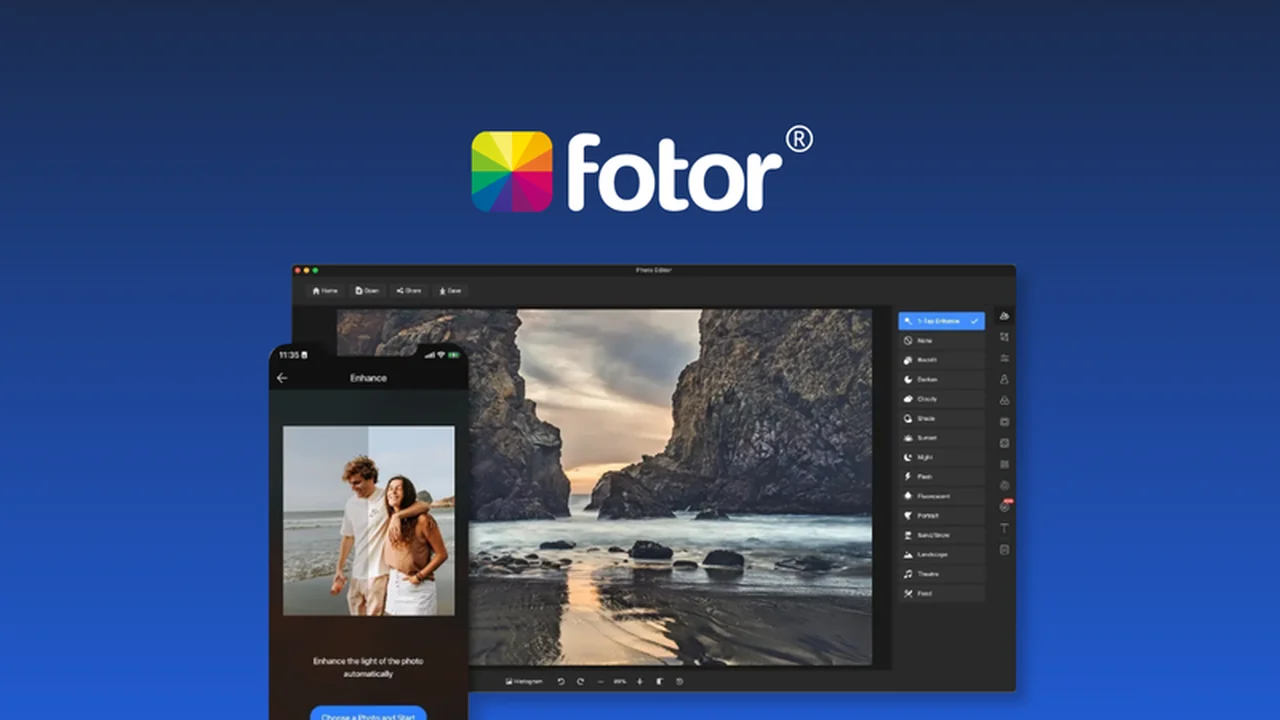
This review delves into Fotor, an all-in-one photo editing and graphic design application available through a special AppSumo deal. You’ll discover how this tool can help users of all skill levels transform ordinary photos into compelling visuals.
We’ll explore its core functionalities, practical applications, and the overall value proposition, especially for those looking to enhance their image editing workflow without a steep learning curve.
What is Fotor – Edit your photos easily | AppSumo
Fotor is positioned as a comprehensive solution for both photo editing and graphic design, catering to individuals who need to create visually appealing content quickly. It aims to democratize photo manipulation, enabling users to elevate their images from basic to impressive with intuitive tools and features.
Key Features
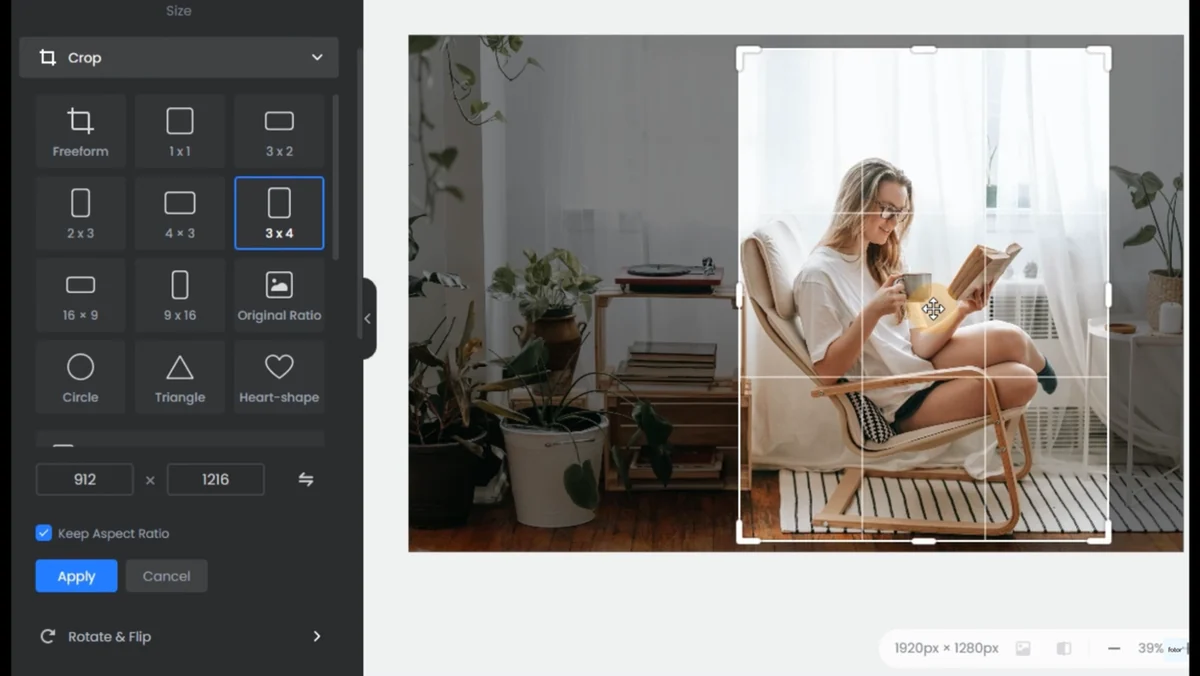
- Image Cropping: Resize and crop images with flexibility, including specific shapes like circles, for precise adjustments.
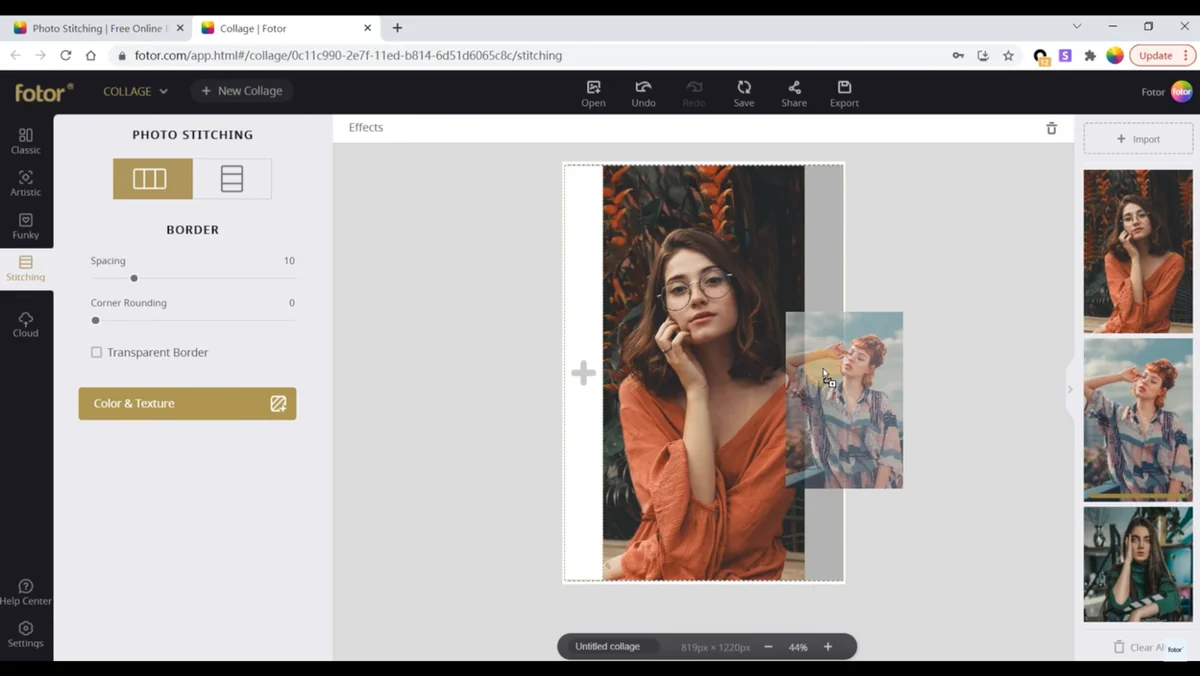
- Panorama Stitching: Merge multiple images to create seamless panoramas, with options for spacing and corner adjustments.
- Image Merging: Combine photos easily using pre-designed templates and drag-and-drop functionality.
- Photo Effects: Apply a range of artistic effects such as tilt-shift and lomo to enhance image quality and style.
- Collage Maker: Effortlessly create photo collages to showcase multiple images together.
- AI Tools: Leverage AI-powered features like text-to-image generation, AI photo effects (sketch, oil painting, cartoon), and an AI image enhancer for quality improvements.
- Background Removal: Remove unwanted backgrounds and objects from images in a single click.
- PNG Maker: Convert image formats, such as JPG, to PNG for versatile use.
- Image Overlay: Create layered effects by overlaying images for unique visual compositions.
How It Works
Fotor simplifies the editing process through a user-friendly interface. You can upload your images, select from a wide array of editing tools and templates, and make adjustments with ease. The drag-and-drop functionality is central to its design, allowing for quick manipulation of elements. For AI features, you can input text prompts for image generation or apply AI effects with minimal input.
Use Cases
- Social Media Content: Quickly create eye-catching banners, profile pictures, and thumbnails for platforms like Facebook, Twitter, and YouTube.
- Personal Photo Enhancement: Turn everyday photos into artistic pieces with various effects and filters.
- Graphic Design Projects: Design simple graphics, posters, or invitations using pre-made templates and editing tools.
- E-commerce Product Images: Edit and resize product photos for online stores, ensuring professional presentation.
- Creative Storytelling: Merge and combine images to create unique visual narratives.
Integrations & Compatibility
- Fotor offers a mobile application, allowing for seamless syncing and editing across devices
- This ensures you can work on your images from anywhere, at any time, whether on your desktop or smartphone.
Pricing & Value
The value of Fotor is significantly enhanced through its availability on AppSumo. This partnership typically offers lifetime access to premium features at a one-time purchase price, which is highly attractive compared to recurring subscription models.
Deal Details
The AppSumo deal for Fotor provides lifetime access to its comprehensive editing and design suite. Purchases made through AppSumo are generally guaranteed for life, provided you download and save your access within 60 days of purchase.
Quick Take
- Ideal for beginners and users seeking efficient photo editing and graphic design tools.
- Offers a robust set of features, including AI capabilities, at an accessible price point.
- Simplifies content creation for social media, personal projects, and basic design needs.
FAQs
Is the AppSumo deal a one-time purchase?
Yes, the AppSumo deal typically offers lifetime access for a single payment.
What makes Fotor’s AI tools useful?
AI tools automate tasks like image generation and background removal, saving users significant time.
Does Fotor offer templates for graphic design?
Yes, Fotor provides a wide range of templates for various design needs.
Can I use Fotor on my phone?
Yes, Fotor has a mobile app for editing on the go.
Is Fotor suitable for professional designers?
Fotor is excellent for quick edits and design tasks, though advanced professionals might seek more specialized software.
Final Thoughts
Fotor, particularly with the AppSumo deal, presents a compelling option for anyone needing to enhance their photo editing and graphic design capabilities. Its intuitive design, diverse feature set, and the inclusion of AI tools make it a valuable asset for both hobbyists and small businesses looking for an efficient and cost-effective solution.