
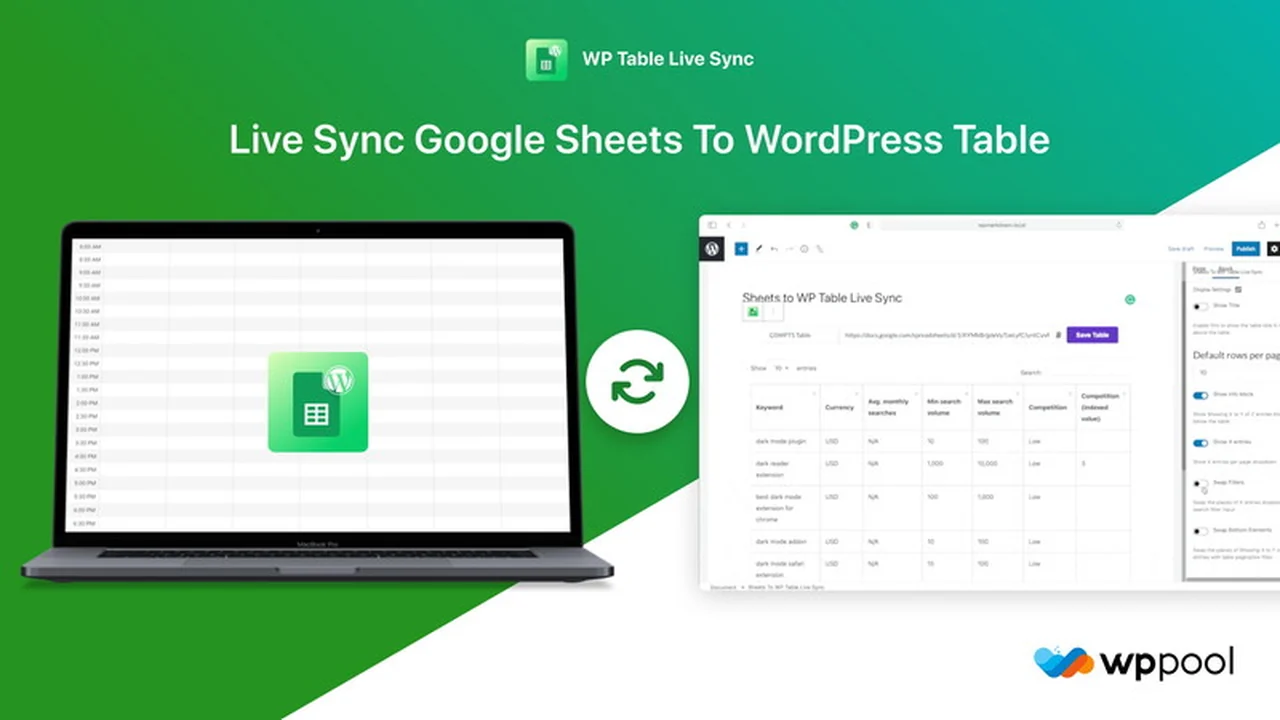
Displaying dynamic data from Google Sheets on your WordPress site has traditionally been a manual and time-consuming process. This often involves tedious copy-pasting, especially when data needs frequent updates.
This review explores how the Google Sheets to WP Table Live Sync plugin offers a streamlined solution to embed and synchronize your spreadsheets directly into WordPress tables, ensuring your content remains current without manual intervention.
What is Google Sheets to WP Table Live Sync | AppSumo
Google Sheets to WP Table Live Sync is a WordPress plugin designed to simplify the integration of Google Sheets data into your website. It provides a straightforward method to display spreadsheet content within WordPress tables and crucially, keeps this data synchronized in real-time.
Key Features
This plugin comes equipped with several features to enhance the presentation and management of your spreadsheet data on your WordPress site.
- Visual Table Builder: Allows for the creation of tables using an intuitive visual interface.
- Live Synchronization: Data updates in your Google Sheet are reflected instantly on your WordPress site.
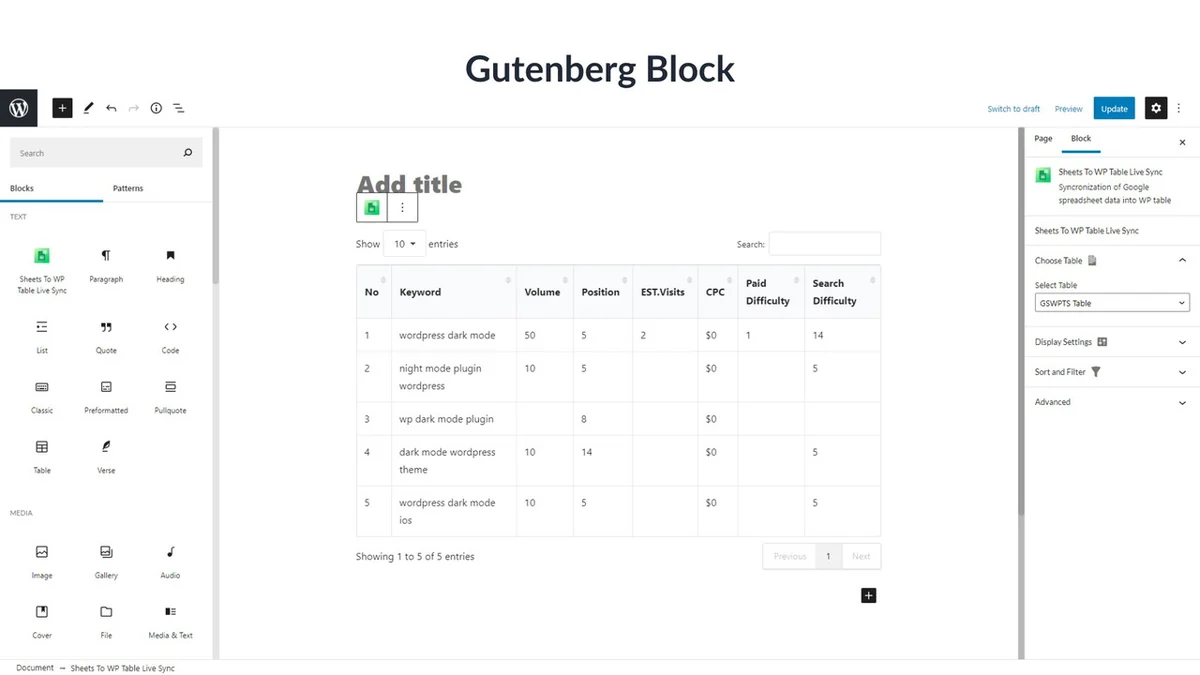
- Shortcode and Block Support: Easily embed your synchronized tables anywhere on your site using a shortcode or dedicated blocks for Elementor and Gutenberg.
- Complex Data Handling: Supports the inclusion of links and basic formatting from your Google Sheets.
- Responsive Design: Ensures tables display correctly across all devices, from desktops to mobile phones.
- Customization Options: Includes custom CSS for styling and pre-built table styles to save time.
- Search, Sort, and Filter: Interactive features that allow users to easily navigate and find specific data within the tables.
- Caching: Leverages caching mechanisms for improved loading speeds and reduced server load.
How It Works
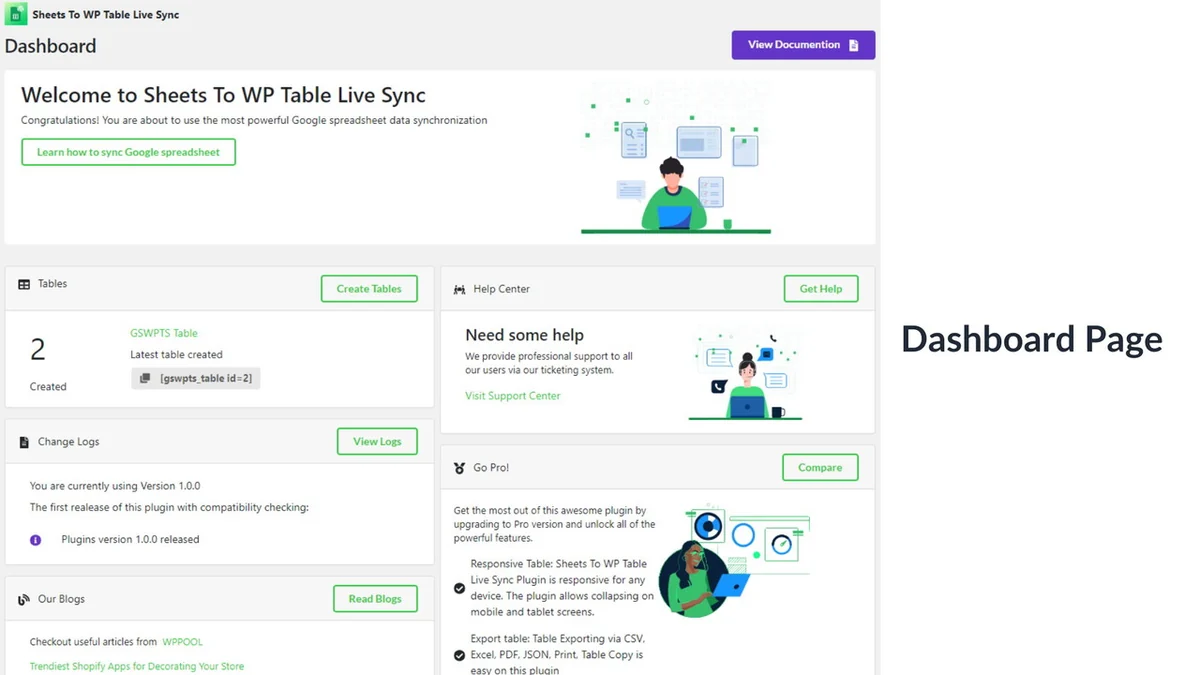
The core functionality of Google Sheets to WP Table Live Sync is its ability to connect to a Google Sheet and display its contents as a WordPress table. Once set up, any modifications made to the source Google Sheet are automatically pushed to the corresponding table on your WordPress website. This eliminates the need for manual data transfer or updates.
Use Cases
The plugin is versatile and can be applied to various scenarios where dynamic data display is beneficial:
- Displaying product catalogs or inventory lists that are managed in a Google Sheet.
- Showing pricing tables or service comparisons that require frequent updates.
- Presenting event schedules or team member directories.
- Sharing public datasets or statistics that are maintained in a spreadsheet.
- Creating leaderboards or rankings based on data from a shared Google Sheet.
Integrations & Compatibility
Google Sheets to WP Table Live Sync is designed to work seamlessly within the WordPress ecosystem. It offers compatibility with popular page builders, ensuring flexibility in where and how you display your tables.
- Elementor Support: Integrates with Elementor for easy placement and styling of tables.
- Gutenberg Block: Includes a dedicated block for the Gutenberg editor, making it simple to insert tables into posts and pages.
- Shortcode Functionality: Provides a universal shortcode for embedding tables across different WordPress themes and page builders.
Pricing & Value
The plugin offers a practical solution for managing live data synchronization. While the exact pricing can vary, deals are often available that provide lifetime access, presenting a strong value proposition for users who need ongoing synchronization capabilities.
Deal Details
This product is frequently available through platforms like AppSumo, often presenting a one-time purchase option for lifetime access. This model can be highly cost-effective compared to recurring subscription fees, especially for long-term users. A typical deal might include lifetime access to the plugin and potential future updates.
Quick Take
- Ideal for users who regularly manage data in Google Sheets and need to display it live on their WordPress site.
- Saves significant time by automating the update process, eliminating manual data entry.
- Provides an easy-to-use solution for dynamic content display without extensive technical expertise.
FAQs
Can I sync multiple spreadsheets to my domain?
Yes, you can sync multiple spreadsheets per domain on different pages or posts.
Can data and images be shared from Google Sheets?
Yes, both data and images can be shared from Google Sheets to your WordPress area.
Are the tables editable on the frontend?
No, the tables are designed for viewing only and are not editable on the frontend.
Can I use a private Google Sheet?
No, Google Sheets URLs must be public for frontend visibility.
Are Google Sheets URLs safe to use?
Google Sheets URLs are safe when the sheet’s privacy is set to “Viewer.”.
Final Thoughts
Google Sheets to WP Table Live Sync | AppSumo offers a compelling solution for anyone looking to bridge the gap between their Google Sheets data and their WordPress website. The live synchronization feature is particularly valuable for maintaining up-to-date content with minimal effort. Its ease of use, combined with compatibility across major WordPress builders, makes it a practical choice for individuals and businesses seeking an efficient way to manage and display dynamic spreadsheet information.