
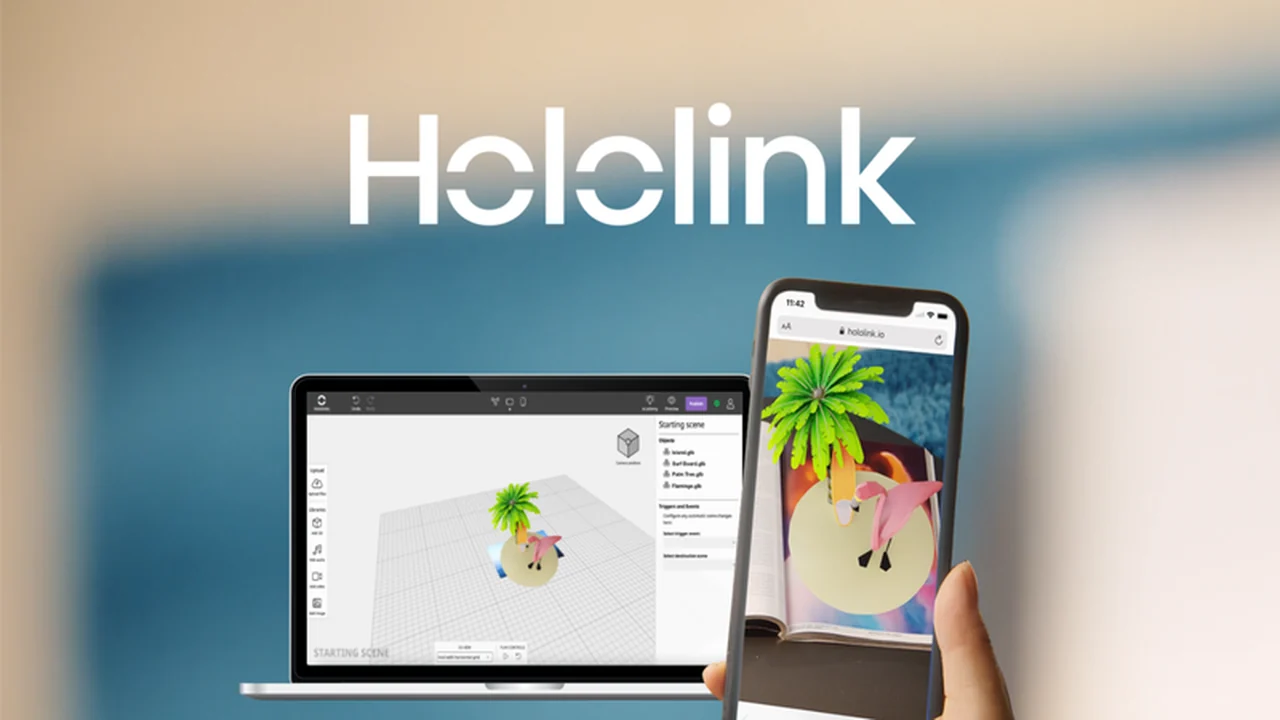
Are you looking to integrate the power of augmented reality into your marketing or creative projects but feel limited by technical barriers?
We will delve into its features, how it works, and the potential applications, offering a practical look at what this tool can do for you and your team.
What is Hololink – Create AR experiences without coding | AppSumo
Hololink is a platform designed to democratize augmented reality creation. It enables users to build and deploy interactive AR experiences directly through web browsers, eliminating the need for app downloads. This means your audience can access your AR content instantly on their mobile devices.
The tool focuses on a visual, intuitive interface, allowing individuals and teams to collaborate on creating rich AR scenes incorporating various media types. It aims to make AR accessible for marketing, education, and creative industries.
Key Features
Hololink offers a robust set of features to empower creators:
- Code-Free AR Creation: Design and launch interactive, browser-based augmented reality experiences without writing any code.
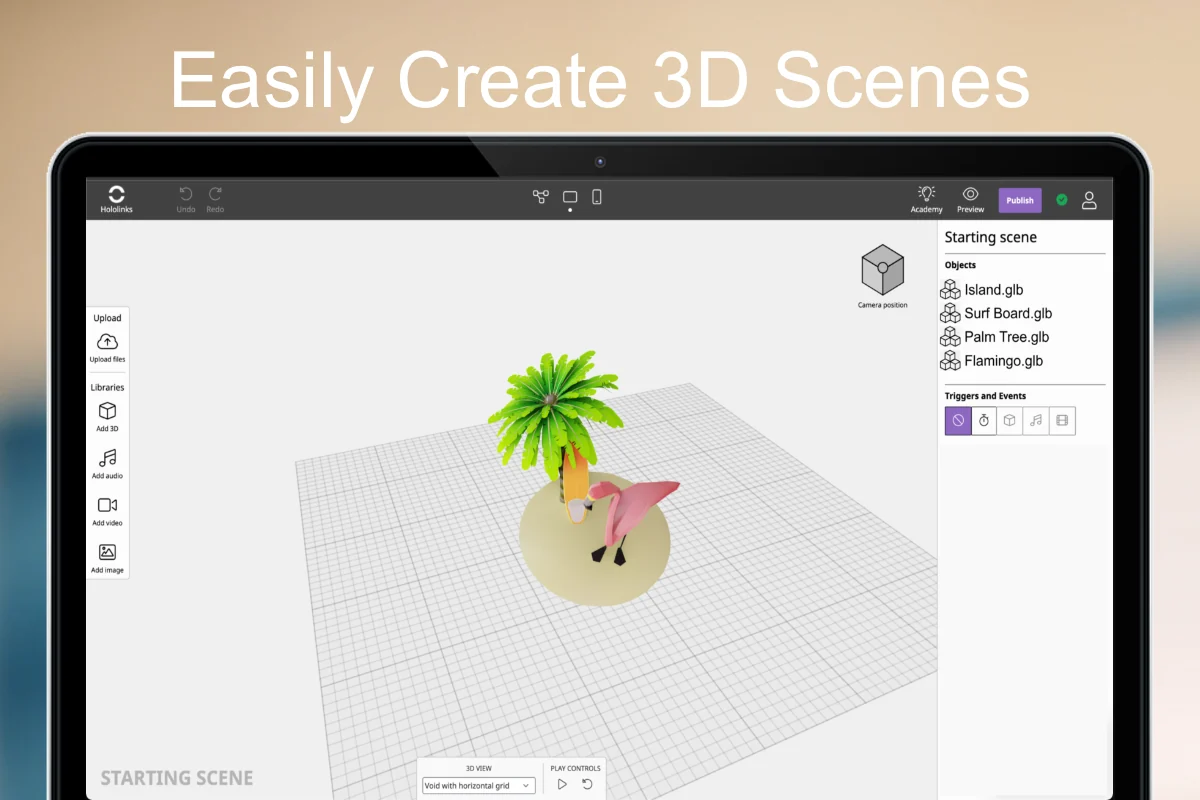
- Interactive 3D Canvas: Utilize an infinite, interactive 3D canvas to enhance everything from business cards to print ads.
- Multimedia Integration: Incorporate 3D models, video, images, and audio into your AR scenes.
- Extensive Media Library: Upload your own media or select from thousands of free options, including integration with Sketchfab.
- Green Screen Support: Use green screen video with chroma key to seamlessly blend video content with AR backgrounds.
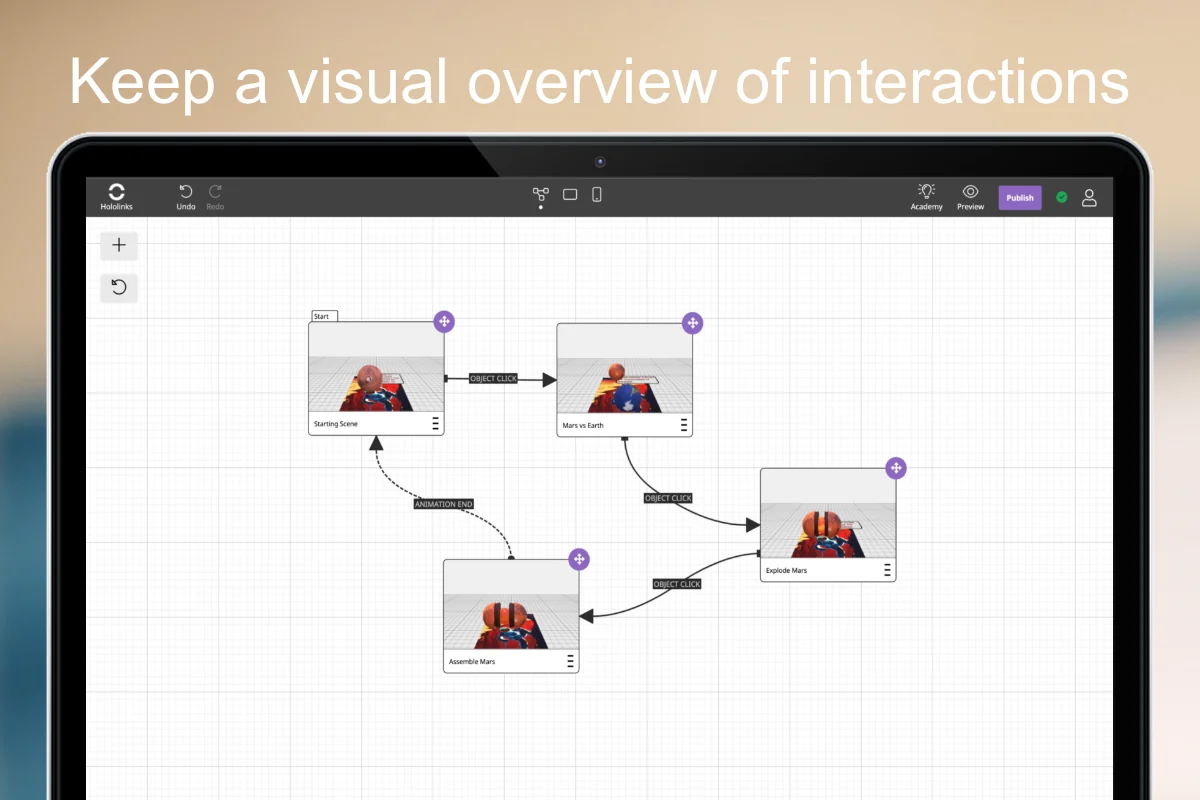
- Storyboard Editor: Visualize and manage scene connections with a bird’s-eye view storyboard, allowing easy rearrangement and flow customization.
- Dynamic Editor: Design unique interfaces for each scene, customizing the appearance and functionality of text, navigation buttons, and icons.
- Interactive Elements: Add interactive capabilities, such as linking assets to external URLs or enabling screenshot functionality.
- Customizable User Flow: Control how users navigate through the experience, with options for scene changes via icons or automatic progression.
- Team Collaboration: Create teams within dedicated workspaces for collaborative project development with colleagues or freelancers.
- Prototype Sharing: Share prototypes directly from the interface with clients or managers to keep everyone informed.
- Custom URLs: Publish AR experiences on custom URLs for seamless integration with existing online content (available on specific plans).
- Hololink Academy: Access a library of resources on AR best practices and design tips.
How It Works
Getting started with Hololink is designed to be straightforward. The platform utilizes an intuitive, drag-and-drop interface for building AR scenes. You can begin with pre-made templates or create your experiences entirely from scratch.
The process typically involves uploading or selecting your media assets, arranging them within the 3D canvas, and defining interactive elements and navigation pathways. The built-in preview function allows you to test your AR experience on a smartphone throughout the design process, ensuring it functions as intended before publishing.
Use Cases
Hololink opens up a wide array of possibilities across various sectors:
- Marketing Campaigns: Create engaging AR product visualizations, interactive advertisements, and promotional materials.
- Print Media Enhancement: Bring print ads, brochures, and business cards to life with interactive AR content.
- E-commerce: Allow customers to visualize products in their own space before purchasing.
- Education and Training: Develop immersive learning experiences and interactive tutorials.
- Event Promotion: Design interactive AR experiences for event invitations or on-site engagement.
- Brand Storytelling: Craft unique and memorable narratives through interactive AR.
Integrations & Compatibility
- Hololink is designed for broad accessibility, focusing on browser-based delivery
- This means no dedicated app is required for end-users, making it compatible with most modern smartphones and tablets
- The platform also integrates with services like Sketchfab, providing access to a vast library of 3D models
- Specific integration capabilities for custom URLs are also available, allowing for seamless embedding of AR content into your existing web presence.
Pricing & Value
Hololink, particularly when available through platforms like AppSumo, offers a compelling value proposition. The focus is on providing lifetime access to its core functionalities, which is a significant advantage for businesses and individuals looking to invest in AR creation tools without ongoing subscription fees.
The value lies in the ability to create sophisticated AR experiences without requiring specialized coding skills, thereby saving on development costs and time. This makes advanced AR technology accessible to a wider range of users and project budgets.
Deal Details
Deals for Hololink, such as those found on AppSumo, typically offer lifetime access to the software. This means you pay a one-time fee to unlock the features of a specific plan permanently. These deals often include regular software updates and access to customer support.
It’s advisable to check the specific terms of any available deal, as different tiers may offer varying levels of features, storage, or publishing options. A 60-day money-back guarantee is usually provided, allowing ample time to test the platform’s suitability for your needs.
Quick Take
- Ideal for marketers, designers, and small businesses wanting to create AR without coding.
- Offers an intuitive way to build engaging, browser-based AR experiences quickly.
- Provides a cost-effective solution for integrating advanced AR into projects.
FAQs
What kind of media can I import into Hololink?
You can import 3D models, videos, images, and audio files into Hololink.
Can I collaborate with my team on AR projects using Hololink?
Yes, Hololink allows you to create teams and collaborate on projects within dedicated workspaces.
Is Hololink suitable for beginners with no coding experience?
Yes, Hololink is specifically designed for users without coding knowledge, utilizing a drag-and-drop interface.
Do users need to download an app to view Hololink AR experiences?
No, users can access Hololink AR experiences directly through their mobile web browser without any downloads.
What kind of AR experiences can I create with Hololink?
You can create interactive, browser-based augmented reality experiences featuring 3D models, videos, and images.
Final Thoughts
Hololink presents a compelling solution for anyone looking to harness the power of augmented reality without the steep learning curve of traditional development. Its code-free approach, combined with an intuitive interface and robust feature set, makes it an accessible tool for a wide range of creative and business applications.
The ability to create interactive, browser-based AR experiences that engage audiences directly on their mobile devices offers a significant advantage in today’s digital landscape. For those seeking to innovate and stand out, Hololink is certainly worth exploring.