
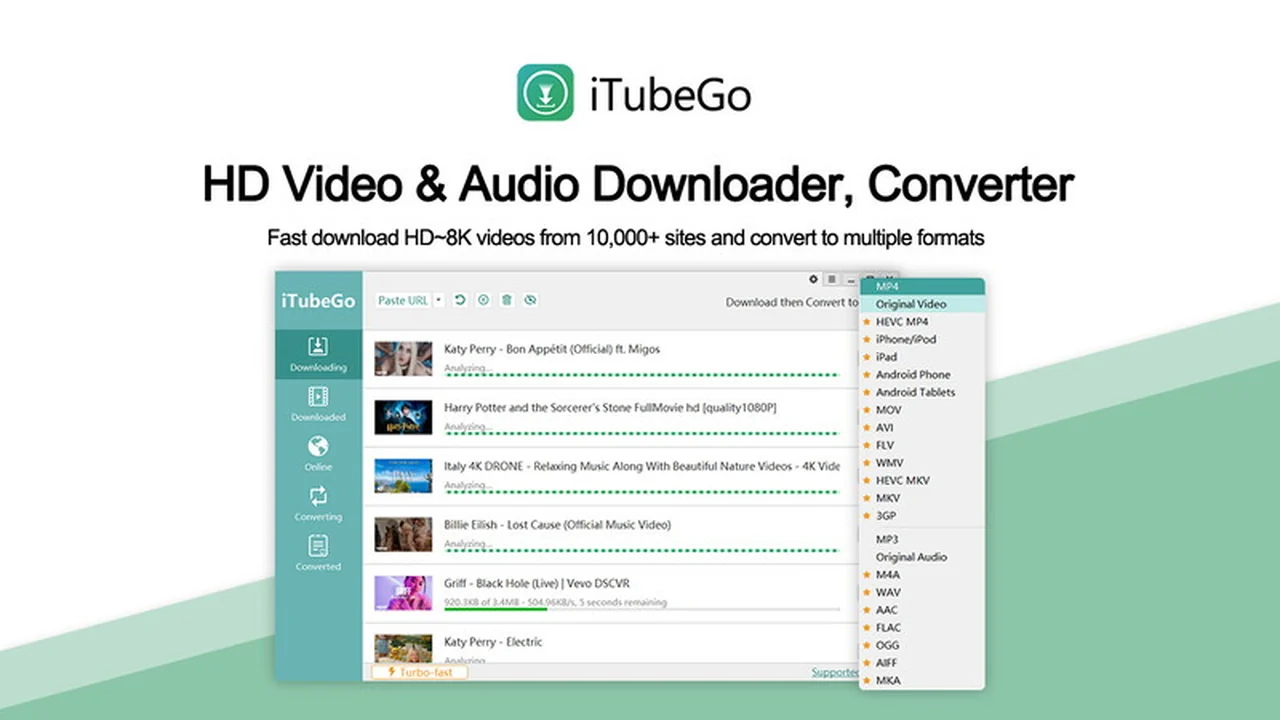
This review dives deep into iTubeGo for Windows, a popular tool for downloading and converting video content. We’ll explore its capabilities, how it functions, and whether it’s the right solution for your needs.
You’ll discover the core features, practical applications, and the overall value proposition of iTubeGo, especially as it’s presented on AppSumo. Let’s get started.
What is iTubeGo for Windows | AppSumo
iTubeGo for Windows is a software application designed to facilitate the downloading and conversion of video content from various online platforms. Primarily known for its ability to handle YouTube videos and playlists, it aims to provide users with high-definition downloads at a rapid pace. The AppSumo deal offers a lifetime license, making it a potentially cost-effective solution for frequent video downloaders.
Key Features
iTubeGo for Windows is packed with features designed to streamline the video downloading process:
- High-Speed Downloads: Experience rapid download speeds for videos and entire playlists.
- HD Quality: Preserve the original quality of videos, downloading them in high definition.
- Extensive Website Support: Download content from over 1000 different websites, not just YouTube.
- Playlist Downloading: Easily download entire playlists from platforms like YouTube.
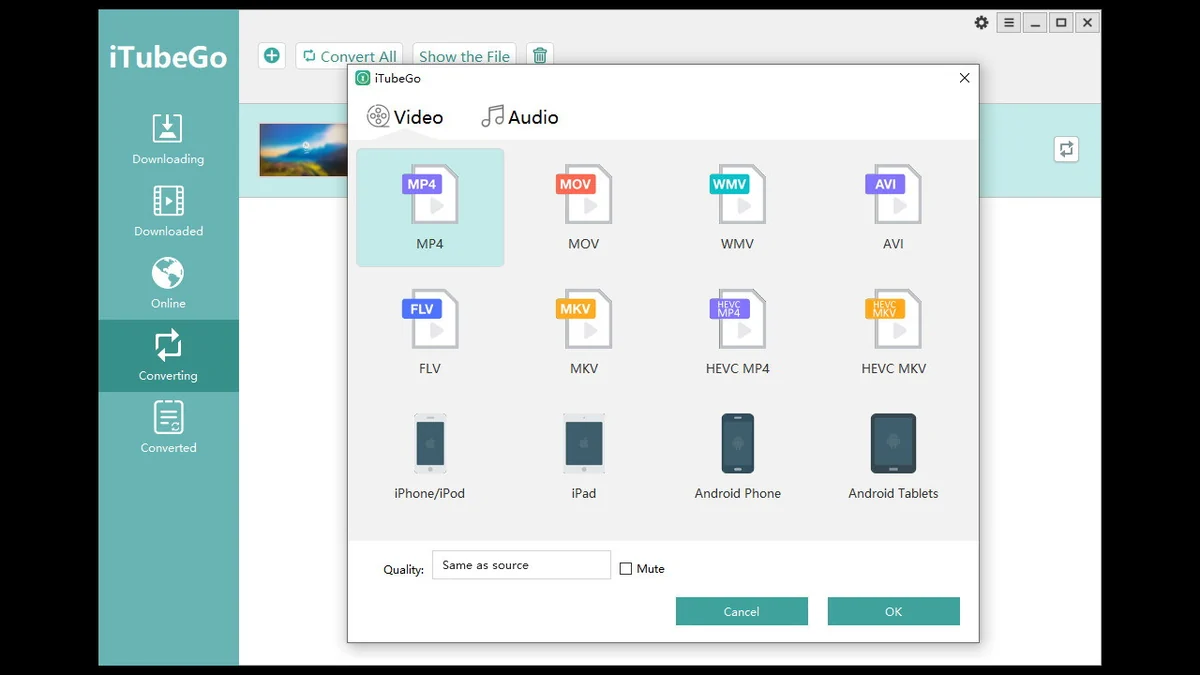
- Multiple Format Conversion: Convert downloaded videos into various audio and video formats.
- Lifetime Updates and Support: Benefit from ongoing software updates and technical assistance.
How It Works
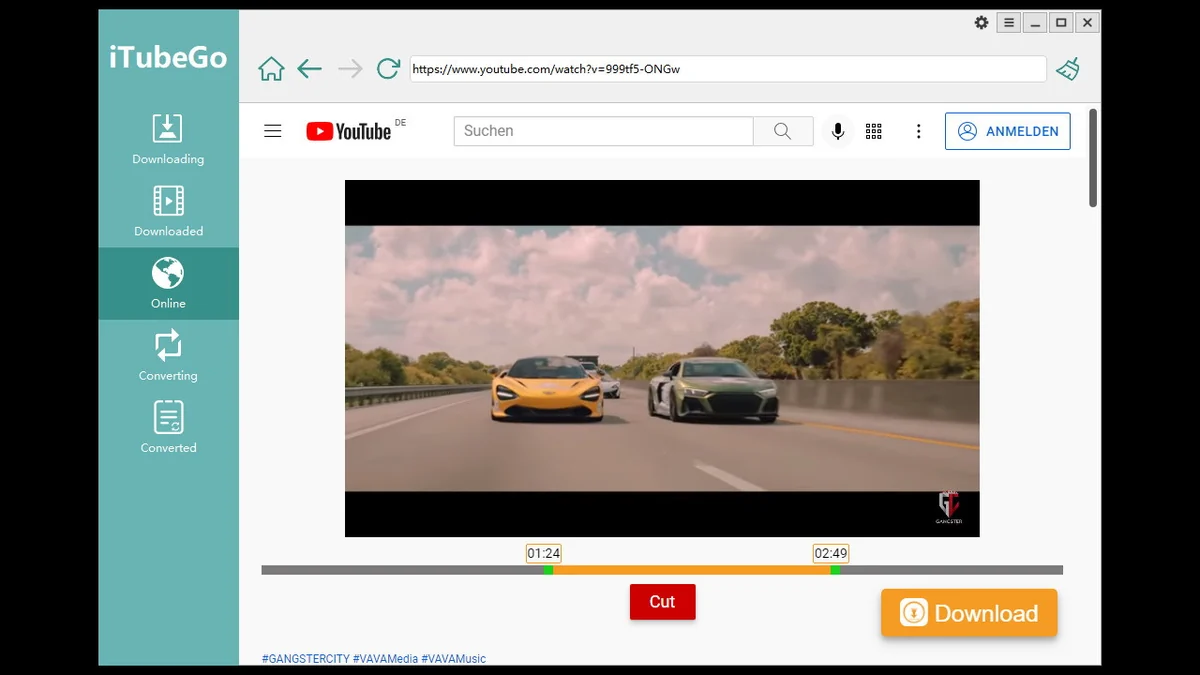
Using iTubeGo for Windows is generally straightforward. The process typically involves copying the URL of the video you wish to download, pasting it into the iTubeGo interface, and then selecting your desired download quality and format. The software then handles the rest, downloading and converting the file as per your specifications.
User Interface: The application is designed with ease of use in mind, making it accessible for both novice and experienced users. Clear options and intuitive navigation contribute to a smooth user experience.
Use Cases
iTubeGo for Windows serves a variety of practical purposes:
- Offline Viewing: Download your favorite videos to watch them later without an internet connection, ideal for travel or areas with limited connectivity.
- Content Archiving: Save important video content for personal archives or future reference.
- Educational Purposes: Download lectures, tutorials, and educational videos for offline study.
- Content Creation: Extract audio or video clips for use in your own creative projects (ensuring compliance with copyright laws).
Integrations & Compatibility
- iTubeGo for Windows is designed to work seamlessly on the Windows operating system
- While it focuses heavily on YouTube, its broad website support suggests compatibility with a wide range of online video platforms
- Information regarding direct integrations with other software or services, such as API access for automation, is not prominently featured and may require further investigation.
Pricing & Value
The AppSumo deal for iTubeGo for Windows offers a lifetime license, which means a one-time payment grants perpetual access to the software, including all future updates. This model provides significant long-term value compared to subscription-based services, especially for users who download videos regularly.
Deal Details
The AppSumo deal typically includes:
- Lifetime access to the iTubeGo Plan.
- All future iTubeGo Plan updates.
- Lifetime free technical support.
- A 60-day money-back guarantee to ensure satisfaction.
- Redemption is required within 60 days of purchase.
It’s important to note that this deal is usually not stackable, meaning one purchase per user is intended.
Quick Take
- Ideal for individuals needing to download YouTube videos and playlists regularly.
- Appeals to those seeking a one-time purchase for lifetime access to video downloading software.
- A practical tool for creating offline video libraries or for educational purposes.
FAQs
How can I find downloaded Spotify tracks if they are not in the expected folder?
Check within your computer’s AppData folder for recently downloaded files.
My AppSumo license features seem unavailable; what should I do?
Contact customer support with your purchase details for license verification and assistance.
Do you have an API?
Information regarding an API for automation is not readily available.
It doesn’t download videos anymore from YouTube, any suggestions?
Ensure you are using the latest version of iTubeGo for Windows and try downloading again.
Will iTubeGo for Windows work on Linux?
This software is designed specifically for Windows operating systems.
Final Thoughts
iTubeGo for Windows presents itself as a robust and user-friendly solution for anyone looking to download and convert online video content, with a particular strength in handling YouTube. The lightning-fast speeds and HD quality downloads are significant advantages. The AppSumo lifetime deal offers exceptional value, making it an attractive option for long-term users. While some users have noted occasional issues or a desire for clearer guidance on advanced features, the overall sentiment remains positive, supported by a money-back guarantee that allows for risk-free evaluation.