
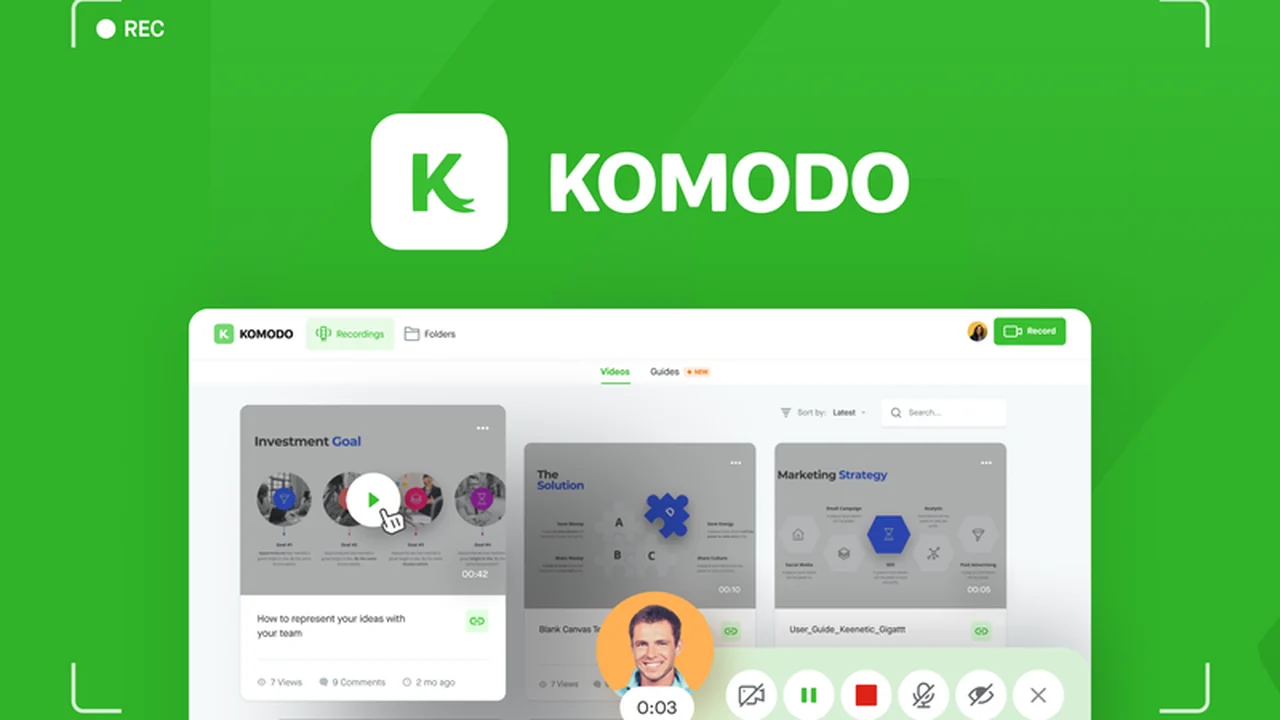
Tired of complicated video editing software slowing down your workflow? If you need to create clear product demos, walkthroughs, or training materials without a steep learning curve, then Komodo Decks might be the solution you’ve been looking for.
This review will dive deep into how Komodo Decks simplifies the process of recording your screen, sharing engaging videos, and gathering valuable viewer feedback, all within an accessible and efficient platform.
What is Komodo Decks – Record your screen and share videos | AppSumo
Komodo Decks is a user-friendly screencasting tool designed to make recording and sharing HD videos simple, even for those without extensive technical skills. It allows users to capture their screen, connect their camera, and record for extended periods, streamlining the creation of various video content.
Key Features
- HD Screen Recording: Record your screen in high definition with optional camera input for personalized messages.
- Browser-Based Recording: Utilize a Chrome extension for quick recording directly from your web browser.
- Transcript-Based Editing: Easily edit videos by deleting mistakes and dubbing over recordings using a text-based editor.
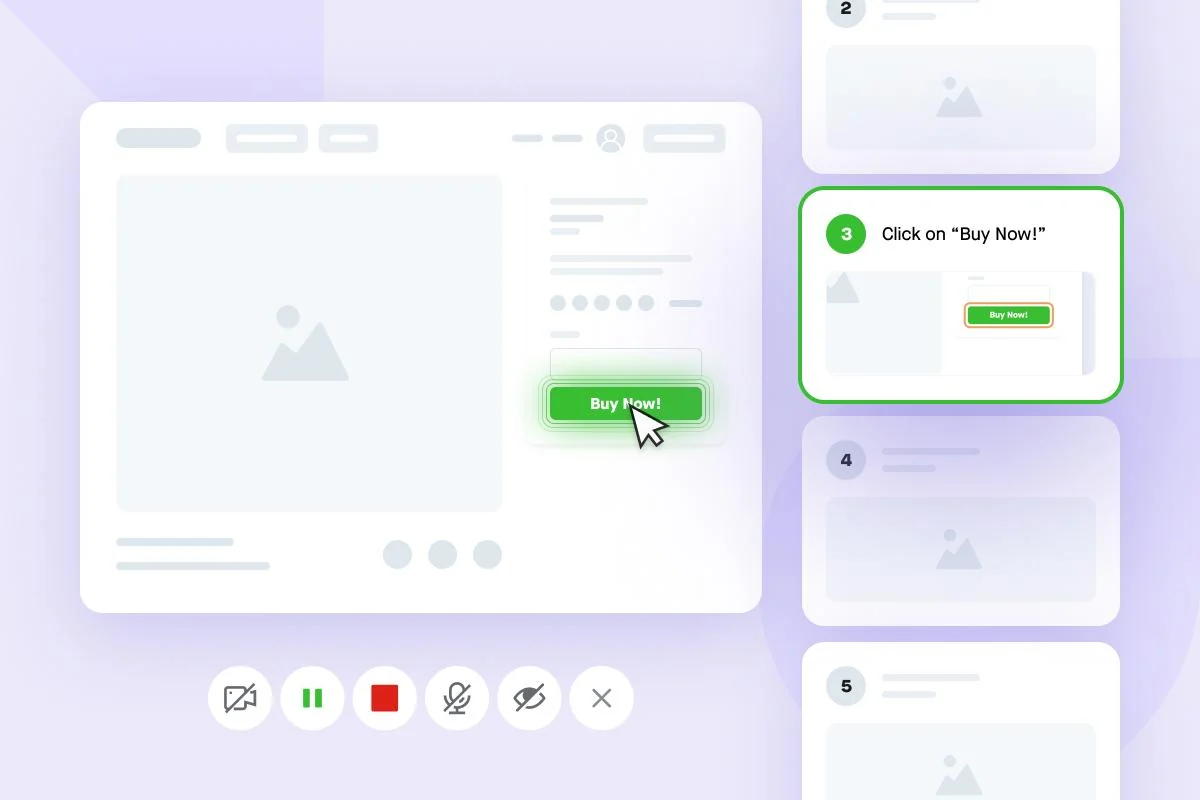
- Interactive Click Tracking: Record and save every click as a screenshot along the video timeline for user activity analysis.
- One-Click Sharing: Skip encoding and exporting by generating a simple, shareable link for your videos.
- Embeddable Videos: Embed your recordings anywhere, including popular tools like Slack, Gmail, Jira, and Notion.
- GIF Summaries: Enhance viewer experience with embedded GIF summaries that highlight key steps in your video.
- Comment Notifications: Receive automatic email alerts when viewers leave comments on your videos.
- Detailed Analytics: Access daily video analytics, including watch locations, view counts, and completion percentages.
How It Works
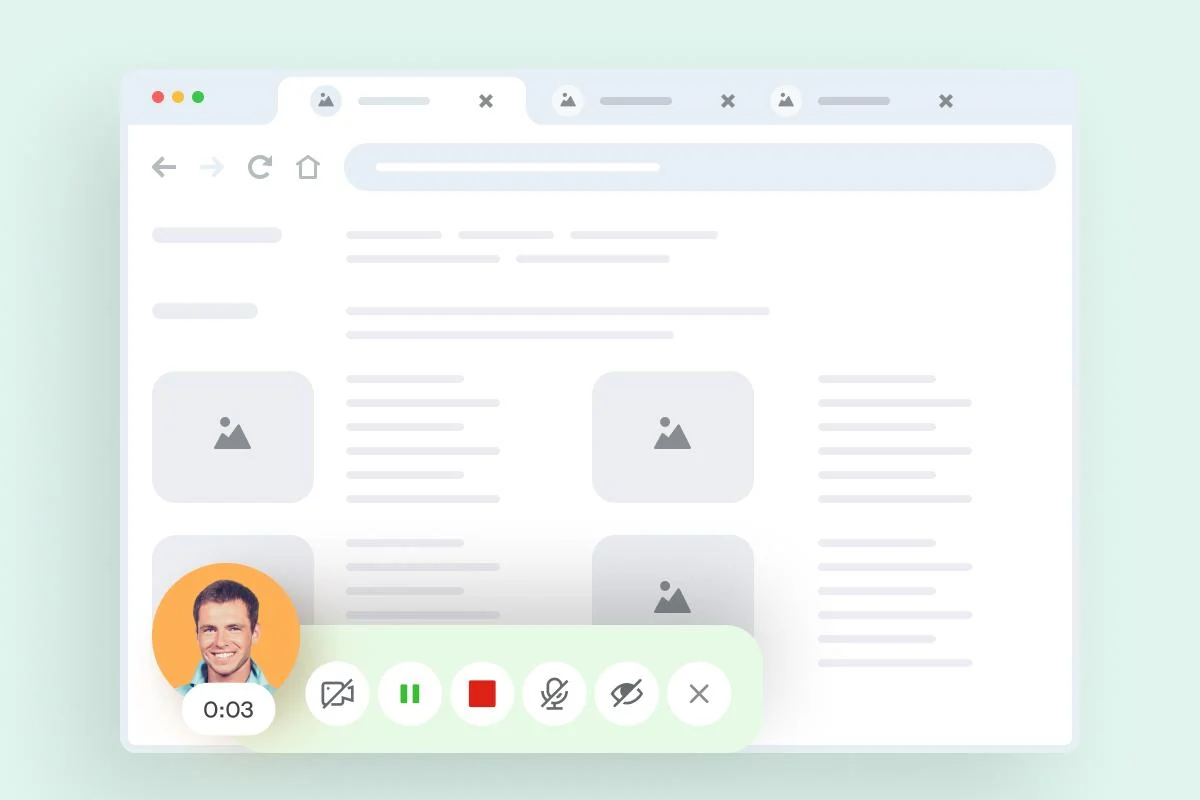
Getting started with Komodo Decks is straightforward. You can initiate a recording directly from your browser using the Chrome extension or through the main application. Simply share your screen, decide whether to include your webcam feed, and begin recording. The platform’s intuitive interface allows for on-the-fly editing, and once finished, a shareable link is generated, eliminating the need for lengthy export processes.
Use Cases
- Product Demonstrations: Create compelling demos that showcase your product’s features and benefits.
- User Walkthroughs: Guide new users through software or processes with step-by-step video tutorials.
- Training Materials: Develop engaging training videos for employees or customers.
- User Testing Feedback: Record user sessions to gather insights and identify areas for improvement.
- Internal Communications: Quickly record and share updates or explanations with your team via Slack or email.
- Investor Presentations: Craft concise and effective video presentations for potential investors.
Integrations & Compatibility
- Komodo Decks is designed to fit seamlessly into your existing workflow
- The videos created can be easily embedded into widely used platforms such as Slack, Gmail, Jira, and Notion, ensuring that your video content is accessible where you and your audience already work.
Pricing & Value
Komodo Decks offers a lifetime deal, providing access to all current and future features. This approach aims to deliver significant long-term value by avoiding recurring subscription fees and ensuring you benefit from ongoing updates and improvements to the platform.
Deal Details
The current deal provides lifetime access to Komodo Decks, including all features across all plans. This includes ongoing updates and support from the Komodo Decks engineering team, ensuring you have the latest tools and assistance for your screencasting needs. A 60-day money-back guarantee is also in place, allowing ample time to evaluate the product.
Quick Take
- Ideal for individuals and teams needing to create quick, professional-looking screen recordings.
- Perfect for marketing, sales, customer support, and product development teams.
- Offers a streamlined editing and sharing process to save time and effort.
FAQs
What kind of analytics does Komodo Decks provide?
You receive detailed analytics on video views, watch duration, and viewer engagement.
How does the transcript-based editor work?
It allows you to edit video by making changes to the automatically generated text transcript.
Is Komodo Decks suitable for beginners?
Absolutely, Komodo Decks is designed with minimal technical know-how in mind.
Can I record my voice and my screen simultaneously?
Yes, you can record your screen and connect your camera to include your voice and image.
What is the primary benefit of Komodo Decks?
Komodo Decks simplifies screen recording and video sharing with an easy-to-use interface and quick export options.
Final Thoughts
Komodo Decks presents a compelling solution for anyone looking to enhance their communication through video. Its focus on ease of use, efficient editing, and seamless sharing makes it a valuable asset for creating product demos, tutorials, and updates without the usual technical hurdles. The lifetime deal structure further amplifies its appeal, offering substantial long-term value for consistent video content creation.