
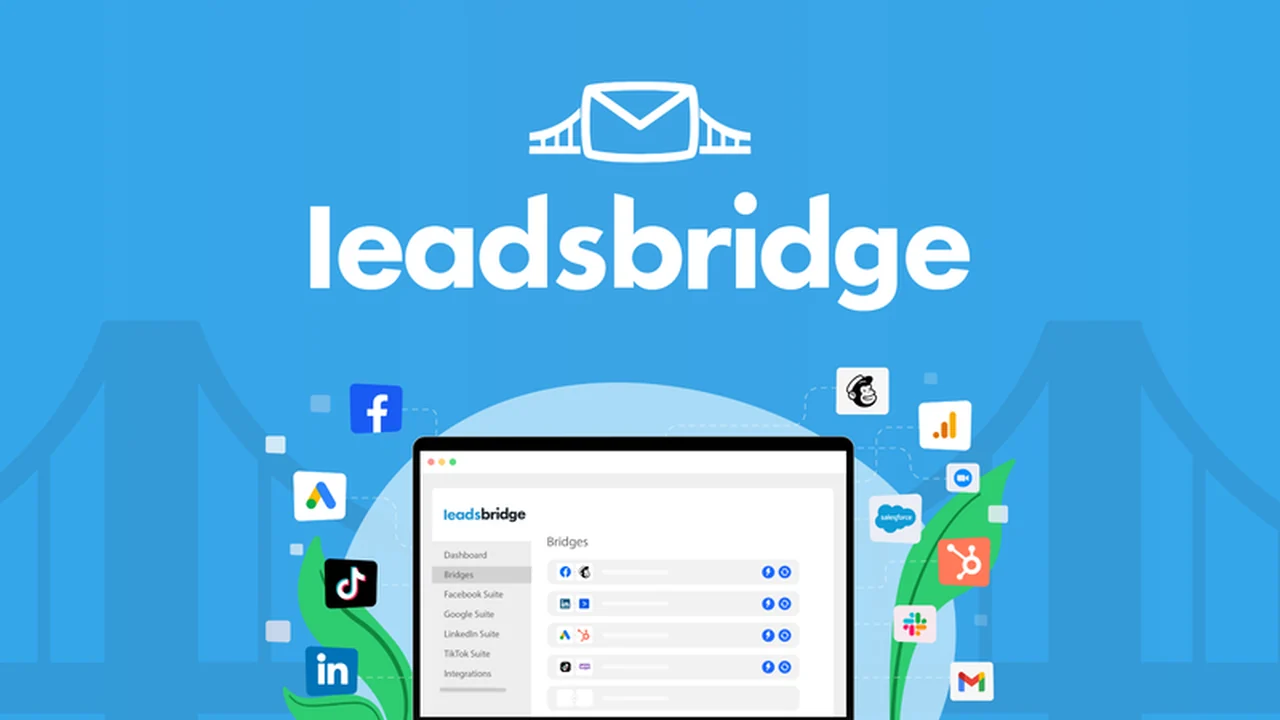
Manually uploading leads from various marketing tools can be a significant time drain and a breeding ground for errors. This process often pulls focus away from the critical task of engaging with potential customers.
This review explores LeadsBridge, a solution designed to automate lead data migration, helping you reclaim valuable time and improve your marketing workflow efficiency.
What is LeadsBridge – Upload leads across marketing tools | AppSumo
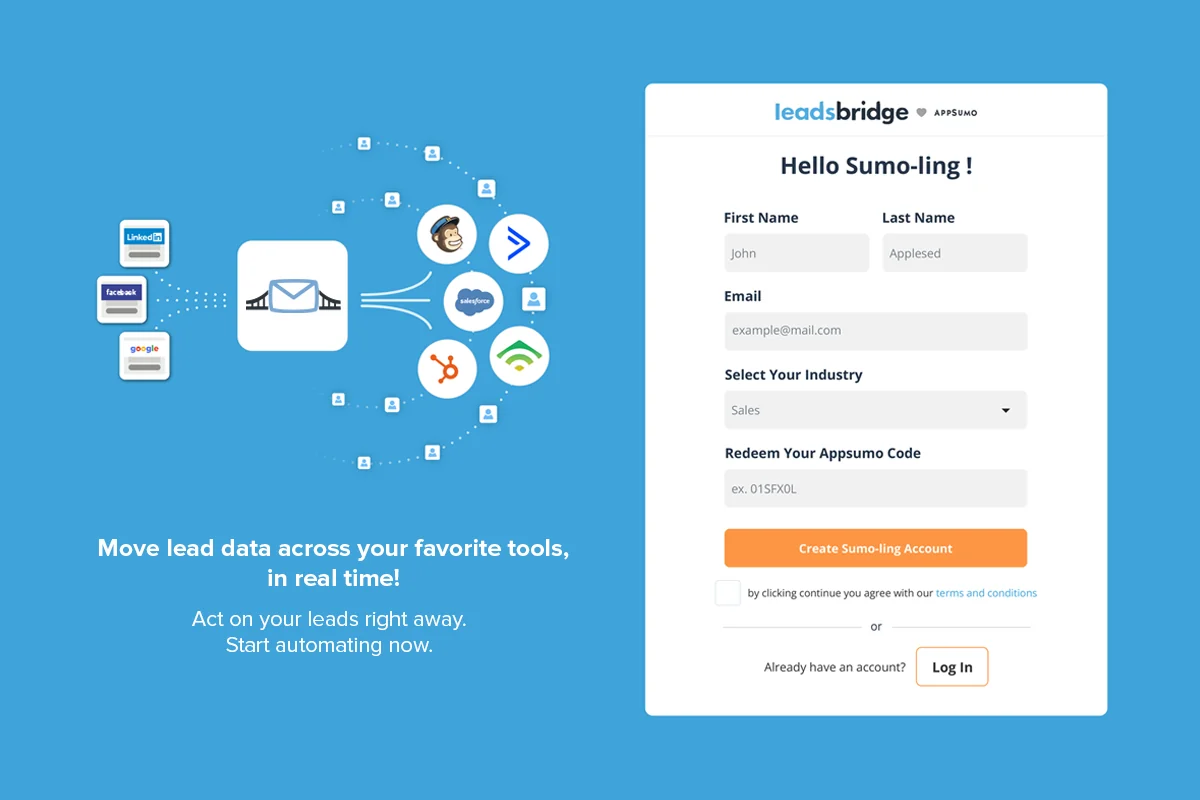
LeadsBridge is an automated platform designed to simplify the transfer of lead data between different marketing and advertising tools. It aims to eliminate the tedious and error-prone process of manual spreadsheet uploads, allowing for real-time synchronization of new leads.
Key Features
- Automated Lead Migration: Seamlessly moves new lead data across your marketing tools without manual intervention.
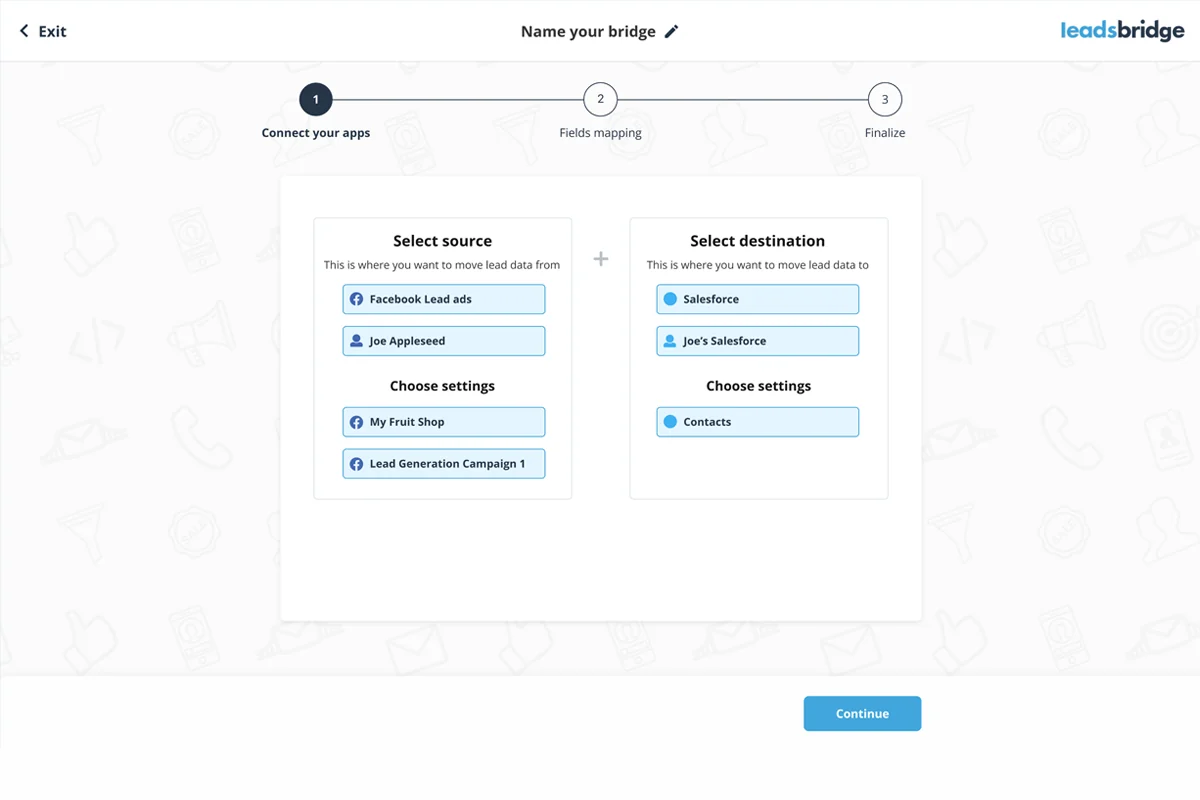
- Bridge Creation: Allows you to establish connections between various platforms to facilitate easy data transfer.
- Field Mapping: Provides a feature to accurately match and map information from your data source to the correct fields in your destination platform.
- Real-time Synchronization: Ensures that lead data is transferred as soon as a potential customer interacts with an ad.
- Dashboard Tracking: Offers a central dashboard to monitor incoming leads and track campaign performance across platforms.
- Team Collaboration: Supports sharing accounts among up to 10 users for collaborative campaign management.
How It Works
LeadsBridge simplifies lead data transfer into a three-step process. First, you select your data source and your desired destination platform. Next, you utilize the Field Mapping feature to ensure that each piece of information is correctly assigned. Finally, you activate the automated bridge with a single click, allowing LeadsBridge to handle ongoing lead migration.
Use Cases
- Automating Facebook Lead Ads to CRM: Instantly send leads from Facebook Lead Ads directly into your CRM for immediate follow-up.
- Syncing Webinar Registrants: Automatically transfer new webinar sign-ups from your registration platform to your email marketing service.
- Connecting Google Ads with Marketing Automation: Ensure leads generated from Google Ads are promptly added to your automated marketing sequences.
- Cross-Platform Lead Distribution: Distribute leads generated on platforms like LinkedIn to various sales and marketing tools simultaneously.
Integrations & Compatibility
- LeadsBridge offers integrations with major advertising platforms including Facebook, Google, LinkedIn, and TikTok
- Beyond these core platforms, it supports connections with over 380 additional marketing tools, encompassing CRMs, email marketing software, autoresponders, and more, ensuring broad compatibility for diverse marketing stacks.
Pricing & Value
The value proposition of LeadsBridge lies in its ability to automate a time-consuming manual task, freeing up marketers to focus on higher-impact activities. The platform’s efficiency in real-time lead transfer can lead to quicker follow-ups and potentially higher conversion rates, making it a cost-effective solution for streamlining lead management workflows.
Deal Details
This offer provides lifetime access to LeadsBridge, meaning you pay once for ongoing access to the platform’s features and updates. The deal also includes a 60-day money-back guarantee, allowing users to test the service thoroughly and ensure it meets their needs without risk.
Quick Take
- Ideal for marketers and advertisers looking to eliminate manual lead data entry.
- Perfect for businesses that utilize multiple marketing and advertising platforms.
- Offers significant time savings and improved efficiency in lead follow-up processes.
FAQs
Does LeadsBridge comply with data privacy regulations?
Yes, LeadsBridge ensures CCPA and GDPR compliance for automated lead transfers.
What happens if I need help with LeadsBridge?
The platform is designed for ease of use, with ongoing support available.
Is it possible to track lead performance within LeadsBridge?
Yes, you can monitor incoming leads from your campaigns directly on the LeadsBridge dashboard.
Can LeadsBridge handle leads from multiple advertising platforms?
Yes, LeadsBridge integrates with major platforms like Facebook, Google, LinkedIn, and TikTok.
How do I set up a bridge in LeadsBridge?
You connect your data source and destination, then map the relevant fields, and activate the bridge.
Final Thoughts
LeadsBridge presents a compelling solution for businesses struggling with the manual transfer of lead data. By automating this critical process, the platform allows for faster lead engagement and frees up valuable time for strategic marketing efforts. Its extensive integrations and user-friendly interface make it a practical tool for optimizing lead management workflows.