
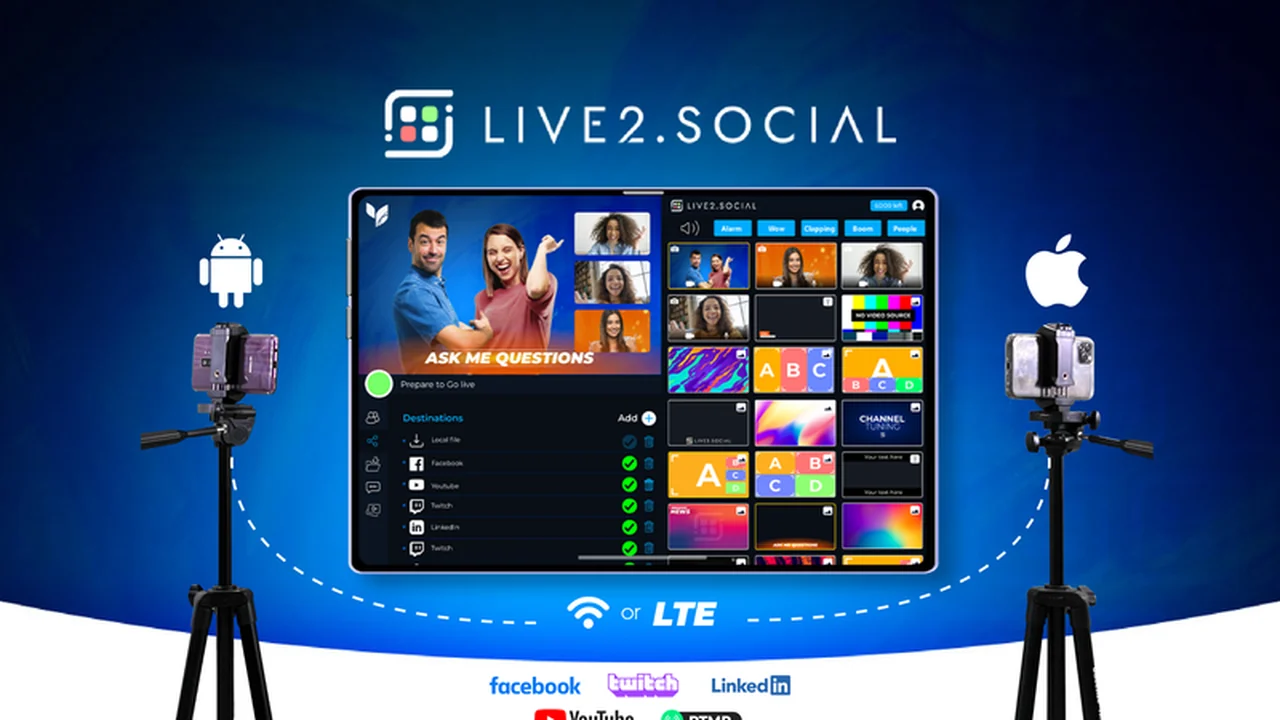
Elevate your live streaming with Live2.Social, a powerful application designed to transform your smart devices into a professional multi-camera setup. Discover how this tool can help you create dynamic, engaging broadcasts without the need for extensive and costly equipment.
This review will guide you through the capabilities of Live2.Social, exploring its features, how to use it, and the scenarios where it truly shines. We’ll also cover its integration potential, value proposition, and what makes it a compelling option for content creators.
What is Live2.Social – Stream from multiple smart devices | AppSumo
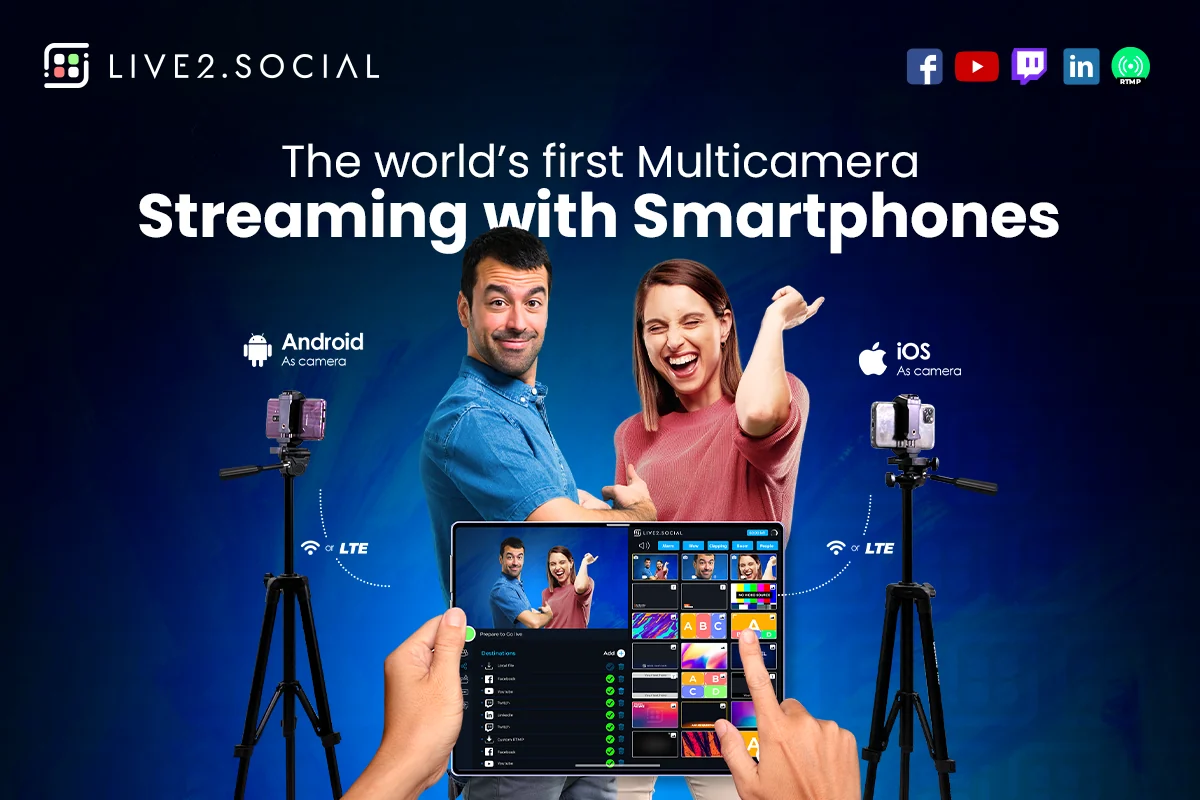
Live2.Social is a versatile application that enables users to stream content using multiple smart devices, such as smartphones and tablets, as cameras. It offers a wireless solution for multi-camera switching, allowing for more professional and creative video productions directly from your mobile devices.
Key Features
Live2.Social comes equipped with a robust set of features designed to empower content creators:
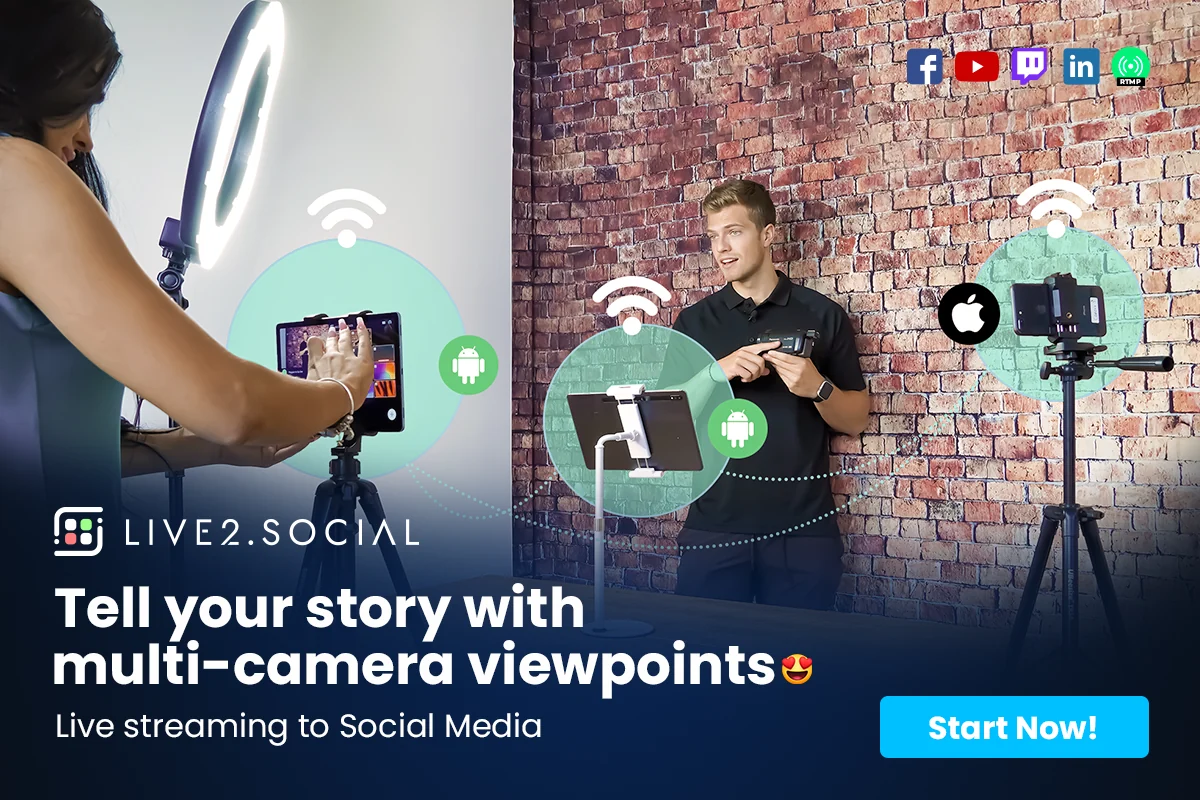
- Multi-Camera Streaming: Connect up to eight smart devices wirelessly to serve as individual cameras for your broadcast.
- Wireless Connectivity: Utilize both iOS and Android devices as cameras without the need for cables, offering flexibility in setup.
- Director and Camera Modes: Switch between controlling the broadcast and managing individual camera feeds with ease.
- Multi-View Templates: Create dynamic and visually appealing broadcasts by combining different camera angles and layouts.
- On-Screen Customization: Enhance your streams with custom graphics, text overlays, and real-time notifications to reinforce your brand.
- Remote Guest Integration: Seamlessly include remote participants in your live streams by having them connect their devices with a single click.
- Social Media Interaction: Engage with your audience by displaying and responding to social media comments directly within the broadcast.
- Vertical Mode for TikTok: Optimize your content for platforms like TikTok by streaming in a vertical aspect ratio.
- Local Recording: Capture your live streams locally for later editing or posting.
- Multi-Language Support: Reach a wider audience with support for multiple languages, including English, Spanish, Portuguese, and Italian.
How It Works
Getting started with Live2.Social is straightforward. First, download the Live2.Social app onto each of the smart devices you intend to use as cameras, as well as your primary control device. Once installed, you can wirelessly connect these devices to your main unit. The app provides intuitive controls to switch between your connected cameras, manage layouts, and add various on-screen elements. You can then choose to broadcast live to platforms like YouTube, Facebook, and Twitch, or utilize custom RTMP or OTT protocols.
Use Cases
Live2.Social is ideal for a variety of content creation needs:
- Interviews: Conduct professional interviews with multiple camera angles capturing both the host and guest.
- Podcasts: Produce engaging video podcasts with dynamic visual transitions and guest appearances.
- Event Coverage: Stream live events with varied perspectives, offering a more immersive experience for viewers.
- Tutorials and Demonstrations: Showcase different angles of a product or process for clearer instruction.
- Social Media Content: Create high-quality, multi-shot videos for platforms like TikTok and Instagram Reels.
- Live Q&A Sessions: Interact more effectively with your audience by showcasing viewer comments and reactions.
Integrations & Compatibility
- Live2.Social is designed for broad compatibility with smart devices
- It supports both iOS and Android operating systems for connecting cameras wirelessly
- For output, it allows direct streaming to major platforms like YouTube and Facebook, and also supports custom RTMP and OTT streaming protocols, offering flexibility for advanced users and businesses looking to integrate with their existing infrastructure.
Pricing & Value
Live2.Social is available through AppSumo with a lifetime deal, providing significant value for content creators looking to invest in professional streaming capabilities without ongoing subscription fees. This model offers access to all current and future updates, making it a cost-effective solution for long-term use.
Deal Details
The AppSumo deal for Live2.Social grants lifetime access to the platform. This means a one-time purchase provides perpetual use of the software, including any updates. As is standard with AppSumo, there is a 60-day money-back guarantee, allowing users to try the product risk-free.
Quick Take
- Ideal for content creators wanting professional multi-camera streams without expensive gear.
- Stream easily from multiple smartphones and tablets wirelessly.
- Enhance broadcasts with graphics, text, and live audience interaction.
FAQs
Is there a mobile app for control?
Yes, the Live2.Social app is available on Google Play and the App Store for wireless switching.
How many cameras can I connect?
You can connect up to eight cameras for a multi-camera streaming experience.
Does it support custom RTMP streaming?
Yes, Live2.Social supports broadcasting via custom RTMP and OTT protocols.
Can I use my phone as a camera?
Yes, you can connect multiple iOS and Android smartphones and tablets as wireless cameras.
What is Live2.Social?
Live2.Social allows you to stream content using multiple smart devices as cameras for a professional broadcast.
Final Thoughts
Live2.Social presents a compelling solution for anyone looking to enhance their live streaming production value. By leveraging existing smart devices, it removes significant hardware barriers and costs. The ability to easily switch between multiple camera angles, add custom branding, and interact with viewers makes it a powerful tool for elevating content across various platforms.