
Tired of your computer locking unexpectedly, interrupting your workflow or gaming sessions? MouseJiggle offers a straightforward solution to keep your screens active and prevent unwanted lockouts.
This review explores how MouseJiggle can help maintain your PC’s awake status, focusing on its features, functionality, and value proposition for users looking for a reliable keep-alive tool.
What is MouseJiggle | AppSumo
MouseJiggle is a utility designed to prevent your Windows computer screens from locking due to inactivity. It achieves this by utilizing a low-level system power feature, ensuring your PC remains active without constant user interaction. This is particularly useful for professionals working from home or gamers who need uninterrupted sessions.
Key Features
- Keeps Screens Awake: Prevents your Windows PC screen from locking or going into screensaver mode due to inactivity.
- Maintains Application Activity: In Enhanced Mode, it can also keep applications like Microsoft Teams and Outlook active.
- Minimal System Resources: Designed to be lightweight, it sits discreetly in the taskbar and consumes very little processing power.
- Ad-Free Experience: Developed by DiT, the software contains no advertisements, viruses, or malware.
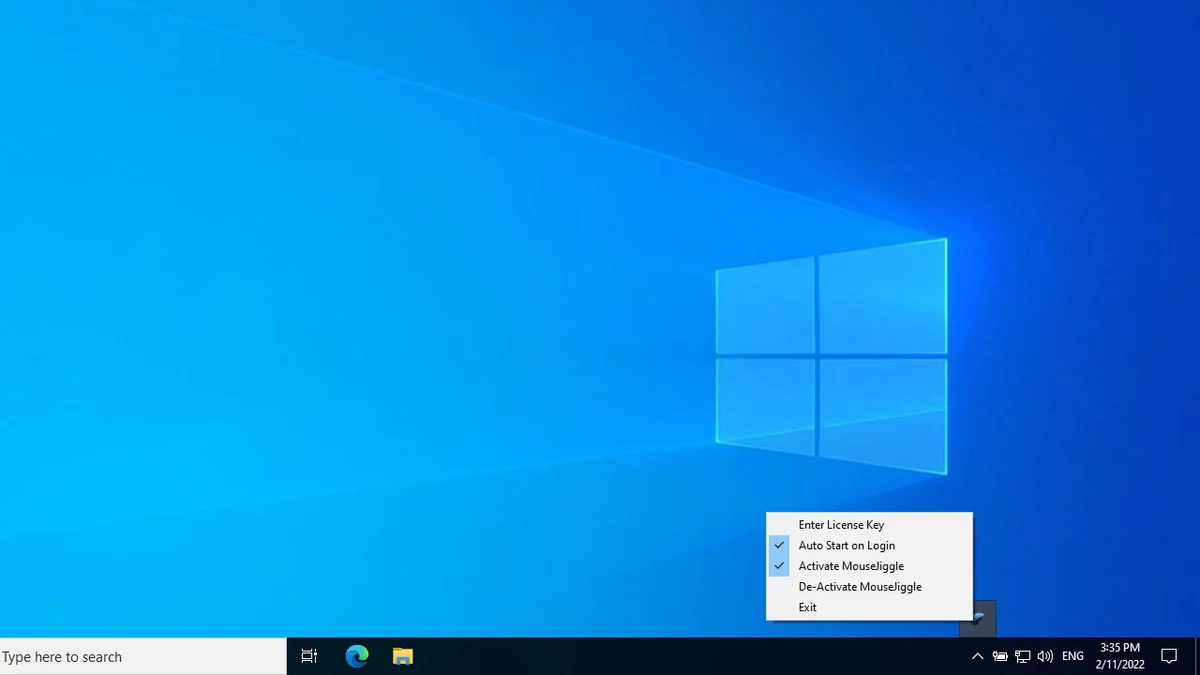
- Taskbar Integration: Installs into the Windows taskbar, allowing for easy access to toggle on/off or set for automatic startup.
How It Works
MouseJiggle operates by simulating user activity at a system level, effectively tricking Windows into believing the computer is still in use. This bypasses the standard inactivity timers that trigger screensavers or lock the computer. It sits quietly in your taskbar, and with a simple right-click, you can manage its settings, including automatic startup, ensuring your screens stay active without you needing to remember to do anything.
Use Cases
- Remote Work: Essential for individuals working from home who need to stay logged into company systems or participate in long virtual meetings without interruption.
- Gaming: Prevents game sessions from being cut short by a locking screen or screensaver.
- Presentations: Ensures that screens remain active during lengthy presentations or demonstrations.
- System Maintenance: Useful when running background tasks or updates that require the PC to remain unlocked.
Integrations & Compatibility
- MouseJiggle is a Windows-only application
- While its primary function is keeping the PC screen awake, it offers an Enhanced Mode to support keeping Microsoft Teams and Outlook active
- The developers suggest testing for compatibility with specific remote desktop connections.
Pricing & Value
The value of MouseJiggle lies in its ability to prevent minor but persistent annoyances. By avoiding the need to re-enter passwords after every lockout, it saves time and maintains workflow continuity. The software is developed by DiT, a company with a history of creating productivity utilities aimed at simplifying computer usage for home users and gamers.
Deal Details
This AppSumo deal typically provides lifetime access to the MouseJiggle Plan, which includes all future updates. The license is for a single computer and is hardware-locked, meaning it cannot be transferred to another machine. Codes must be redeemed within 60 days of purchase. This specific deal is not stackable with other offers.
Quick Take
- Ideal for remote workers and gamers who frequently face screen lockouts.
- Provides a simple, set-and-forget solution for maintaining PC activity.
- Offers peace of mind by eliminating the need to re-enter passwords.
FAQs
Where can I download a free trial?
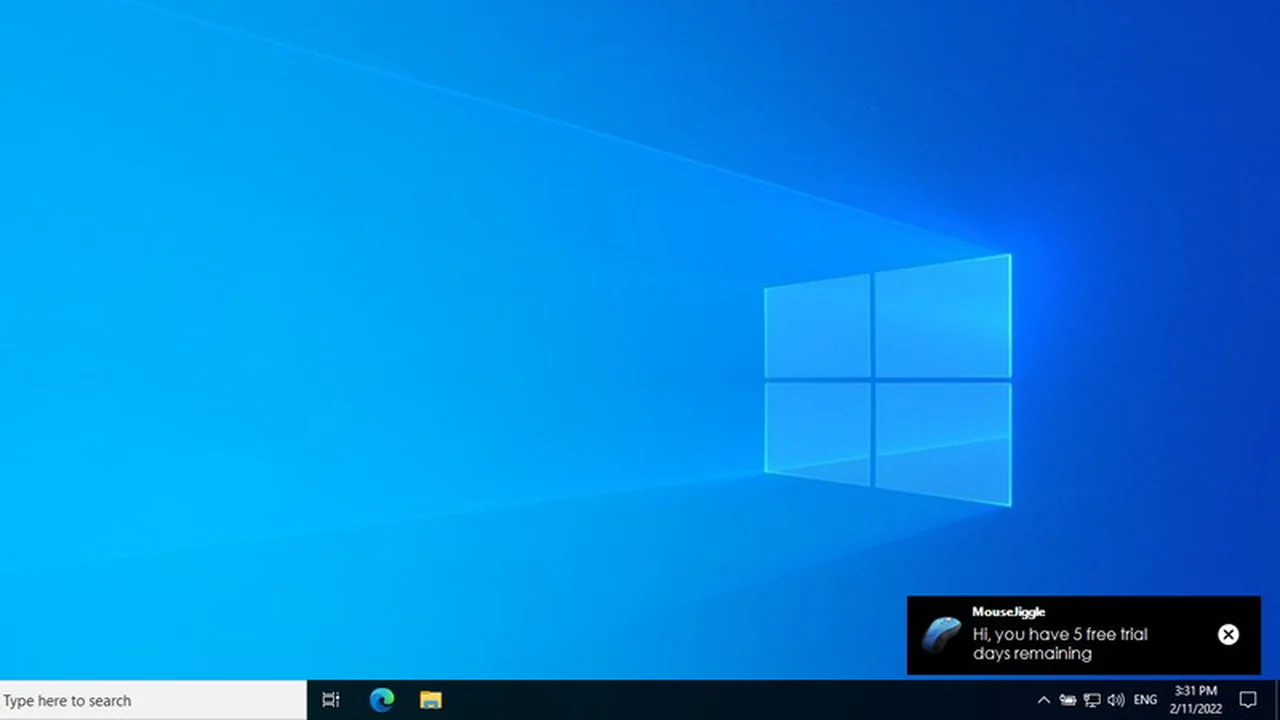
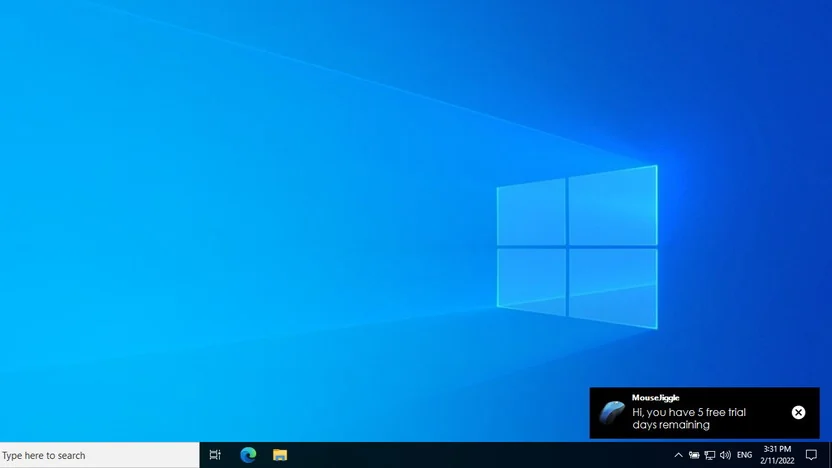
A 5-day free trial can be downloaded from mousejiggle.org.
Can MouseJiggle be used for remote desktop connections?
Yes, it can be used, but testing its compatibility first is recommended.
How many computers does the license cover?
The license is for one computer and is hardware-locked.
Does this tool require admin access to the computer to install?
Installation depends on your system’s user permissions for software installation.
Can you schedule the jiggle?
Yes, you can set it to start automatically or toggle it on and off as needed.
Final Thoughts
MouseJiggle | AppSumo presents a focused and effective solution for a common computer user frustration. Its straightforward functionality, minimal resource usage, and straightforward operation make it a valuable tool for anyone working from home, gaming, or simply wishing to avoid the hassle of constant screen lockouts. The lifetime access offered through AppSumo enhances its appeal as a long-term productivity asset.