
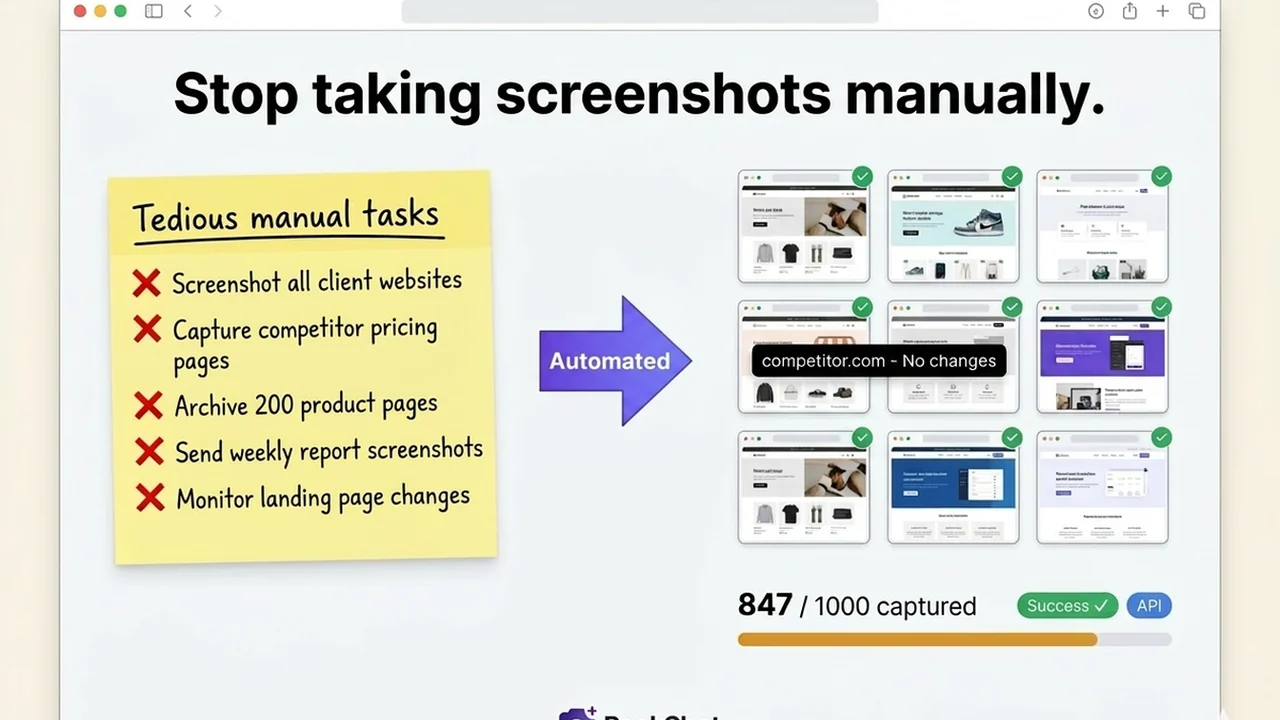
This comprehensive review dives deep into PeekShot, a powerful tool designed to revolutionize how you capture and automate website screenshots. We’ll explore its capabilities, practical applications, and how it streamlines complex workflows.
Discover how PeekShot can save you time and resources, offering a no-code solution for pixel-perfect website imagery. This guide will help you understand if it’s the right fit for your needs, covering everything from core features to its overall value proposition.
What is PeekShot | AppSumo
PeekShot is an API-first platform built to automate the capture of pixel-perfect website screenshots without requiring any coding, server setup, or manual intervention. It’s designed to efficiently generate large volumes of high-quality images from web pages.
Key Features
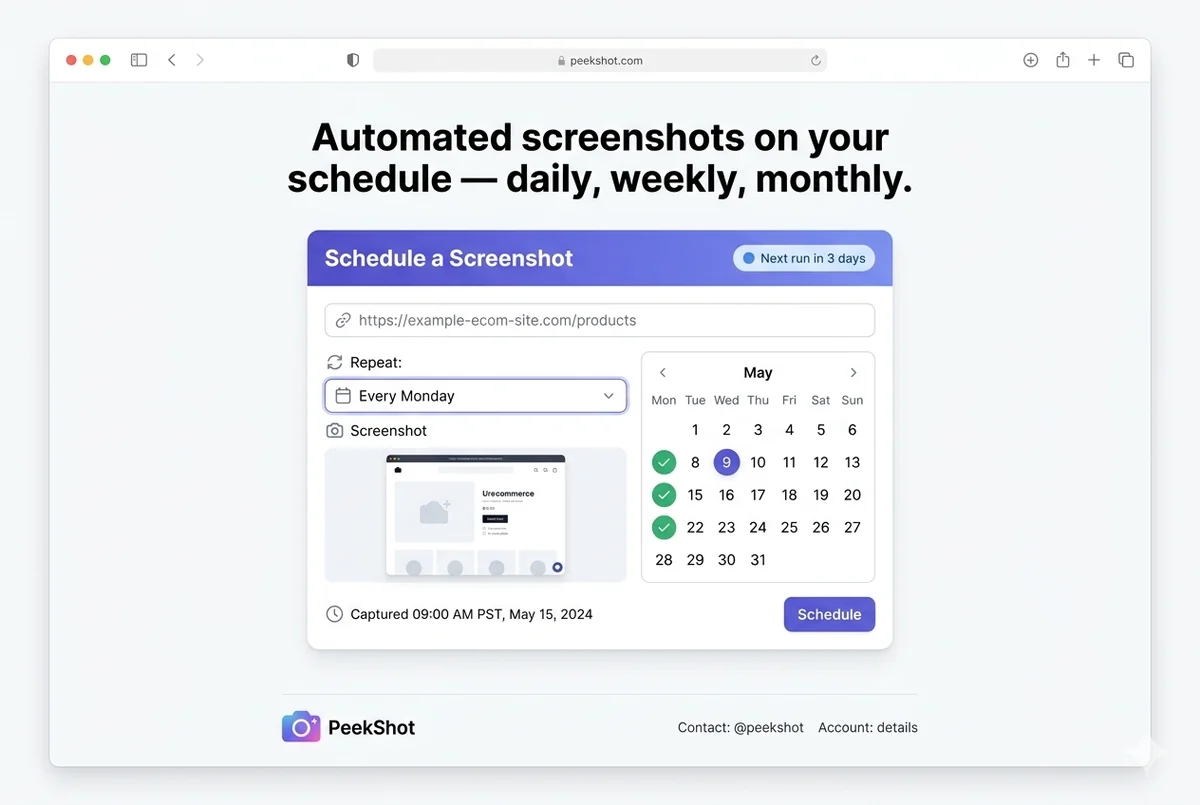
- Effortless Automated Screenshots: Set up your screenshot parameters once, and let PeekShot handle the rest, delivering automated results consistently.
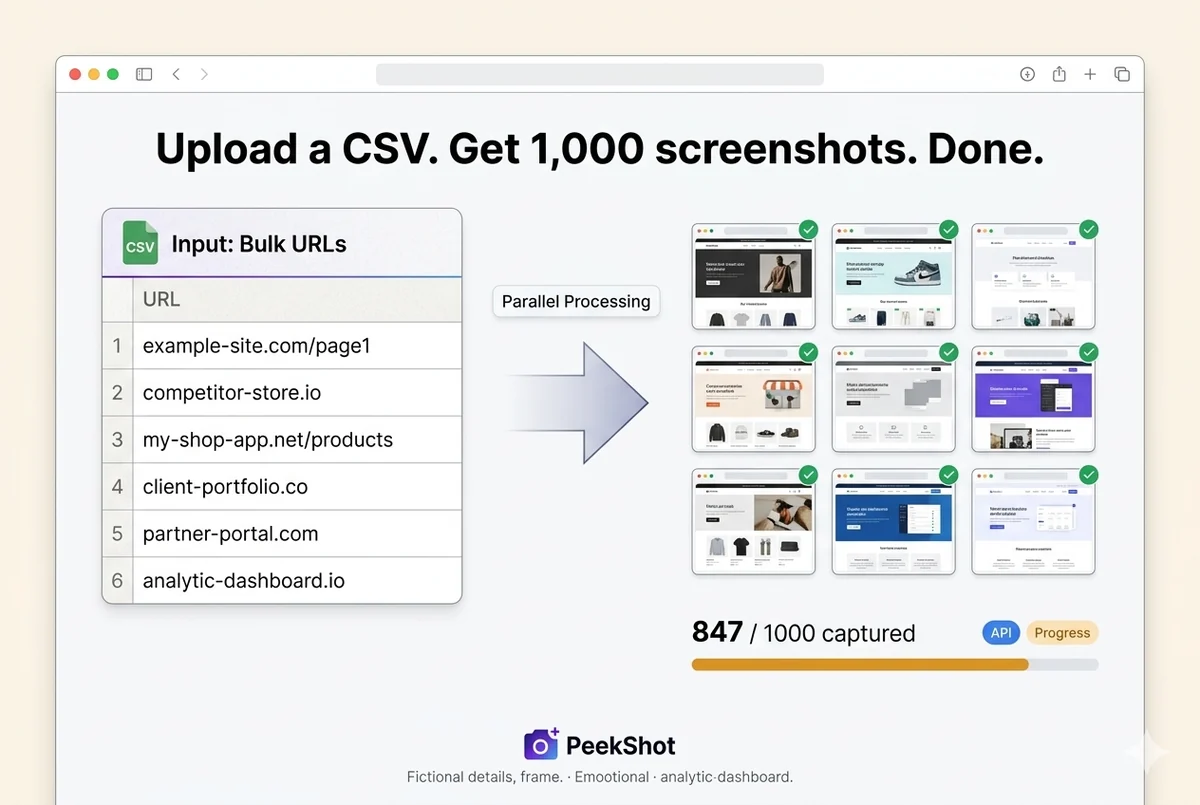
- Bulk Capture Capability: Generate hundreds of screenshots rapidly, ideal for projects requiring extensive visual documentation.
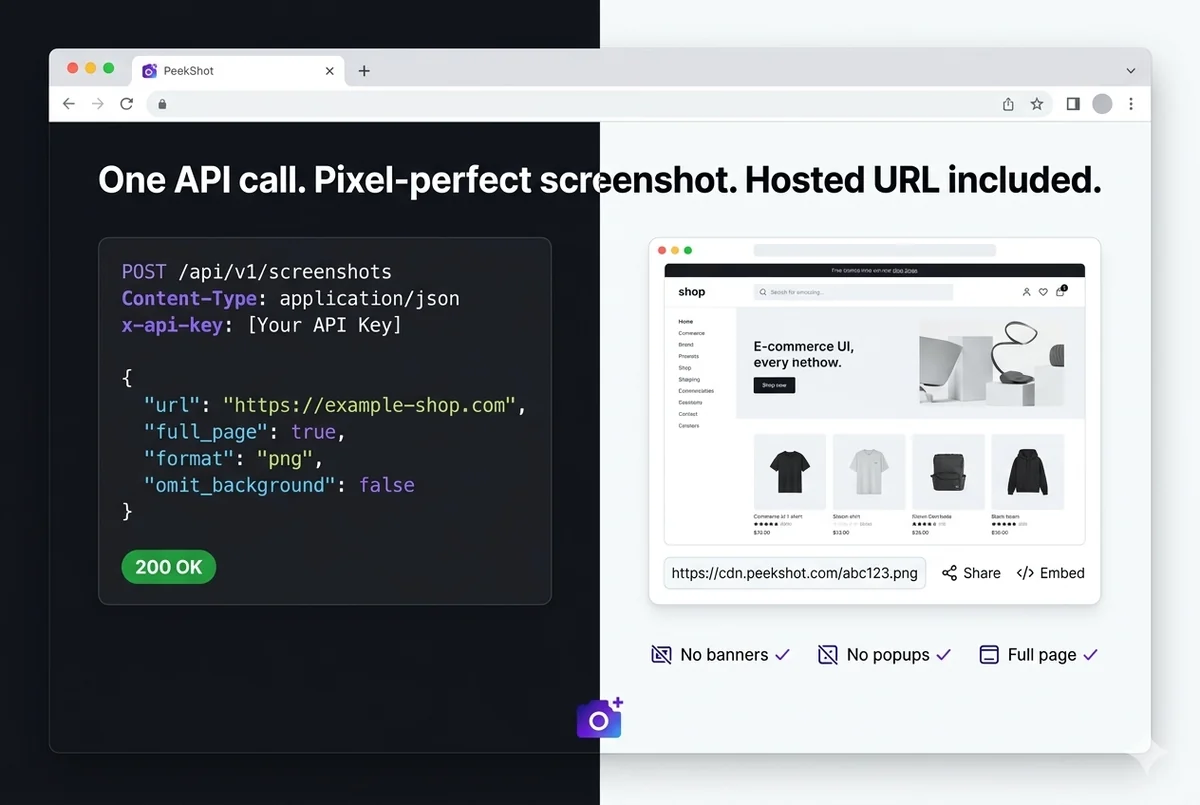
- Pixel-Perfect Precision: Obtain high-fidelity screenshots from a single API call, ensuring accuracy and detail.
- Change Detection: Receive immediate notifications the moment a change is detected on a monitored web page.
- HTML to Image Conversion: Seamlessly transform any HTML content into a perfect, high-quality image format.
- Screenshot Automation for Teams: Schedule, capture in bulk, and obtain clean, hosted screenshots efficiently at scale.
How It Works
PeekShot operates on a straightforward principle: you define your screenshot needs, and the platform executes them. Whether you need a single screenshot from a specific URL or a bulk capture of multiple pages, PeekShot can accommodate. Developers can leverage its API for programmatic control, while less technical users can utilize the dashboard for scheduling and management. The service handles the entire process, from rendering the page to hosting the final image.
Use Cases
- Website Monitoring: Track changes on competitor websites or your own to stay updated on modifications.
- Content Archiving: Create visual archives of web pages for historical records or reporting purposes.
- Marketing Material: Generate high-quality screenshots for presentations, reports, and marketing collateral.
- Quality Assurance: Automate visual testing and audits of web applications to identify rendering issues.
- Development Previews: Quickly capture visual representations of web development progress.
Integrations & Compatibility
- PeekShot offers robust integration capabilities, allowing it to fit seamlessly into existing workflows
- It supports REST API for direct programmatic interaction, Webhooks for real-time notifications, and Zapier for connecting with a wide array of other applications
- This makes it compatible with various development and marketing stacks, enabling automated data flow and task execution.
Pricing & Value
PeekShot, available through AppSumo, presents a compelling value proposition for individuals and teams seeking to automate screenshot processes. The tool aims to replace slow, manual methods with efficient, automated solutions. While various pricing tiers exist for the full product, the AppSumo deal provides access to substantial features and capabilities at a significantly reduced cost, offering a strong return on investment for its user base.
Deal Details
The current AppSumo deal for PeekShot includes access to all future updates for the Basic or Advanced plans. It comes with a 60-day money-back guarantee, providing a secure purchase environment. Users are required to redeem their codes within 60 days of purchase to activate their subscription.
Quick Take
- Ideal for developers, marketing agencies, and QA teams needing automated website visuals.
- Simplifies complex screenshot workflows, eliminating manual effort and server management.
- Provides pixel-perfect images and change detection for enhanced monitoring and reporting.
FAQs
How does PeekShot ensure the quality of its screenshots?
It provides pixel-perfect precision through custom viewports and flexible formatting options.
What kind of support can I expect if I encounter issues?
The support team aims to respond within 24 hours to assist with any questions or problems.
Can PeekShot store screenshots on cloud services like S3?
Yes, PeekShot offers automatic storage and can upload screenshots to services like S3.
Is there a way to have custom domains for screenshots?
Custom domain support is a feature that has been requested and is being considered.
How to capture content that requires a login?
You can pass session cookies to authenticate and capture pages behind login portals.
Final Thoughts
PeekShot | AppSumo emerges as a highly capable tool for anyone looking to automate website screenshot generation. Its API-first approach, combined with a user-friendly dashboard, caters to a wide range of technical abilities. The emphasis on pixel-perfect results, change detection, and seamless integration makes it an invaluable asset for streamlining workflows related to web monitoring, content archiving, and quality assurance. For those bogged down by manual screenshot processes, PeekShot offers a robust, no-code solution that promises significant time and resource savings.