
Discover how Pixlr can revolutionize your photo editing workflow, whether you’re a beginner or an experienced designer. This review dives into its powerful features and ease of use.
We’ll explore its capabilities, from quick edits to complex designs, and assess its value proposition, especially through the AppSumo deal, to help you decide if it’s the right tool for your creative needs.
What is Pixlr – Edit photos in seconds | AppSumo
Pixlr is an AI-powered photo editor and design tool designed for speed and efficiency. It offers a suite of features that allow users to edit photos and create professional-looking designs in just seconds, making it accessible to a wide range of users.
Key Features
Pixlr provides a robust set of tools to enhance your images and designs:
- AI-Powered Editing: Utilizes artificial intelligence to streamline common editing tasks, including background removal.
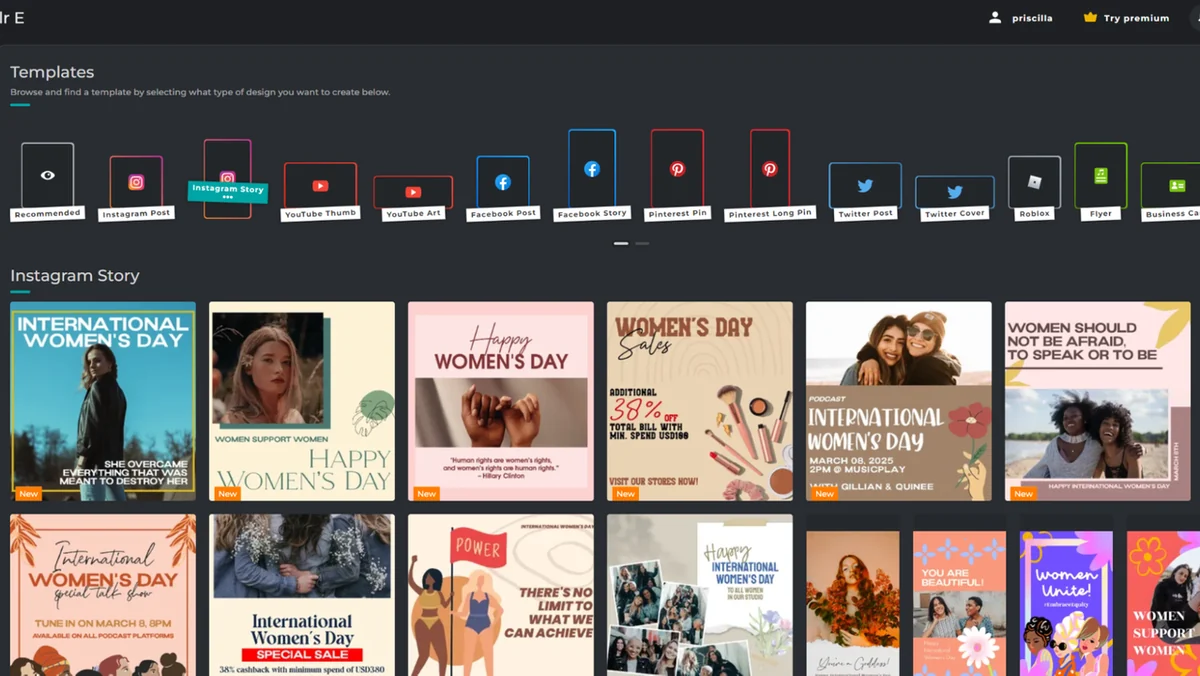
- Extensive Template Library: Offers thousands of professionally crafted templates for various needs like event flyers, collages, and social media posts.
- Advanced Editing Tools (Pixlr E): For more detailed adjustments, users can access tools for manual control over color, light, and details.
- Quick Editing Tools (Pixlr X): Simplifies the editing process with intuitive options for various object removal and effects.
- Cutout Tools: Includes Shape, Magic, Draw, and Lasso tools to precisely remove objects from images based on background complexity.
- Filters and Effects: A vast collection of filters and effects, such as vintage presets, bokeh lights, and tri-tone color effects, to enhance image aesthetics.
- Auto Fix: A feature that automatically optimizes images for creators on a tight schedule.
- Heal Tool: Allows for retouching and removal of imperfections in photos.
- Animation Presets: Eye-catching animation options to bring designs to life.
- Photo Collages: Easy-to-use tools for assembling multiple photos into visually appealing collages.
- AI Generator: Creates images based on simple text descriptions.
- Batch Editing: Enables bulk photo editing, including background removal, for efficiency.
- Photomash Studio: A dedicated studio for quick creation of product images, social media profile pictures, and YouTube thumbnails, with support for batch background removal.
How It Works
Getting started with Pixlr is straightforward. Users can upload their own images or select from a wide array of pre-made templates to begin their editing or design journey. For photo editing, Pixlr E offers comprehensive controls, while Pixlr X provides a more streamlined experience for quick adjustments. The AI features, like one-click background removal and auto-fix, significantly speed up common tasks.
Use Cases
Pixlr is versatile and can be used for a multitude of creative projects:
- E-commerce: Quickly edit and enhance product images with features like batch background removal in the Photomash Studio.
- Social Media Marketing: Create engaging posts, stories, and profile pictures using templates and editing tools.
- Content Creation: Design graphics for blogs, YouTube thumbnails, and other digital platforms.
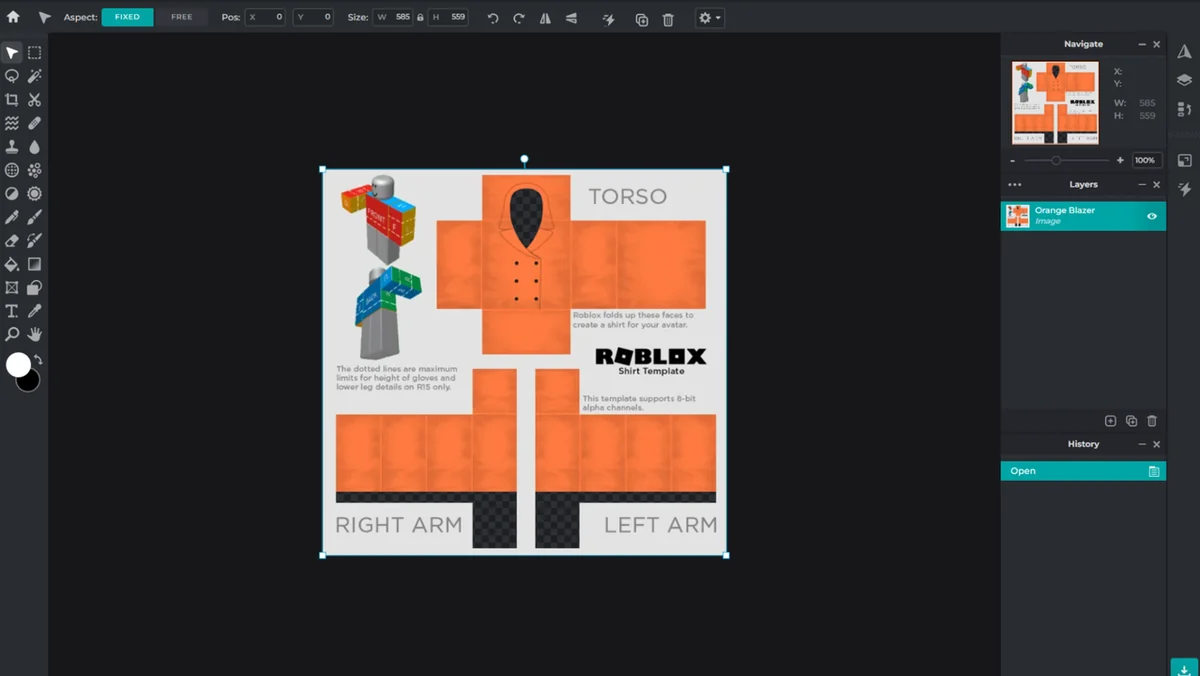
- Personal Projects: Craft photo collages, edit personal photos, or even design custom Roblox clothes.
- Graphic Design: Produce flyers, posters, and other marketing materials with a professional finish.
Integrations & Compatibility
- Pixlr is a web-based application, meaning it can be accessed from any device with an internet connection and a web browser, ensuring broad compatibility without the need for installation on specific operating systems.
Pricing & Value
Pixlr offers a compelling value proposition, especially when considering the AppSumo deal. The platform provides professional-grade editing and design capabilities that can replace the need for multiple expensive software subscriptions. The AI features and extensive template library contribute to significant time savings, making it a cost-effective solution for individuals and businesses looking to enhance their visual content efficiently.
Deal Details
The AppSumo deal for Pixlr offers lifetime access to its powerful features. This means you pay once and have access to the software indefinitely, provided you download and save your license within 60 days of purchase. This time-sensitive offer represents an excellent opportunity to acquire a robust photo editing and design suite at an exceptional price point.
Quick Take
- Ideal for small business owners and marketers needing quick, professional visual content.
- Offers AI-powered tools for efficient photo editing and design creation.
- A cost-effective solution with lifetime access through the AppSumo deal.
FAQs
How long is the deal valid for?
The AppSumo deal is time-sensitive; download and save within 60 days of purchase for lifetime access.
Is batch editing available for background removal?
Yes, Pixlr’s Photomash Studio supports batch background removal for multiple images.
Can I create designs from scratch?
Yes, you can design graphics from scratch using Pixlr’s extensive toolset.
What is Pixlr X?
Pixlr X is the quick-access editor focused on fast, intuitive edits and design creation.
What is Pixlr E?
Pixlr E is the advanced photo editor within the Pixlr suite, offering comprehensive manual editing controls.
Final Thoughts
Pixlr – Edit photos in seconds | AppSumo presents a powerful and accessible solution for anyone looking to elevate their visual content. Its AI-driven features, extensive template library, and user-friendly interface make it suitable for both beginners and seasoned professionals. The AppSumo lifetime deal significantly enhances its value, offering a comprehensive suite of tools at an unparalleled price.