
For professionals aiming to amplify their presence on LinkedIn, automating engagement can be a game-changer. This review delves into PowerIn, a tool designed to leverage AI for comment generation.
Discover how PowerIn can streamline your LinkedIn outreach, enhance profile visibility, and potentially unlock new business opportunities through strategic interactions.
What is PowerIn – Automate LinkedIn Comments
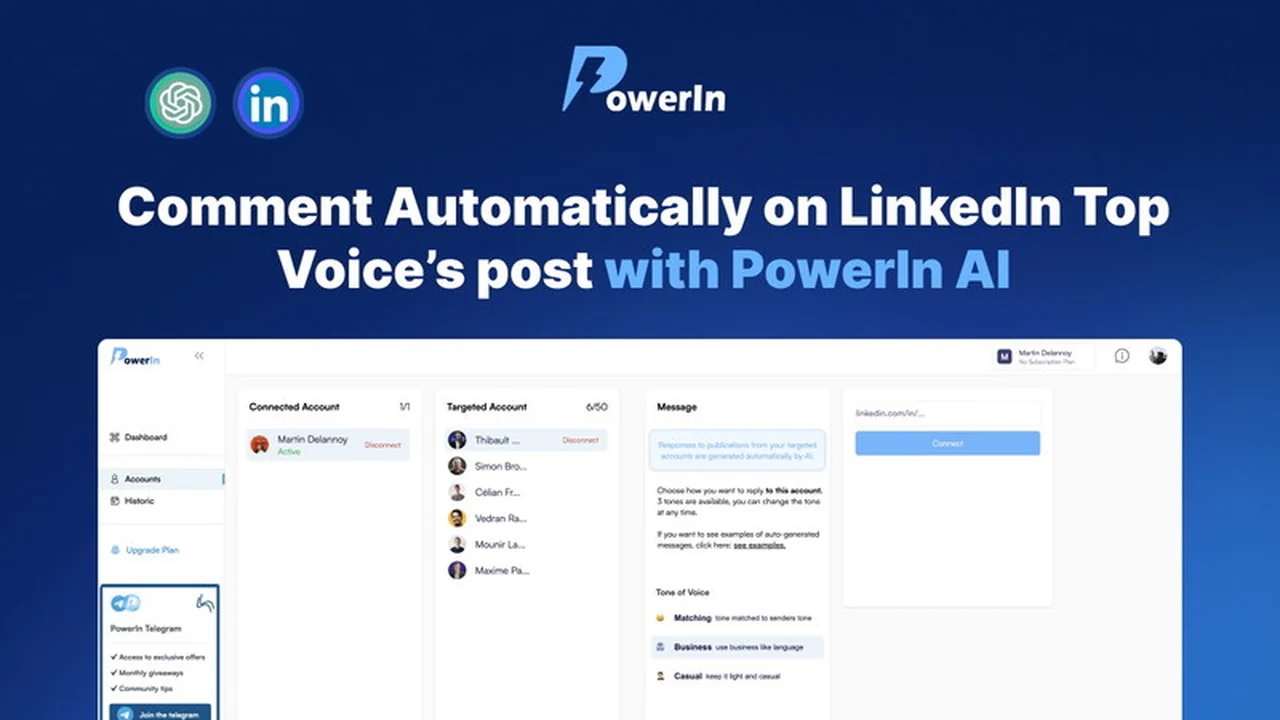
PowerIn – Automate LinkedIn Comments is a sophisticated tool that merges the capabilities of LinkedIn with the intelligence of AI, specifically ChatGPT, to automate the process of commenting on other users’ posts.
The core functionality involves connecting your LinkedIn account and targeting influential figures or ‘top voices’ within your industry. PowerIn then generates and posts relevant comments under their content, aiming to increase your visibility among their audiences.
Key Features
- AI-Powered Comment Generation: Utilizes AI to create relevant and valuable comments for LinkedIn posts.
- Targeted Outreach: Allows users to select specific influential accounts to engage with.
- Visibility Boost: Comments are posted shortly after content goes live, aiming for maximum exposure to the original poster’s audience.
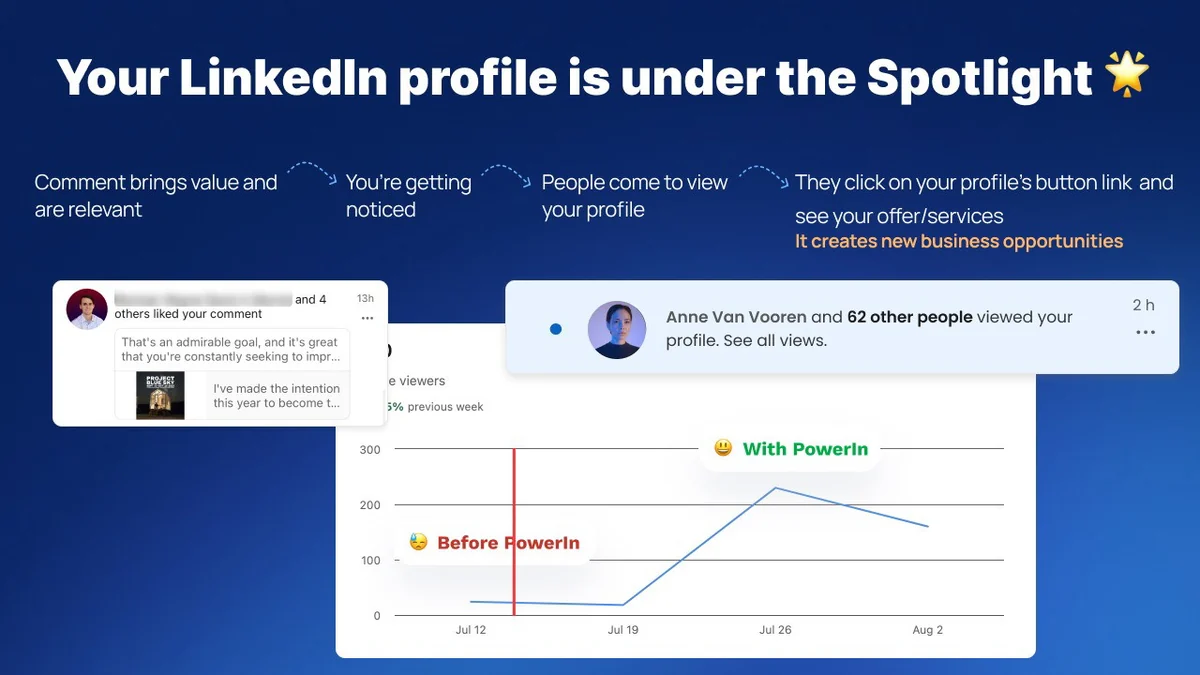
- Profile View Generation: Aims to attract organic profile views through insightful and visible comments.
- Opportunity Creation: Designed to open doors for new business connections and leads.
- Network Growth: Facilitates connection requests from users who notice your active engagement.
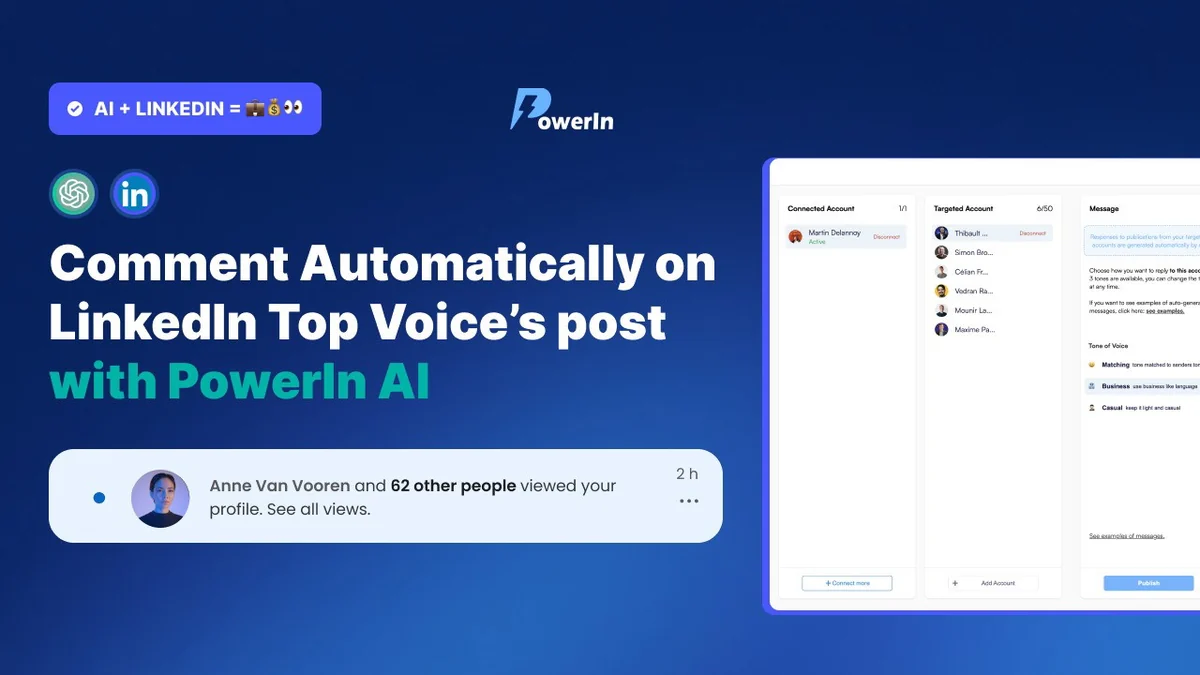
- Customizable Tone: Offers options for comment tone, including casual, business-like, or personalized styles.
- LinkedIn Compliance: Operates within LinkedIn’s daily limits to ensure account safety.
How It Works
Getting started with PowerIn is a straightforward process. After connecting your LinkedIn profile, you can identify and select the top creators or ‘voices’ in your niche whose content you wish to engage with.
Once set up, PowerIn automatically generates comments using AI. These comments are designed to be relevant to the post’s content and are posted a few minutes after the original post goes live, maximizing the chance of reaching a broad audience.
Use Cases
- Lead Generation: Automatically engaging with industry leaders can attract potential clients or partners.
- Brand Awareness: Consistent, valuable comments on popular posts increase your brand’s visibility.
- Networking Expansion: Drawing attention to your profile through comments can lead to new connections.
- Thought Leadership: Contributing relevant insights on industry topics can position you as an expert.
- Time Saving: Automating comment creation frees up valuable time for other business activities.
Pricing & Value
PowerIn offers a tiered pricing structure, with the Starter Plan providing core automation features suitable for individual users or small businesses looking to test the waters.
The value proposition lies in its ability to automate a time-consuming aspect of LinkedIn engagement, potentially leading to increased profile views, connections, and business opportunities for a predictable cost.
Deal Details
The current deal provides access to the Starter Plan, including all future updates to this plan. It also features smart answers powered by PowerIn AI, allowing for a set number of comments per day on a chosen keyword.
Users must redeem their codes within 60 days of purchase. This deal comes with a 60-day money-back guarantee, allowing for risk-free evaluation.
Quick Take
- Ideal for professionals seeking to increase LinkedIn visibility without constant manual effort.
- Beneficial for those aiming to generate leads and expand their network through strategic engagement.
- A practical solution for leveraging AI to enhance your online presence and business development.
FAQs
Is my LinkedIn account safe when using PowerIn?
Yes, the tool is designed to respect LinkedIn’s daily limits for account safety.
Can I customize the tone of the comments?
Yes, you can choose from various tones like casual, business-like, or a personalized style.
What is the typical delay before a comment is posted?
Comments are usually posted a few minutes after the original post is published.
How does PowerIn ensure comments are relevant?
It uses AI to analyze the post content and generate contextually appropriate comments.
What is the primary function of PowerIn?
PowerIn automates the generation and posting of comments on LinkedIn under top content creators’ posts.
Final Thoughts
PowerIn – Automate LinkedIn Comments presents a compelling solution for individuals and businesses looking to optimize their LinkedIn strategy through AI-driven automation. The ability to consistently engage with industry leaders’ content can significantly amplify reach and foster new opportunities.
While it requires careful setup and selection of target voices, the potential for increased profile views, lead generation, and network growth makes it a valuable tool to consider for any serious LinkedIn user.