
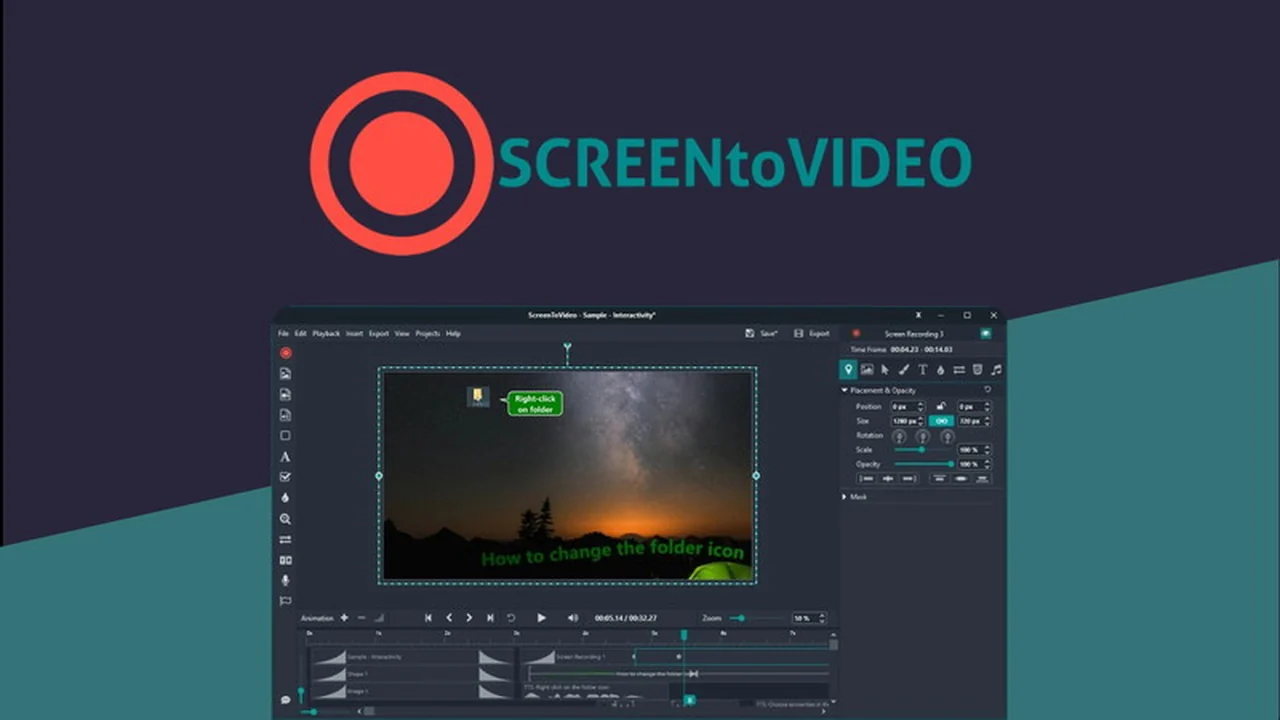
Creating high-quality video content doesn’t need to be a time-consuming or complex process. This review explores ScreenToVideo, a tool designed to streamline screen recording, editing, and sharing.
You’ll learn about its core functionalities, how it simplifies video creation for various needs, and why it’s a valuable asset for professionals and educators alike.
What is ScreenToVideo | AppSumo
ScreenToVideo | AppSumo is an application that consolidates screen recording, video editing, and sharing into a single, user-friendly platform. It aims to empower users to produce polished video content quickly and efficiently on Windows.
Key Features
ScreenToVideo offers a robust set of features to enhance the video creation workflow:
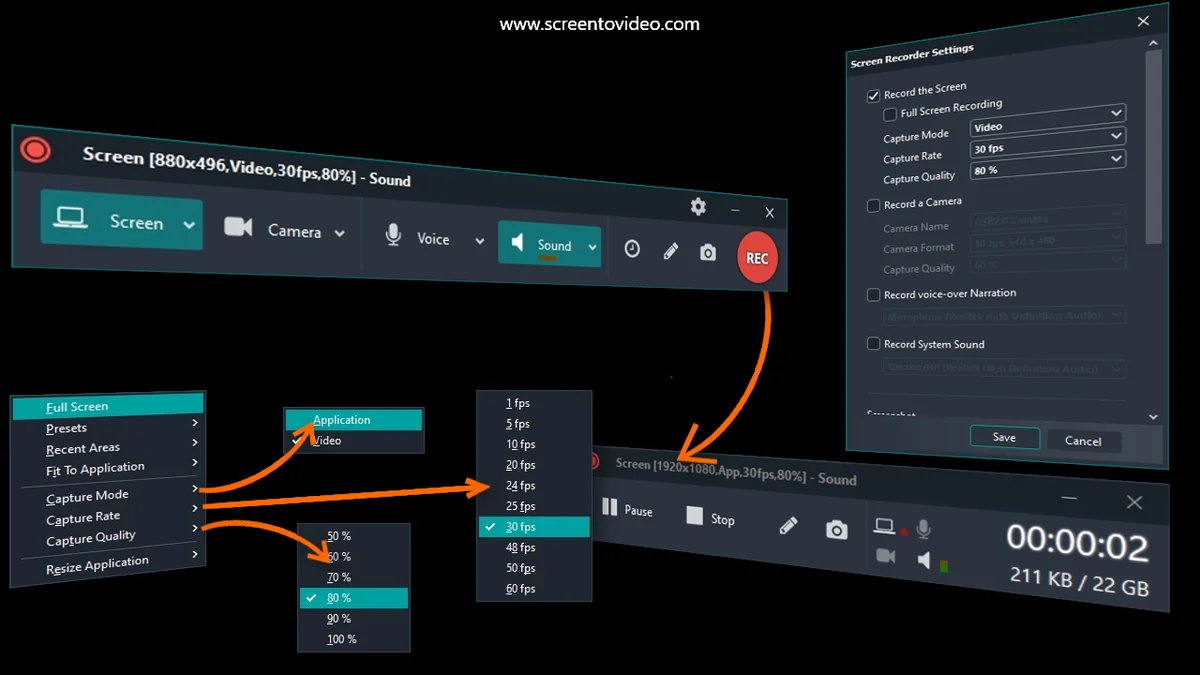
- One-Click Recording: Easily capture your full display, a specific window, or a custom area of your screen.
- Audio and Webcam Integration: Incorporate your voice, system sounds, and webcam feed into recordings.
- AI-Powered Virtual Backgrounds: Maintain a professional appearance by using virtual backgrounds during recordings.
- AI Silence Removal: Automatically eliminate dead air in your audio for smoother playback.
- AI Blur Effects: Strategically blur or highlight specific content within your videos.
- Built-in Captions: Generate captions directly within the editor.
- Text-to-Speech: Utilize Google Text-to-Speech for voiceovers.
- Speed Controls: Adjust the playback speed of your video segments.
- Video Effects and Audio Balancing: Enhance your video with various visual effects and fine-tune audio levels.
- Multiple Export Formats: Save your creations as MP4, WMV, GIF, or MP3.
- Hardware-Accelerated Export: Benefit from faster export times.
- Instant Sharing via Google Drive: Upload and share your finished videos directly from the application.
How It Works
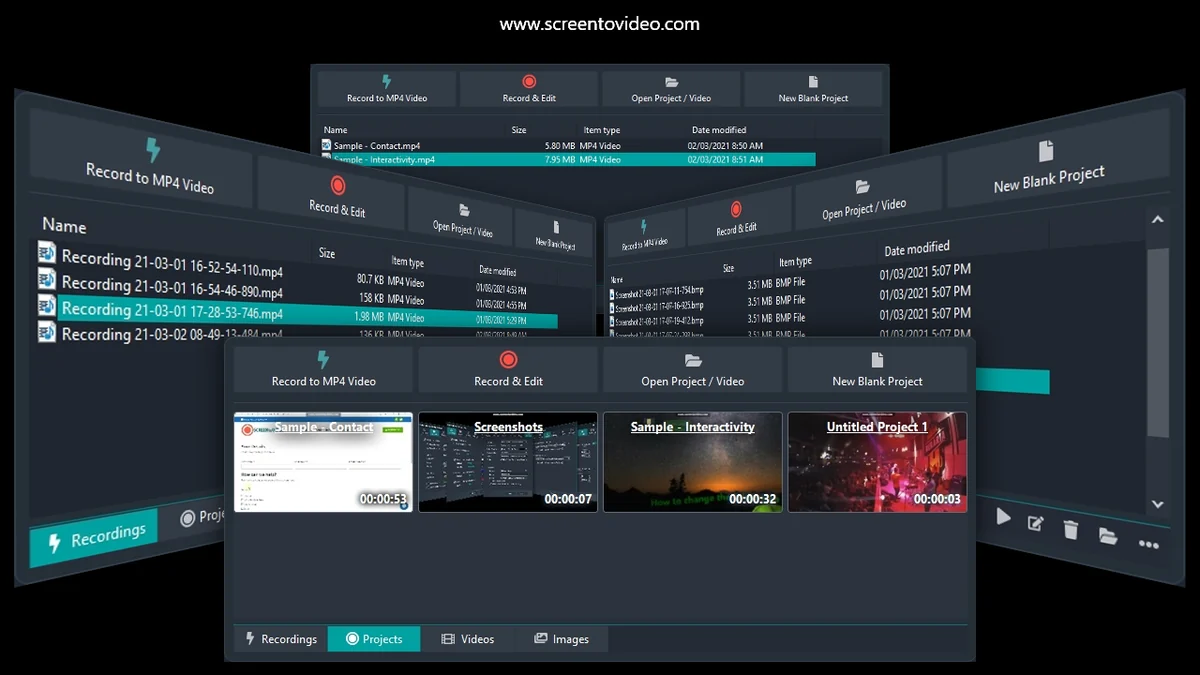
The process with ScreenToVideo is designed for simplicity. Begin by launching the application and selecting your recording preferences, such as the screen area and whether to include your webcam and microphone. Once recorded, the video is immediately available in the intuitive editor. Here, you can trim clips, add annotations, apply effects, integrate captions, and utilize AI features like silence removal. Finally, export your video in your desired format or share it directly.
Use Cases
ScreenToVideo is versatile and can be applied to a wide range of scenarios:
- Creating Tutorials: Guide users through software or processes with clear, step-by-step visual instructions.
- Developing Online Courses: Produce engaging educational content for e-learning platforms.
- Demonstrating Software: Showcase product features and functionalities effectively.
- Recording Presentations: Share meeting notes or presentation highlights asynchronously.
- Producing Marketing Videos: Create short, impactful videos for promotional purposes.
- Internal Training: Onboard new employees or communicate company updates visually.
Integrations & Compatibility
- ScreenToVideo facilitates sharing through direct integration with Google Drive, allowing for seamless upload and distribution of your finished videos
- It is designed for Windows operating systems.
Pricing & Value
The AppSumo deal for ScreenToVideo offers a lifetime access option, which represents significant long-term value compared to subscription models. This typically includes all future updates and features at a one-time purchase price.
Deal Details
The ScreenToVideo | AppSumo deal provides lifetime access to the full-featured recorder and editor. It includes free lifetime upgrades and support. Users must redeem their code within 60 days of purchase, and this particular deal is not stackable with other offers.
Quick Take
- Ideal for individuals and businesses needing a straightforward solution for screen recording and basic video editing.
- Offers significant value through a lifetime access model, eliminating recurring subscription costs.
- A practical tool for creating tutorials, presentations, and other video content quickly.
FAQs
Is ScreenToVideo available for Mac users?
Currently, the application is designed for Windows users.
What video formats can I export?
You can export in MP4, WMV, GIF, or MP3 formats.
Can I add text or captions to my videos?
Yes, you can add text overlays and built-in captions.
Does ScreenToVideo support webcam recording?
Yes, it allows simultaneous recording of screen and webcam.
What is the primary function of ScreenToVideo?
It records, edits, and shares screen videos efficiently.
Final Thoughts
ScreenToVideo | AppSumo presents a compelling proposition for anyone looking to simplify their video creation process. Its blend of intuitive recording features, smart editing tools powered by AI, and straightforward sharing options makes it an accessible solution for producing professional-looking content without a steep learning curve. The lifetime access deal further enhances its attractiveness, offering substantial long-term value for a one-time investment.