
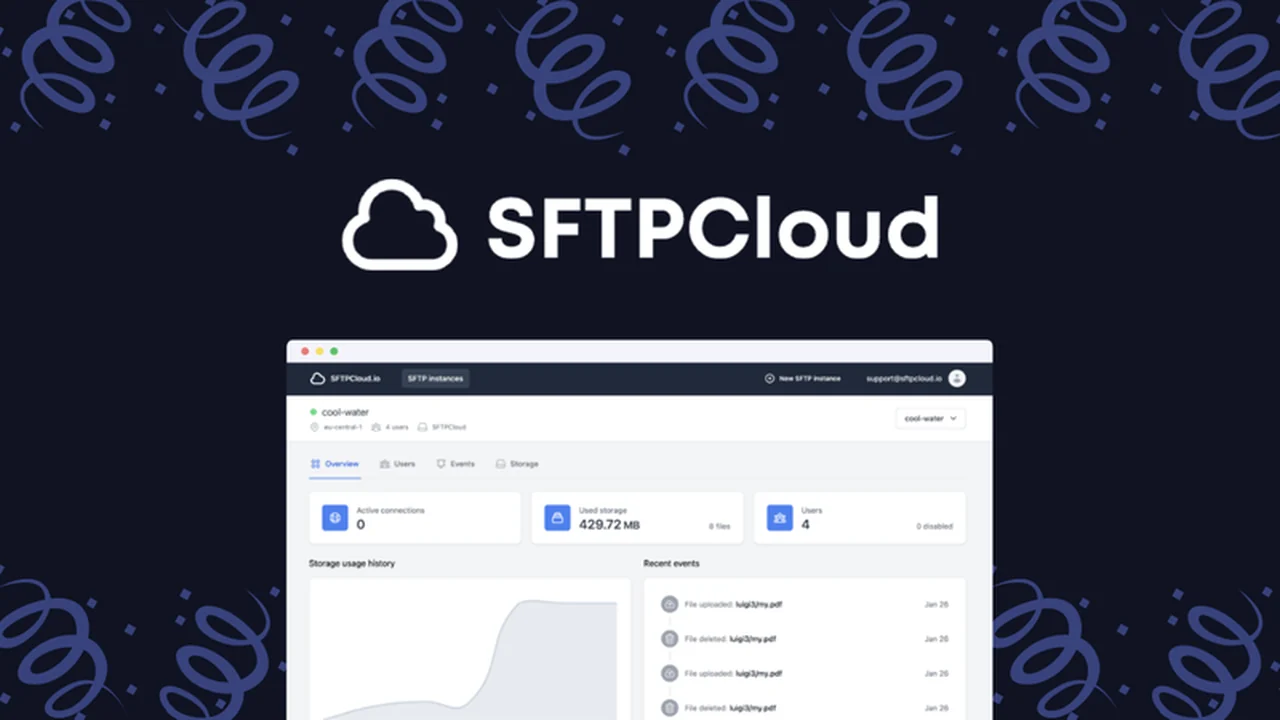
Managing secure file transfers can be a significant challenge, especially for businesses relying on cloud storage. SFTPCloud offers a streamlined approach to creating and managing SFTP/FTPS instances, integrating directly with your preferred cloud storage providers.
This review dives deep into SFTPCloud’s capabilities, helping you understand its features, how it operates, and its potential applications. We’ll explore its value proposition and what makes it a compelling solution for secure cloud-based file transfers.
What is SFTPCloud – Get managed, cloud-based SFTP/FTPS | AppSumo
SFTPCloud provides a managed service for setting up SFTP and FTPS instances. It simplifies the complexities of server configuration and maintenance by leveraging cloud storage. This allows users to securely transfer files using familiar protocols while keeping their data hosted in their chosen cloud environment.
Key Features
- Managed SFTP/FTPS Instances: Quickly deploy and manage SFTP/FTPS servers without the hassle of manual setup.
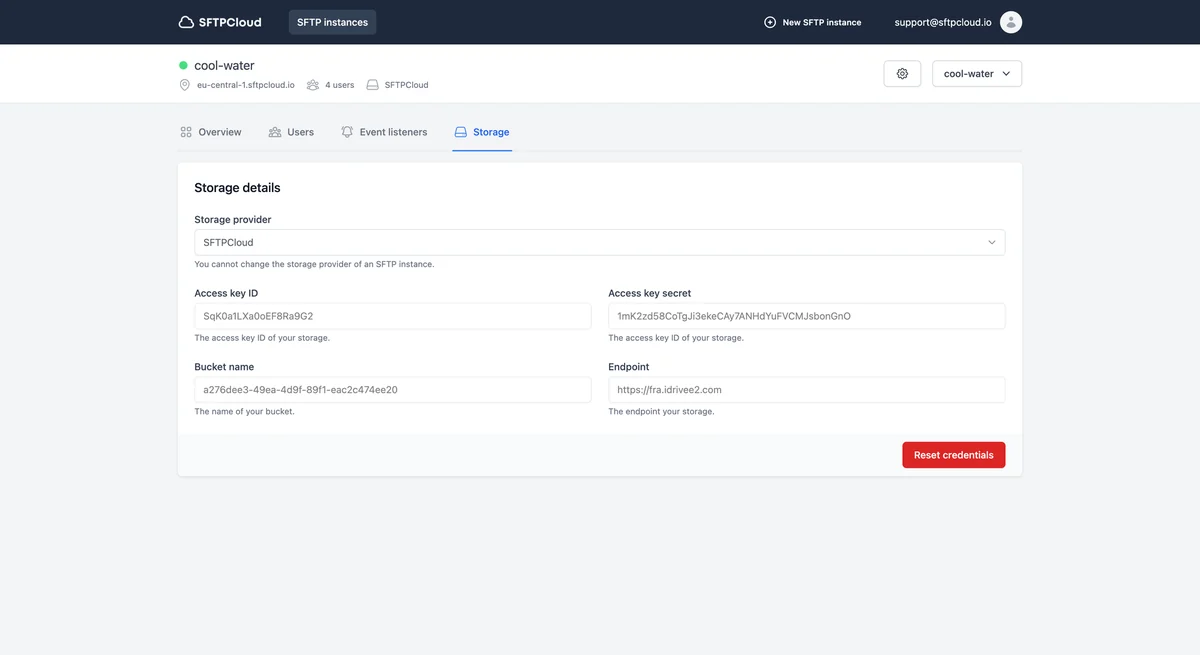
- Cloud Storage Integration: Connects with major cloud providers like AWS S3, Google Cloud Storage, Azure Blob Storage, and S3-compatible storages.
- Granular User Control: Create, edit, and remove users with detailed permissions, login methods, and protocol settings.
- Real-time Connection Monitoring: View active user connections and monitor activity as it happens.
- Bandwidth and Storage Limits: Configure usage limits for individual users to manage resources effectively.
- Automated Notifications: Set up alerts via webhooks, email, and Slack for specific file events and user actions.
- Data Encryption: Ensures data is encrypted in transit for enhanced security.
- Client Compatibility: Works seamlessly with all major SFTP/FTPS clients like FileZilla, Cyberduck, and Forklift.
How It Works
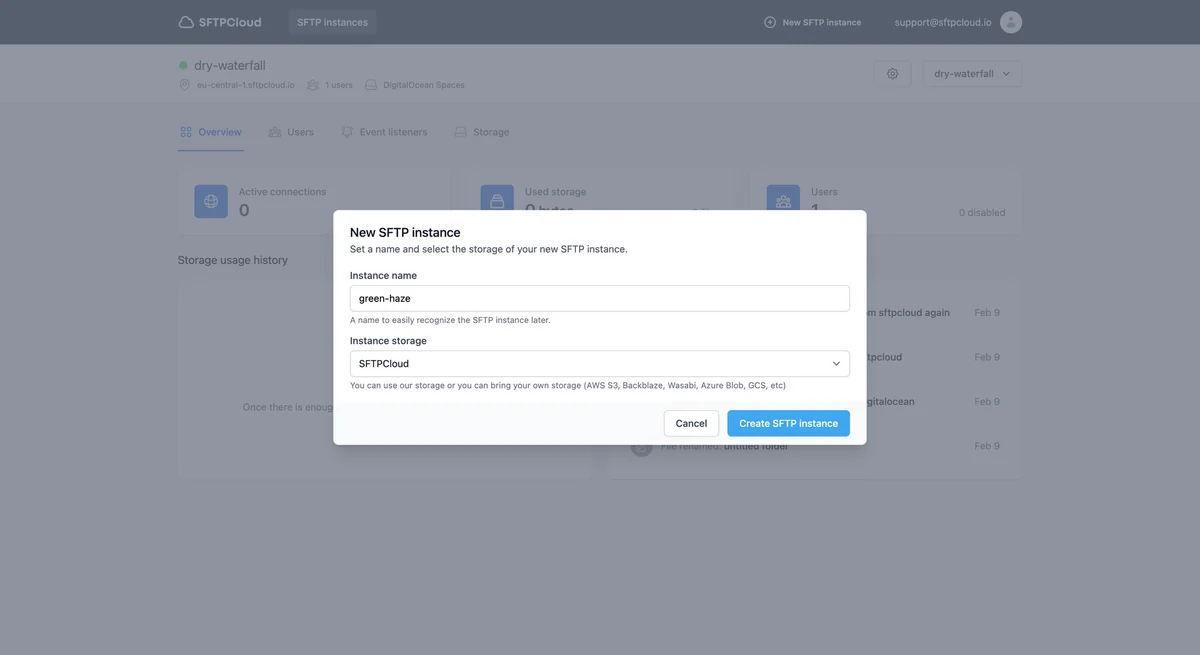
SFTPCloud simplifies the process of establishing secure file transfer endpoints. You begin by creating an instance, selecting your preferred cloud storage provider, and configuring basic settings. SFTPCloud handles the underlying infrastructure, allowing you to focus on managing users and data access. User management is conducted through an intuitive dashboard where you can define access levels, protocols, and security parameters for each user.
Use Cases
- Secure Data Exchange: Facilitate secure sharing of sensitive files with partners, clients, or internal teams.
- Backup and Archiving: Automate the transfer of data to your cloud storage for reliable backups.
- Content Management Systems: Integrate with CMS platforms requiring SFTP/FTPS for file uploads and management.
- Application Integration: Provide SFTP/FTPS access for various applications that need to exchange data.
- Scalable File Transfer Solutions: Easily scale your file transfer capabilities as your business grows without infrastructure overhead.
Integrations & Compatibility
- SFTPCloud boasts broad compatibility with leading cloud storage solutions, including AWS S3, Google Cloud Storage, Azure Blob Storage, Wasabi, DigitalOcean Spaces, Backblaze, and IDrive e2, along with other S3-compatible storages
- It also integrates smoothly with popular SFTP and FTPS clients such as FileZilla, Cyberduck, Forklift, and many others.
Pricing & Value
SFTPCloud offers a compelling value proposition, particularly through lifetime access deals. The service eliminates the significant costs and technical expertise required for self-hosting and managing SFTP/FTPS servers. By leveraging existing cloud storage, users can benefit from cost-effective, scalable, and secure file transfer solutions.
Deal Details
The SFTPCloud AppSumo deal typically provides lifetime access to specific plans, often including all future Business Plan updates. There are no codes to stack, and customers choose the license tier that best suits their needs. Licenses must be activated within 60 days of purchase, and upgrades or downgrades between license tiers are possible.
Quick Take
- Ideal for businesses needing secure, managed SFTP/FTPS without IT overhead.
- Streamlines cloud-based file transfers with direct integration to your storage.
- Offers granular user control and real-time monitoring for enhanced security.
FAQs
What are the benefits of using managed SFTP/FTPS?
Managed SFTP/FTPS reduces setup complexity, ongoing maintenance, and enhances security.
Does SFTPCloud encrypt data in transit?
Yes, SFTPCloud encrypts stored data in transit to ensure secure transfers.
How quickly can I set up an SFTP/FTPS instance?
Getting started with SFTPCloud takes less than a minute to name and select your storage.
Can I use my own cloud storage account with SFTPCloud?
Yes, you can bring your own cloud storage account for SFTPCloud to utilize.
What cloud storage providers does SFTPCloud support?
SFTPCloud supports AWS S3, Google Cloud Storage, Azure Blob Storage, and S3-compatible storages.
Final Thoughts
SFTPCloud presents a robust and user-friendly solution for organizations requiring secure, cloud-based SFTP/FTPS capabilities. Its seamless integration with popular cloud storage and intuitive management interface make it an attractive option for streamlining file transfers and bolstering data security. The ability to gain granular control over user access and monitor activity in real-time provides valuable oversight.