
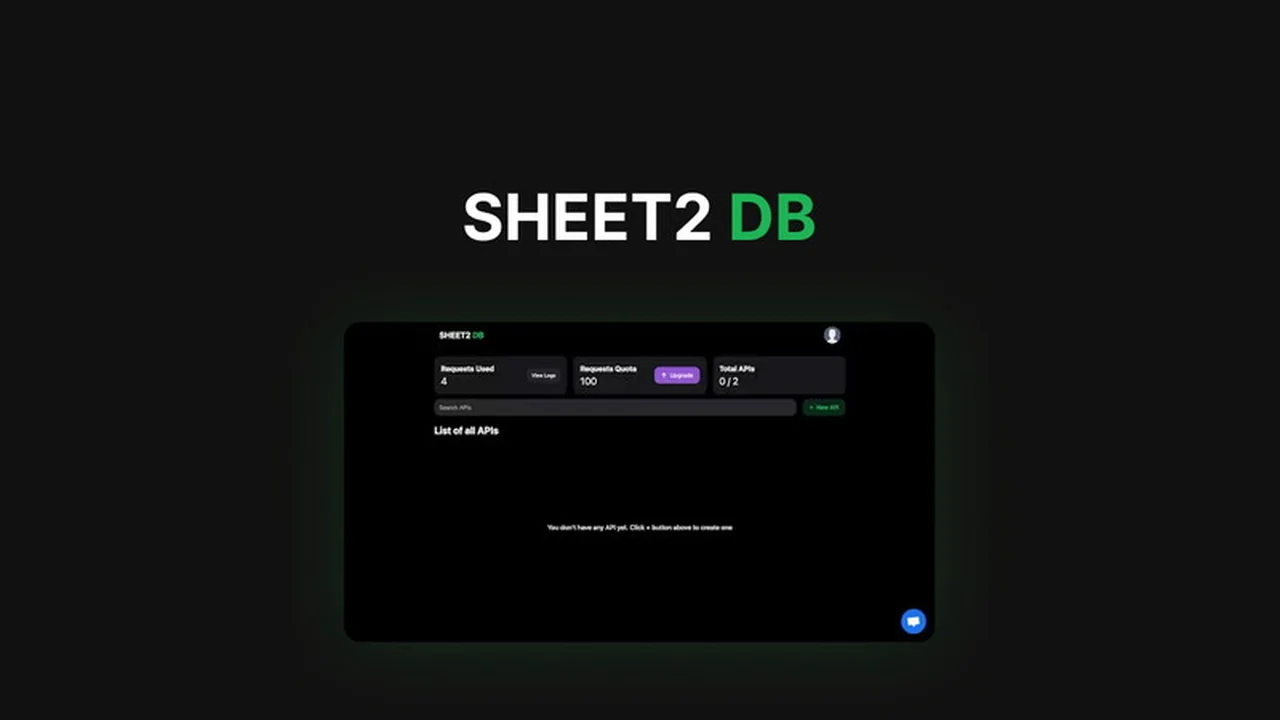
Are you leveraging the power of Google Sheets for your data but struggling to integrate it seamlessly into your website or mobile application? This review dives deep into Sheet2DB, a solution designed to bridge that gap.
We’ll explore its core functionalities, how it simplifies data integration, and whether it’s the right tool to unlock the full potential of your spreadsheet-driven projects. Get ready to understand how to turn your data into a dynamic JSON API without complex coding.
What is Sheet2DB | AppSumo
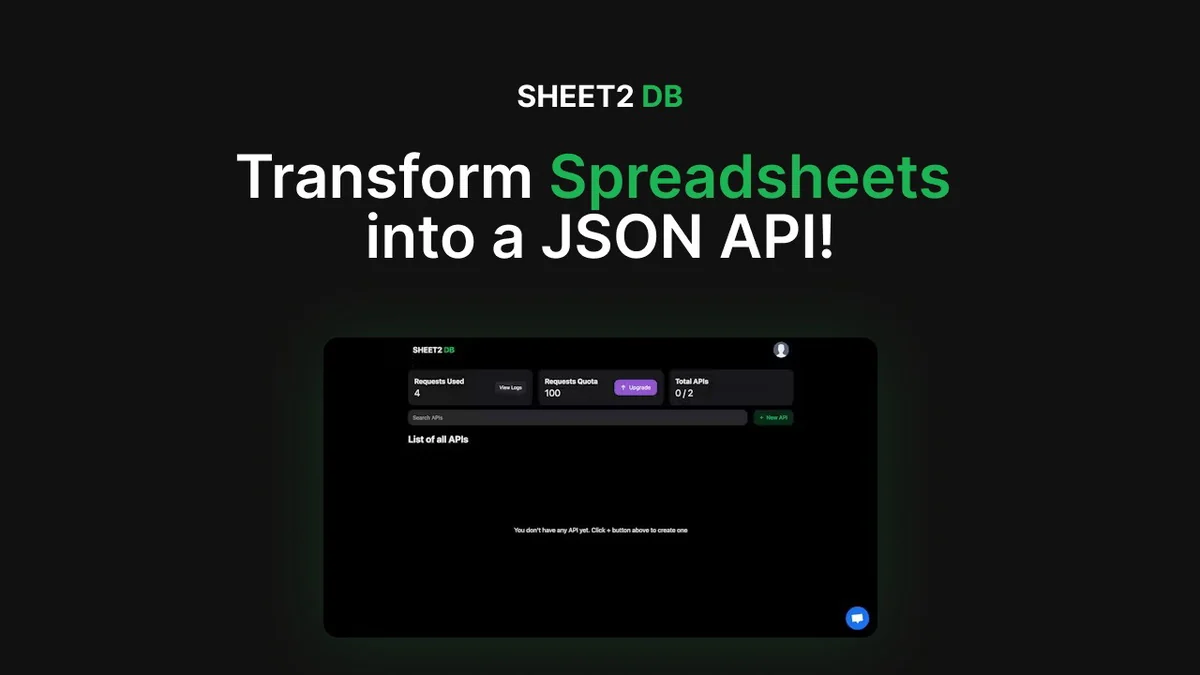
Sheet2DB is a powerful application that bridges the gap between your organized data in Google Sheets and the dynamic needs of your digital projects. It transforms your spreadsheets into a functional JSON API, allowing for effortless data integration into websites, mobile apps, and other digital platforms.
This tool is designed to eliminate the complexity often associated with data APIs, making it accessible for developers and even non-technical users who want to leverage their spreadsheet data effectively. The goal is to streamline the process of accessing and using your information.
Key Features
- Spreadsheet to JSON API: Convert your Google Sheets into a ready-to-use JSON API, enabling quick data access for your applications.
- Ease of Use: Features a user-friendly interface and comprehensive templates to help you get started rapidly.
- Developer-Friendly: Offers SDKs and libraries to support seamless integration into your existing development workflows.
- Security: Includes robust security features and customizable access controls to protect your data.
- Versatile Applications: Supports a wide array of use cases, from e-commerce solutions to personal portfolios.
How It Works
Sheet2DB simplifies the process of data integration significantly. You begin by organizing your data within a Google Sheet. Once your data is structured, Sheet2DB acts as an intermediary, converting this organized data into a dynamic JSON API endpoint.
This API can then be called by your website, mobile app, or any other digital service that requires access to your information. The tool handles the technical translation, so you can focus on how to best utilize your data without deep API development knowledge.
Use Cases
- Dynamic Websites: Powering content like product listings, team directories, or event schedules directly from a Google Sheet.
- Mobile Applications: Providing real-time data updates for apps without complex backend infrastructure.
- Internal Tools: Creating simple interfaces for employees to access and manage company data stored in spreadsheets.
- E-commerce: Managing product catalogs or inventory levels that can be accessed by an online store.
- Personal Projects: Building personal websites or apps that display data from personal spreadsheets, like recipes or travel logs.
Integrations & Compatibility
- Sheet2DB is built to work directly with Google Sheets, making it highly compatible with anyone already using this popular cloud-based spreadsheet service
- The generated JSON API is a standard format, meaning it can be consumed by virtually any programming language or framework that supports HTTP requests
- This broad compatibility ensures that whether you’re using JavaScript for a web front-end, Python for backend services, or Swift for an iOS app, you can integrate your spreadsheet data effectively
- Developers can also leverage SDKs and libraries provided by Sheet2DB for a more streamlined integration process.
Pricing & Value
The value of Sheet2DB lies in its ability to save significant development time and resources. By converting spreadsheets into APIs, it bypasses the need for custom backend development for data management. This is particularly beneficial for individuals and small teams looking to build data-driven applications quickly and affordably.
The core offering focuses on making data accessible and manageable, providing a cost-effective solution for a common development challenge. For those who rely on spreadsheets for their data, the ability to easily expose that data via an API offers substantial utility.
Deal Details
The Sheet2DB AppSumo deal provides lifetime access to the platform, allowing users to transform their Google Sheets into JSON APIs. This typically includes access to essential features and potentially a certain level of request limits or data handling capabilities, depending on the specific tier offered.
AppSumo deals often represent a significant one-time investment for ongoing access, making it an attractive option for long-term users. It’s advisable to review the specific terms of the deal on the AppSumo page for detailed information on included features and any usage limitations.
Quick Take
- Ideal for developers and individuals wanting to easily integrate spreadsheet data into apps.
- Streamlines data management by transforming Google Sheets into JSON APIs.
- Offers a practical, no-code to low-code solution for data-driven projects.
FAQs
Can I update 100 rows at once and how is that counted?
Updating 100 rows at once is counted as a single request by Sheet2DB’s system.
What are the request limits for Sheet2DB?
Sheet2DB has a limit of 30 requests per minute from a single IP address.
Are the deal limits for number of requests or number of rows affected?
The deal limits pertain to the number of requests made, not the number of rows affected by those requests.
Request had insufficient authentication scopes
Please contact Sheet2DB support at support@sheet2db.com for assistance with authentication issues.
What are you switching to with this folding?
Existing APIs from Sheet2DB will not be automatically migrated; users need to recreate APIs in SweetSheets.
Final Thoughts
Sheet2DB | AppSumo presents a compelling solution for anyone looking to bridge the gap between their structured data in Google Sheets and the demands of modern web and app development. It effectively removes technical barriers, allowing for quicker deployment of data-driven features.
For users who are comfortable with Google Sheets and need a straightforward way to make that data accessible programmatically, this tool offers significant value. It empowers you to focus on building and innovating, rather than wrestling with API complexities.