
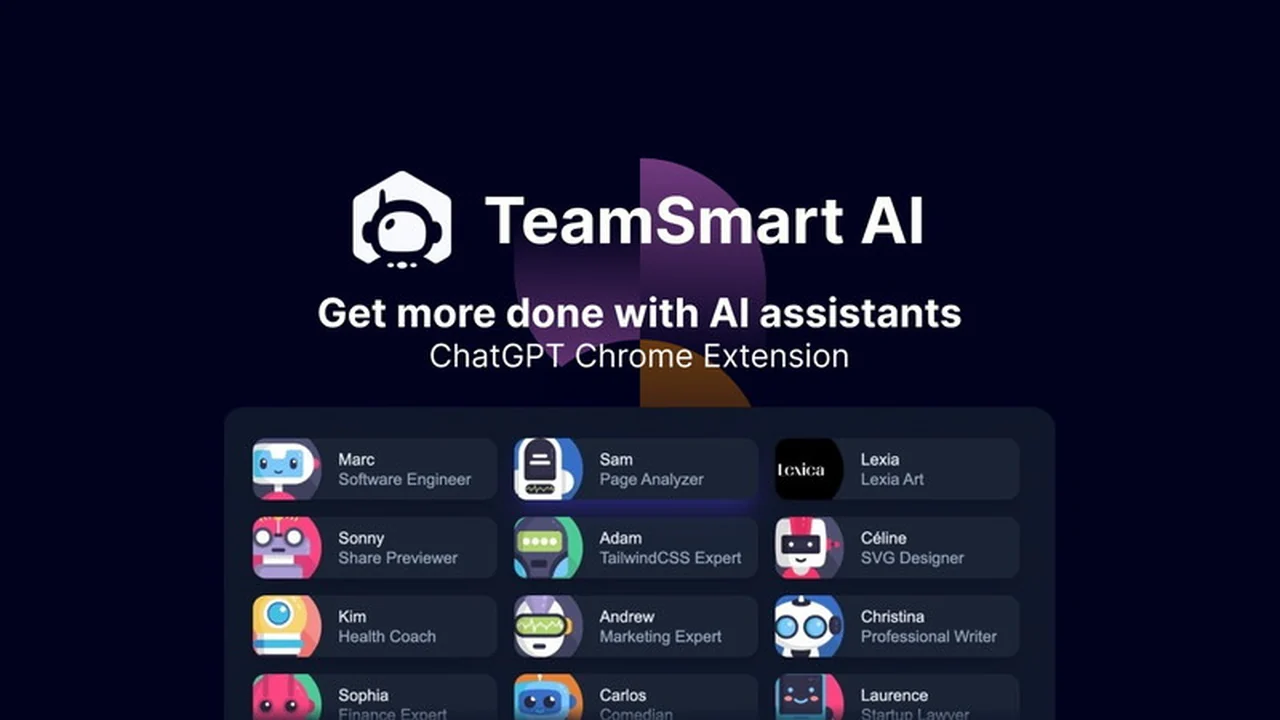
In today’s fast-paced work environment, maximizing productivity is paramount. This comprehensive review explores how TeamSmart AI | AppSumo can significantly enhance your daily tasks and streamline your workflow.
Discover the core functionalities, practical applications, and the exceptional value this ChatGPT-powered Chrome extension offers, empowering you to achieve more with less effort.
What is TeamSmart AI | AppSumo
TeamSmart AI | AppSumo is a sophisticated Chrome extension designed to harness the power of ChatGPT, creating a virtual team of AI assistants at your fingertips. It acts as a productivity enhancer, integrating seamlessly into your browsing experience to help you accomplish a wider range of tasks more efficiently.
Key Features
- AI Assistant Team: Access a suite of AI assistants ready to help with various tasks directly from your browser.
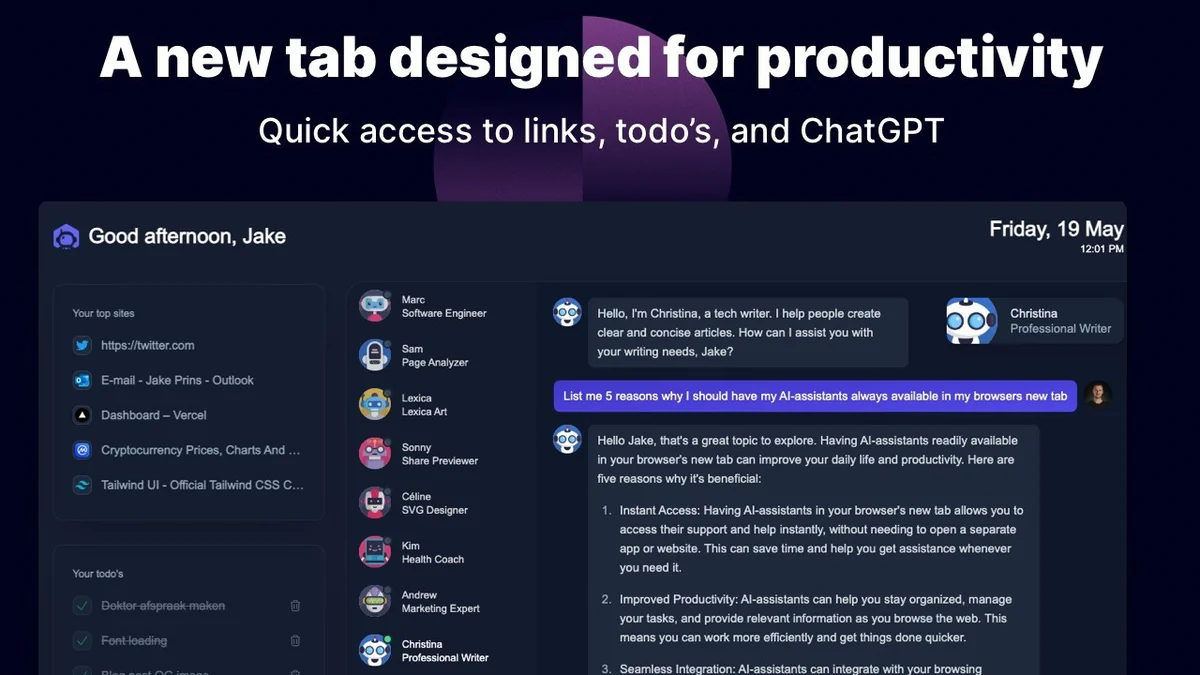
- Productivity Dashboard: Transform your new tab into an organized dashboard featuring quick links, to-do lists, and AI access.
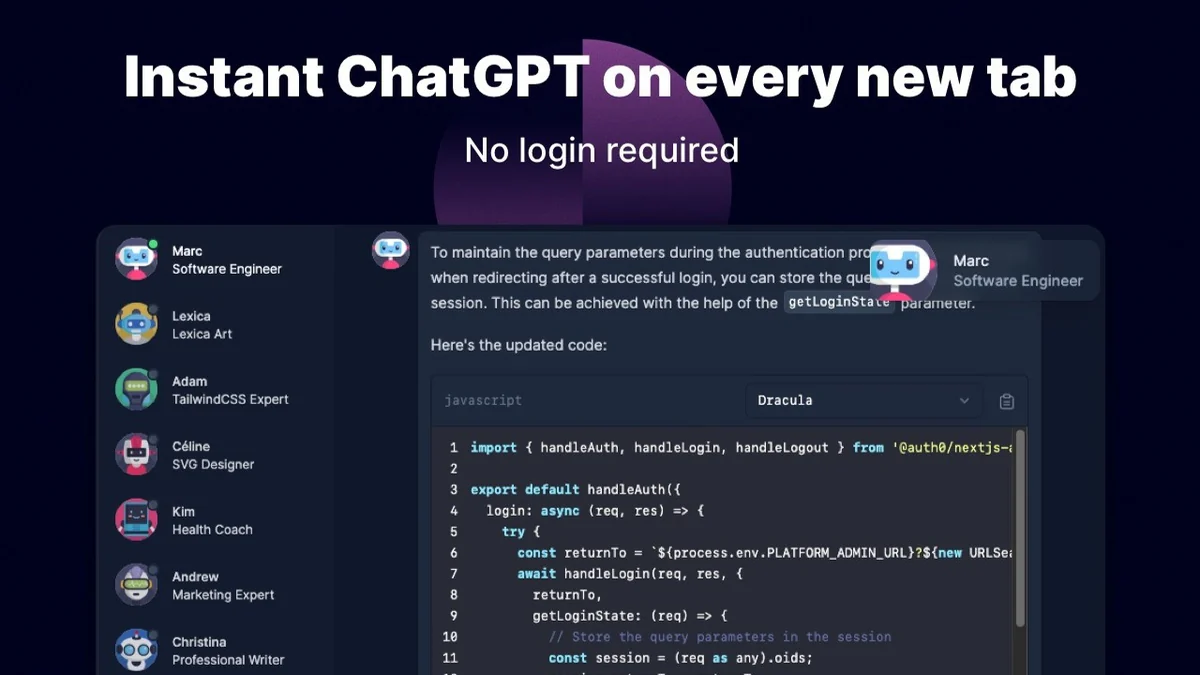
- Instant Access: Use your own OpenAI API key for immediate functionality without requiring additional logins.
- Prompt Library: Leverage a vast collection of high-quality ChatGPT prompts for diverse applications.
- Page Summaries & Analysis: Quickly generate summaries or get answers about the content of any webpage you are browsing.
- Code Previews & Domain Checks: Utilize specialized tools like color-coded code previews and domain availability checkers.
- Local Data Storage: Enjoy the privacy and control of locally stored data with the ability to clear messages at any time.
How It Works
Getting started with TeamSmart AI is straightforward. After installing the Chrome extension, you’ll need to provide your own OpenAI API key. This allows the extension to connect to ChatGPT and unlock its advanced capabilities. Once set up, the extension can either overwrite your new tab page to display a customized productivity dashboard or operate as a background tool, accessible via keyboard shortcuts.
You can then summon your AI assistants for tasks ranging from drafting content and brainstorming ideas to summarizing web pages and reviewing code. The extension prioritizes speed, aiming for instant responses within just a couple of clicks.
Use Cases
- Content Creation: Quickly generate blog post ideas, draft marketing copy, or refine existing text.
- Research & Learning: Summarize lengthy articles, extract key information from web pages, or get quick answers to questions.
- Development: Review code snippets, check for syntax errors, or generate basic code structures.
- Task Management: Organize your daily to-dos and set reminders directly within your browser.
- Brainstorming: Generate creative ideas for projects, campaigns, or problem-solving sessions.
Integrations & Compatibility
- TeamSmart AI functions as a Chrome extension, ensuring compatibility with the Chrome browser
- It is designed to work with your existing OpenAI API key, allowing you to utilize your preferred ChatGPT model and billing
- The extension emphasizes local data storage for user privacy and control.
Pricing & Value
TeamSmart AI operates on a pay-per-use model, leveraging your OpenAI API key. This means you are billed directly by OpenAI for your usage, which is generally very cost-effective for individual tasks. The value proposition lies in the significant time savings and productivity gains it offers, potentially reclaiming many hours per week.
Deal Details
The TeamSmart AI | AppSumo deal provides access to this powerful Chrome extension. It is backed by a 60-day money-back guarantee, allowing ample time to evaluate its effectiveness for your specific needs.
Quick Take
- Ideal for professionals, students, and anyone looking to boost their daily productivity through AI.
- Offers a seamless integration of AI assistance directly into your web browsing experience.
- A cost-effective way to leverage ChatGPT’s capabilities with your own API key.
FAQs
Can I revert to the default Chrome new tab page?
Yes, you can enable the ‘Use default tab’ setting to revert to the standard Chrome new tab experience.
How fast are the AI responses?
TeamSmart AI aims for instant responses, often within two clicks, directly from your browser.
Is my data secure with TeamSmart AI?
The extension offers local data storage for enhanced privacy and control over your information.
Can I customize the new tab page?
Yes, you can manage your quick links and to-dos on the productivity dashboard.
What if I don’t have an OpenAI API key?
You will need to obtain an OpenAI API key and enable pay-per-use billing on your OpenAI account.
Final Thoughts
TeamSmart AI | AppSumo presents a compelling solution for individuals seeking to enhance their productivity and efficiency through AI-powered assistance. By integrating a team of AI assistants directly into your browser, it simplifies complex tasks and streamlines workflows, making it a valuable tool for a wide range of users.