
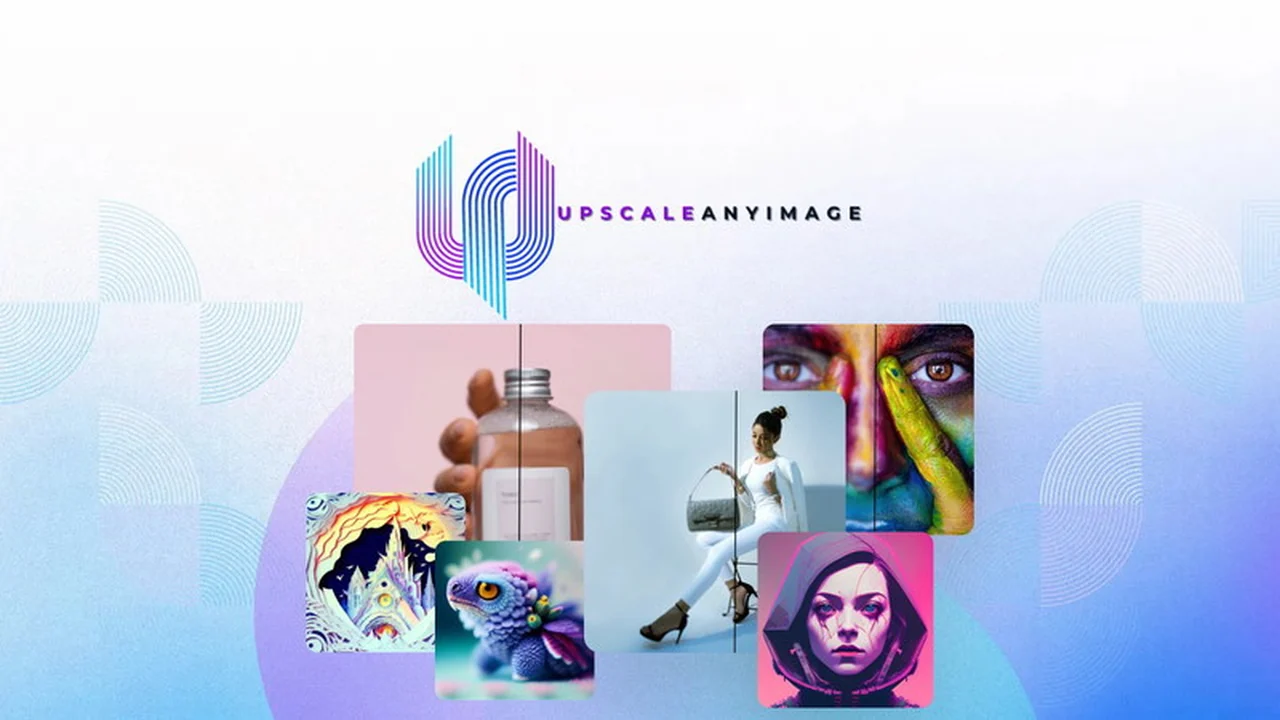
Discover how UPSCALE-any-IMAGE leverages advanced artificial intelligence to bring new life to your digital photos. This review explores its capabilities and benefits for anyone looking to improve image quality.
We’ll dive into the core features, how the technology works, and practical applications. You’ll also learn about the value proposition and what makes this AI upscaler stand out.
What is UPSCALE-any-IMAGE: AI Image Upscaler | AppSumo
UPSCALE-any-IMAGE is an AI-powered tool designed to enhance the resolution and detail of digital images. It goes beyond simple pixel enlargement by employing sophisticated algorithms to intelligently add detail, sharpen edges, reduce artifacts, and improve overall image clarity. This makes it suitable for various applications where image quality is paramount.
Key Features
- AI-Enhanced Precision: Utilizes advanced AI trained on millions of photorealistic images to deliver superior upscaling results.
- Exceptional Clarity: Preserves image edges with high clarity, significantly reducing blocky artifacts and producing more realistic outcomes.
- Detail Preservation: The algorithm meticulously enhances intricate details without compromising fine features, ensuring they remain sharp and accurate.
- Artifact Removal: Effectively eliminates compression artifacts, even in heavily compressed or low-resolution images.
- Improved Zoom and Crop Capability: Allows you to zoom in and crop images without a noticeable loss of sharpness or introduction of imperfections.
- High-Quality Printing: Increases DPI by enhancing real image resolution, providing detailed original images ideal for large prints.
- Fix Extreme Pixelation: Capable of significantly improving the quality of extremely low-resolution and pixelated images.
How It Works
The core of UPSCALE-any-IMAGE lies in its specialized AI model. This model has been trained on a vast dataset of diverse objects and images. When you upload an image, the AI analyzes its content, understanding textures, edges, and details. It then intelligently reconstructs and enhances these elements, adding resolution and sharpness based on its training. This process results in a higher-quality image that looks more authentic and intricate than what traditional upscaling methods can achieve.
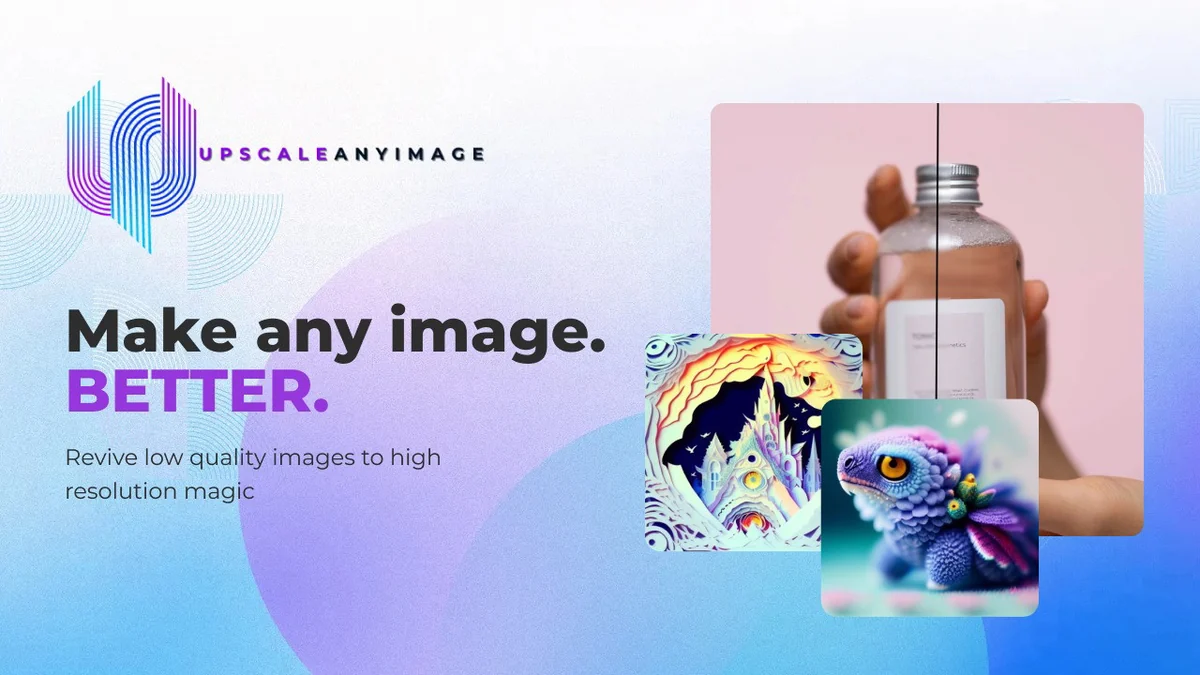
Use Cases
- Photography: Enhance older photos, zoom into details for creative cropping, or prepare images for large-format prints.
- Graphic Design: Upscale low-resolution images for use in marketing materials, websites, or social media posts without sacrificing quality.
- E-commerce: Improve product images to showcase finer details, making listings more appealing and professional.
- Archiving: Revitalize scanned documents or historical images that have degraded in quality over time.
- Content Creation: Ensure visuals are sharp and clear for presentations, articles, or any digital content where image fidelity matters.
Integrations & Compatibility
- UPSCALE-any-IMAGE is designed as a standalone application, focusing on its core AI upscaling functionality
- Currently, it does not offer direct integrations with other software platforms
- Compatibility is broad, as it processes standard image file formats, allowing for use across different operating systems and workflows.
Pricing & Value
The value of UPSCALE-any-IMAGE is directly tied to its effectiveness in improving image quality and its potential to save costs on acquiring new, high-resolution assets. By transforming existing low-quality images into usable high-resolution versions, it offers a significant return on investment for individuals and businesses requiring sharp, detailed visuals.
Deal Details
This product is available through a limited-time deal. Typically, such offers on platforms like AppSumo provide lifetime access or substantial discounts on the software’s regular pricing. Potential buyers should review the specific deal terms to understand what is included in their purchase.
Quick Take
- Ideal for photographers, designers, and e-commerce sellers needing to enhance image resolution.
- A practical solution for revitalizing old photos or improving visuals for print.
- Offers a significant quality improvement over standard image resizing tools.

FAQs
What is the typical output file format?
The output format can vary, and a reported issue involved a less common format, which is being addressed.
Can it handle bulk uploads?
The current version does not support bulk uploading or downloading of images.
Will roadmap features be included in the AppSumo deal?
Yes, all features currently on the roadmap will be accessible with the AppSumo plan upon release.
Are there plans for mobile apps?
At present, there are no immediate plans for launching apps on Google Play or the iOS App Store.
Is the platform currently accessible?
The platform experienced a temporary pause but has since been rectified for user access.
Final Thoughts
UPSCALE-any-IMAGE: AI Image Upscaler presents a compelling solution for anyone needing to boost the resolution and detail of their images. Its AI-driven approach effectively tackles artifacts and enhances clarity, making it a valuable tool for photography, design, and e-commerce. While some initial user feedback points to areas for improvement, such as batch processing, the core functionality for individual image enhancement appears robust. The potential to salvage and elevate existing visuals makes this AI upscaler a noteworthy consideration.